
9
VIEWS
·
2
COPIES
·
1
LIKES
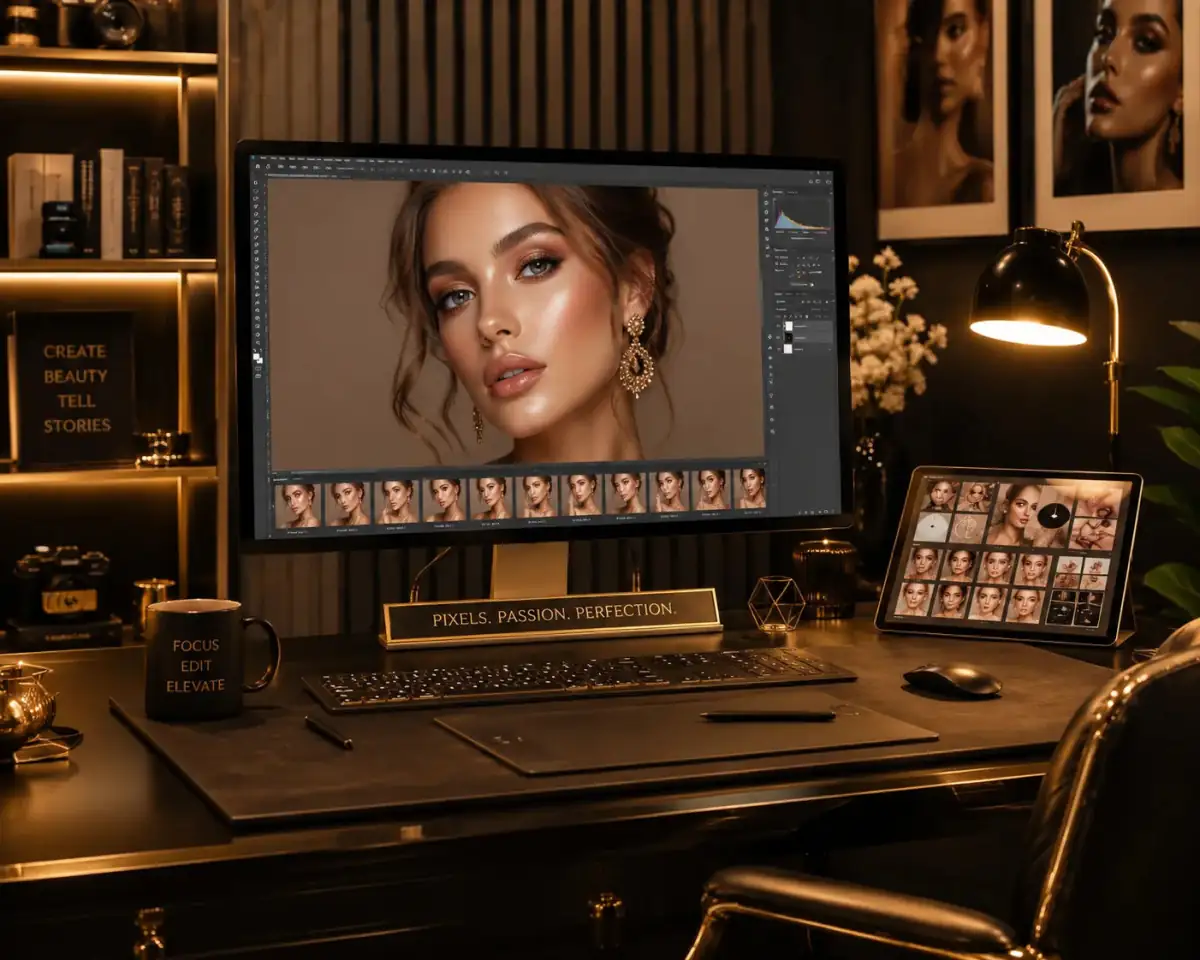
Old Photo Restoration
Restore the uploaded old or damaged image by removing scratches, fixing tears, enhancing sharpness, restoring realistic colors, and improving facial clarity.
Also try in:
Did this prompt work for you?
Share this prompt
9
VIEWS
·
2
COPIES
·
1
LIKES

Log in to leave a comment.
More Like This
See all →
How to use this prompt
“Old Photo Restoration” is a ready-to-use Gemini Photo Editing Prompts prompt built for Gemini. Paste it into Gemini and you’ll get a detailed result in seconds. The specific phrasing around damaged image is doing most of the work here.
- Grab the prompt with the Copy button at the top.
- Paste it into Gemini.
- Run it, focusing on damaged image if you want to steer the result.
- Regenerate to explore a few different takes on the same idea.
Tips & variations
- Append quality modifiers like “highly detailed, 8k, sharp focus” for a cleaner render.
- Add an aspect ratio that fits your platform — portrait for Instagram, wide for banners.
- Swap the main subject for your own to completely change the scene while keeping the style.
Frequently asked questions
It’s set up for Gemini, and it also works well in Midjourney, DALL·E 3 or Gemini. Image models vary, so try the same prompt in a couple of tools and keep the result you like best.
AI models are non-deterministic, so results vary each run even with the same prompt. Generate a few times and pick your favourite, or lock a seed if your tool supports it.
The prompt is free, but commercial rights depend on the AI tool you generate with. Most paid plans allow commercial use — always check that specific tool’s licence and terms first.
The way it handles damaged image is fairly specific, so results tend to be more focused than a generic Gemini Photo Editing Prompts prompt.