
1
VIEWS
·
0
COPIES
·
0
LIKES
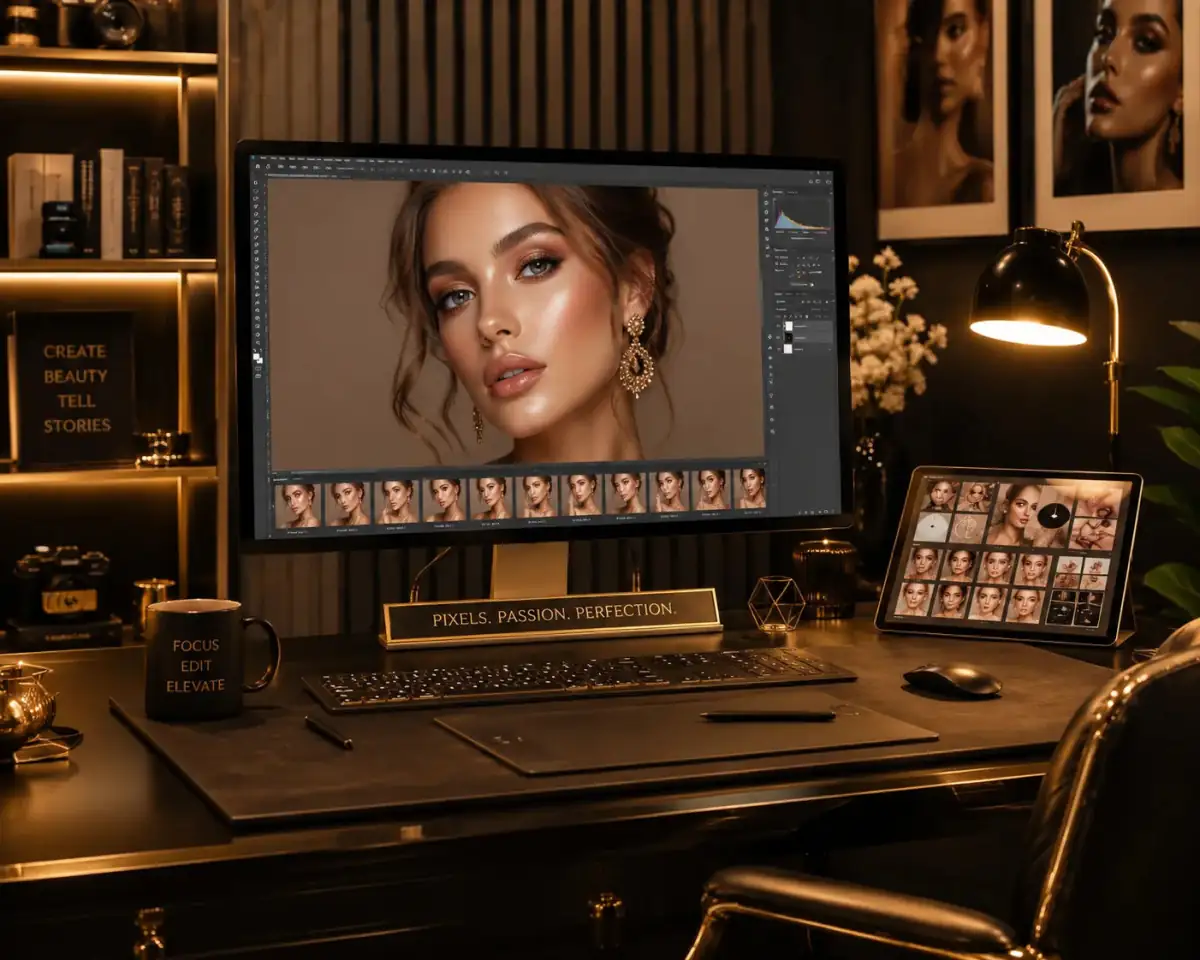
Beauty Glow Retouch
Edit the uploaded beauty portrait with glowing skin, realistic retouching, premium makeup enhancement, soft cinematic lighting, and elegant fashion photography aesthetics.
Also try in:
Did this prompt work for you?
Share this prompt
1
VIEWS
·
0
COPIES
·
0
LIKES

Log in to leave a comment.
More Like This
See all →

How to use this prompt
Want a fast “Beauty Glow Retouch” result? This Gemini Photo Editing Prompts prompt is set up for Gemini. It works just as well in Midjourney, DALL·E 3 or Gemini, so you’re not locked into one tool.
- Tap Copy above to grab the full prompt.
- Open Gemini (or any image AI like Midjourney, DALL·E 3 or Gemini).
- Paste the prompt into the generate box and run it.
- Like the result? Re-roll once or twice and keep your favourite.
Tips & variations
- Push or pull the glowing skin elements specifically — that’s usually the fastest lever here.
- Save a version you like as a template, then only edit the subject line each time.
- Change the lighting words (e.g. “golden hour”, “studio”, “moody”) to shift the whole mood.
Frequently asked questions
AI models are non-deterministic, so results vary each run even with the same prompt. Generate a few times and pick your favourite, or lock a seed if your tool supports it.
Edit the descriptive words in the prompt — change glowing skin, the lighting, the colours or the setting. Small wording changes produce big differences in the final image.
Yes — every prompt on the site is free to copy and use. You only need an account with the AI tool you choose to run it.
It’s set up for Gemini, and it also works well in Midjourney, DALL·E 3 or Gemini. Image models vary, so try the same prompt in a couple of tools and keep the result you like best.