
7
VIEWS
·
2
COPIES
·
2
LIKES
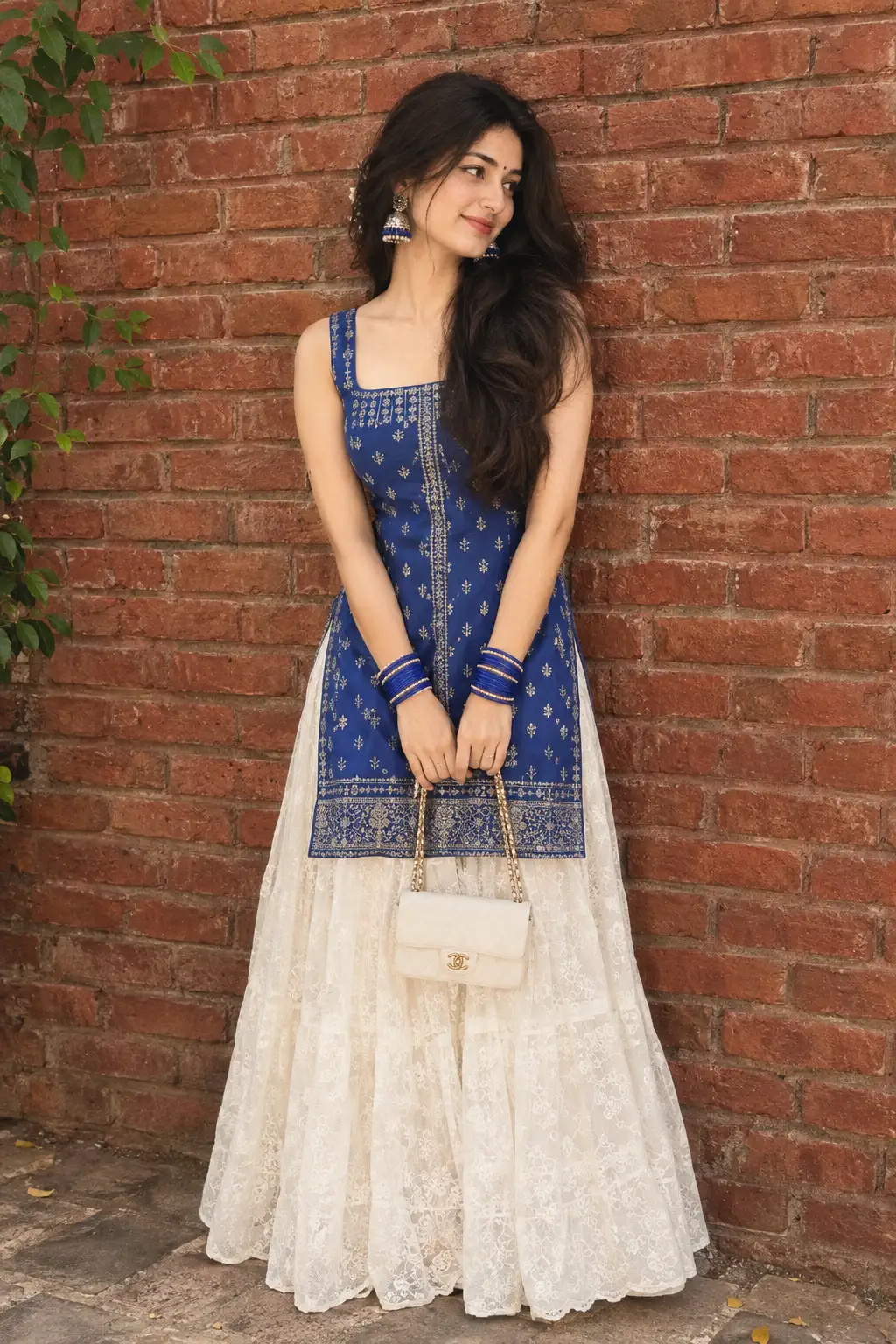
Ultra-Realistic Vintage Photo Restoration with 99% Face Preservation
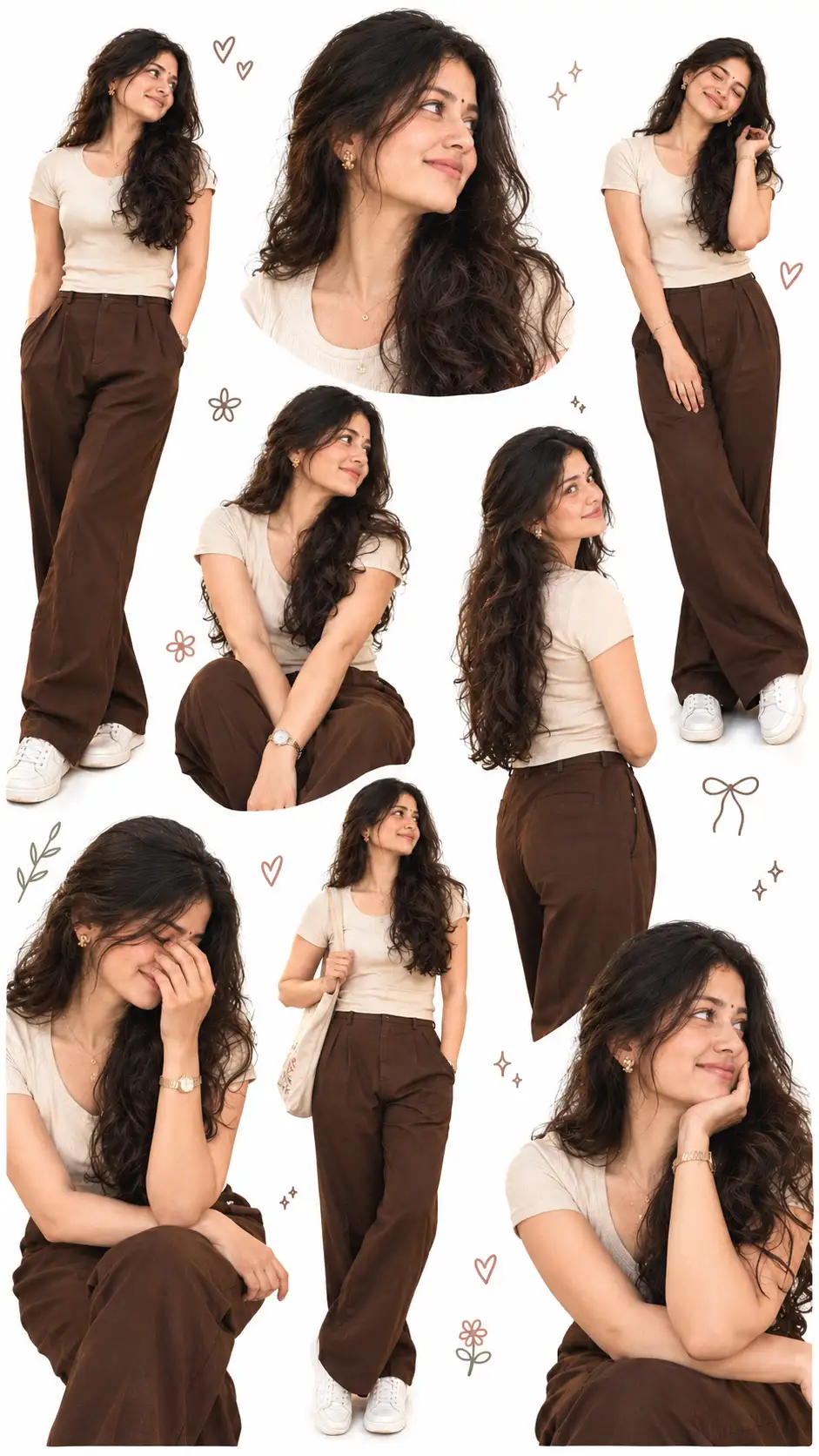
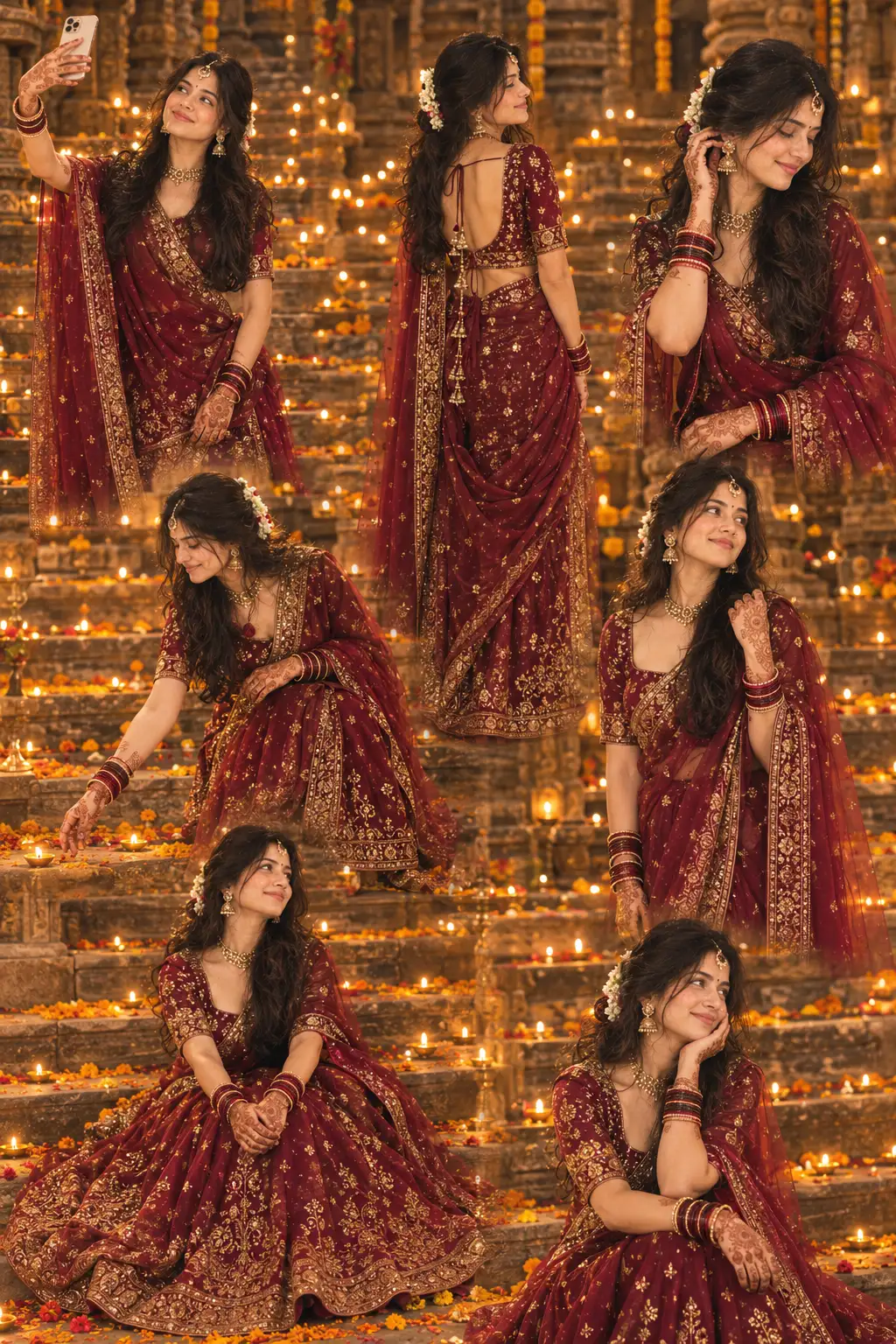
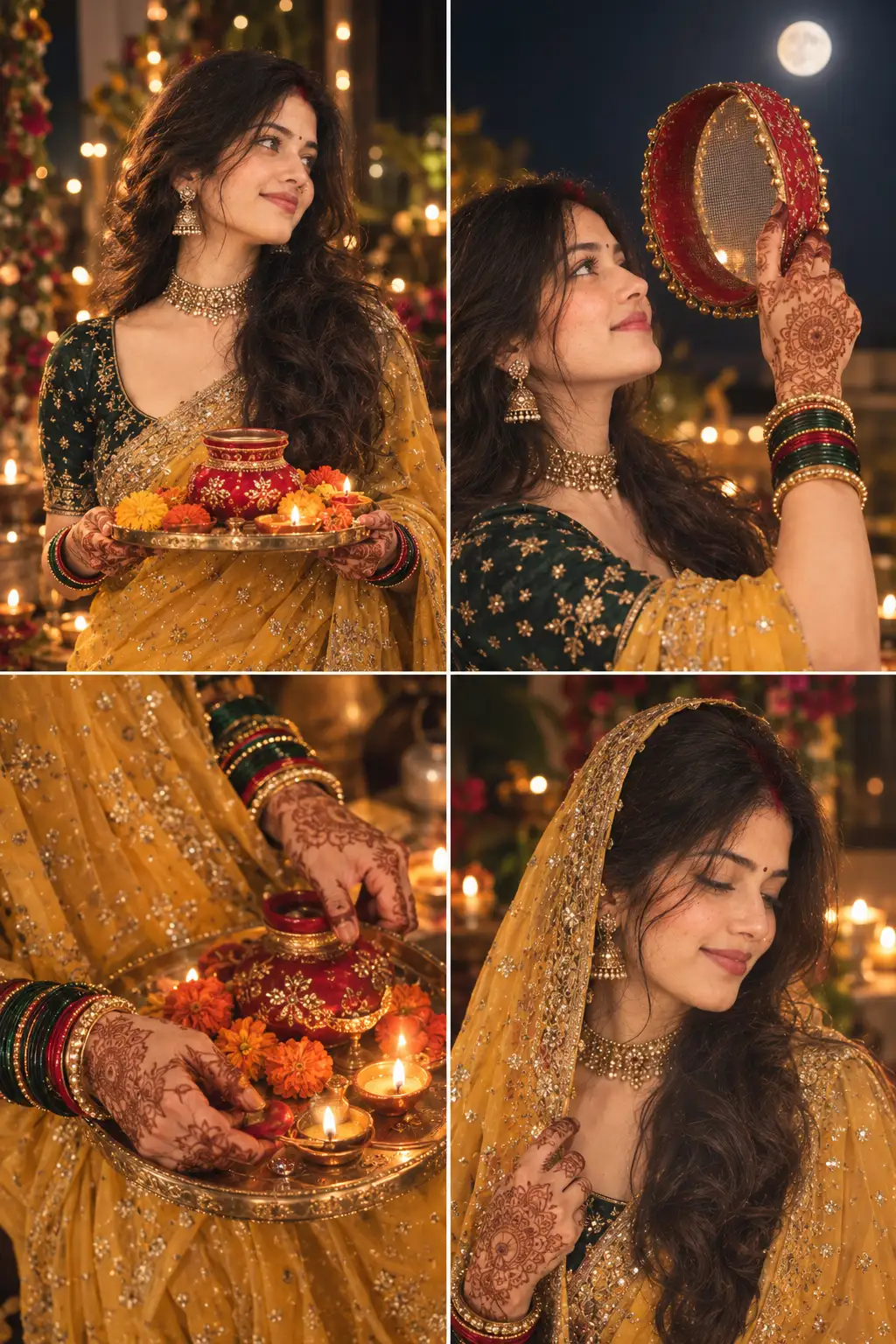
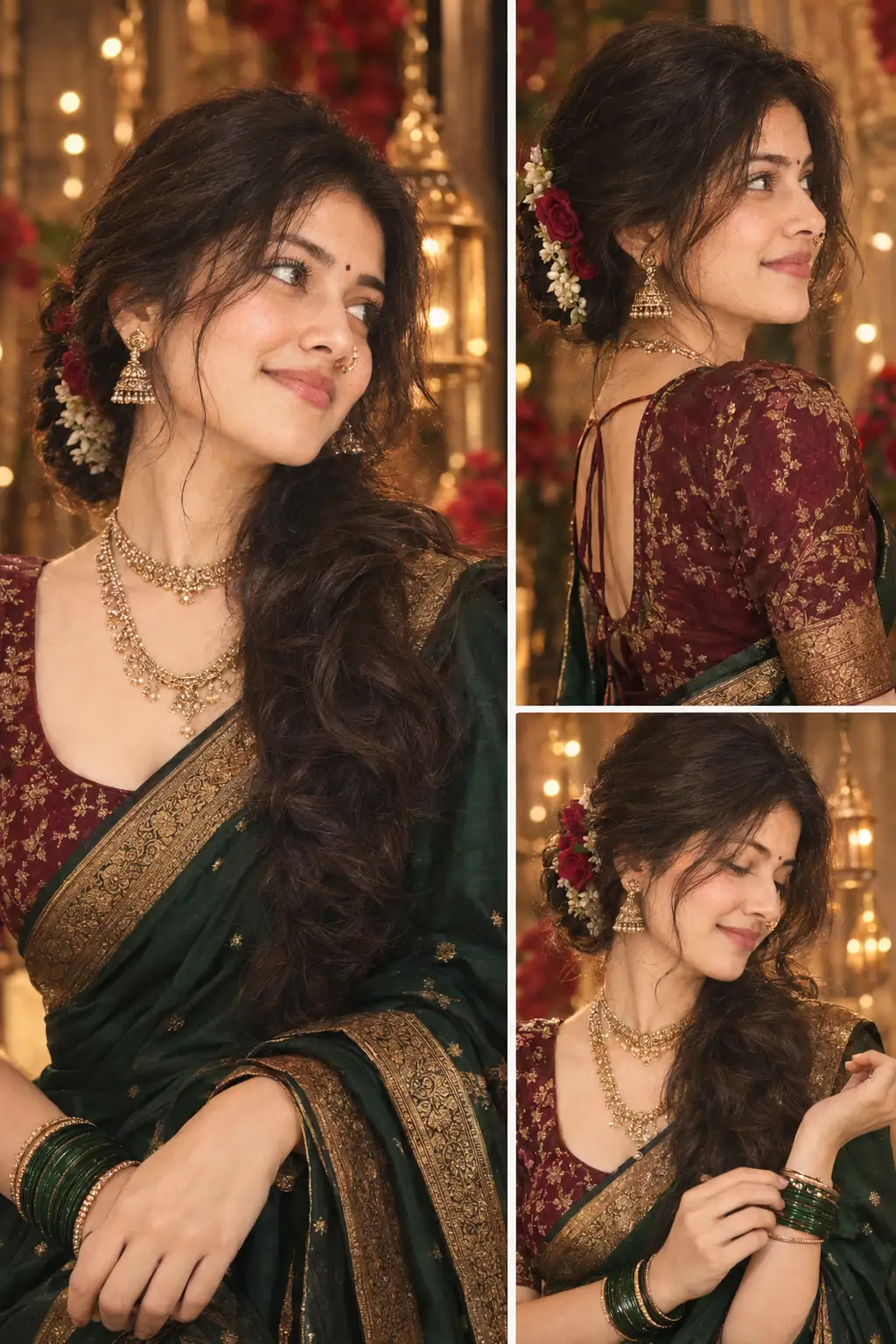
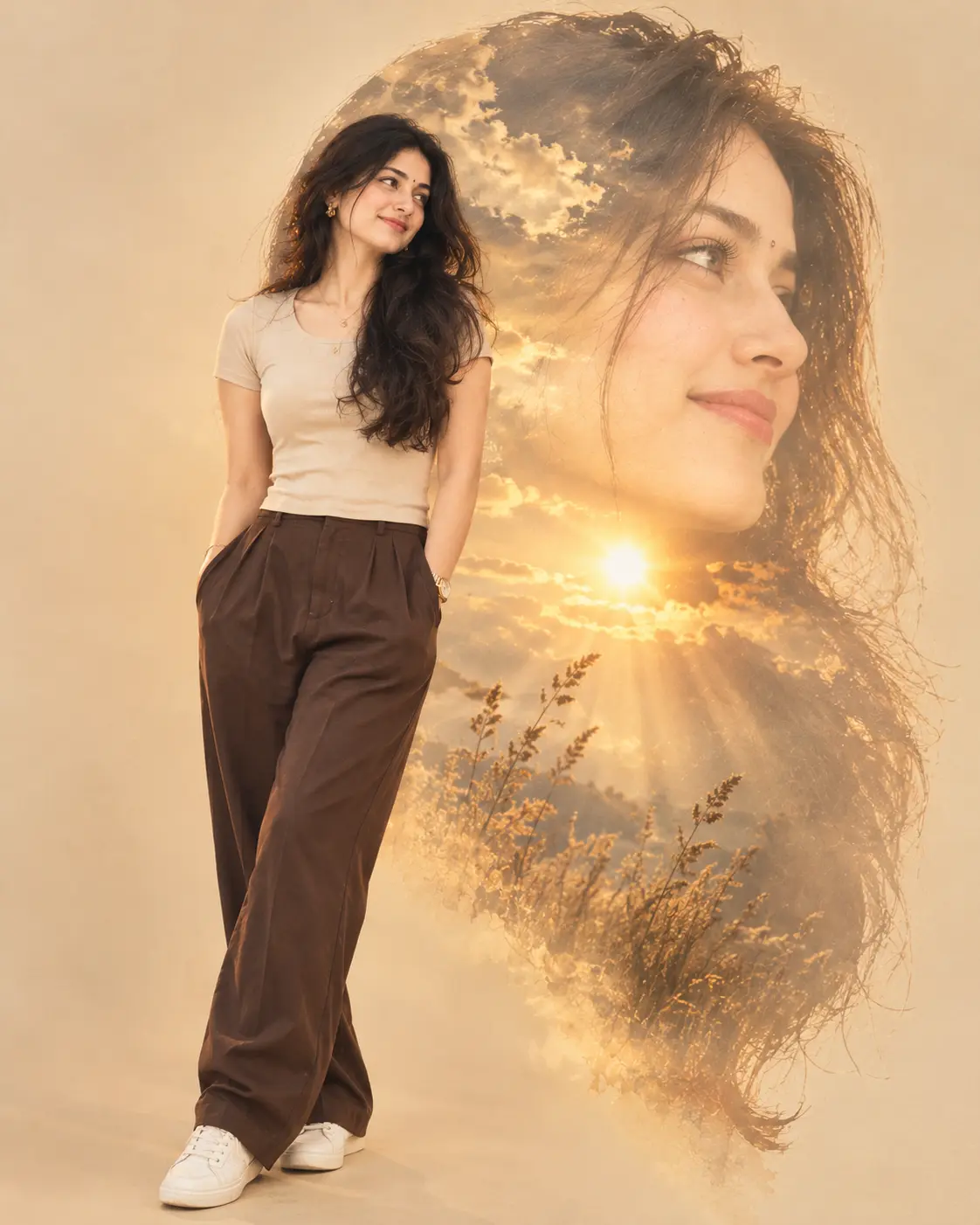
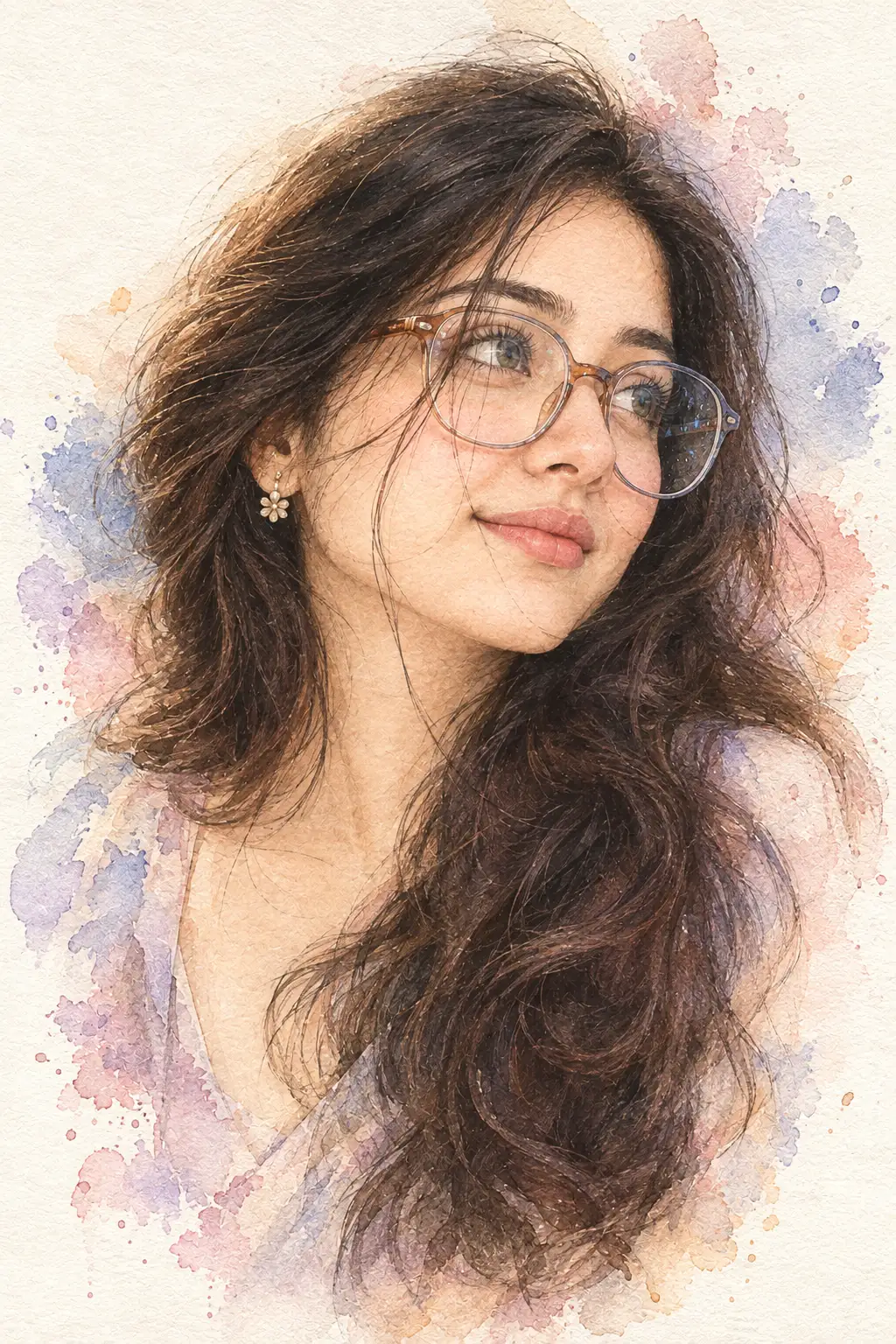
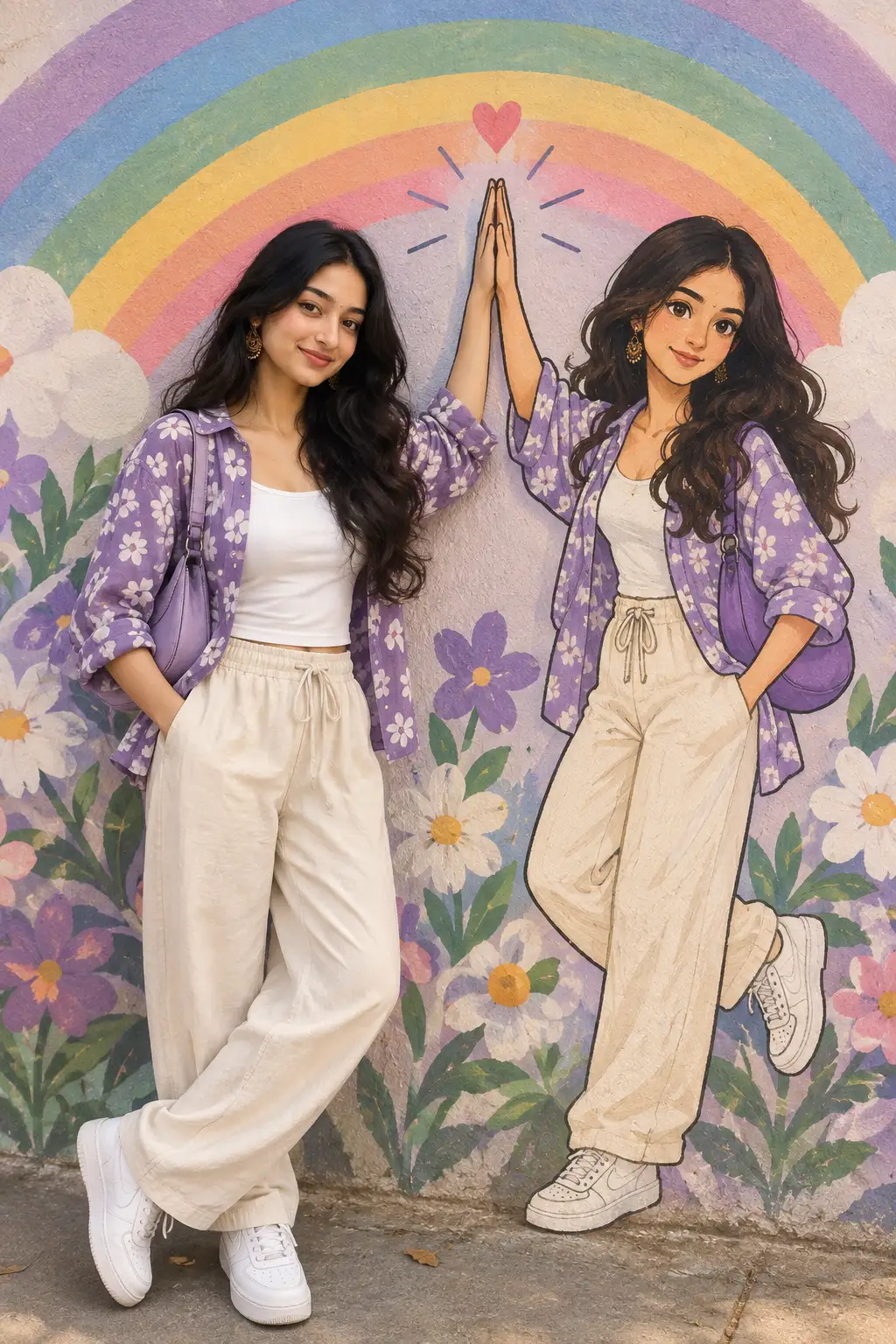
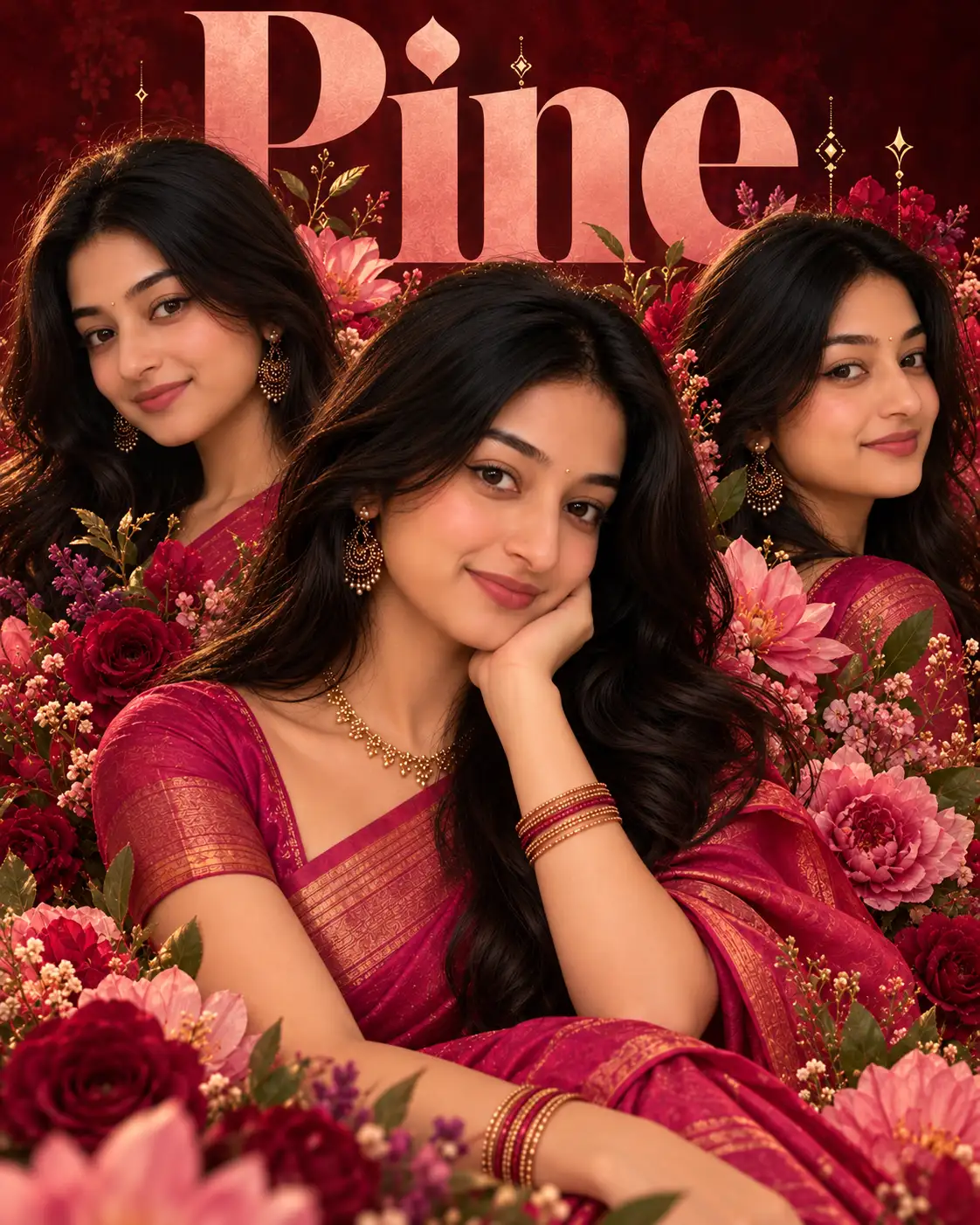
Create an ultra-realistic modern recreation of an old vintage photo, maintaining 99% facial likeness with no changes to the original face.Transform it into a high-quality digital portrait featuring vibrant, updated colors, smooth natural skin texture, and soft realistic lighting. Upgrade the outfit and background to a clean, contemporary style, while preserving the authentic pose, emotion, and essence of the original image
Open with:
Also try in:
Did this prompt work for you?
Share this prompt
7
VIEWS
·
2
COPIES
·
2
LIKES
Log in to leave a comment.
More Like This
See all →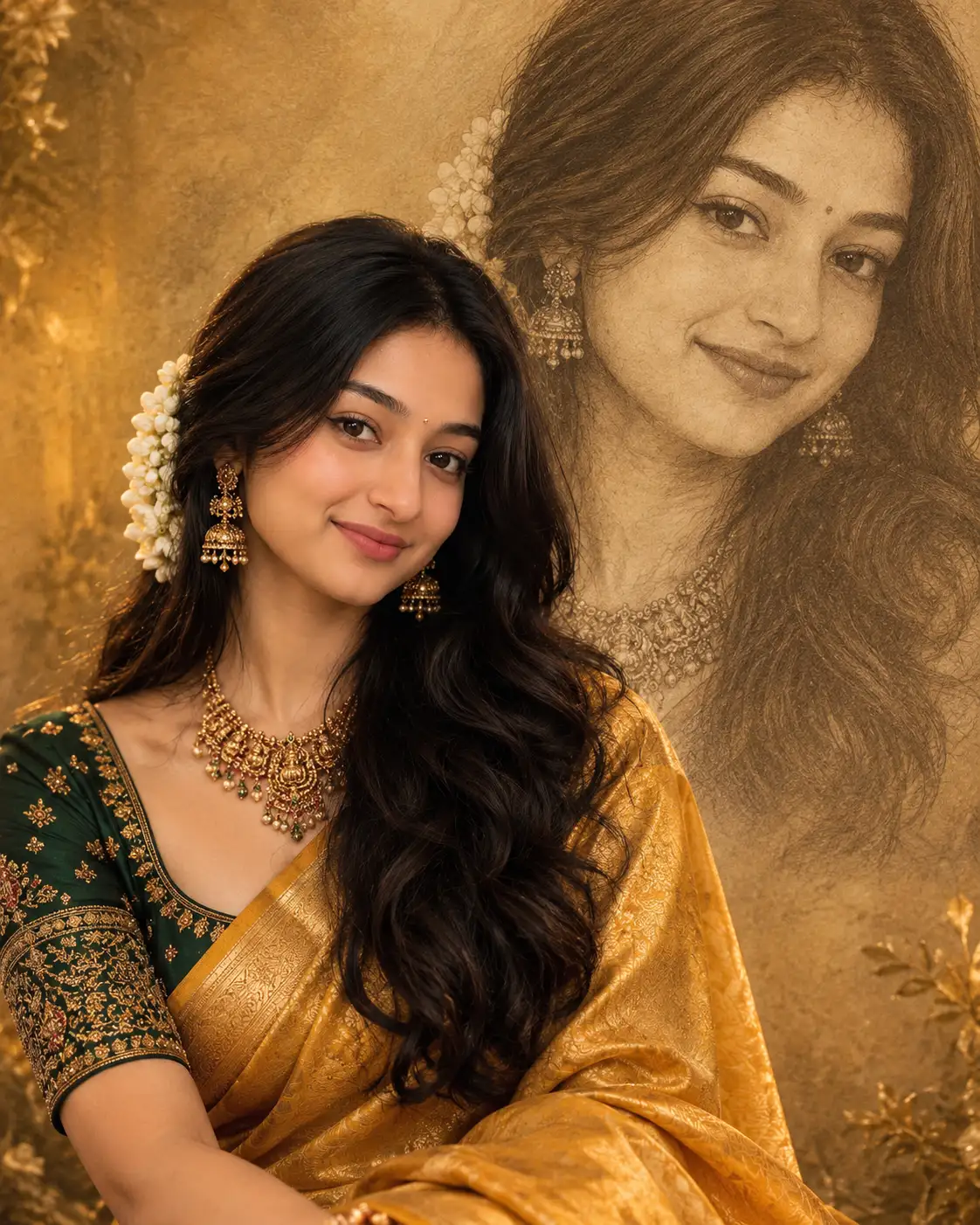

How to use this prompt
Copy “Ultra-Realistic Vintage Photo Restoration with 99% Face Preservation” once and reuse it for endless variations in ChatGPT. Generate, tweak a few words, and re-roll until it’s exactly right.
- Tap Copy above to grab the full prompt.
- Open ChatGPT (or any image AI like Midjourney, DALL·E 3 or Gemini).
- Paste the prompt into the generate box and run it.
- Like the result? Re-roll once or twice and keep your favourite.
Tips & variations
- Change the lighting words (e.g. “golden hour”, “studio”, “moody”) to shift the whole mood.
- Name a colour palette to keep a series of images visually consistent.
- Tweak the camera/lens cue (“close-up”, “wide shot”) to control the framing.
Frequently asked questions
It’s set up for ChatGPT, and it also works well in Midjourney, DALL·E 3 or Gemini. Image models vary, so try the same prompt in a couple of tools and keep the result you like best.
It generates a visual built around modern recreation — part of our Image AI Prompts collection. Use it as-is or as a starting point you customise to taste.
Edit the descriptive words in the prompt — change modern recreation, the lighting, the colours or the setting. Small wording changes produce big differences in the final image.
Yes — treat it as a starting point. Once you have an output you like, you can feed it back in with a follow-up prompt to refine or extend it further.