
9
VIEWS
·
1
COPIES
·
0
LIKES
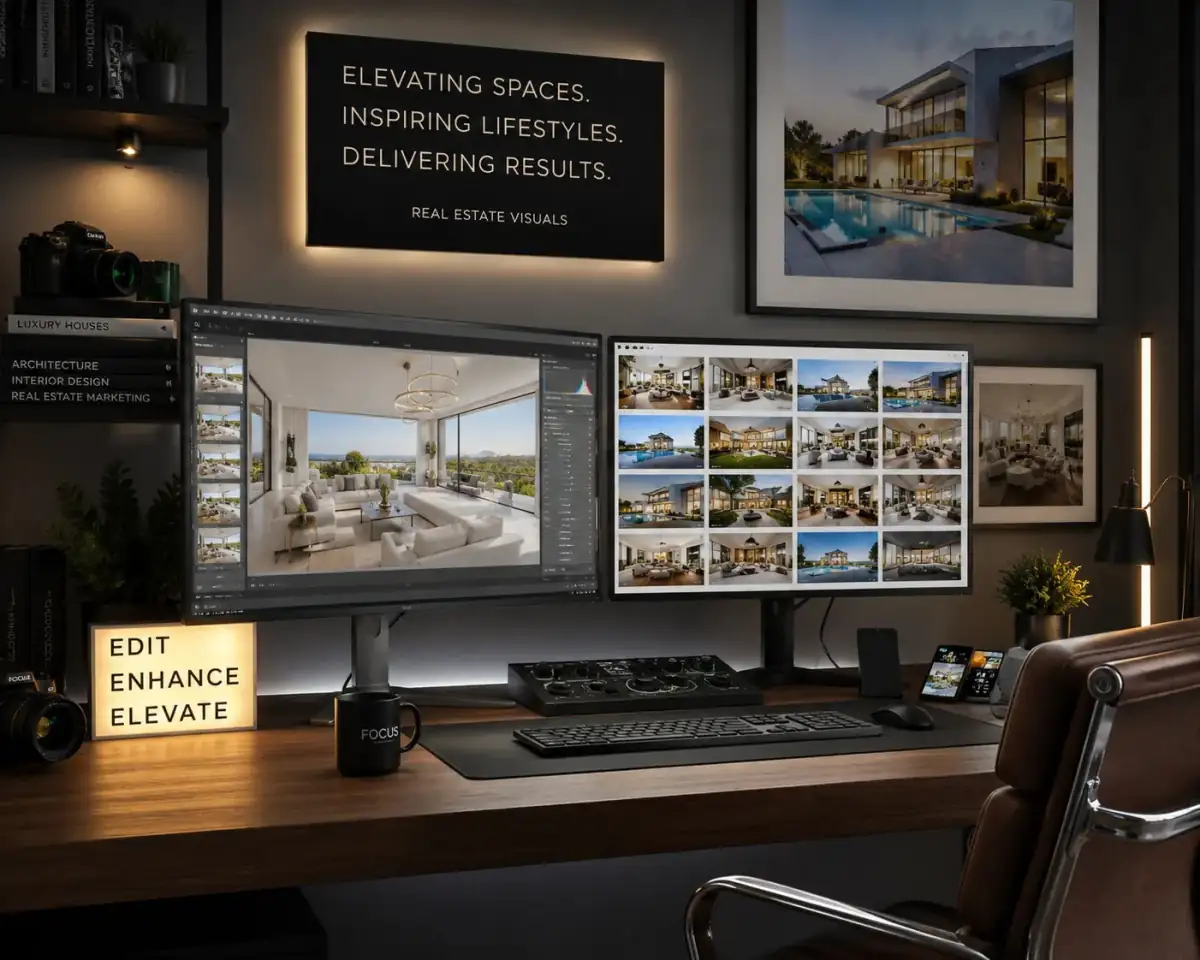
Luxury Interior Enhancement
Edit the uploaded interior or property image to look premium and luxurious. Improve lighting, remove distractions, enhance furniture details, and sharpen textures.
Also try in:
Did this prompt work for you?
Share this prompt
9
VIEWS
·
1
COPIES
·
0
LIKES

Log in to leave a comment.
More Like This
See all →
How to use this prompt
Copy “Luxury Interior Enhancement” once and reuse it for endless variations in Gemini. Generate, tweak a few words, and re-roll until it’s exactly right.
- Tap Copy above to grab the full prompt.
- Open Gemini (or any image AI like Midjourney, DALL·E 3 or Gemini).
- Paste the prompt into the generate box and run it.
- Like the result? Re-roll once or twice and keep your favourite.
Tips & variations
- Replace the setting or background to repurpose the same prompt for a new theme.
- Append quality modifiers like “highly detailed, 8k, sharp focus” for a cleaner render.
- Name a colour palette to keep a series of images visually consistent.
Frequently asked questions
The way it handles look premium is fairly specific, so results tend to be more focused than a generic Gemini Photo Editing Prompts prompt.
Yes — every prompt on the site is free to copy and use. You only need an account with the AI tool you choose to run it.
No — the prompt itself works on free tiers of Gemini. A paid plan may unlock faster generation, higher limits, or commercial licensing, depending on the tool.
The prompt is free, but commercial rights depend on the AI tool you generate with. Most paid plans allow commercial use — always check that specific tool’s licence and terms first.