
10
VIEWS
·
2
COPIES
·
1
LIKES
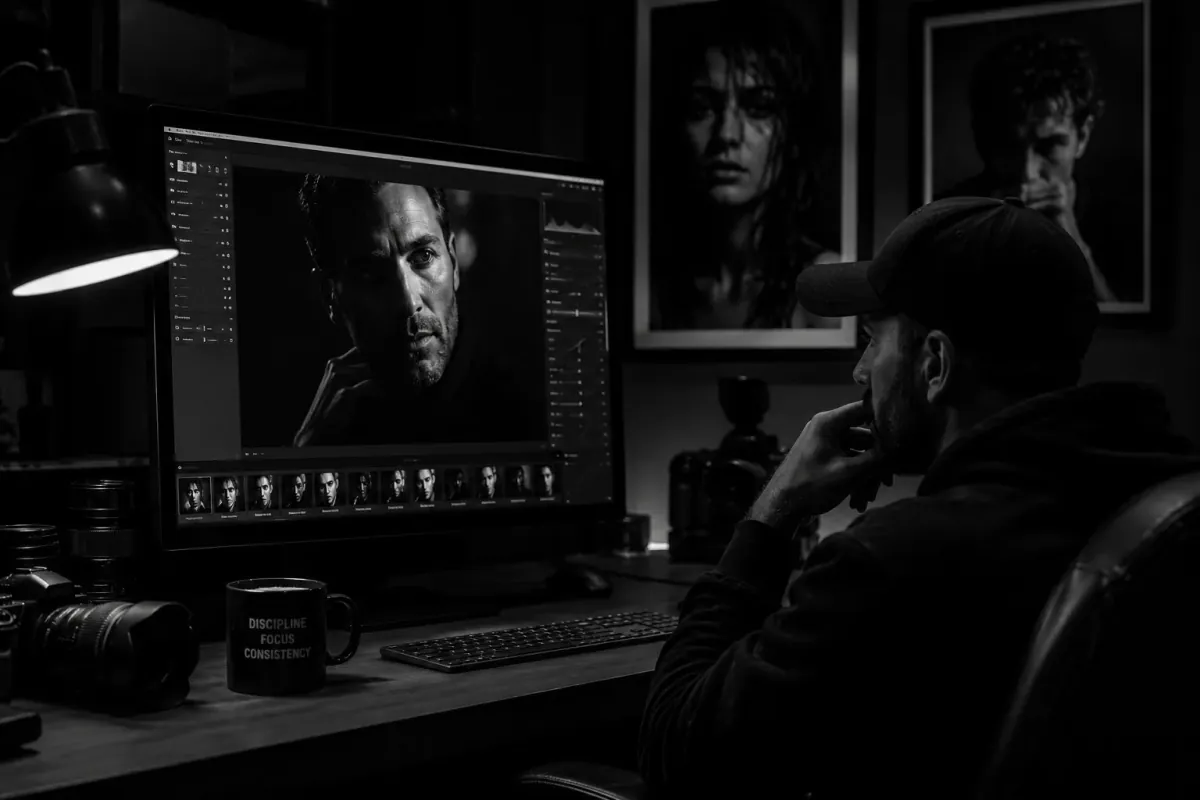
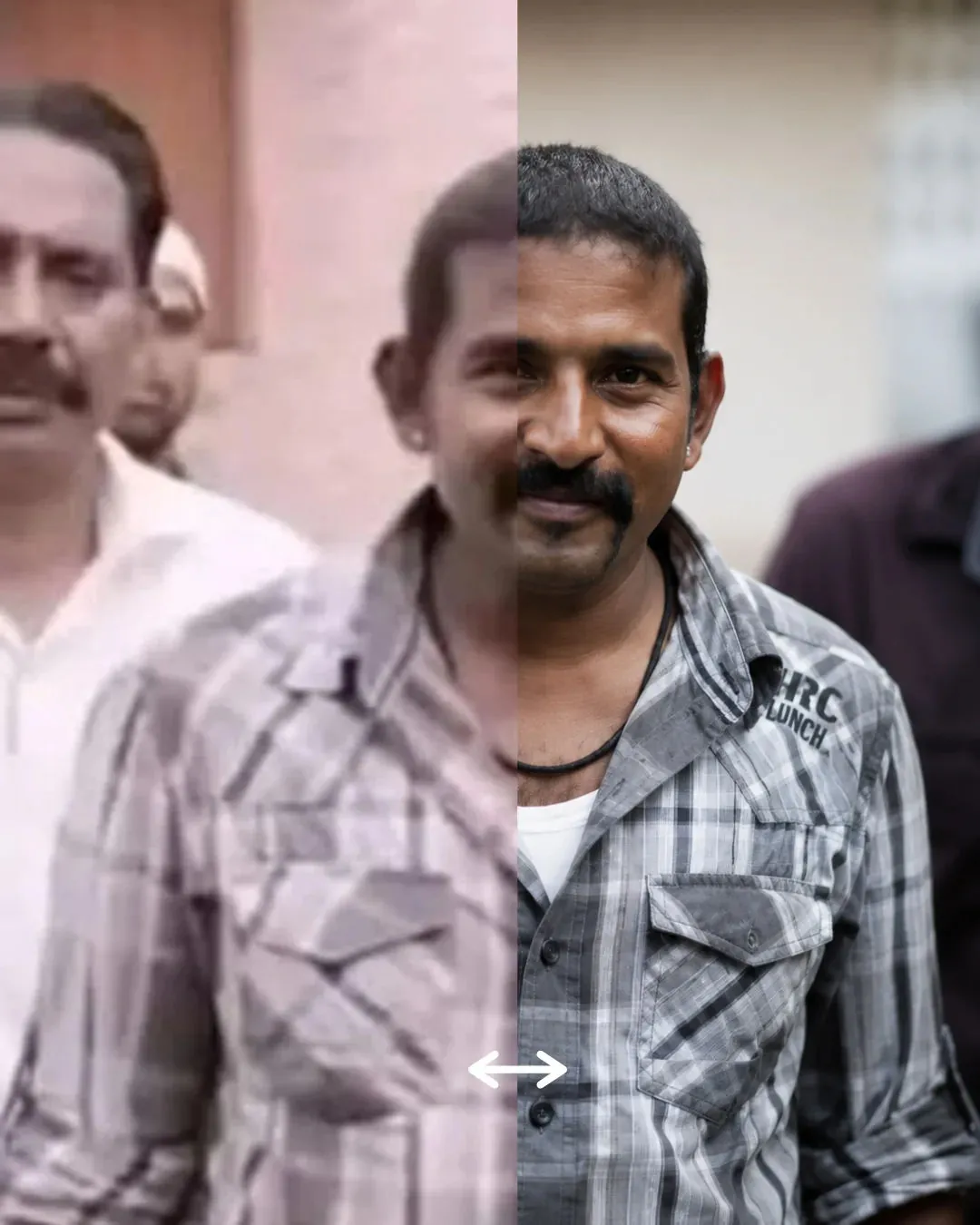
Black And White Cinematic Edit
Convert the uploaded image into a dramatic black-and-white cinematic portrait with deep shadows, emotional lighting, realistic textures, and timeless editorial aesthetics.
Share this prompt
10
VIEWS
·
2
COPIES
·
1
LIKES

Log in to leave a comment.
More Like This
See all →
How to use this prompt
This prompt turns one click into a finished “Black And White Cinematic Edit” visual in Gemini. Drop it in and adjust the details to make the result your own. This version leans on uploaded image, which gives the result its character.
- Use the Copy button to copy the prompt text.
- Head to Gemini and start a new image.
- Set your preferred aspect ratio, then generate.
- Download the version you like and share it.
Tips & variations
- Append quality modifiers like “highly detailed, 8k, sharp focus” for a cleaner render.
- Replace the setting or background to repurpose the same prompt for a new theme.
- Push or pull the uploaded image elements specifically — that’s usually the fastest lever here.
Frequently asked questions
No — the prompt itself works on free tiers of Gemini. A paid plan may unlock faster generation, higher limits, or commercial licensing, depending on the tool.
Yes — treat it as a starting point. Once you have an output you like, you can feed it back in with a follow-up prompt to refine or extend it further.
It’s set up for Gemini, and it also works well in Midjourney, DALL·E 3 or Gemini. Image models vary, so try the same prompt in a couple of tools and keep the result you like best.
Yes — every prompt on the site is free to copy and use. You only need an account with the AI tool you choose to run it.