
6
VIEWS
·
3
COPIES
·
1
LIKES
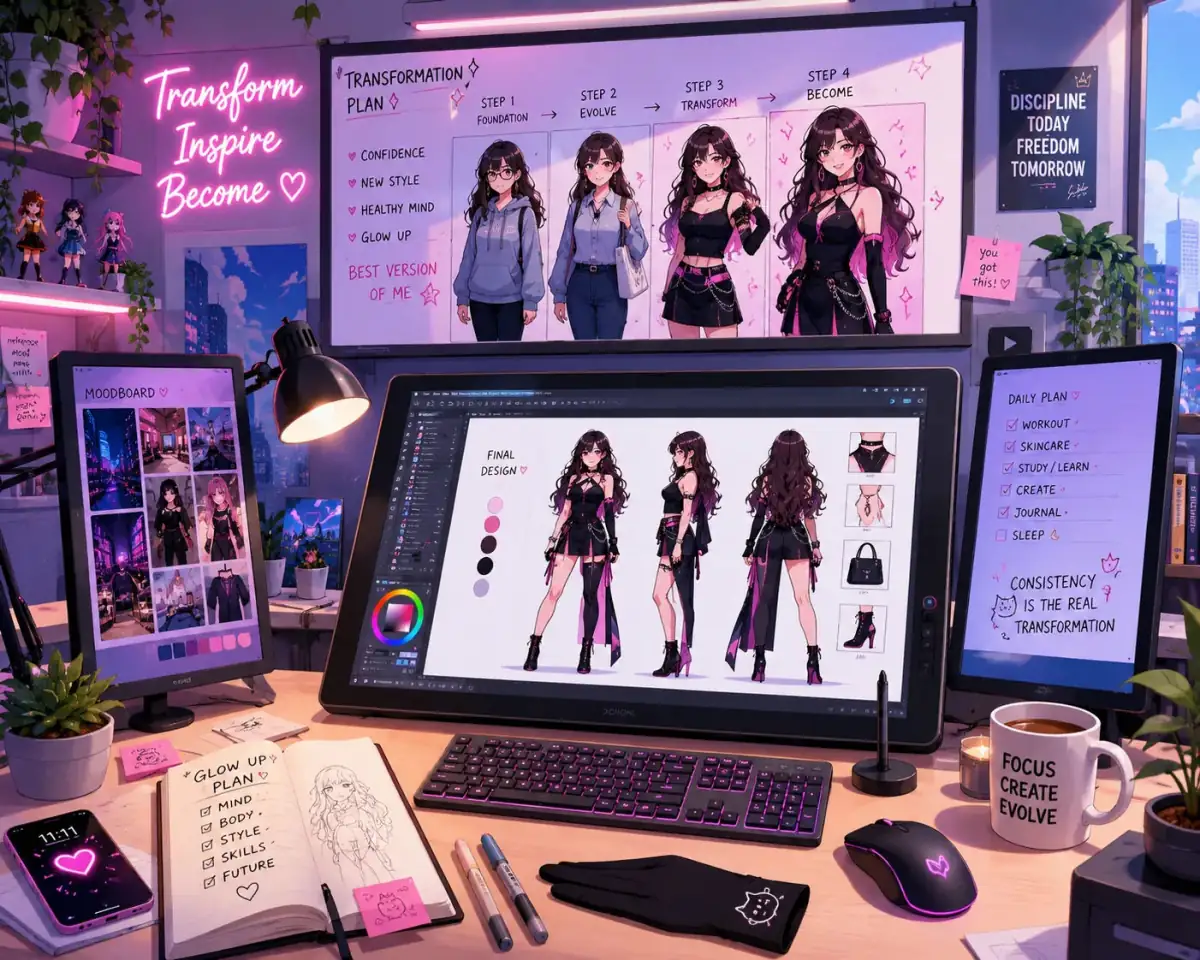
Anime Style Photo Transformation
Transform the uploaded portrait into a detailed anime-inspired artwork while preserving facial identity, expressive eyes, vibrant colors, and cinematic anime lighting.
Share this prompt
6
VIEWS
·
3
COPIES
·
1
LIKES

Log in to leave a comment.
More Like This
See all →
How to use this prompt
Want a fast “Anime Style Photo Transformation” result? This Gemini Photo Editing Prompts prompt is set up for Gemini. Paste it into Gemini and you’ll get a detailed result in seconds. The specific phrasing around uploaded portrait is doing most of the work here.
- Tap Copy above to grab the full prompt.
- Open Gemini (or any image AI like Midjourney, DALL·E 3 or Gemini).
- Paste the prompt into the generate box and run it.
- Like the result? Re-roll once or twice and keep your favourite.
Tips & variations
- Change the lighting words (e.g. “golden hour”, “studio”, “moody”) to shift the whole mood.
- Append quality modifiers like “highly detailed, 8k, sharp focus” for a cleaner render.
- Replace the setting or background to repurpose the same prompt for a new theme.
Frequently asked questions
The prompt is free, but commercial rights depend on the AI tool you generate with. Most paid plans allow commercial use — always check that specific tool’s licence and terms first.
Yes — treat it as a starting point. Once you have an output you like, you can feed it back in with a follow-up prompt to refine or extend it further.
AI models are non-deterministic, so results vary each run even with the same prompt. Generate a few times and pick your favourite, or lock a seed if your tool supports it.
Yes — every prompt on the site is free to copy and use. You only need an account with the AI tool you choose to run it.