
47
VIEWS
·
20
COPIES
·
2
LIKES
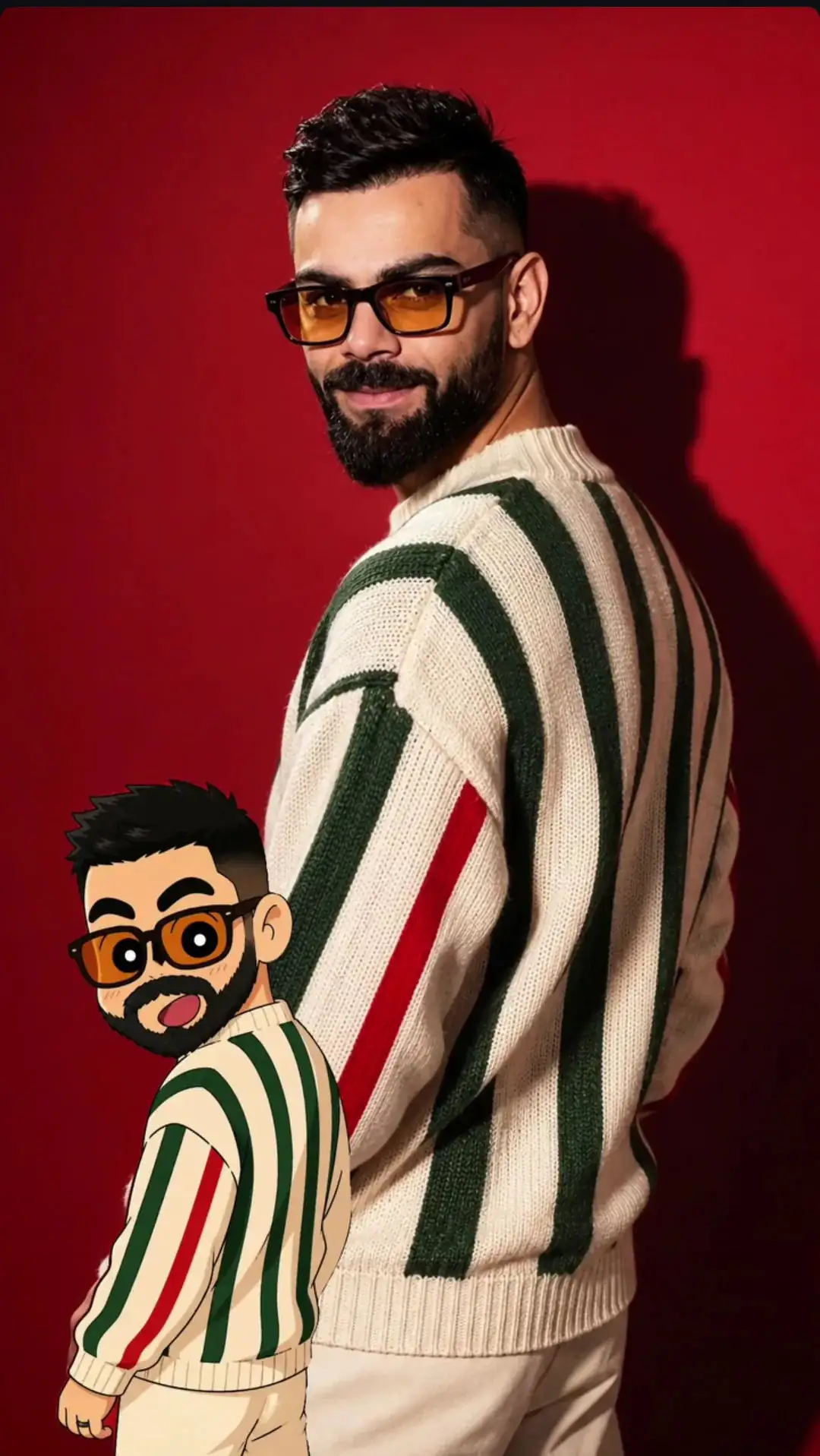
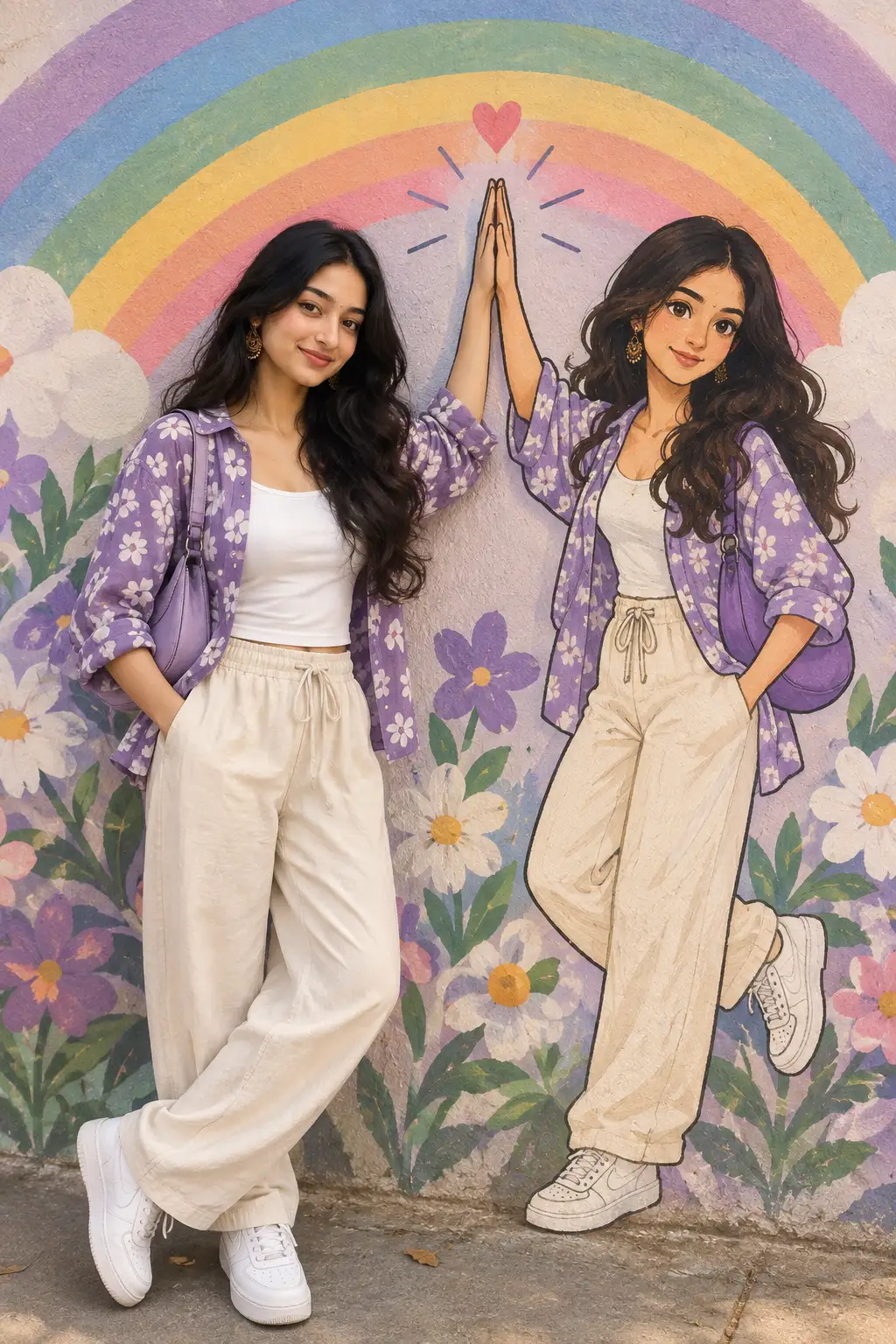
Shin-chan Style Cartoon Portrait
Shin-chan style photo editing refers to converting a real human photo into a cartoon version that matches the visual aesthetics of the Shin-chan anime. This style is known for its exaggerated facial expressions, thick outlines, flat colors, stubby body proportions, and humorous vibe. The characters usually have large oval eyes, small noses, expressive mouths, and a playful overall look.
Open with:
Also try in:
Did this prompt work for you?
Share this prompt
47
VIEWS
·
20
COPIES
·
2
LIKES
Log in to leave a comment.
More Like This
See all →
How to use this prompt
Copy “Shin-chan Style Cartoon Portrait” once and reuse it for endless variations in ChatGPT. It works just as well in Midjourney, DALL·E 3 or Gemini, so you’re not locked into one tool.
- Tap Copy above to grab the full prompt.
- Open ChatGPT (or any image AI like Midjourney, DALL·E 3 or Gemini).
- Paste the prompt into the generate box and run it.
- Like the result? Re-roll once or twice and keep your favourite.
Tips & variations
- Push or pull the photo editing elements specifically — that’s usually the fastest lever here.
- Swap the main subject for your own to completely change the scene while keeping the style.
- Name a colour palette to keep a series of images visually consistent.
Frequently asked questions
Yes — every prompt on the site is free to copy and use. You only need an account with the AI tool you choose to run it.
Yes — treat it as a starting point. Once you have an output you like, you can feed it back in with a follow-up prompt to refine or extend it further.
Edit the descriptive words in the prompt — change photo editing, the lighting, the colours or the setting. Small wording changes produce big differences in the final image.
It’s set up for ChatGPT, and it also works well in Midjourney, DALL·E 3 or Gemini. Image models vary, so try the same prompt in a couple of tools and keep the result you like best.