
4
VIEWS
·
0
COPIES
·
0
LIKES
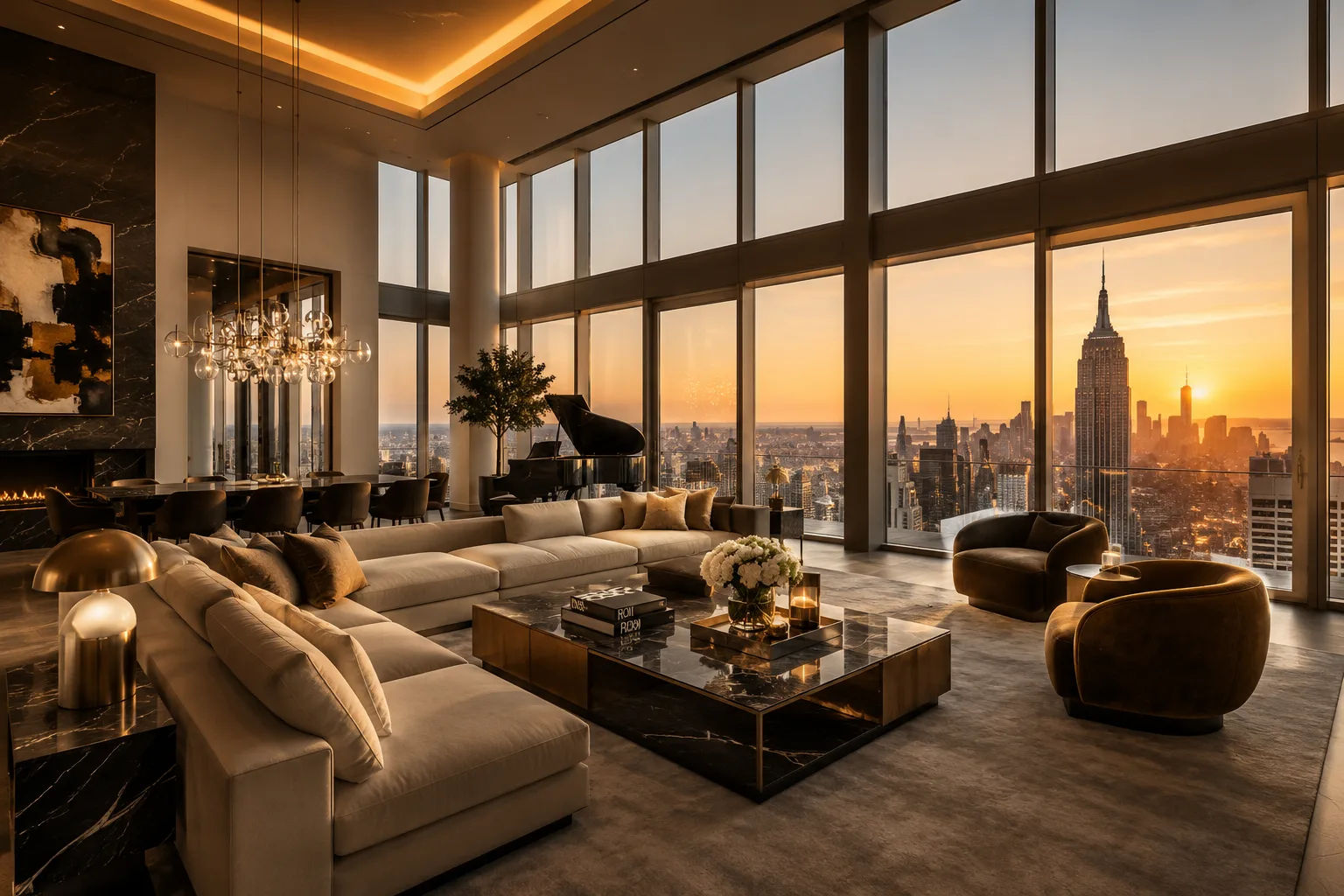
Luxury Penthouse Scene
Luxury penthouse interior for [PROPERTY BRAND], panoramic skyline windows, elegant modern furniture, cinematic golden-hour lighting, premium architectural visualization, ultra realistic interior render --ar 16:9 --stylize 400
Share this prompt
4
VIEWS
·
0
COPIES
·
0
LIKES

Log in to leave a comment.
More Like This
See all →
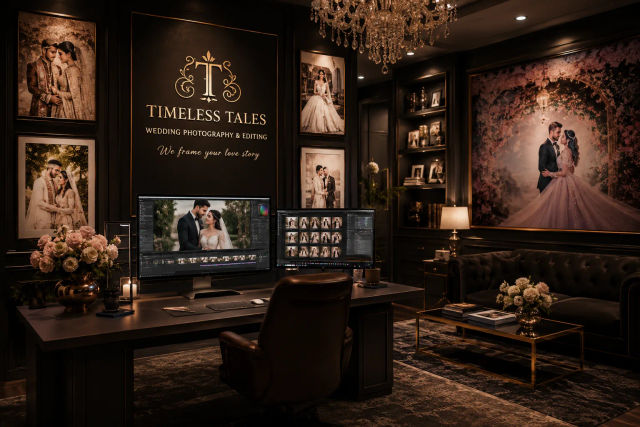
How to use this prompt
This prompt turns one click into a finished “Luxury Penthouse Scene” visual in Midjourney. Drop it in and adjust the details to make the result your own. This version leans on property brand, which gives the result its character.
- Use the Copy button to copy the prompt text.
- Head to Midjourney and start a new image.
- Set your preferred aspect ratio, then generate.
- Download the version you like and share it.
Tips & variations
- Push or pull the property brand elements specifically — that’s usually the fastest lever here.
- Replace the setting or background to repurpose the same prompt for a new theme.
- Tweak the camera/lens cue (“close-up”, “wide shot”) to control the framing.
Frequently asked questions
The prompt is free, but commercial rights depend on the AI tool you generate with. Most paid plans allow commercial use — always check that specific tool’s licence and terms first.
AI models are non-deterministic, so results vary each run even with the same prompt. Generate a few times and pick your favourite, or lock a seed if your tool supports it.
Yes — every prompt on the site is free to copy and use. You only need an account with the AI tool you choose to run it.
It generates a visual built around property brand — part of our Midjourney Prompts collection. Use it as-is or as a starting point you customise to taste.