
8
VIEWS
·
2
COPIES
·
0
LIKES
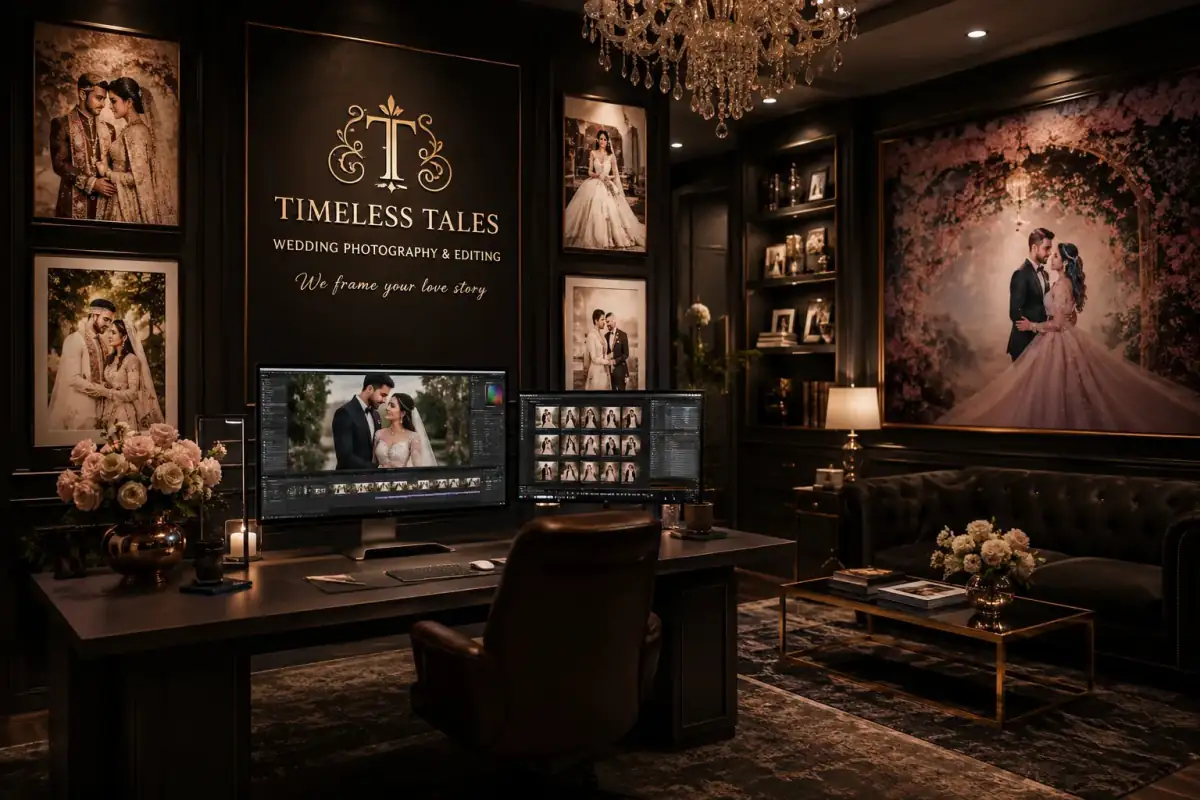
Wedding Photo Glow Edit
Enhance the uploaded wedding image with warm golden-hour lighting, soft romantic tones, elegant color grading, cinematic depth, and premium wedding photography aesthetics.
Also try in:
Did this prompt work for you?
Share this prompt
8
VIEWS
·
2
COPIES
·
0
LIKES

Log in to leave a comment.
More Like This
See all →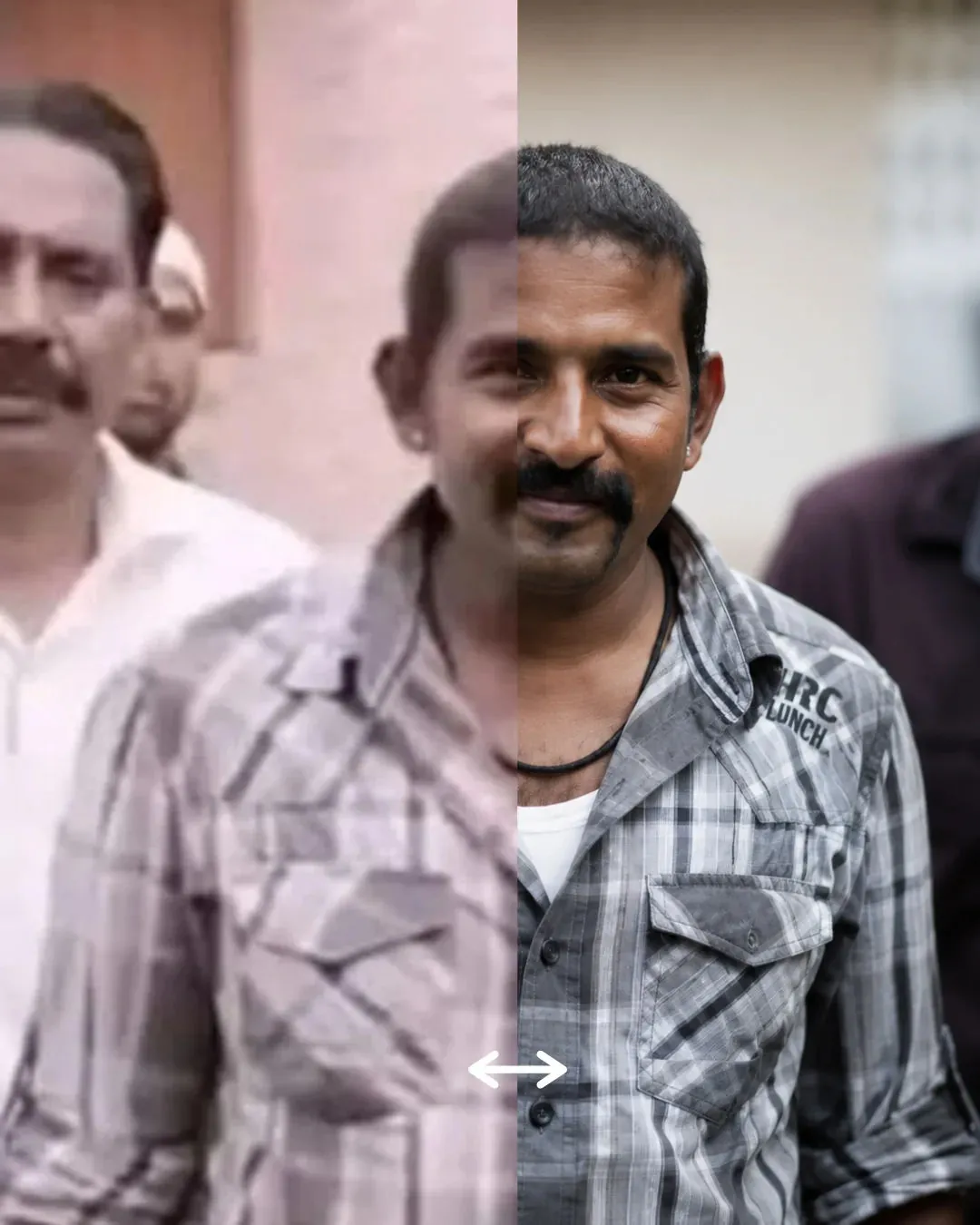


How to use this prompt
Here’s a shortcut to “Wedding Photo Glow Edit” — no prompt-writing experience required. Generate, tweak a few words, and re-roll until it’s exactly right.
- Use the Copy button to copy the prompt text.
- Head to Gemini and start a new image.
- Set your preferred aspect ratio, then generate.
- Download the version you like and share it.
Tips & variations
- Swap the main subject for your own to completely change the scene while keeping the style.
- Try the prompt with and without the style words to see how much they’re actually doing.
- Tweak the camera/lens cue (“close-up”, “wide shot”) to control the framing.
Frequently asked questions
Yes — treat it as a starting point. Once you have an output you like, you can feed it back in with a follow-up prompt to refine or extend it further.
The prompt is free, but commercial rights depend on the AI tool you generate with. Most paid plans allow commercial use — always check that specific tool’s licence and terms first.
Yes — every prompt on the site is free to copy and use. You only need an account with the AI tool you choose to run it.
It generates a visual built around warm golden-hour — part of our Gemini Photo Editing Prompts collection. Use it as-is or as a starting point you customise to taste.