
4
VIEWS
·
1
COPIES
·
0
LIKES
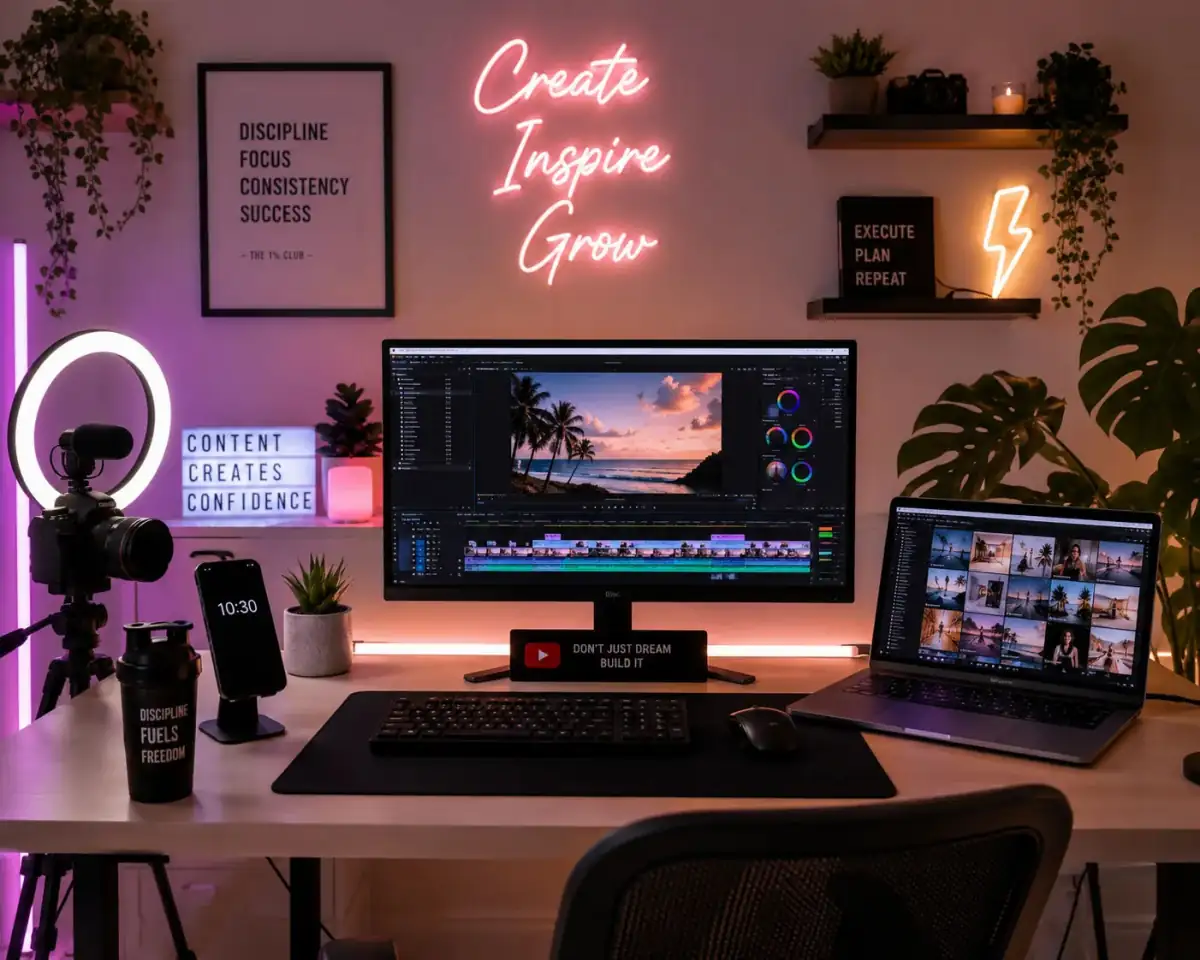
Instagram Influencer Edit
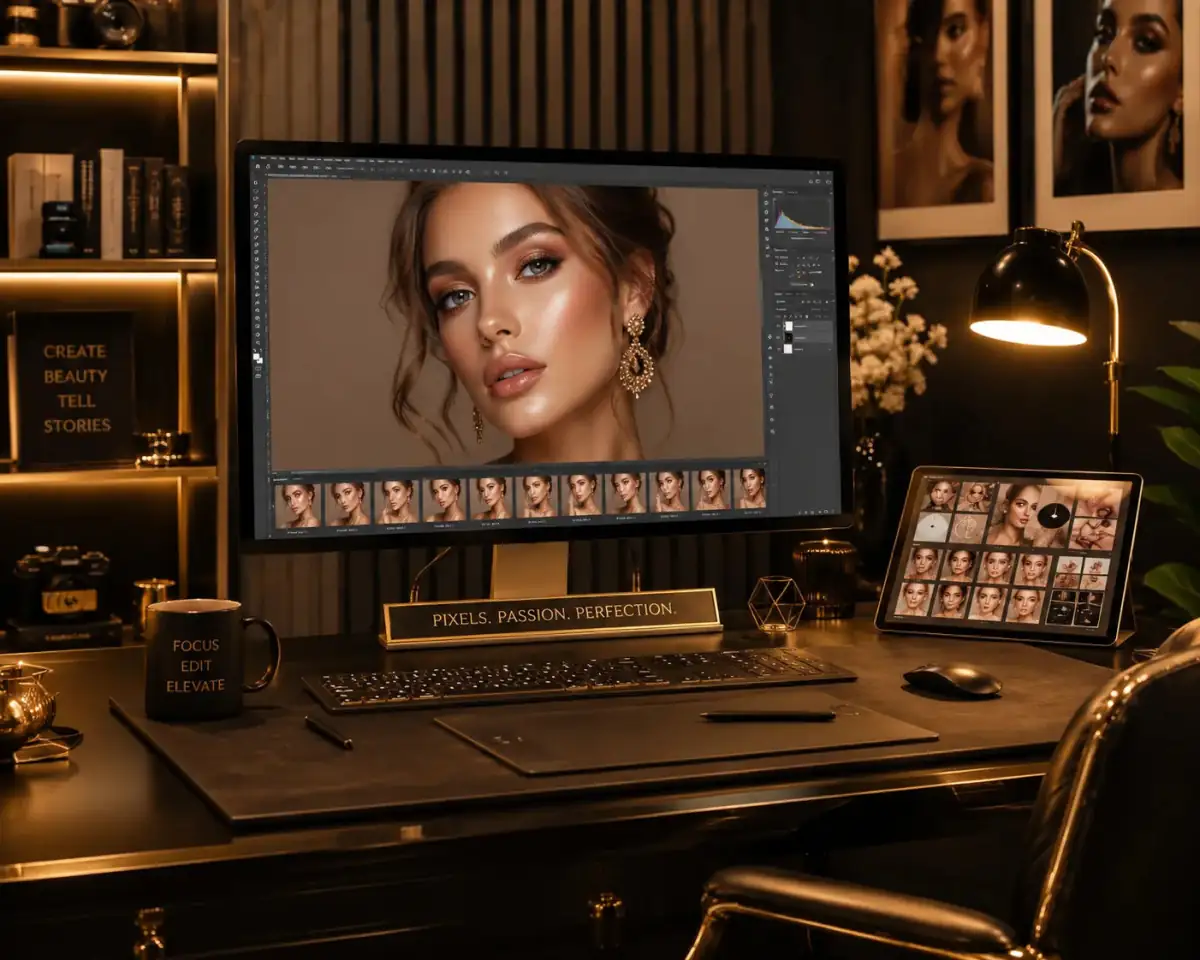
Edit the uploaded image into a trendy influencer-style Instagram photo with premium color grading, balanced lighting, subtle skin retouching, and aesthetic background enhancement.
Also try in:
Did this prompt work for you?
Share this prompt
4
VIEWS
·
1
COPIES
·
0
LIKES

Log in to leave a comment.
More Like This
See all →



How to use this prompt
“Instagram Influencer Edit” is a ready-to-use Gemini Photo Editing Prompts prompt built for Gemini. It works just as well in Midjourney, DALL·E 3 or Gemini, so you’re not locked into one tool.
- Grab the prompt with the Copy button at the top.
- Paste it into Gemini.
- Run it, focusing on uploaded image if you want to steer the result.
- Regenerate to explore a few different takes on the same idea.
Tips & variations
- Name a colour palette to keep a series of images visually consistent.
- Push or pull the uploaded image elements specifically — that’s usually the fastest lever here.
- Add an aspect ratio that fits your platform — portrait for Instagram, wide for banners.
Frequently asked questions
The prompt is free, but commercial rights depend on the AI tool you generate with. Most paid plans allow commercial use — always check that specific tool’s licence and terms first.
The way it handles uploaded image is fairly specific, so results tend to be more focused than a generic Gemini Photo Editing Prompts prompt.
Yes — every prompt on the site is free to copy and use. You only need an account with the AI tool you choose to run it.
It generates a visual built around uploaded image — part of our Gemini Photo Editing Prompts collection. Use it as-is or as a starting point you customise to taste.