
5
VIEWS
·
0
COPIES
·
1
LIKES
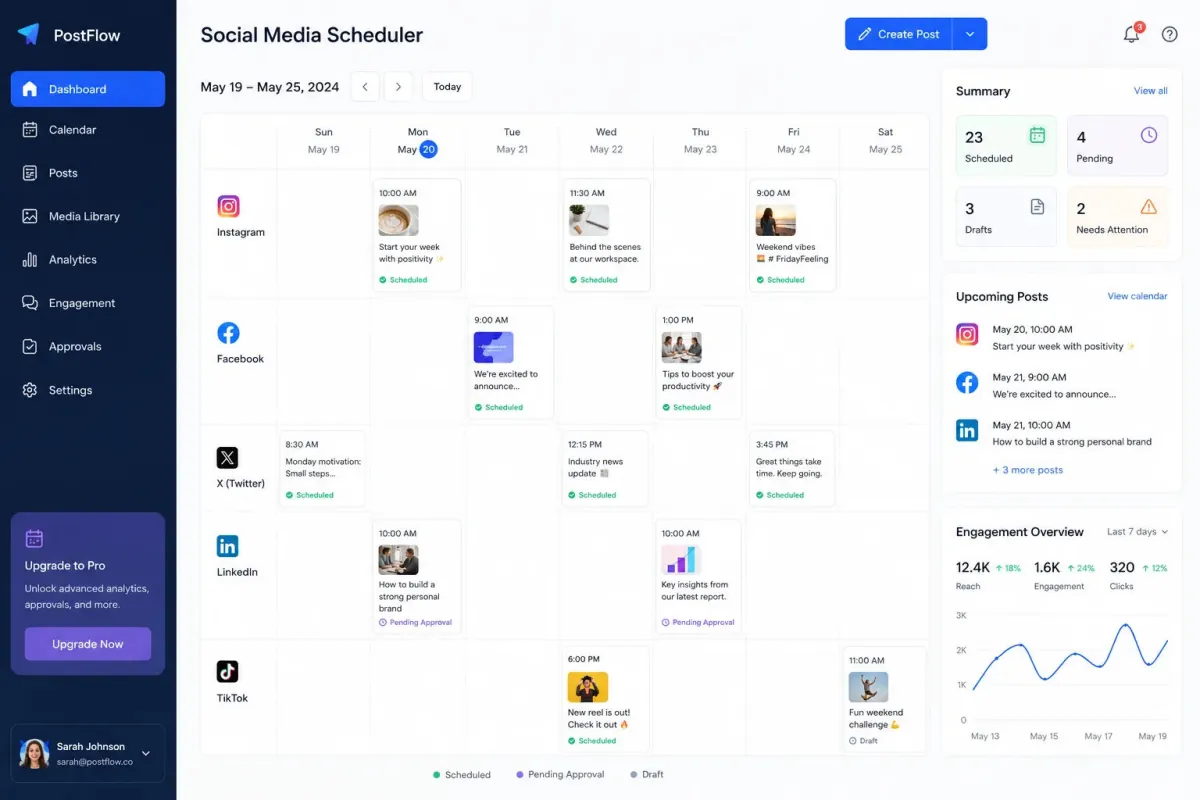
Social Media Automation Engine
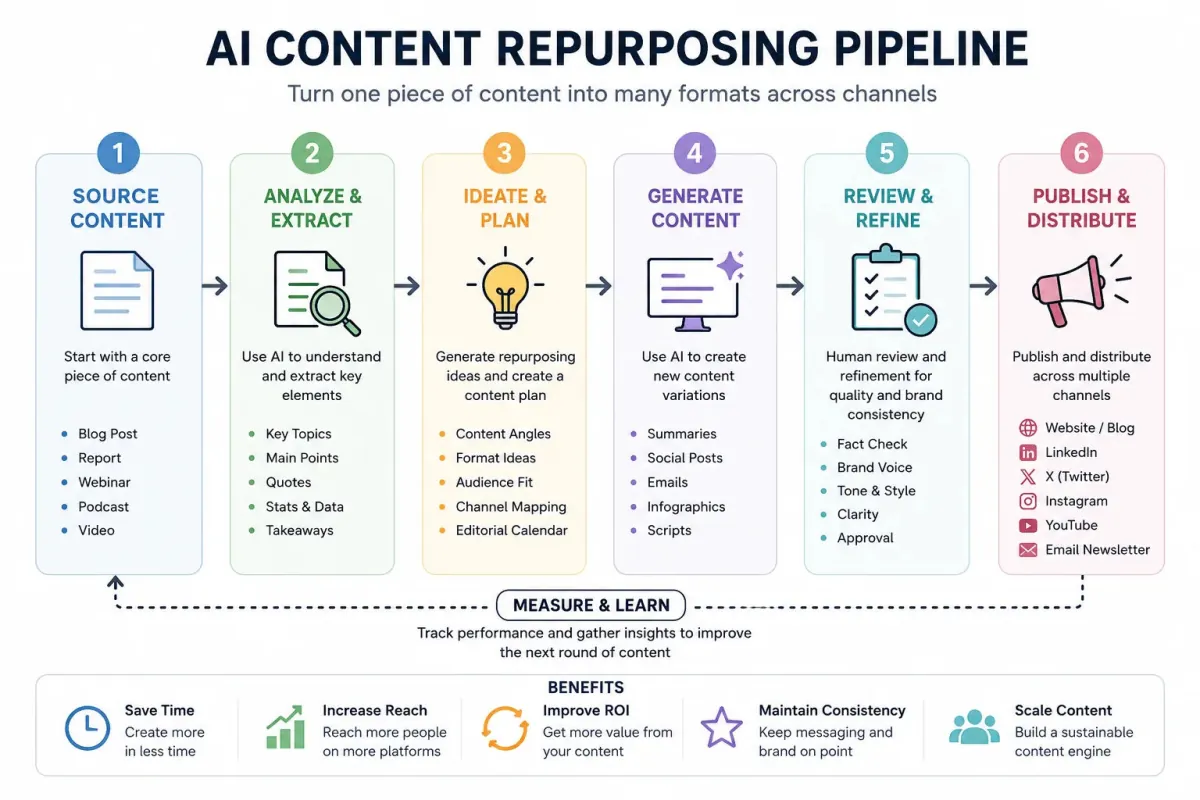
You are a social media automation expert. Build a content automation workflow for [BRAND]. Include planning, scheduling, approvals, engagement tracking and reporting.
Open with:
Also try in:
Did this prompt work for you?
Share this prompt
5
VIEWS
·
0
COPIES
·
1
LIKES

Log in to leave a comment.
More Like This
See all →


How to use this prompt
“Social Media Automation Engine” is a ready-to-use Automation AI Prompts prompt for ChatGPT. It sets up the framing so you get an on-topic answer immediately.
- Grab the prompt with the Copy button at the top.
- Head to ChatGPT and start a fresh chat.
- Fill in your context around include planning and send it.
- Follow up with “make it shorter” or “try another angle” to dial it in.
Tips & variations
- Tell it your audience and tone so the output matches your brand voice.
- Keep a version that worked well and reuse it as your starting template.
- Ask it to explain its reasoning if you want to learn the approach.
Frequently asked questions
It’s written for ChatGPT, but ChatGPT, Claude or Gemini handle it well too. Pick the assistant you already use and refine from there.
Replace the parts around include planning with your own topic, audience and tone, then ask follow-up questions to steer the answer.
Yes — treat it as a starting point. Once you have an output you like, you can feed it back in with a follow-up prompt to refine or extend it further.
No — the prompt itself works on free tiers of ChatGPT. A paid plan may unlock faster generation, higher limits, or commercial licensing, depending on the tool.