
2
VIEWS
·
0
COPIES
·
0
LIKES

Background Object Removal
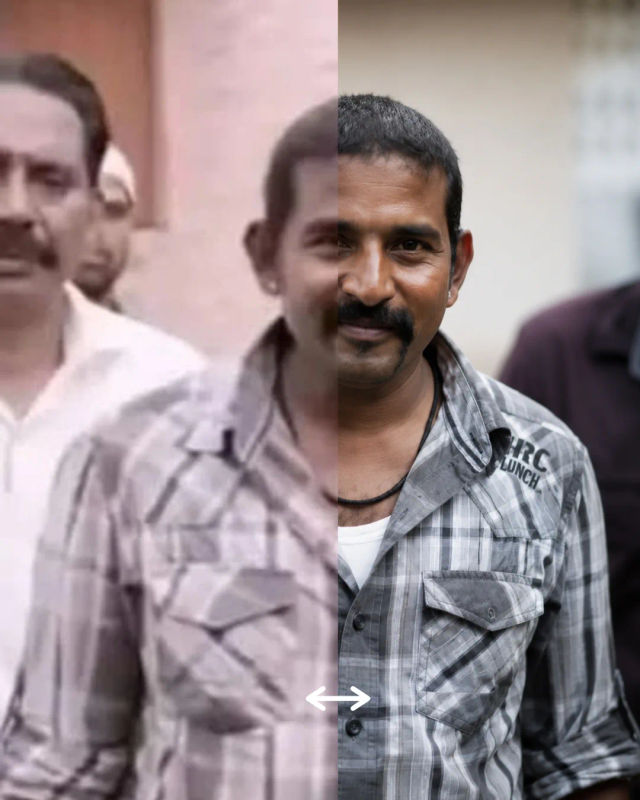
Remove unwanted objects, people, wires, or clutter from the uploaded image while preserving realistic textures, shadows, reflections, and natural lighting.
Share this prompt
2
VIEWS
·
0
COPIES
·
0
LIKES

Log in to leave a comment.
More Like This
See all →



How to use this prompt
Copy “Background Object Removal” once and reuse it for endless variations in Gemini. It works just as well in Midjourney, DALL·E 3 or Gemini, so you’re not locked into one tool.
- Tap Copy above to grab the full prompt.
- Open Gemini (or any image AI like Midjourney, DALL·E 3 or Gemini).
- Paste the prompt into the generate box and run it.
- Like the result? Re-roll once or twice and keep your favourite.
Tips & variations
- Push or pull the remove unwanted elements specifically — that’s usually the fastest lever here.
- Add an aspect ratio that fits your platform — portrait for Instagram, wide for banners.
- Replace the setting or background to repurpose the same prompt for a new theme.
Frequently asked questions
The prompt is free, but commercial rights depend on the AI tool you generate with. Most paid plans allow commercial use — always check that specific tool’s licence and terms first.
No — the prompt itself works on free tiers of Gemini. A paid plan may unlock faster generation, higher limits, or commercial licensing, depending on the tool.
AI models are non-deterministic, so results vary each run even with the same prompt. Generate a few times and pick your favourite, or lock a seed if your tool supports it.
Yes — every prompt on the site is free to copy and use. You only need an account with the AI tool you choose to run it.