
16
VIEWS
·
4
COPIES
·
1
LIKES
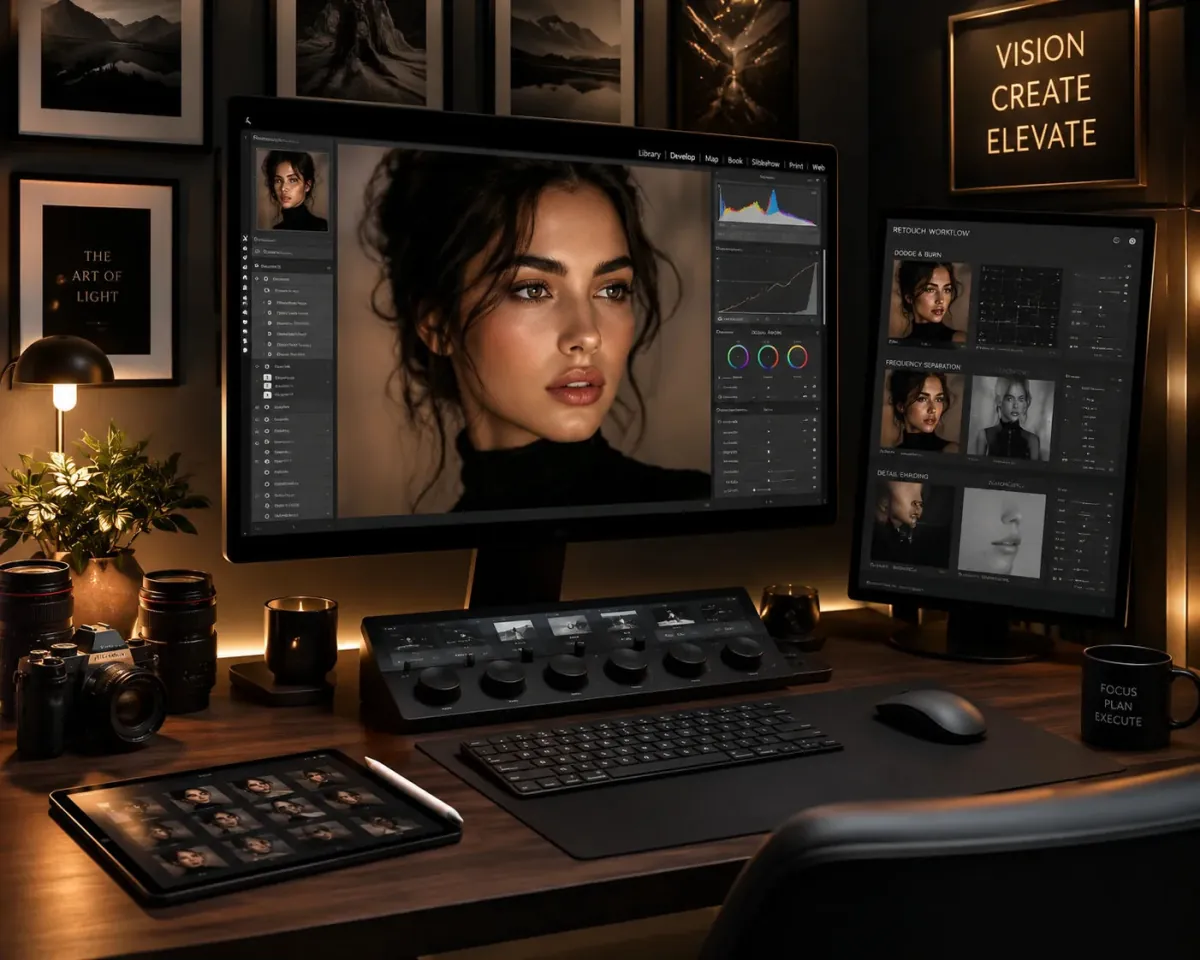
Professional Skin Retouch
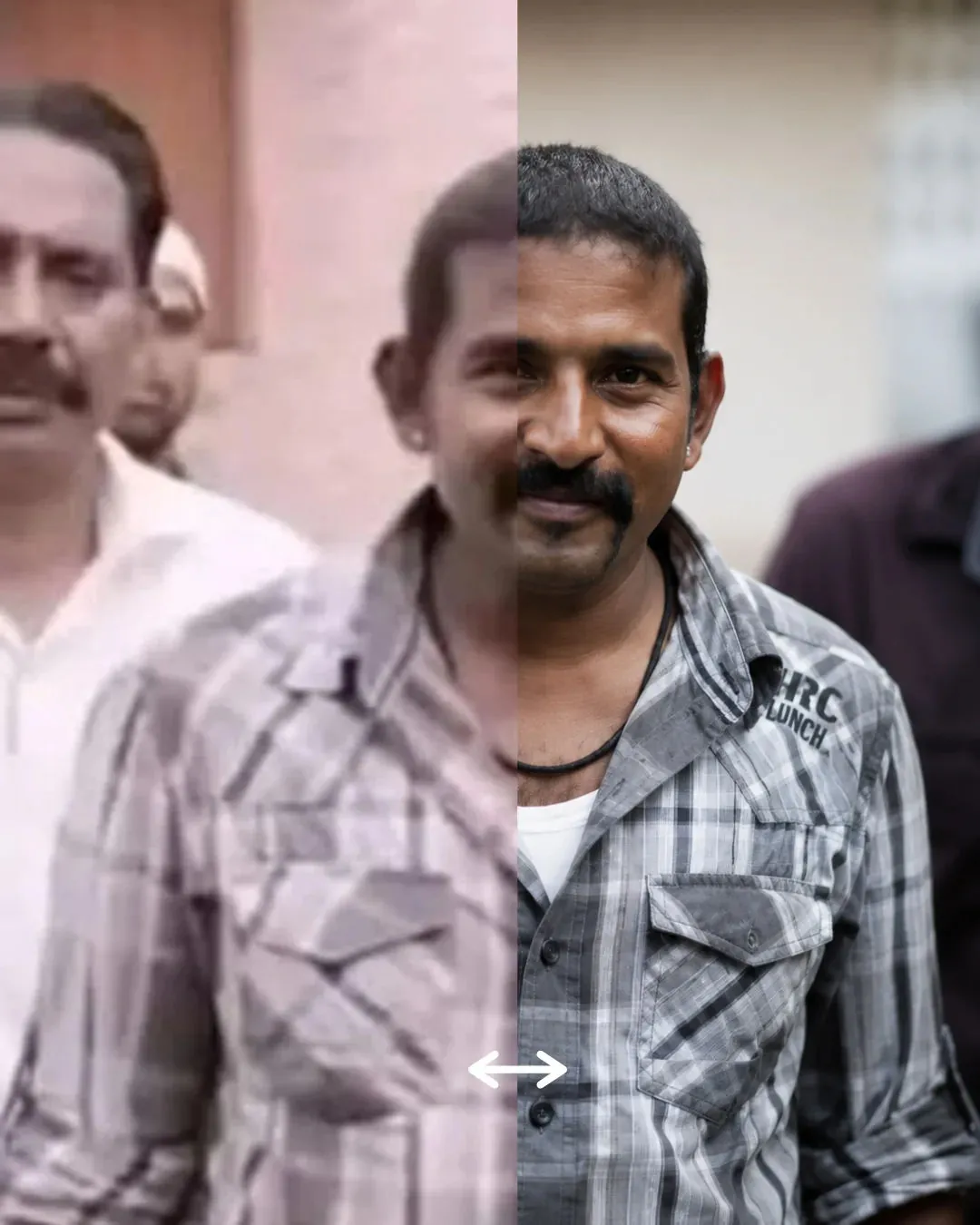
Act as a professional photo retoucher. Edit the uploaded image by enhancing skin texture naturally, removing blemishes, improving lighting balance, sharpening facial details, and maintaining realistic skin tones.
Also try in:
Did this prompt work for you?
Share this prompt
16
VIEWS
·
4
COPIES
·
1
LIKES

Log in to leave a comment.
More Like This
See all →



How to use this prompt
“Professional Skin Retouch” packages the descriptive detail an image model needs into one prompt. It works just as well in Midjourney, DALL·E 3 or Gemini, so you’re not locked into one tool.
- Grab the prompt with the Copy button at the top.
- Paste it into Gemini.
- Run it, focusing on photo retoucher if you want to steer the result.
- Regenerate to explore a few different takes on the same idea.
Tips & variations
- Append quality modifiers like “highly detailed, 8k, sharp focus” for a cleaner render.
- Tweak the camera/lens cue (“close-up”, “wide shot”) to control the framing.
- Replace the setting or background to repurpose the same prompt for a new theme.
Frequently asked questions
Edit the descriptive words in the prompt — change photo retoucher, the lighting, the colours or the setting. Small wording changes produce big differences in the final image.
The prompt is free, but commercial rights depend on the AI tool you generate with. Most paid plans allow commercial use — always check that specific tool’s licence and terms first.
AI models are non-deterministic, so results vary each run even with the same prompt. Generate a few times and pick your favourite, or lock a seed if your tool supports it.
Yes — treat it as a starting point. Once you have an output you like, you can feed it back in with a follow-up prompt to refine or extend it further.