
4
VIEWS
·
1
COPIES
·
0
LIKES
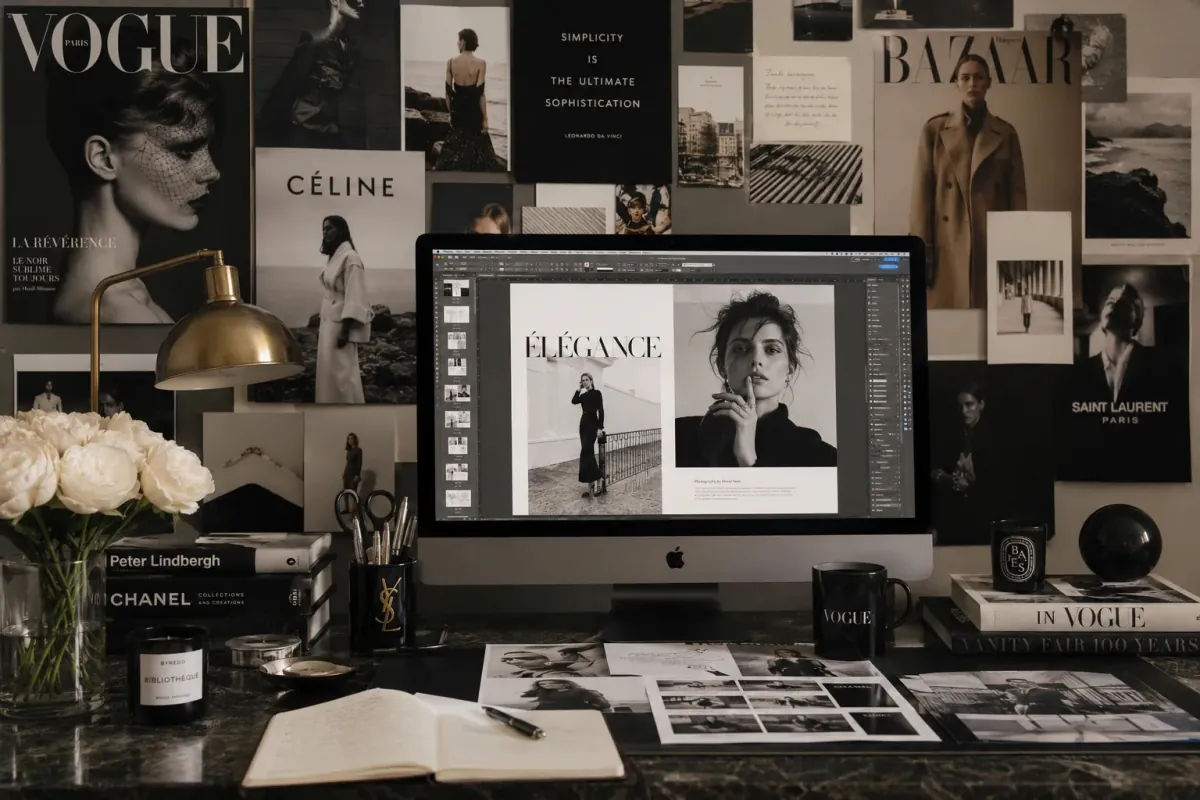
Fashion Editorial Enhancement
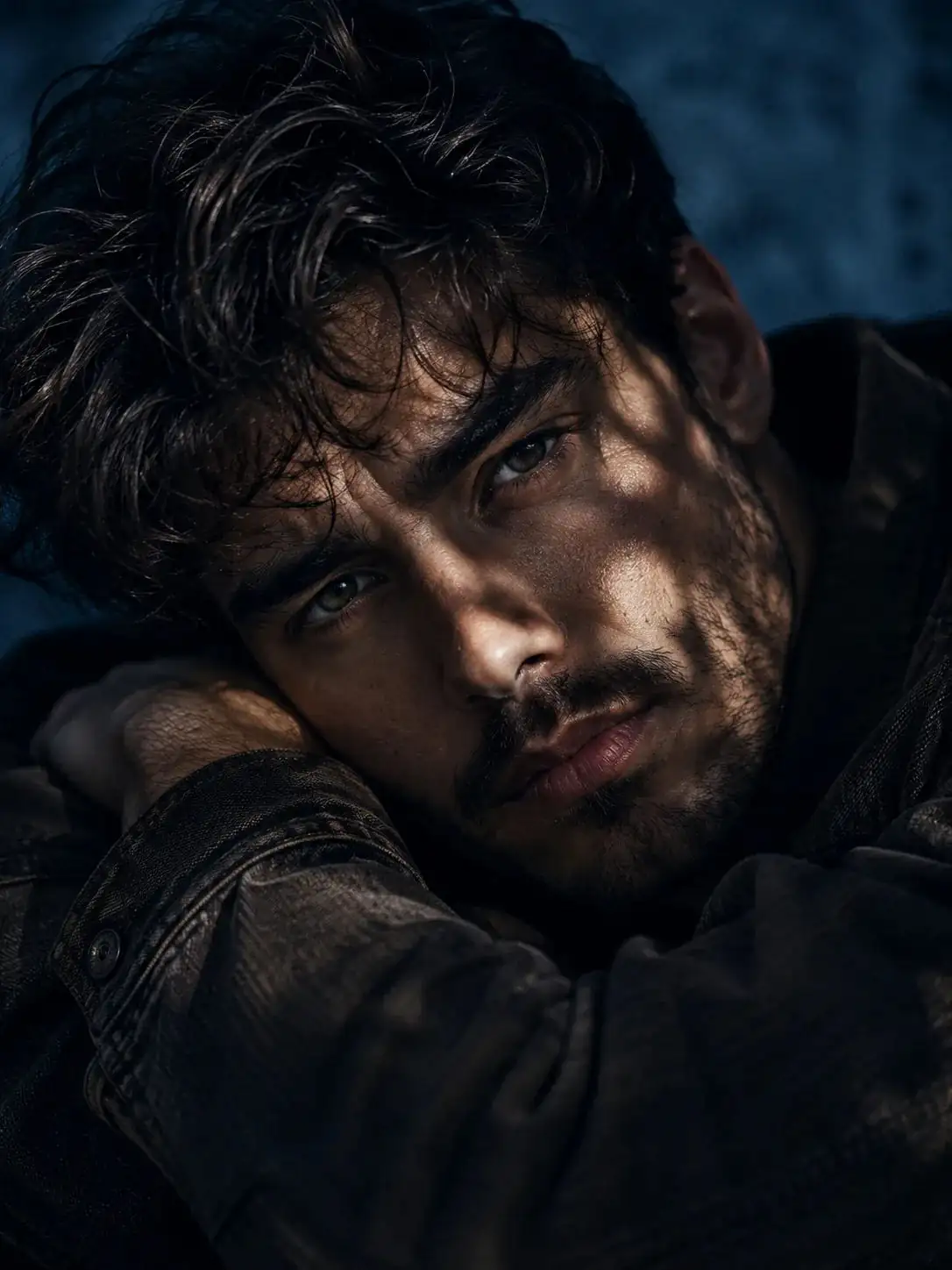
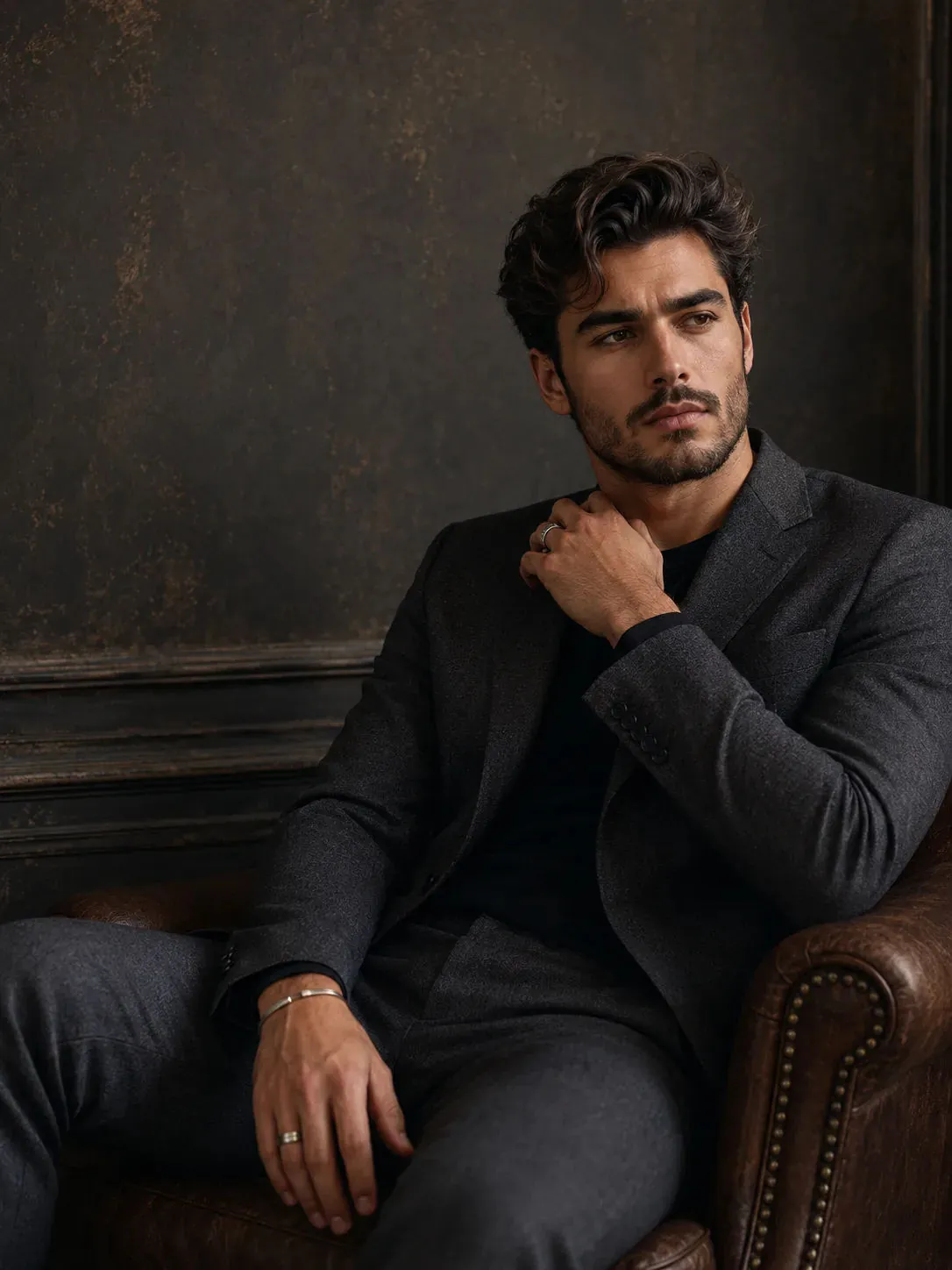
Edit the uploaded fashion image into a high-end editorial magazine style photo. Improve outfit details, add cinematic shadows, sharpen facial features, and create glossy luxury aesthetics.
Also try in:
Did this prompt work for you?
Share this prompt
4
VIEWS
·
1
COPIES
·
0
LIKES

Log in to leave a comment.
More Like This
See all →
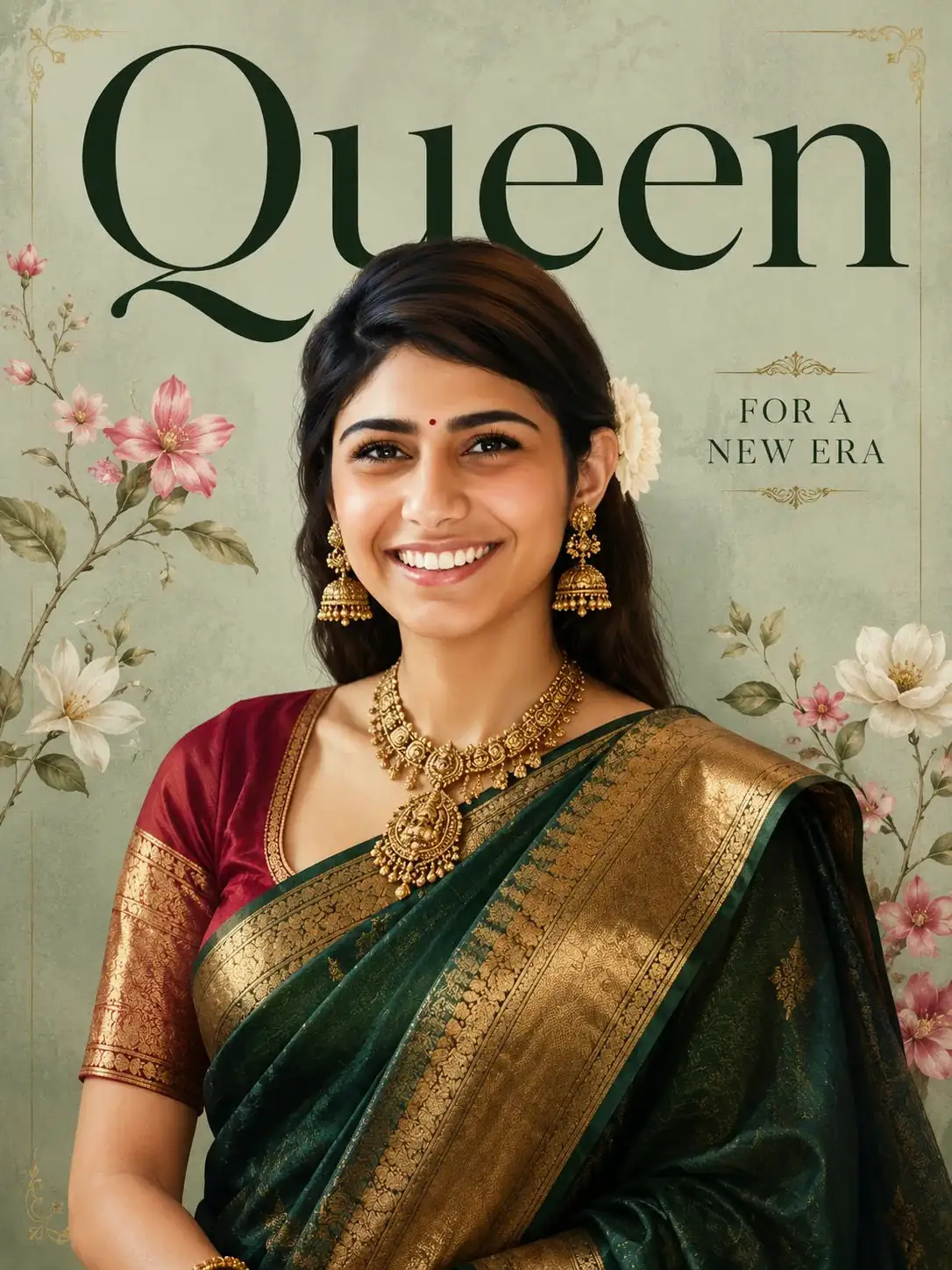
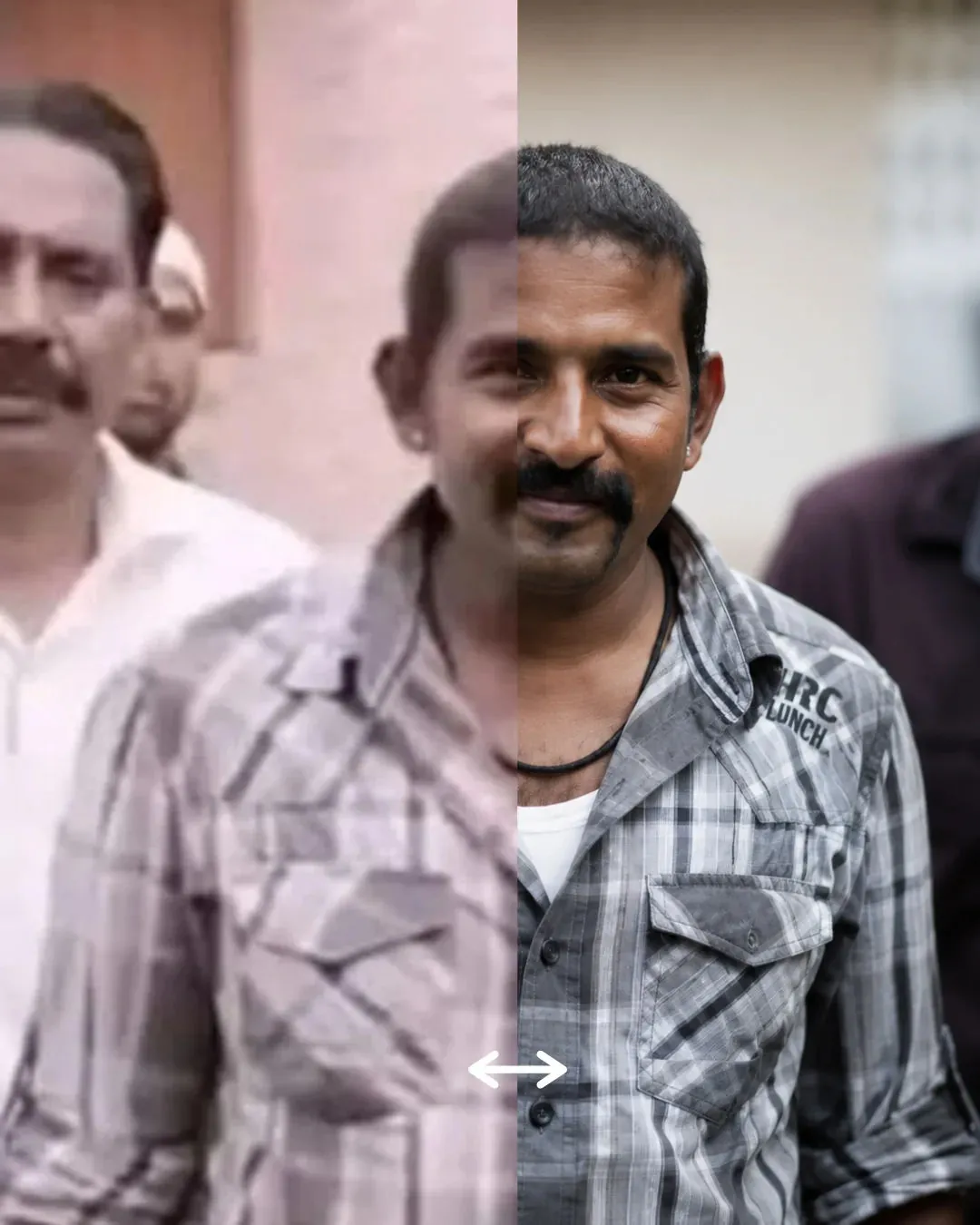
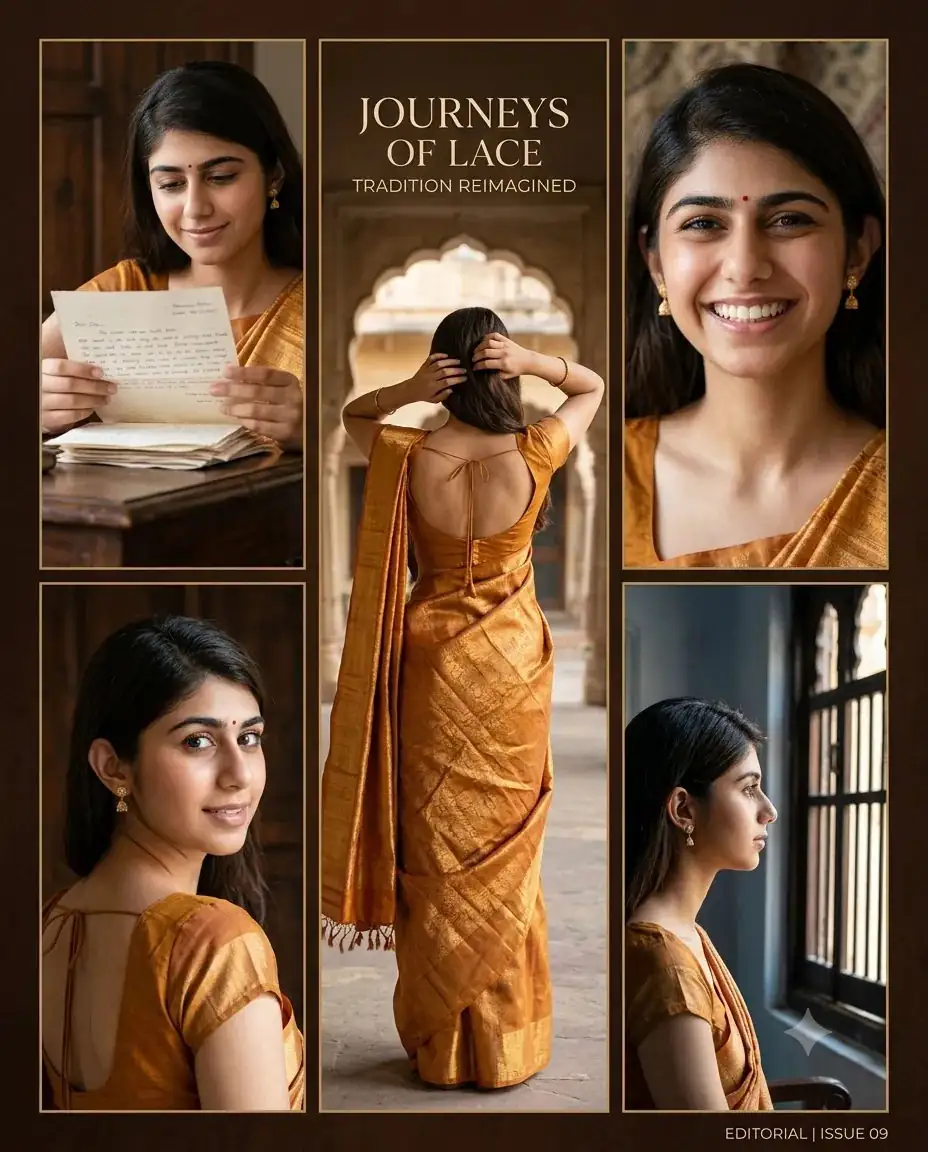
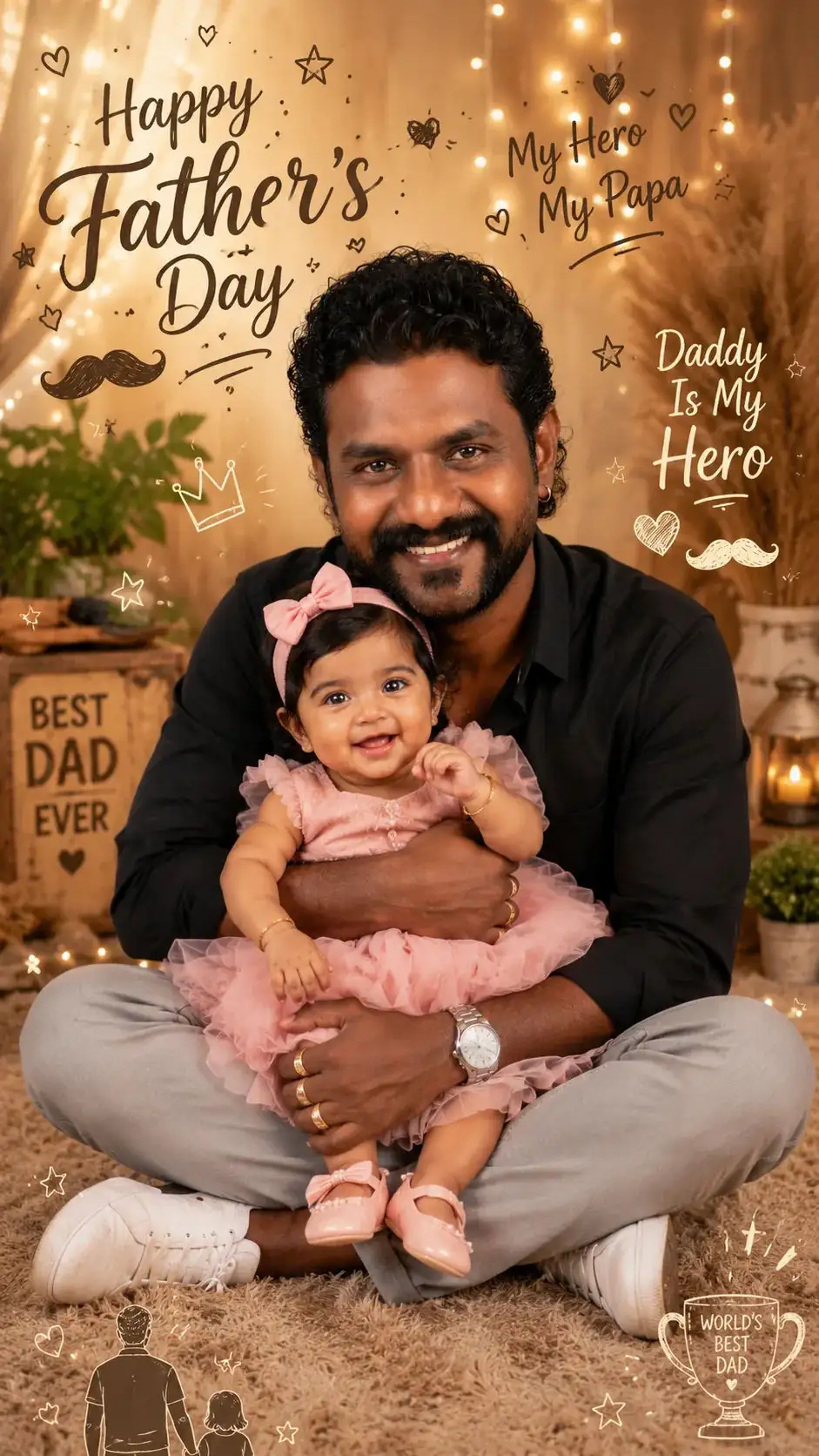
How to use this prompt
“Fashion Editorial Enhancement” is a ready-to-use Gemini Photo Editing Prompts prompt built for Gemini. Generate, tweak a few words, and re-roll until it’s exactly right.
- Grab the prompt with the Copy button at the top.
- Paste it into Gemini.
- Run it, focusing on style photo if you want to steer the result.
- Regenerate to explore a few different takes on the same idea.
Tips & variations
- Try the prompt with and without the style words to see how much they’re actually doing.
- Replace the setting or background to repurpose the same prompt for a new theme.
- Add an aspect ratio that fits your platform — portrait for Instagram, wide for banners.
Frequently asked questions
It’s set up for Gemini, and it also works well in Midjourney, DALL·E 3 or Gemini. Image models vary, so try the same prompt in a couple of tools and keep the result you like best.
Yes — every prompt on the site is free to copy and use. You only need an account with the AI tool you choose to run it.
The prompt is free, but commercial rights depend on the AI tool you generate with. Most paid plans allow commercial use — always check that specific tool’s licence and terms first.
No — the prompt itself works on free tiers of Gemini. A paid plan may unlock faster generation, higher limits, or commercial licensing, depending on the tool.