
3
VIEWS
·
0
COPIES
·
0
LIKES
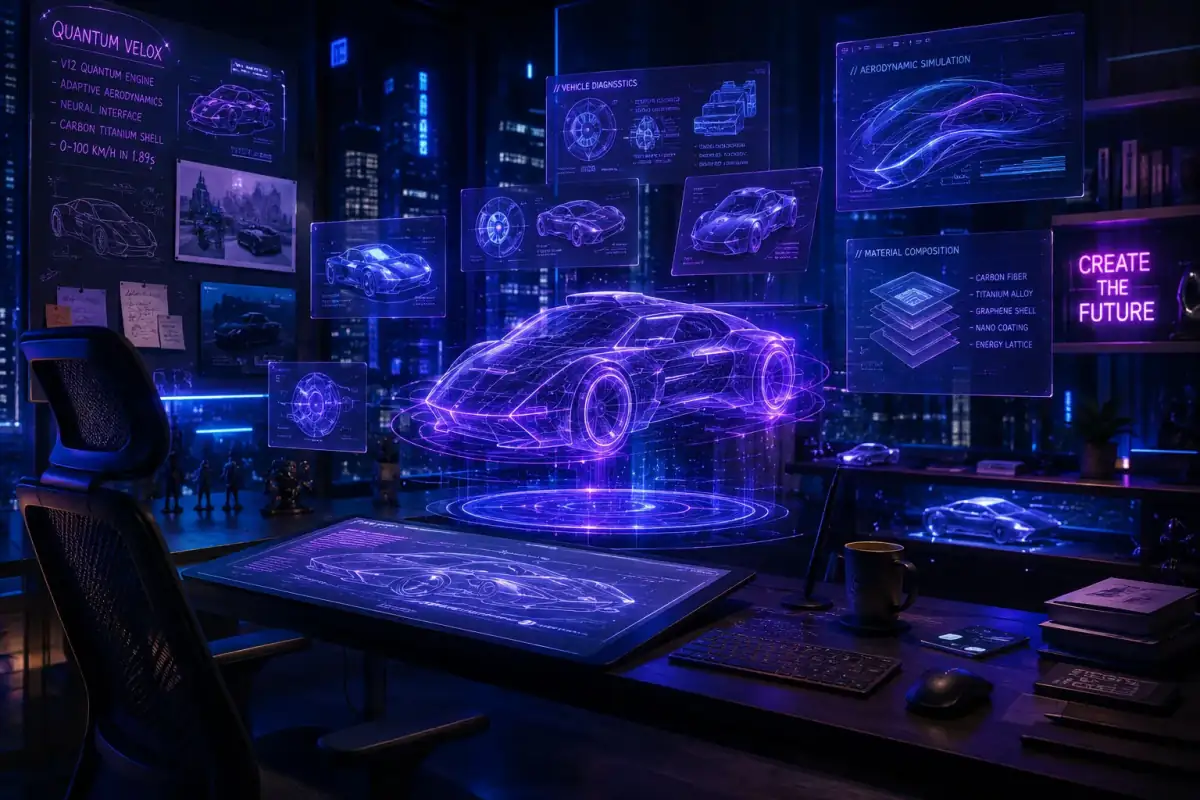
Finance App Branding
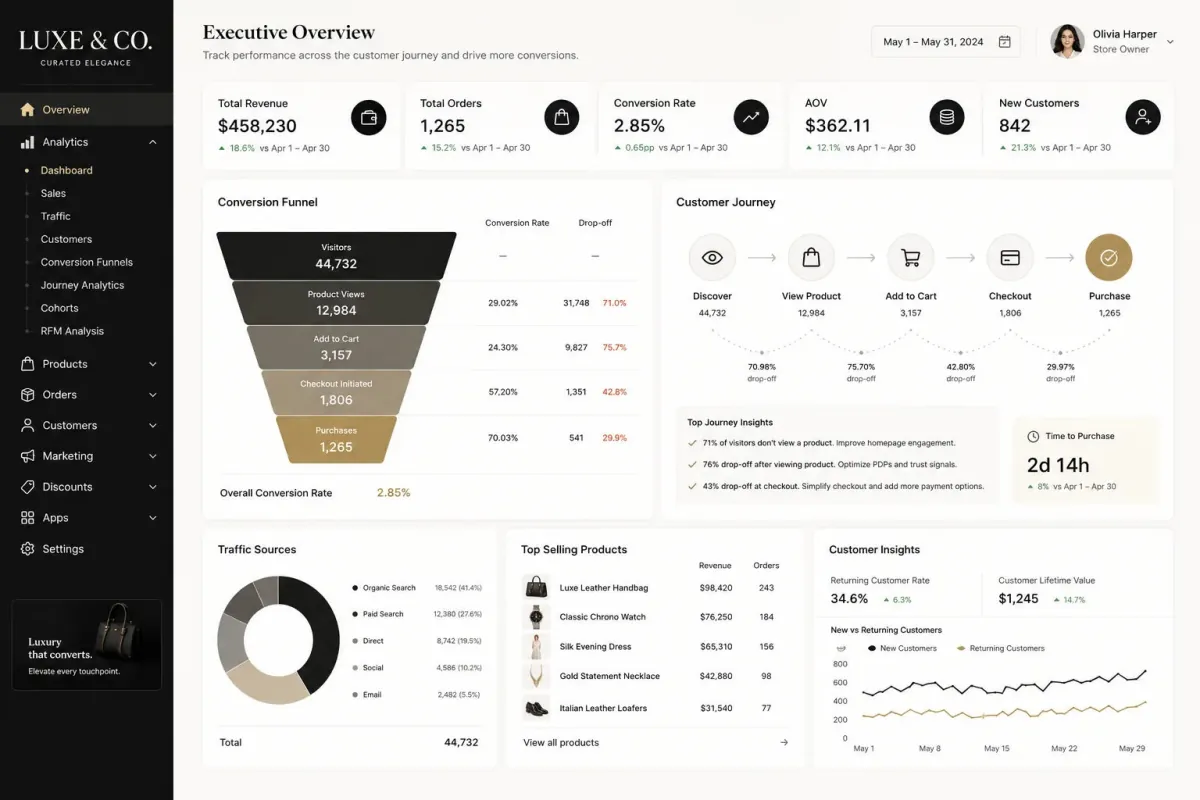
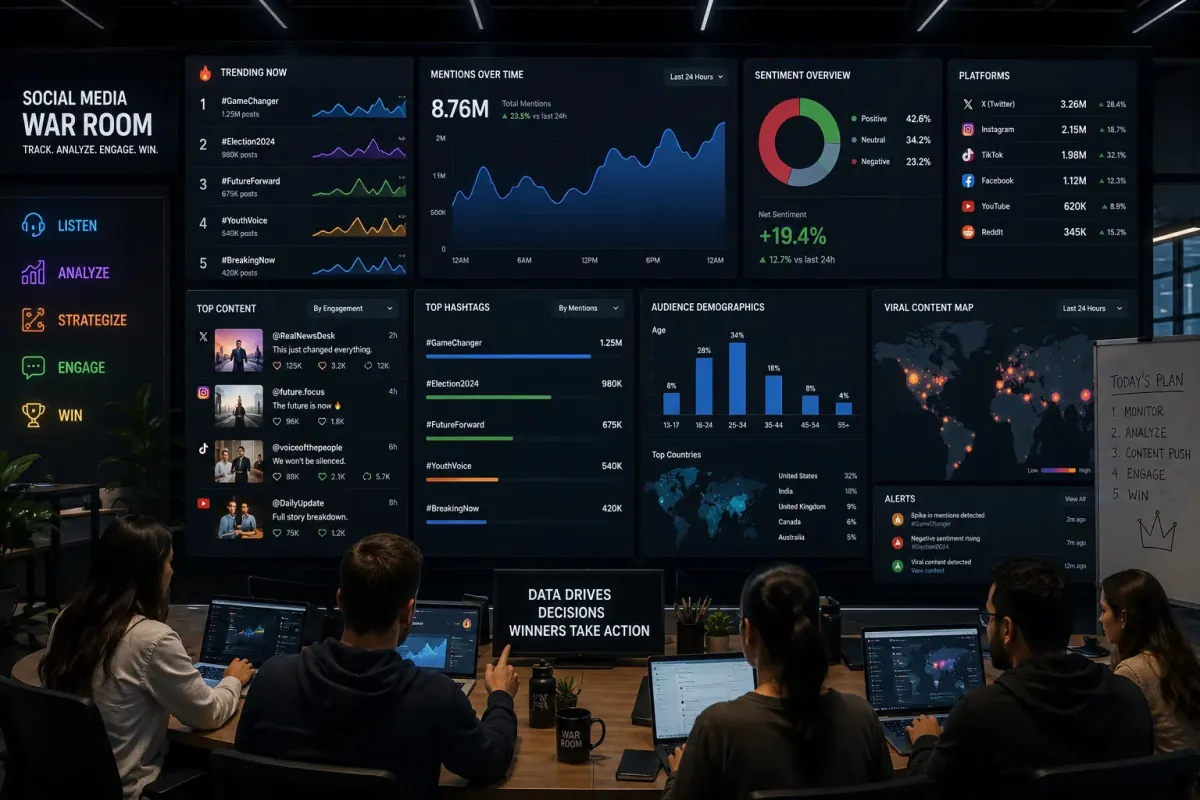
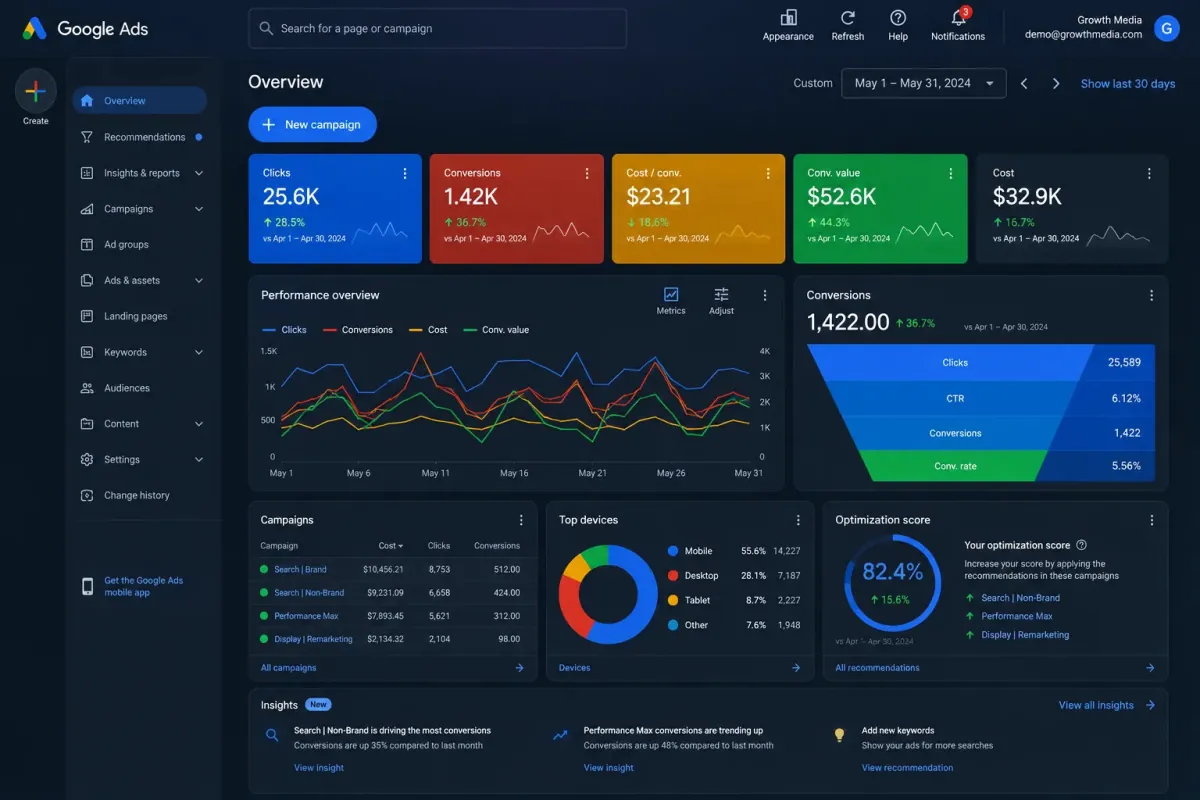
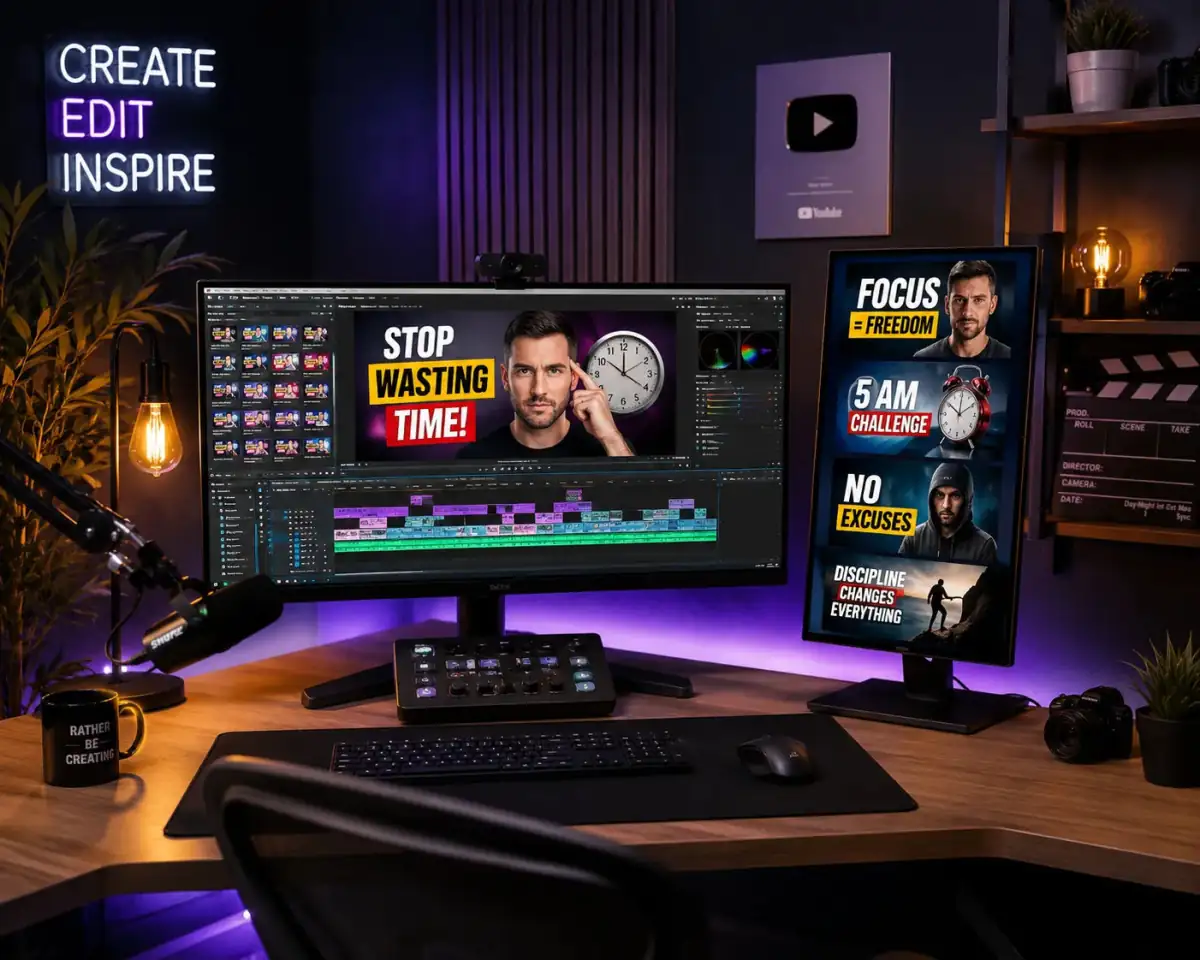
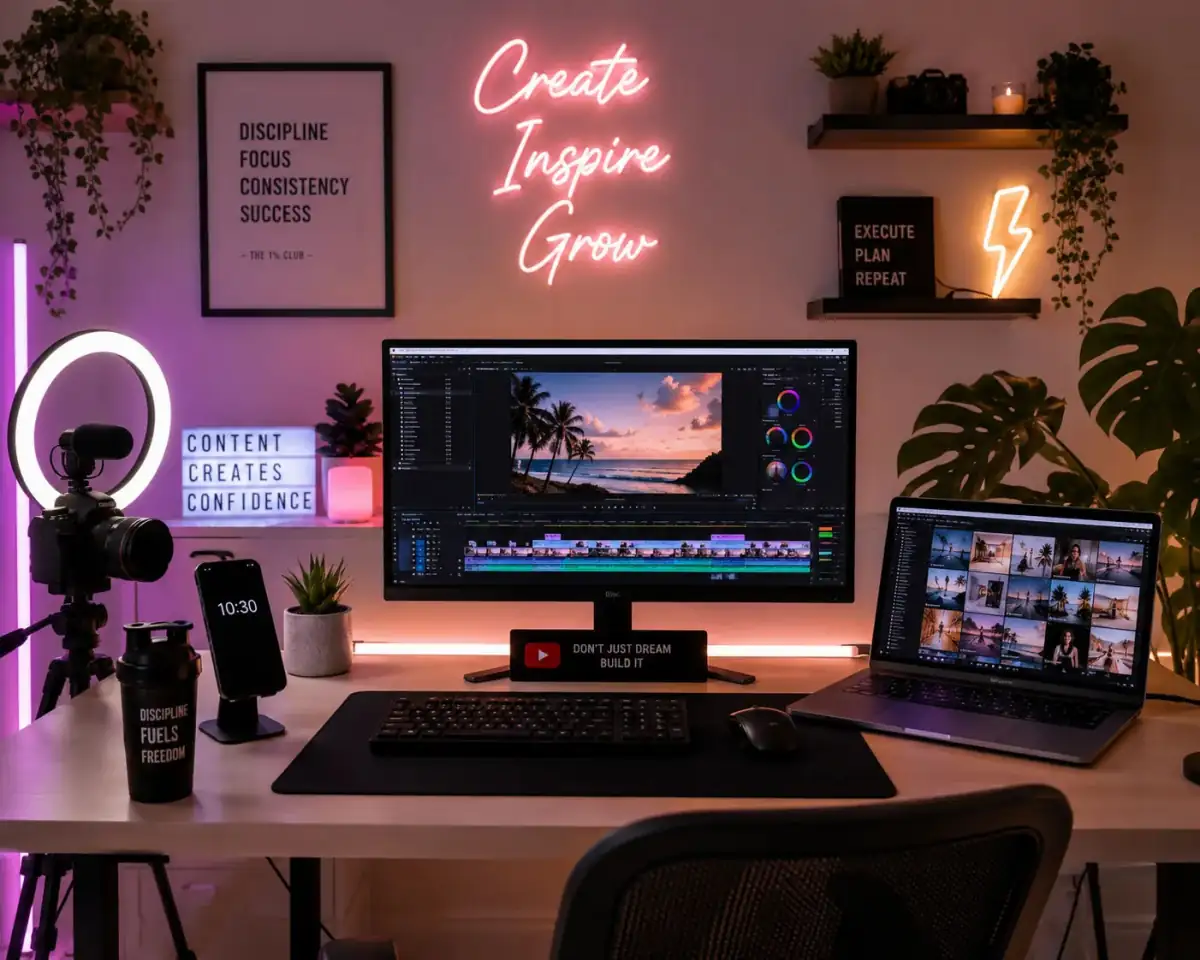
Create a highly detailed finance app branding scene for [BRAND/THEME]. Use [COLOR PALETTE] as the dominant visual style with cinematic lighting and ultra realistic textures. Composition should include [MAIN SUBJECT], [BACKGROUND ELEMENTS], and [MOOD/ATMOSPHERE]. Style should combine modern commercial photography with premium digital art aesthetics. Add dramatic depth of field, dynamic shadows, and professional studio quality rendering. Include intricate details, sharp focus, volumetric lighting, realistic reflections, and premium composition. Use a visually striking perspective optimized for marketing, branding, or social media visuals. --ar [ASPECT RATIO] --stylize [STYLE VALUE] --quality 2
Share this prompt
3
VIEWS
·
0
COPIES
·
0
LIKES

Log in to leave a comment.
More Like This
See all →
How to use this prompt
Here’s a shortcut to “Finance App Branding” — no prompt-writing experience required. Generate, tweak a few words, and re-roll until it’s exactly right.
- Use the Copy button to copy the prompt text.
- Head to Midjourney and start a new image.
- Set your preferred aspect ratio, then generate.
- Download the version you like and share it.
Tips & variations
- Push or pull the highly detailed elements specifically — that’s usually the fastest lever here.
- Try the prompt with and without the style words to see how much they’re actually doing.
- Swap the main subject for your own to completely change the scene while keeping the style.
Frequently asked questions
It generates a visual built around highly detailed — part of our Midjourney Prompts collection. Use it as-is or as a starting point you customise to taste.
It’s set up for Midjourney, and it also works well in Midjourney, DALL·E 3 or Gemini. Image models vary, so try the same prompt in a couple of tools and keep the result you like best.
The way it handles highly detailed is fairly specific, so results tend to be more focused than a generic Midjourney Prompts prompt.
Edit the descriptive words in the prompt — change highly detailed, the lighting, the colours or the setting. Small wording changes produce big differences in the final image.