
6
VIEWS
·
0
COPIES
·
0
LIKES
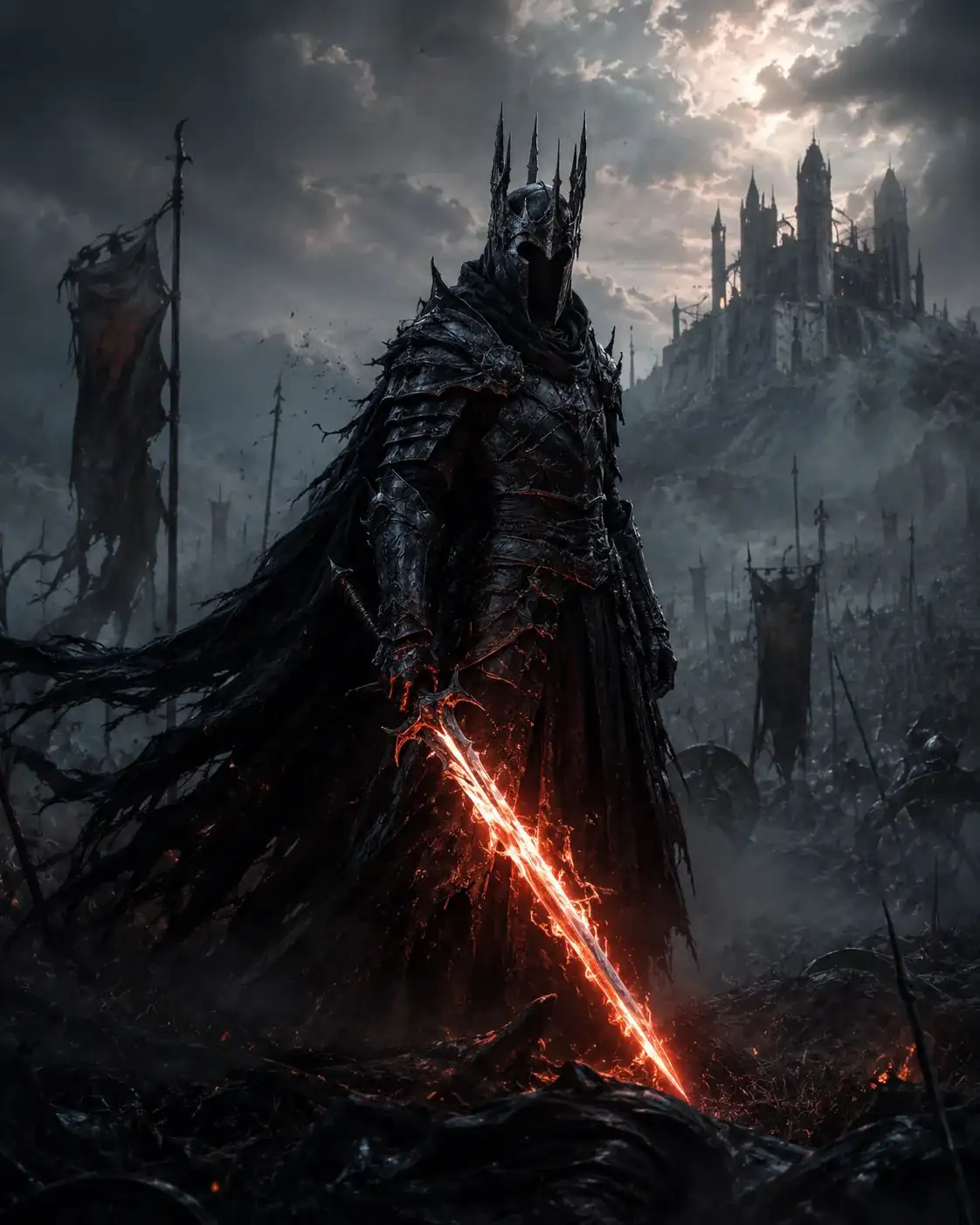
Dark Fantasy Warrior
Dark fantasy warrior character for [GAME WORLD], glowing sword, misty battlefield, cinematic fantasy lighting, ultra detailed armor textures, epic RPG concept art, dramatic atmosphere --ar 2:3 --stylize 750
Also try in:
Did this prompt work for you?
Share this prompt
6
VIEWS
·
0
COPIES
·
0
LIKES

Log in to leave a comment.
More Like This
See all →
How to use this prompt
Want a fast “Dark Fantasy Warrior” result? This Midjourney Prompts prompt is set up for Midjourney. Generate, tweak a few words, and re-roll until it’s exactly right.
- Tap Copy above to grab the full prompt.
- Open Midjourney (or any image AI like Midjourney, DALL·E 3 or Gemini).
- Paste the prompt into the generate box and run it.
- Like the result? Re-roll once or twice and keep your favourite.
Tips & variations
- Push or pull the game world elements specifically — that’s usually the fastest lever here.
- Replace the setting or background to repurpose the same prompt for a new theme.
- Add an aspect ratio that fits your platform — portrait for Instagram, wide for banners.
Frequently asked questions
It’s set up for Midjourney, and it also works well in Midjourney, DALL·E 3 or Gemini. Image models vary, so try the same prompt in a couple of tools and keep the result you like best.
Yes — treat it as a starting point. Once you have an output you like, you can feed it back in with a follow-up prompt to refine or extend it further.
The way it handles game world is fairly specific, so results tend to be more focused than a generic Midjourney Prompts prompt.
Edit the descriptive words in the prompt — change game world, the lighting, the colours or the setting. Small wording changes produce big differences in the final image.