
3
VIEWS
·
10
COPIES
·
1
LIKES
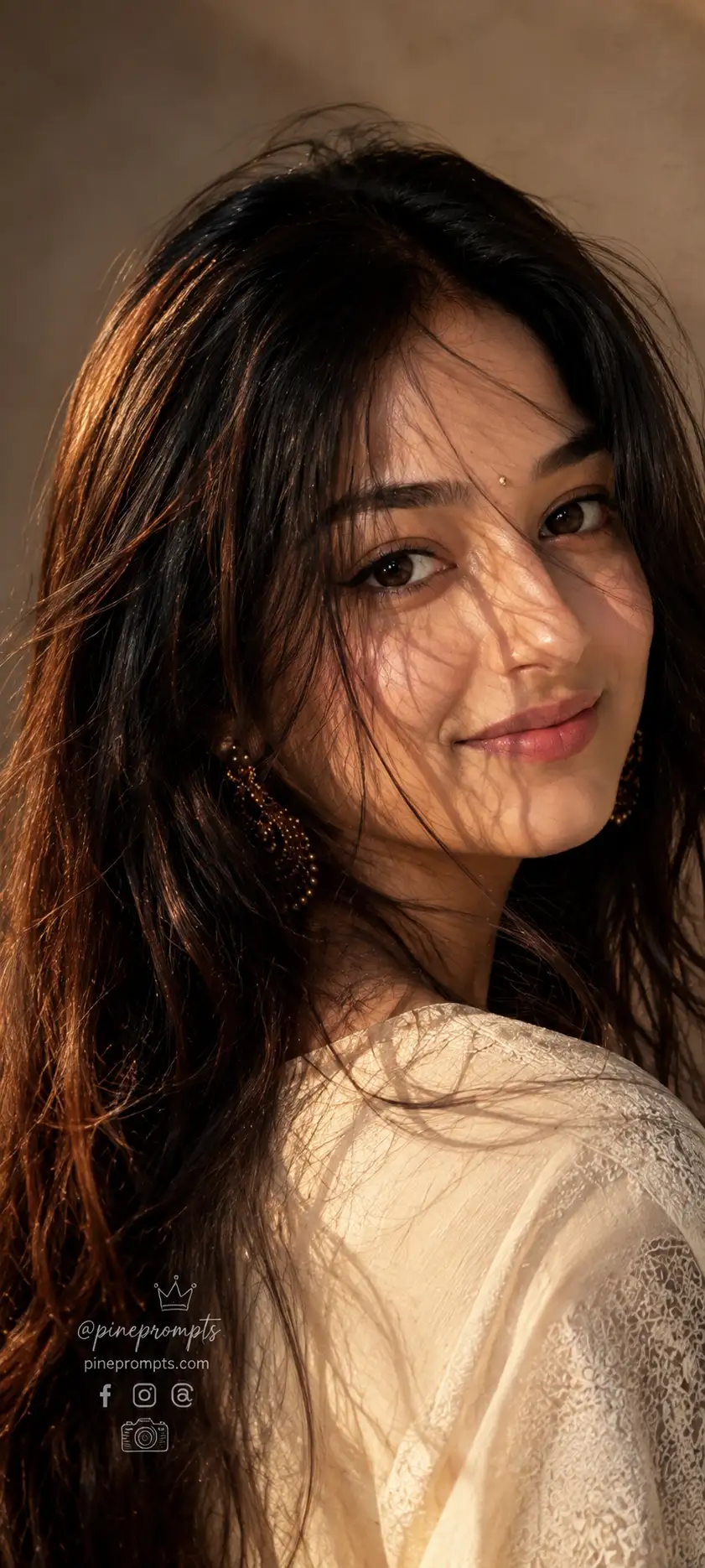
Hyper-Realistic Retro Editorial Portrait
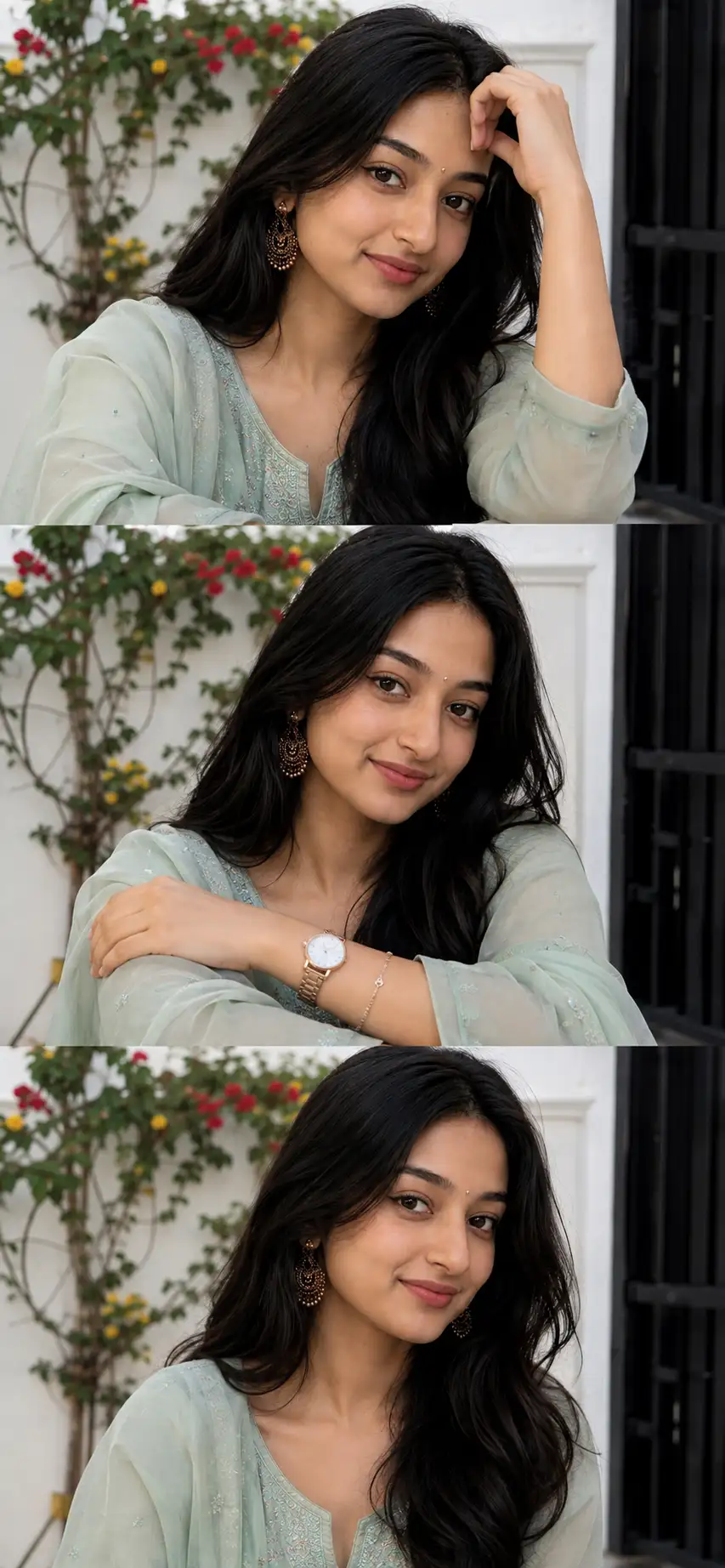
Create a hyper-realistic retro editorial portrait using the uploaded reference image as the only facial identity source. Absolute Identity Lock: preserve 100% facial accuracy with no changes to facial structure, bone proportions, skin tone, eye shape, eyebrow shape, nose, lips, jawline, forehead, ears, hairline, expression, age, or ethnicity. Do not beautify, stylize, age, de-age, feminize, masculinize, or reinterpret the face. Maintain natural skin texture with visible pores, subtle peach fuzz, realistic fine lines, and authentic imperfections. The output must look like a real DSLR photograph of the exact same person.The subject is posed with her head turned slightly to her right (viewer's left) and tilted slightly backward, while her gaze is directed upward and slightly to her left (viewer's right), maintaining direct eye contact with the camera from this elegant tilted angle. Keep a calm, confident, soft expression with naturally relaxed lips.Her long dark brown hair features subtle reddish-brown undertones visible under warm directional light. Hair falls naturally across the face in multiple fine strands, creating intricate, realistic shadow patterns over the forehead, eyebrows, eyes, nose, and cheeks. The hair should appear softly textured, slightly windswept, and naturally disheveled while beautifully framing the face.Dress her in a delicate off-white kurti with subtle embroidery and premium fabric texture, creating a timeless retro aesthetic. Use warm golden-hour cinematic lighting with soft highlights, gentle contrast, rich skin tones, and shallow depth of field. Capture using a high-end full-frame DSLR with an 85mm portrait lens, f/1.8 aperture, ultra-sharp focus on the eyes, creamy background bokeh, realistic color grading, and premium editorial fashion photography quality.Branding Overlay: Place small monochrome Facebook, Instagram, and Threads logos together with a handwritten signature-style "@pineprompts", the text "pineprompts.com", a small crown icon above the username, and a camera icon below. Position this branding in the bottom-left corner, exactly 6% from the left edge and 15% from the bottom edge, without touching the border. Keep the branding elegant, minimal, and unobtrusive.Aspect Ratio: 9:20 vertical.
Open with:
Share this prompt
3
VIEWS
·
10
COPIES
·
1
LIKES

Log in to leave a comment.
More Like This
See all →
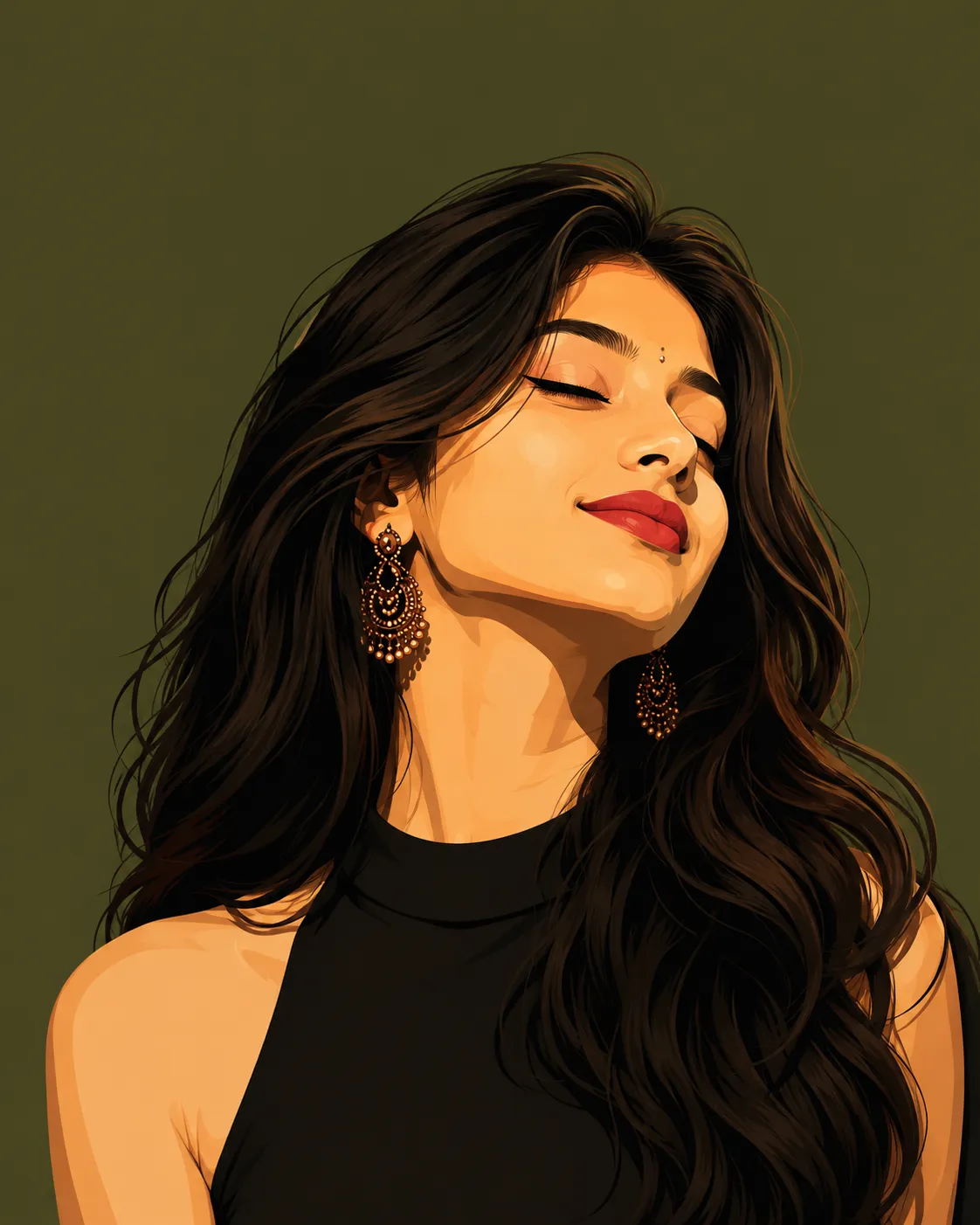
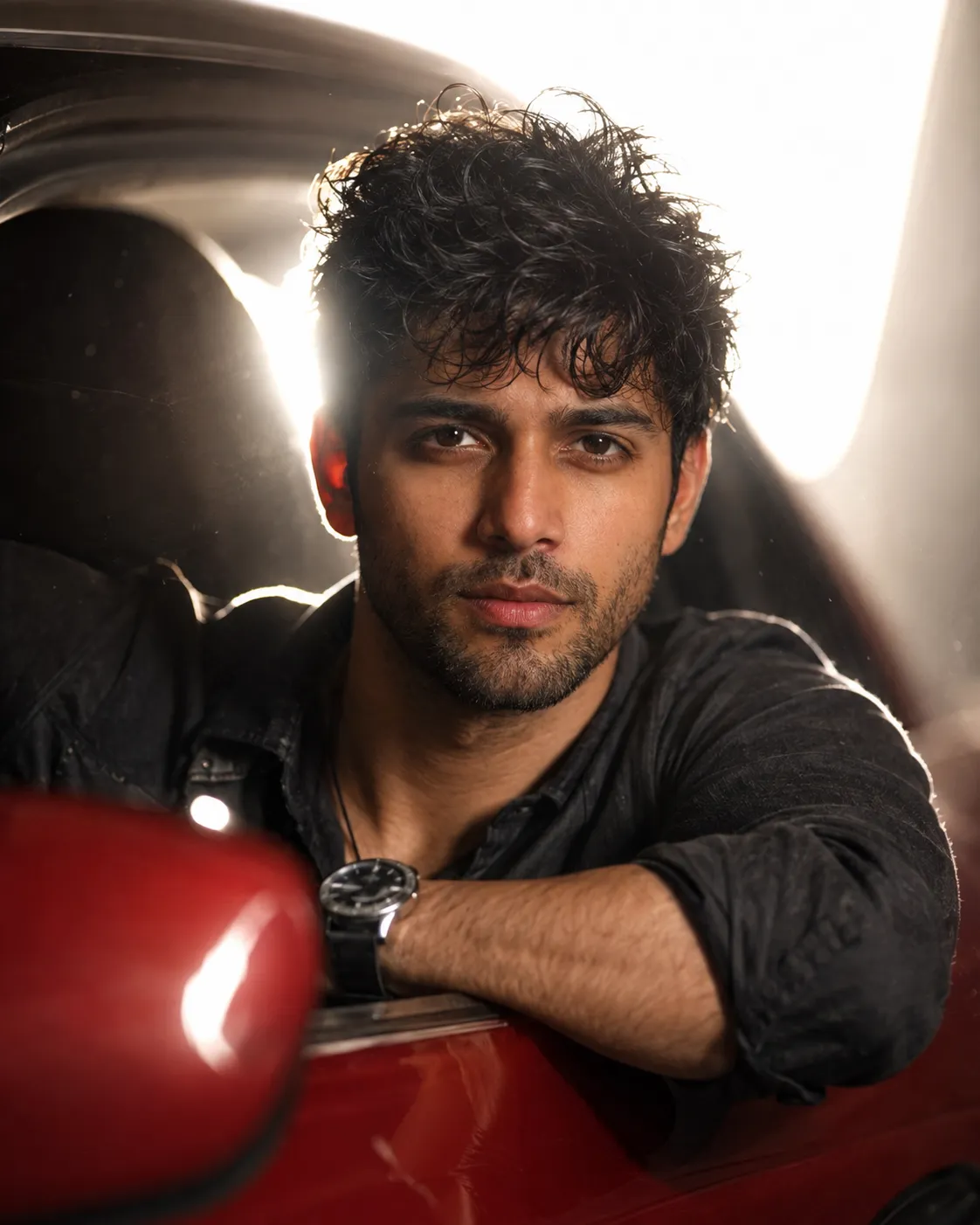
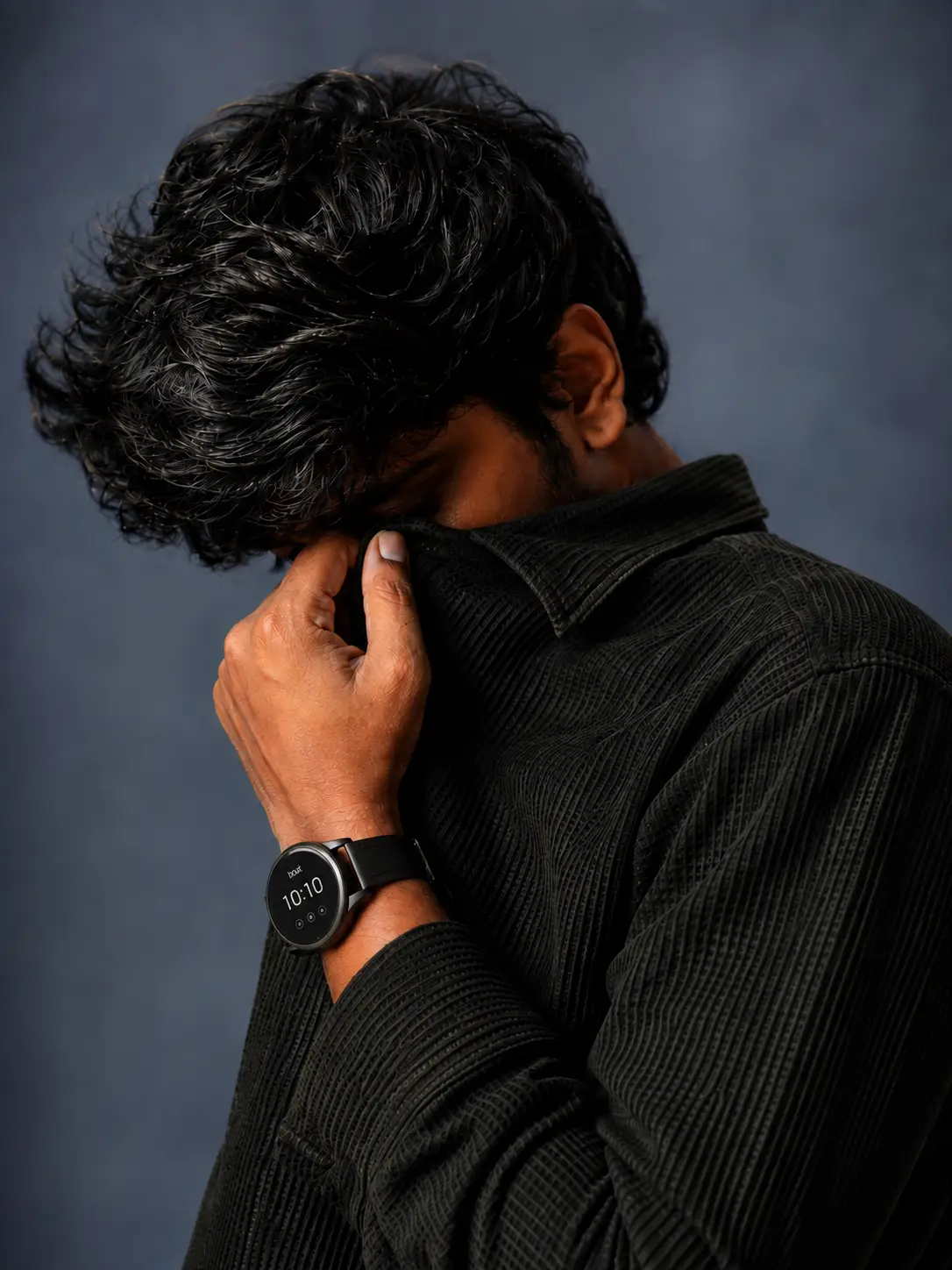
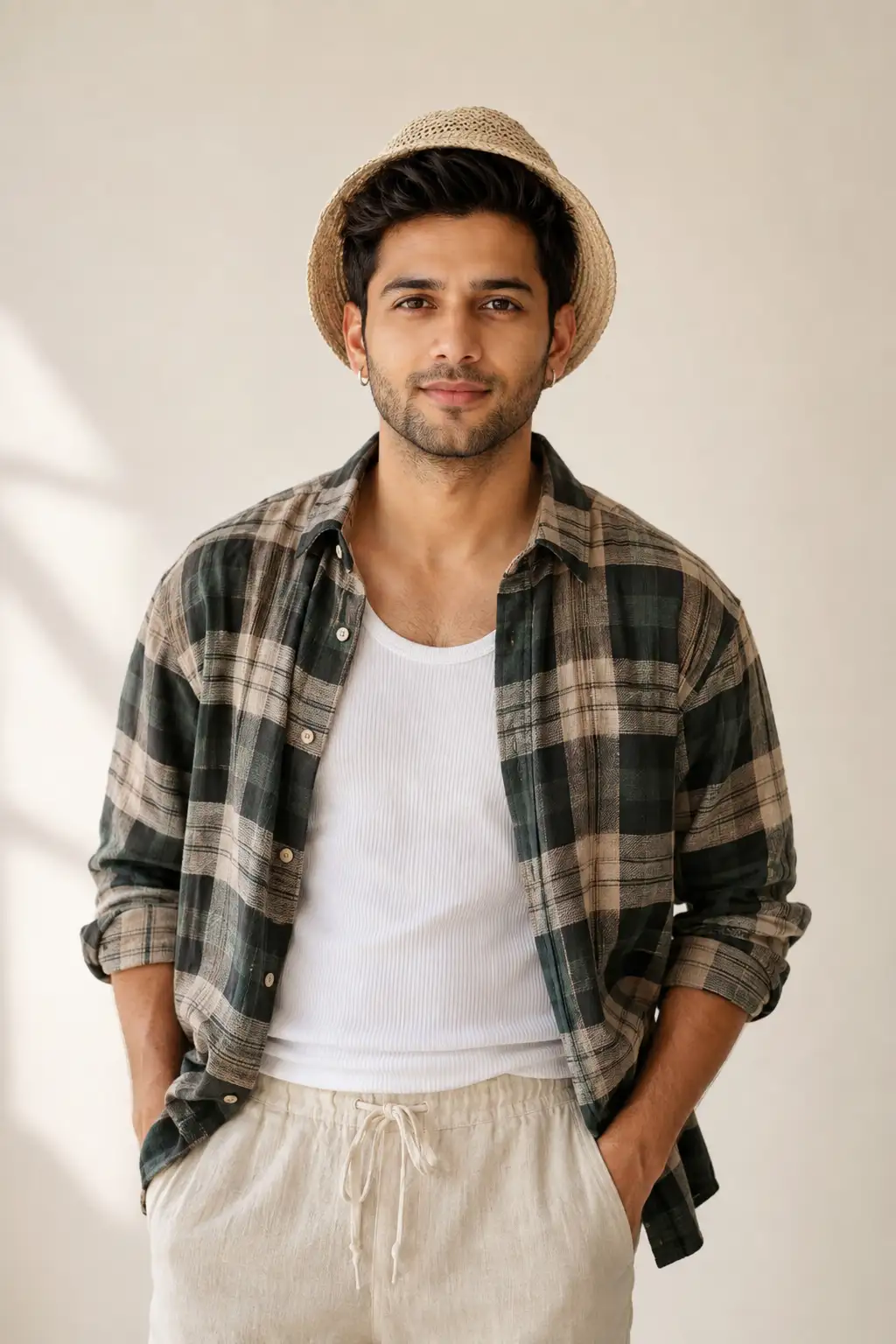
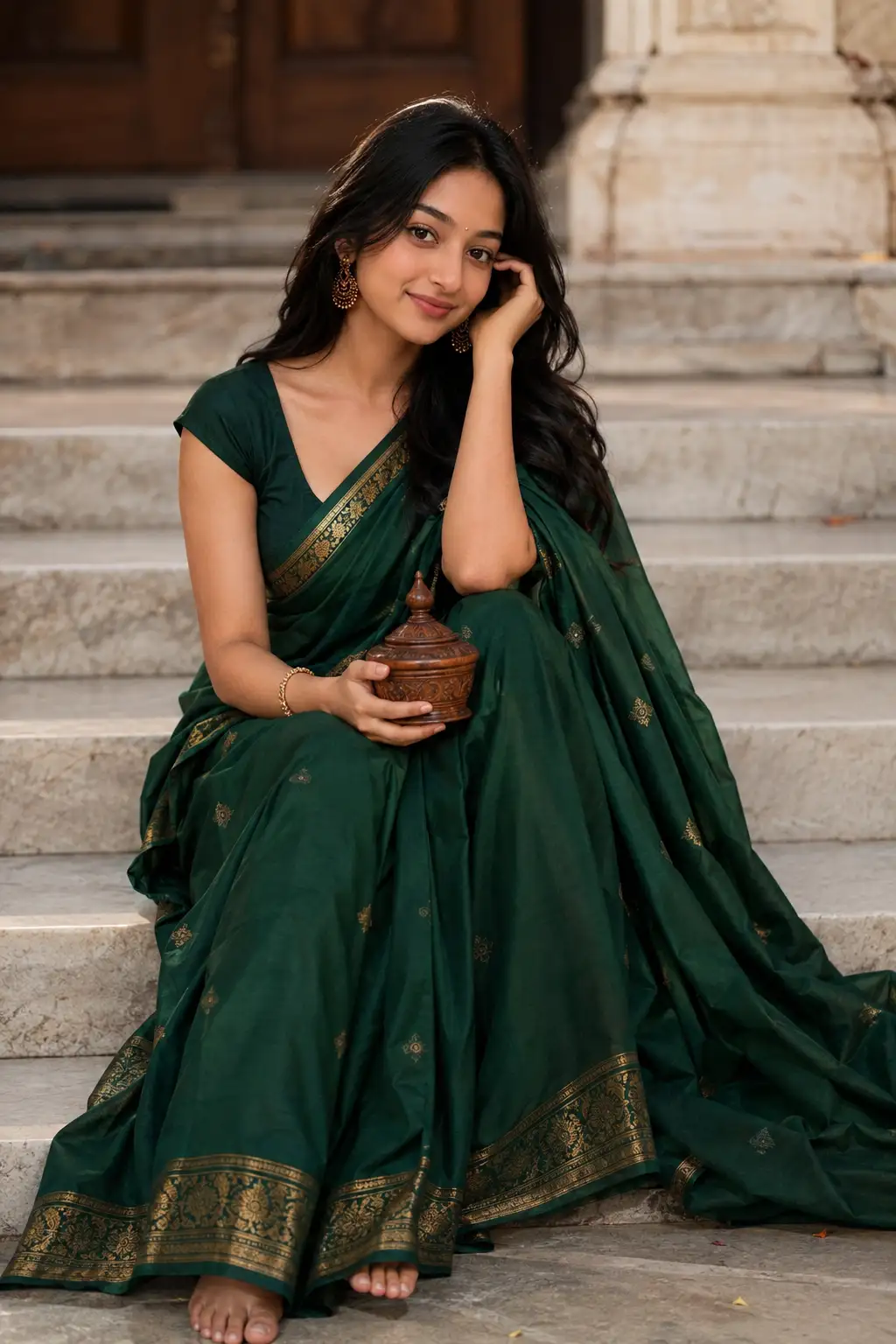
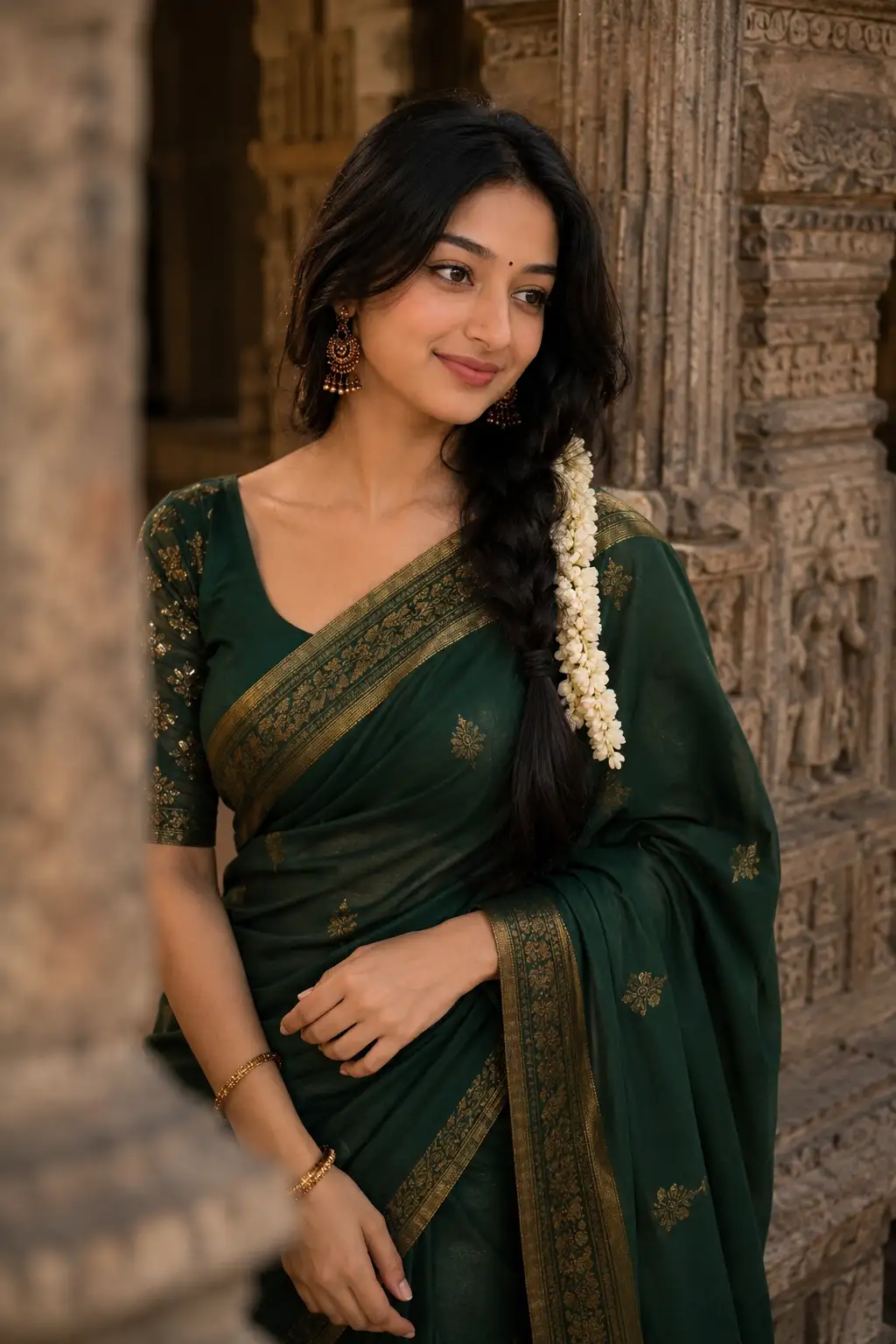
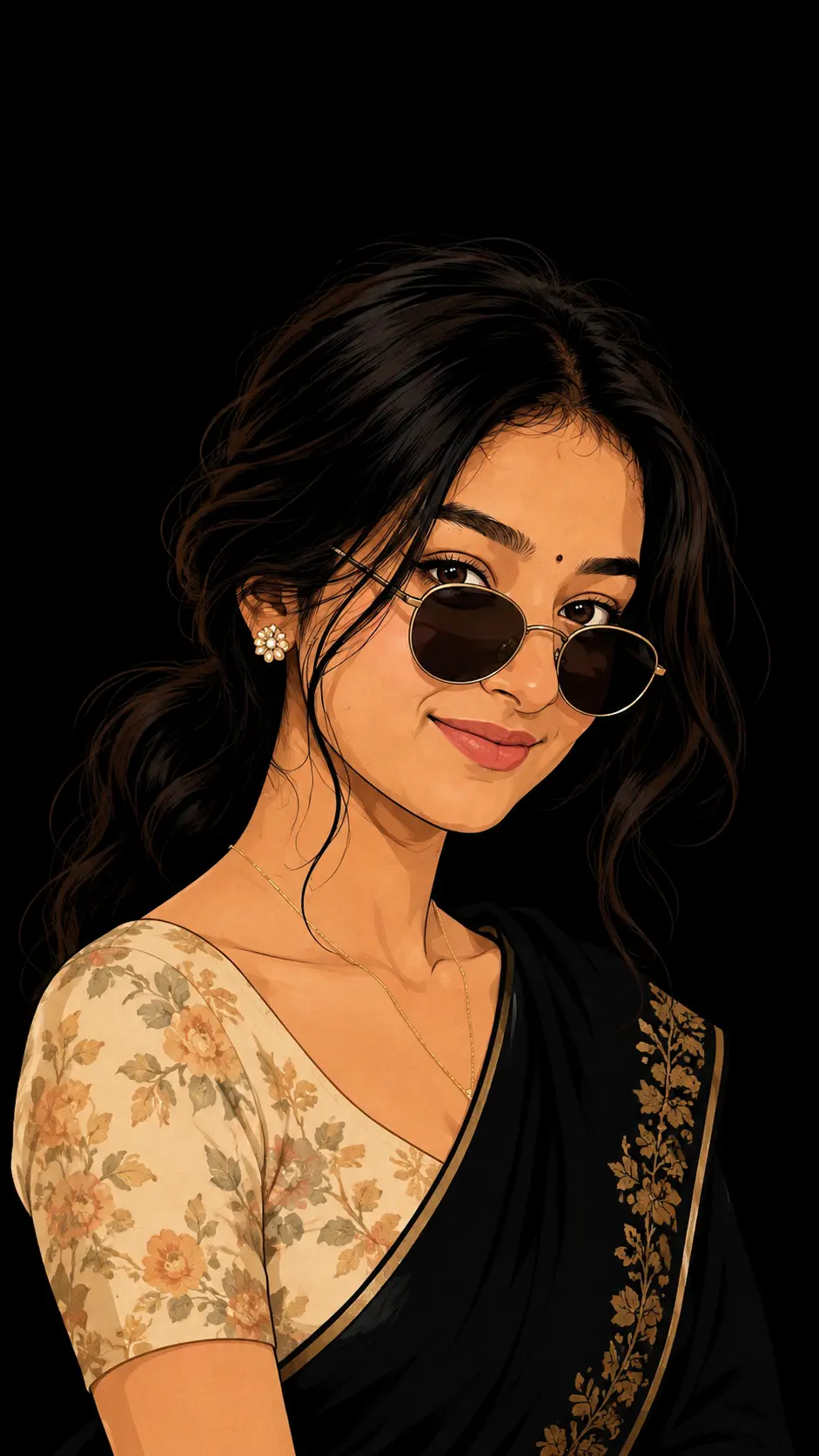
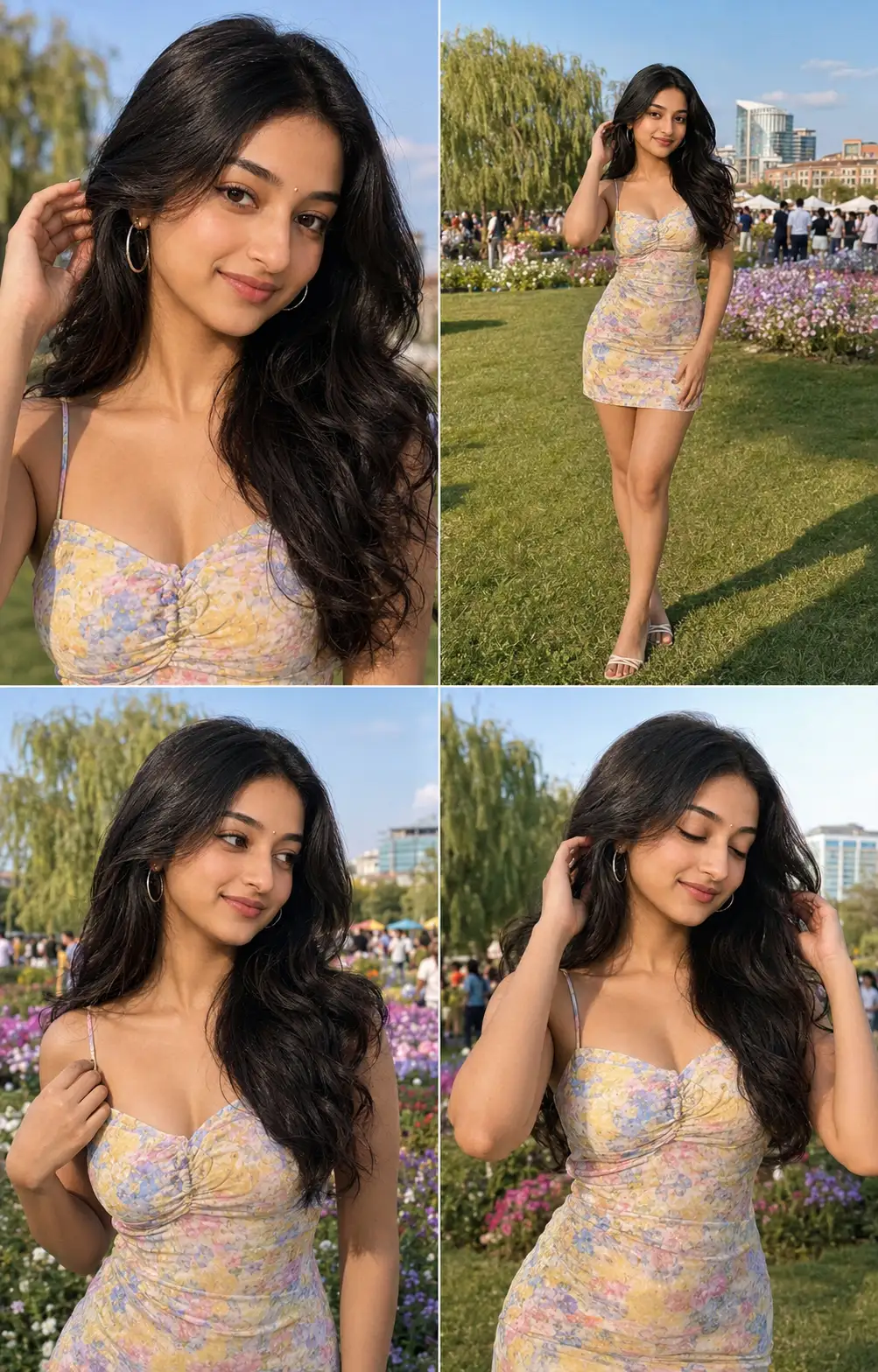
How to use this prompt
Here’s a shortcut to “Hyper-Realistic Retro Editorial Portrait” — no prompt-writing experience required. It’s tuned to give a repeatable, high-detail image you can refine. What sets this one apart is how it handles uploaded reference.
- Use the Copy button to copy the prompt text.
- Head to ChatGPT and start a new image.
- Set your preferred aspect ratio, then generate.
- Download the version you like and share it.
Tips & variations
- Change the lighting words (e.g. “golden hour”, “studio”, “moody”) to shift the whole mood.
- Try the prompt with and without the style words to see how much they’re actually doing.
- Name a colour palette to keep a series of images visually consistent.
Frequently asked questions
Yes — every prompt on the site is free to copy and use. You only need an account with the AI tool you choose to run it.
Yes — treat it as a starting point. Once you have an output you like, you can feed it back in with a follow-up prompt to refine or extend it further.
It generates a visual built around uploaded reference — part of our Image AI Prompts collection. Use it as-is or as a starting point you customise to taste.
The way it handles uploaded reference is fairly specific, so results tend to be more focused than a generic Image AI Prompts prompt.