
96
VIEWS
·
19
COPIES
·
1
LIKES
·
13
TODAY
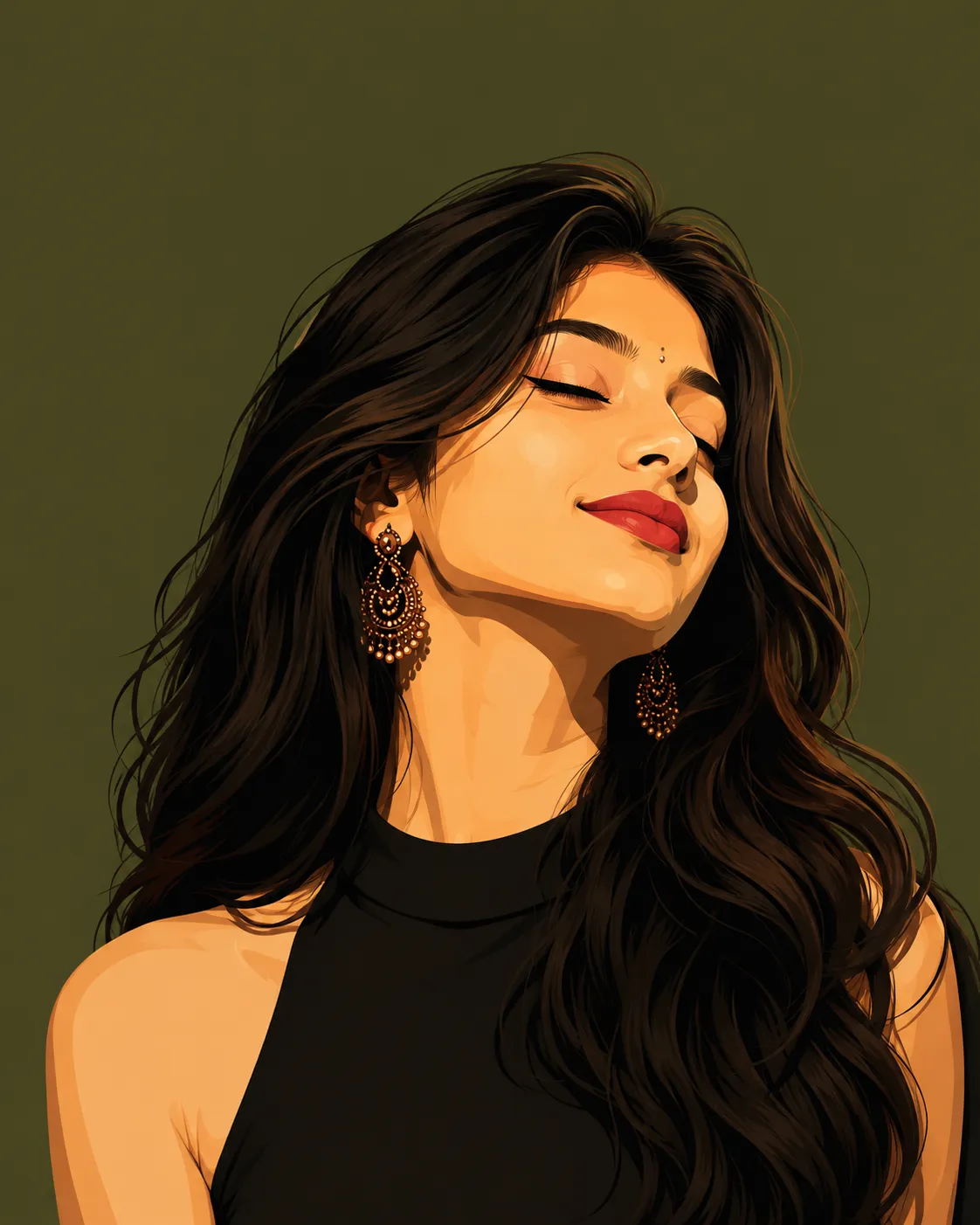
Stylized Vector Portrait Prompt
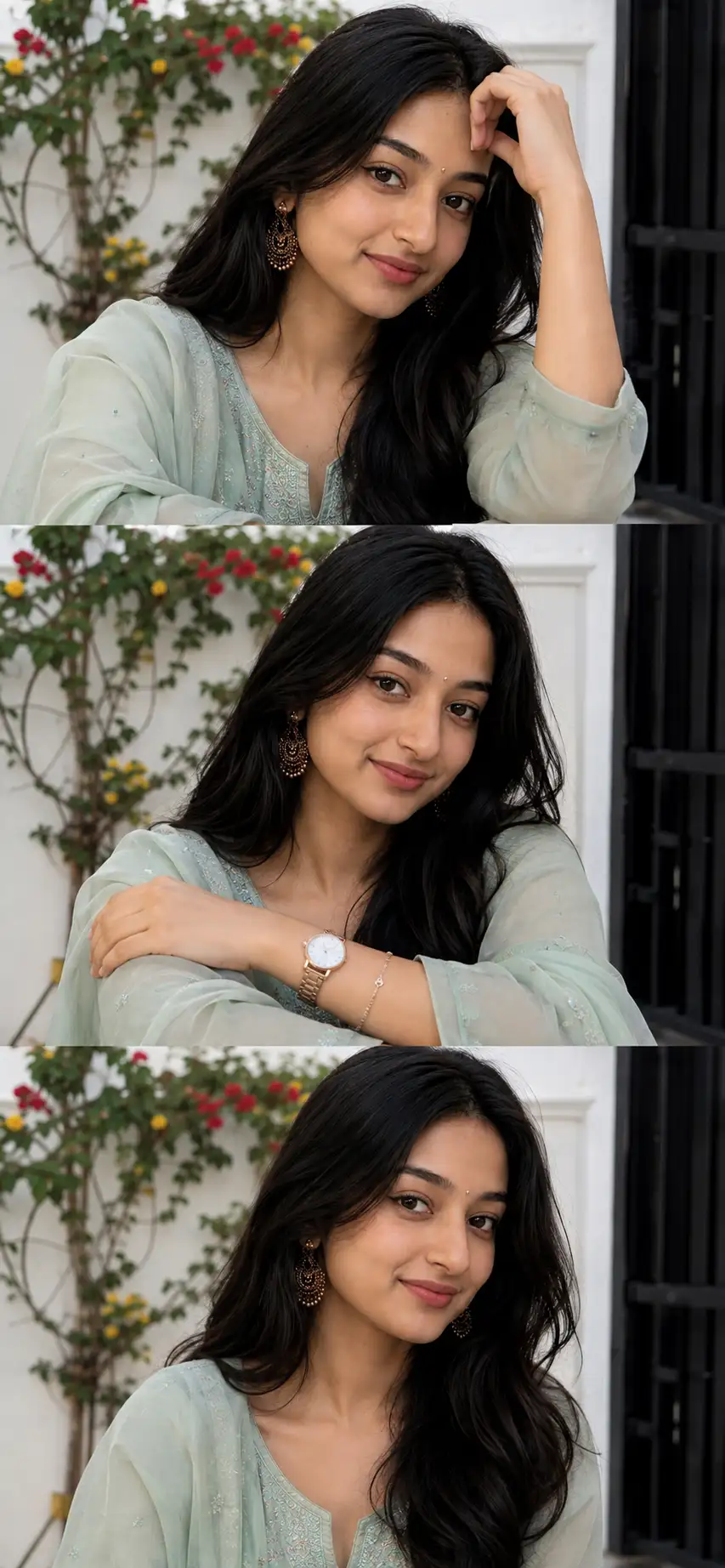
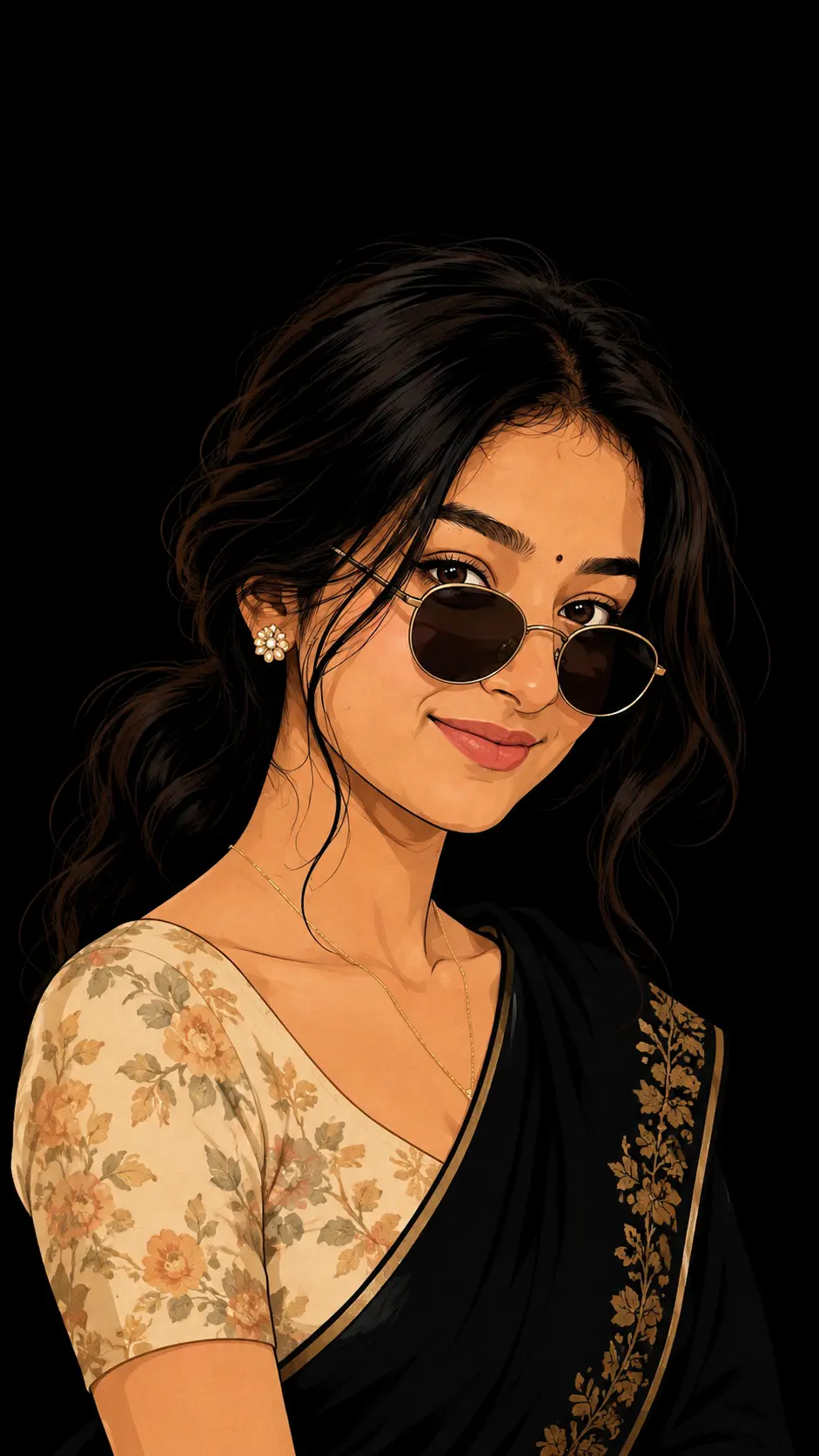
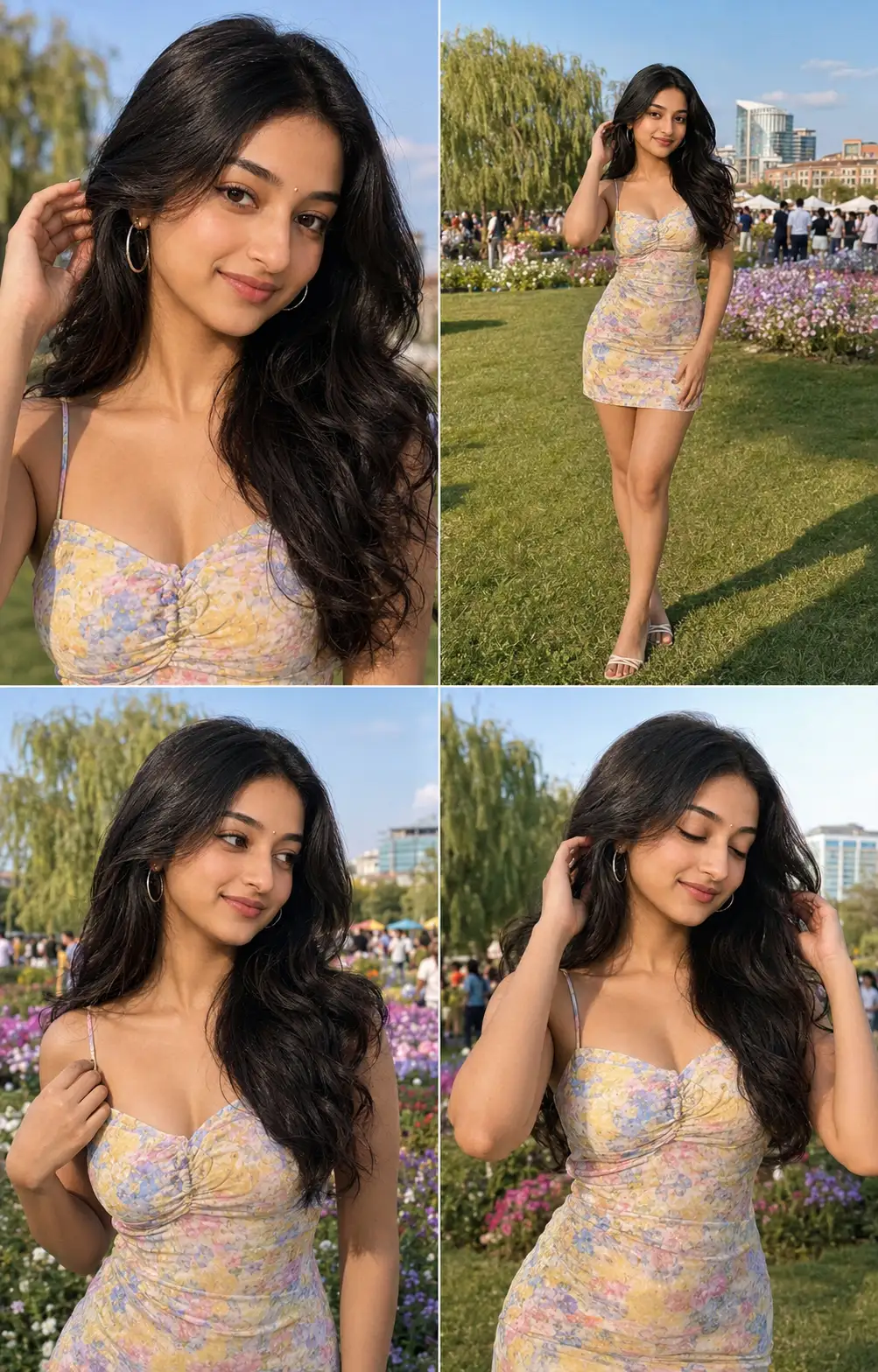
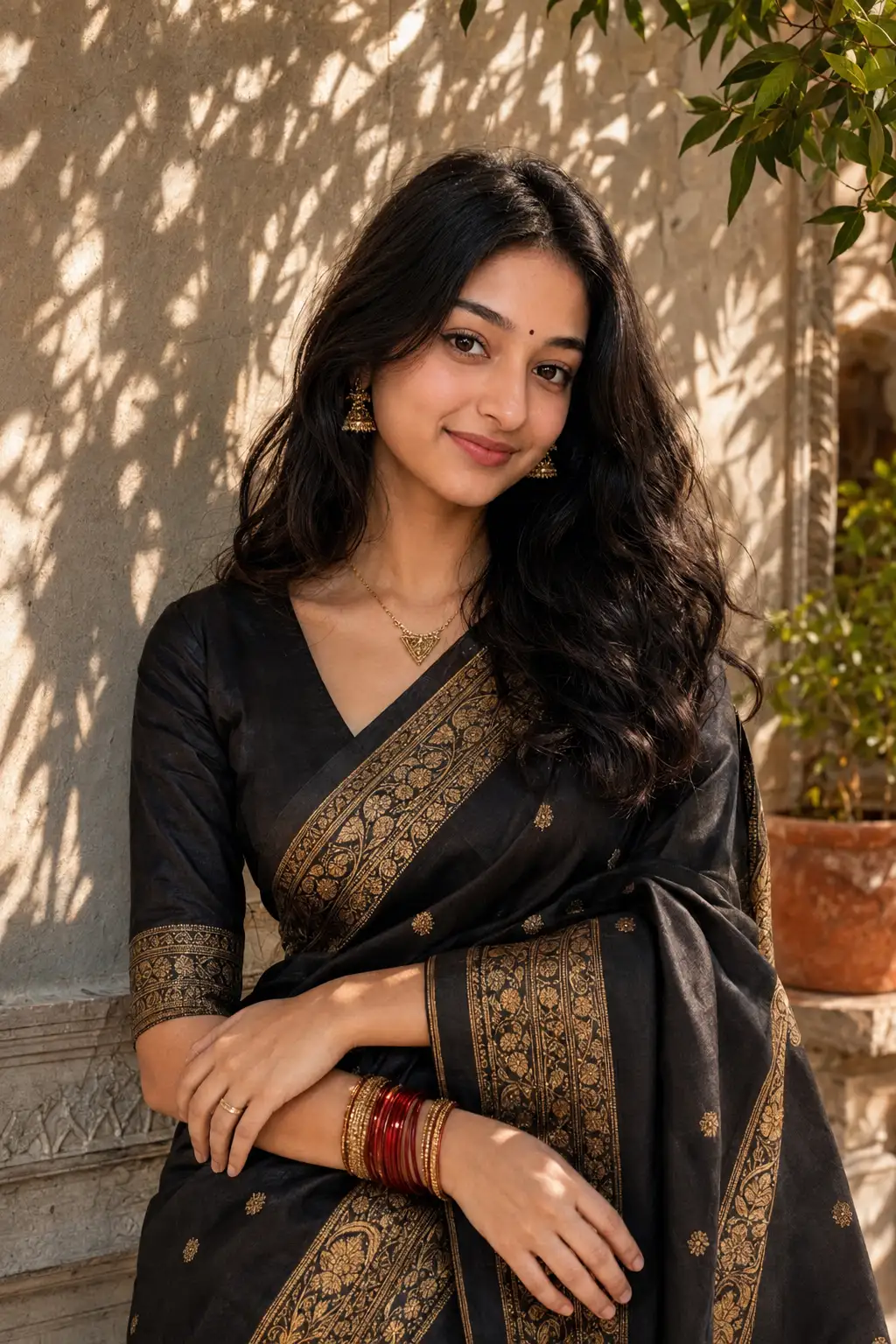
Use the provided reference image as the absolute facial identity reference. Preserve the woman’s face with 100% accuracy. Do not redesign, beautify, reshape, or reinterpret her facial features. Keep the exact face structure, proportions, eyes, eyebrows, nose, lips, jawline, cheekbones, skin tone, bindi placement, and natural facial characteristics from the reference image. Identity preservation is the highest priority.Transform the reference into a sophisticated editorial vector illustration. Show the woman tilting her head slightly backward against a flat, muted olive-green background. Keep her voluminous, naturally wavy dark-brown/black hair flowing around her shoulders. Her eyes are gently closed with precise dark winged eyeliner, and she wears bold deep-red lipstick. Preserve the original ornate gold chandelier earrings and subtle bindi.Use strong warm golden sunlight falling across her face, creating smooth illuminated planes and sharp, elegant shadows along the forehead, nose, cheekbones, jawline, neck, and shoulders. Keep the lighting dramatic but refined.She wears a simple sleeveless black high-neck top. Use clean vector contours, layered shapes, controlled gradients, sophisticated tonal transitions, subtle texture, and premium fashion-editorial composition. The result should feel like a high-end illustrated fashion poster, not a cartoon.ABSOLUTE FACE LOCK: Do not change facial identity, facial proportions, eye shape, eyebrow shape, nose shape, lip shape, jawline, cheek structure, skin tone, or expression. No face slimming, no beautification, no age change, no facial reconstruction, no generic AI face, no replacement face.
Open with:
Share this prompt
96
VIEWS
·
19
COPIES
·
1
LIKES
·
13
USED TODAY
Log in to leave a comment.
More Like This
See all →
How to use this prompt
Here’s a shortcut to “Stylized Vector Portrait Prompt” — no prompt-writing experience required. It works just as well in Midjourney, DALL·E 3 or Gemini, so you’re not locked into one tool.
- Use the Copy button to copy the prompt text.
- Head to ChatGPT and start a new image.
- Set your preferred aspect ratio, then generate.
- Download the version you like and share it.
Tips & variations
- Replace the setting or background to repurpose the same prompt for a new theme.
- Push or pull the reference image elements specifically — that’s usually the fastest lever here.
- Tweak the camera/lens cue (“close-up”, “wide shot”) to control the framing.
Frequently asked questions
AI models are non-deterministic, so results vary each run even with the same prompt. Generate a few times and pick your favourite, or lock a seed if your tool supports it.
It generates a visual built around reference image — part of our Image AI Prompts collection. Use it as-is or as a starting point you customise to taste.
Yes — every prompt on the site is free to copy and use. You only need an account with the AI tool you choose to run it.
The way it handles reference image is fairly specific, so results tend to be more focused than a generic Image AI Prompts prompt.