
13
VIEWS
·
8
COPIES
·
1
LIKES
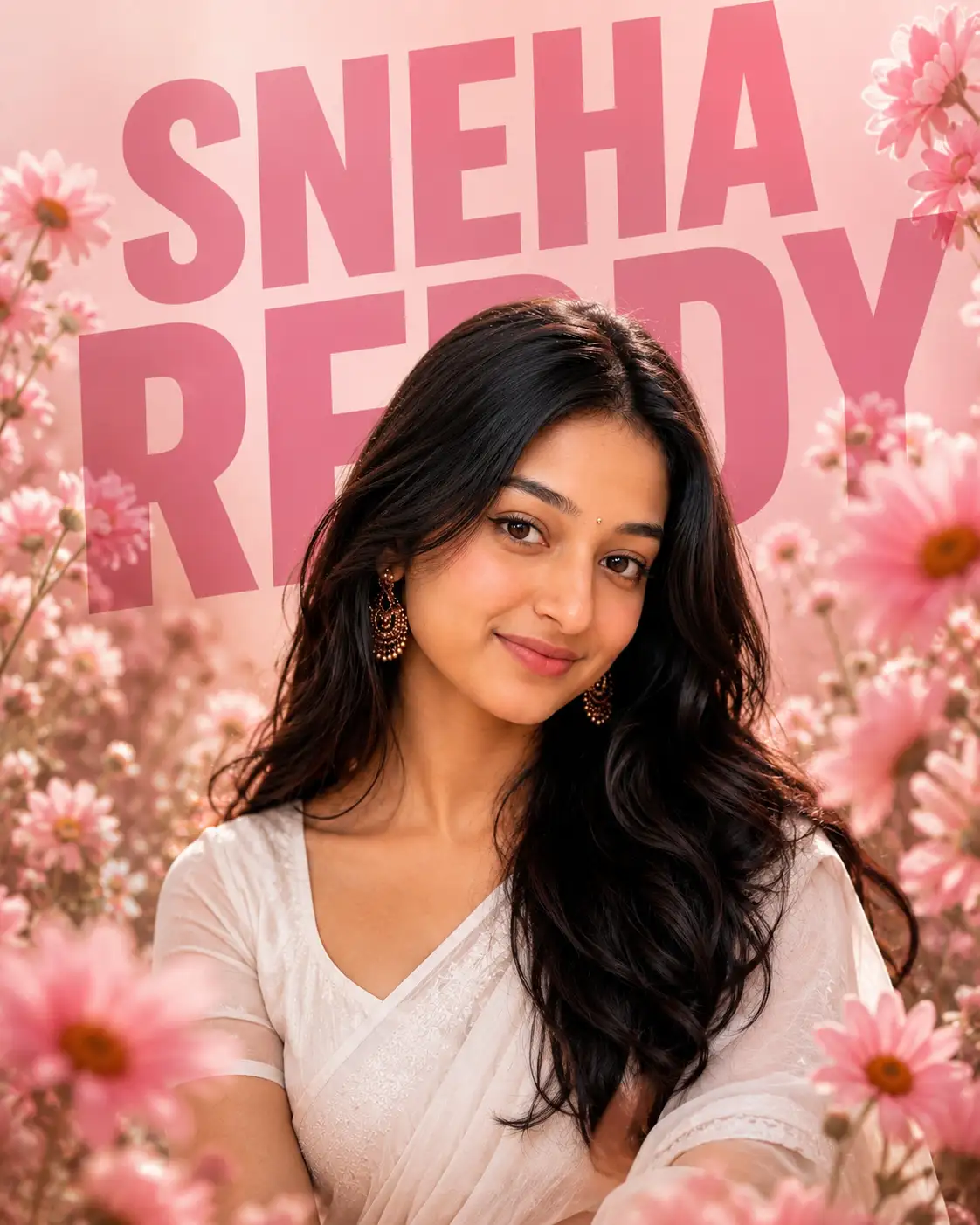
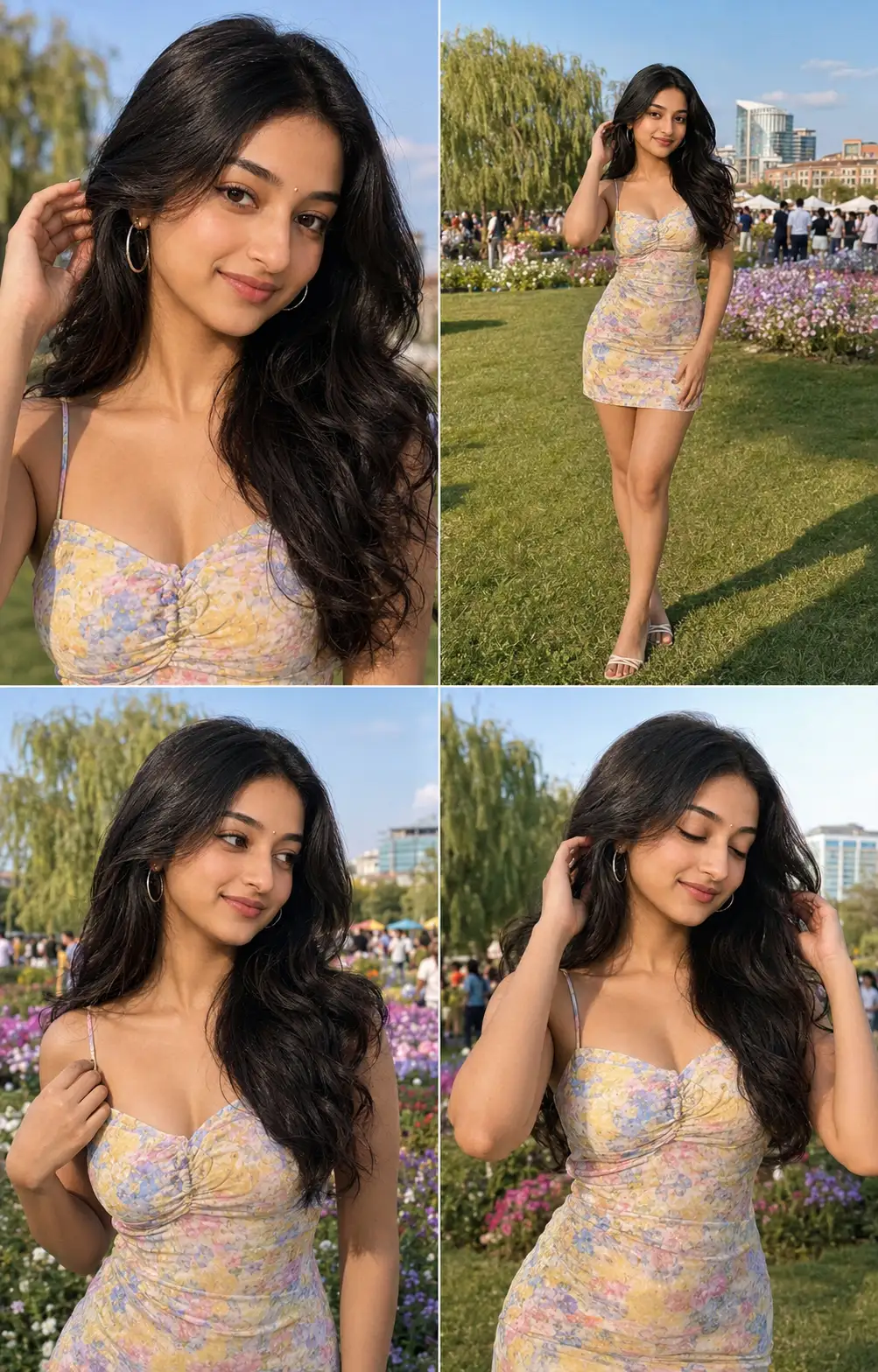
Dreamy Floral Editorial Portrait with Custom Name Background
Use the uploaded image as the only facial identity reference and preserve 100% facial accuracy. Maintain the exact face shape, forehead, eyebrows, eye shape and spacing, iris color, eyelashes, nose structure, lips, smile, jawline, chin, ears, hairline, skin tone, facial proportions, expression, and every unique facial feature. Do not beautify, reshape, age, gender-swap, or alter the person's identity in any way.
Create an ultra-photorealistic 8K editorial portrait of the subject wearing an elegant white embroidered saree with a matching white blouse. Keep the subject's long, naturally wavy black hair soft, voluminous, and realistic, with a single fresh white daisy tucked behind one ear. Add delicate traditional jhumka earrings, a tiny bindi, and a subtle pendant necklace.
Pose the subject at a slight three-quarter angle, looking slightly off-camera with a warm, natural smile. Preserve realistic skin texture with visible pores, natural hair strands, and lifelike lighting.
Surround the subject with a dreamy garden of blooming pink daisies. Include blurred flowers in the foreground and background to create cinematic depth of field, creamy bokeh, and a premium magazine-cover aesthetic.
Behind the subject, place large bold uppercase custom text reading "[YOUR NAME]". The typography should be oversized, modern, and positioned behind the subject so parts of the letters are naturally hidden by the person, creating a layered editorial effect. Use a darker pink shade that contrasts with the soft pastel pink background.
Use soft golden-hour lighting, high dynamic range, realistic shadows, premium cinematic color grading, and shallow depth of field. Capture the image as if shot on a professional full-frame camera with an 85mm portrait lens at f/1.8.
Negative Prompt: No watermark, no signature, no logo, no AI artifacts, no extra fingers, no deformed anatomy, no blurry face, no duplicated flowers, no oversaturated colors, no cartoon effect, no plastic skin, no low resolution, no text other than the custom background name, no facial distortion, no identity changes.
Output: Ultra-realistic, premium fashion editorial, 8K quality, vertical 4:5 composition, crisp facial focus, realistic floral environment, and complete facial identity preservation.
Open with:
Share this prompt
13
VIEWS
·
8
COPIES
·
1
LIKES

Log in to leave a comment.
More Like This
See all →
How to use this prompt
Here’s a shortcut to “Dreamy Floral Editorial Portrait with Custom Name Background” — no prompt-writing experience required. It’s tuned to give a repeatable, high-detail image you can refine. What sets this one apart is how it handles facial identity.
- Use the Copy button to copy the prompt text.
- Head to ChatGPT and start a new image.
- Set your preferred aspect ratio, then generate.
- Download the version you like and share it.
Tips & variations
- Push or pull the facial identity elements specifically — that’s usually the fastest lever here.
- Name a colour palette to keep a series of images visually consistent.
- Replace the setting or background to repurpose the same prompt for a new theme.
Frequently asked questions
It’s set up for ChatGPT, and it also works well in Midjourney, DALL·E 3 or Gemini. Image models vary, so try the same prompt in a couple of tools and keep the result you like best.
Yes — treat it as a starting point. Once you have an output you like, you can feed it back in with a follow-up prompt to refine or extend it further.
The way it handles facial identity is fairly specific, so results tend to be more focused than a generic Image AI Prompts prompt.
It generates a visual built around facial identity — part of our Image AI Prompts collection. Use it as-is or as a starting point you customise to taste.