
10
VIEWS
·
0
COPIES
·
0
LIKES

AI Tool Demo Script
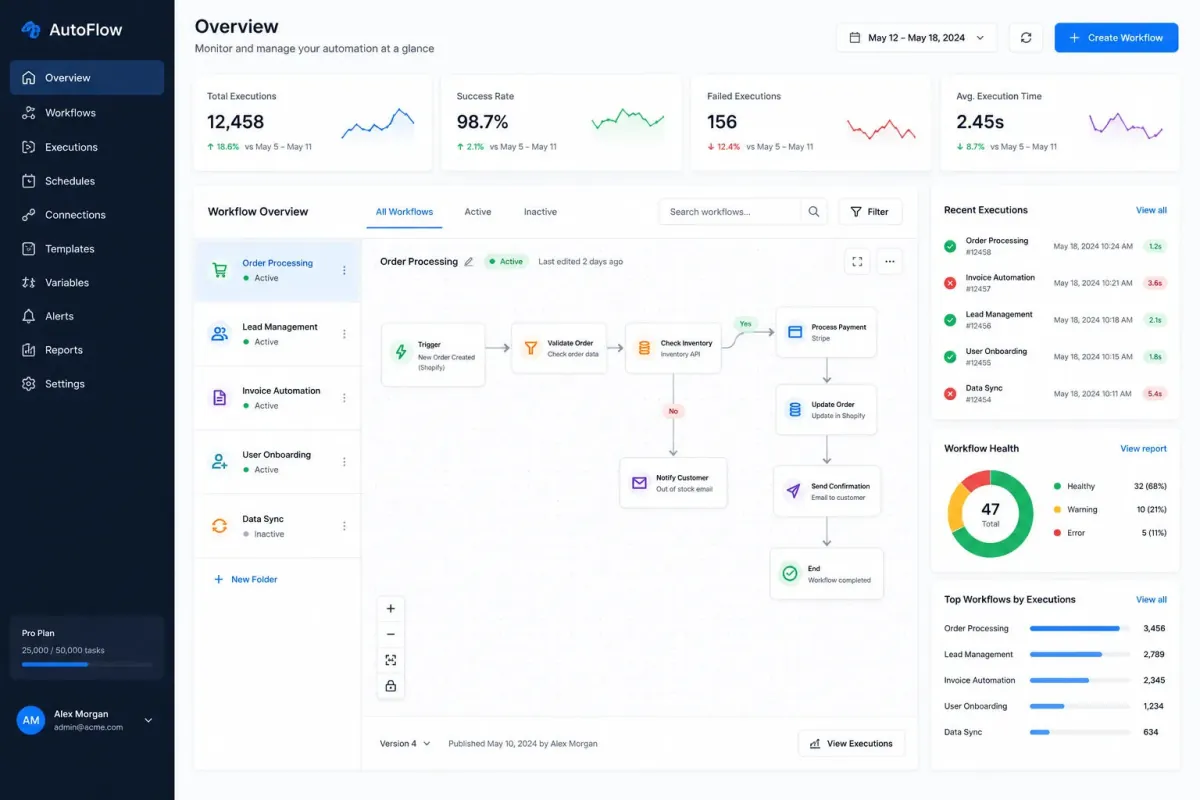
You are an AI tools YouTube creator. Create a demo and tutorial script for [AI TOOL]. Include feature demonstrations, practical use cases, educational hooks, and CTA strategies.
Open with:
Also try in:
Did this prompt work for you?
Share this prompt
10
VIEWS
·
0
COPIES
·
0
LIKES

Log in to leave a comment.
More Like This
See all →


How to use this prompt
This YouTube Scripts prompt does the heavy lifting for “AI Tool Demo Script”. Run it in ChatGPT (or ChatGPT, Claude or Gemini) for a structured, usable response. What sets this one apart is how it handles include feature.
- Tap Copy above to grab the full prompt.
- Open ChatGPT (or ChatGPT, Claude or Gemini) and start a new chat.
- Paste the prompt and swap in your own details where it fits.
- Send it, then refine with a quick follow-up message.
Tips & variations
- Give it your real specifics — the more context you add, the better the answer.
- Ask for 3 variations in one go, then pick the strongest and refine it.
- Follow up with “make it shorter/punchier” to tighten the result.
Frequently asked questions
It produces a written response built around include feature — part of our YouTube Scripts collection. Use it as-is or tailor it with your own details.
The way it handles include feature is fairly specific, so results tend to be more focused than a generic YouTube Scripts prompt.
It’s written for ChatGPT, but ChatGPT, Claude or Gemini handle it well too. Pick the assistant you already use and refine from there.
Yes — treat it as a starting point. Once you have an output you like, you can feed it back in with a follow-up prompt to refine or extend it further.