
5
VIEWS
·
0
COPIES
·
0
LIKES
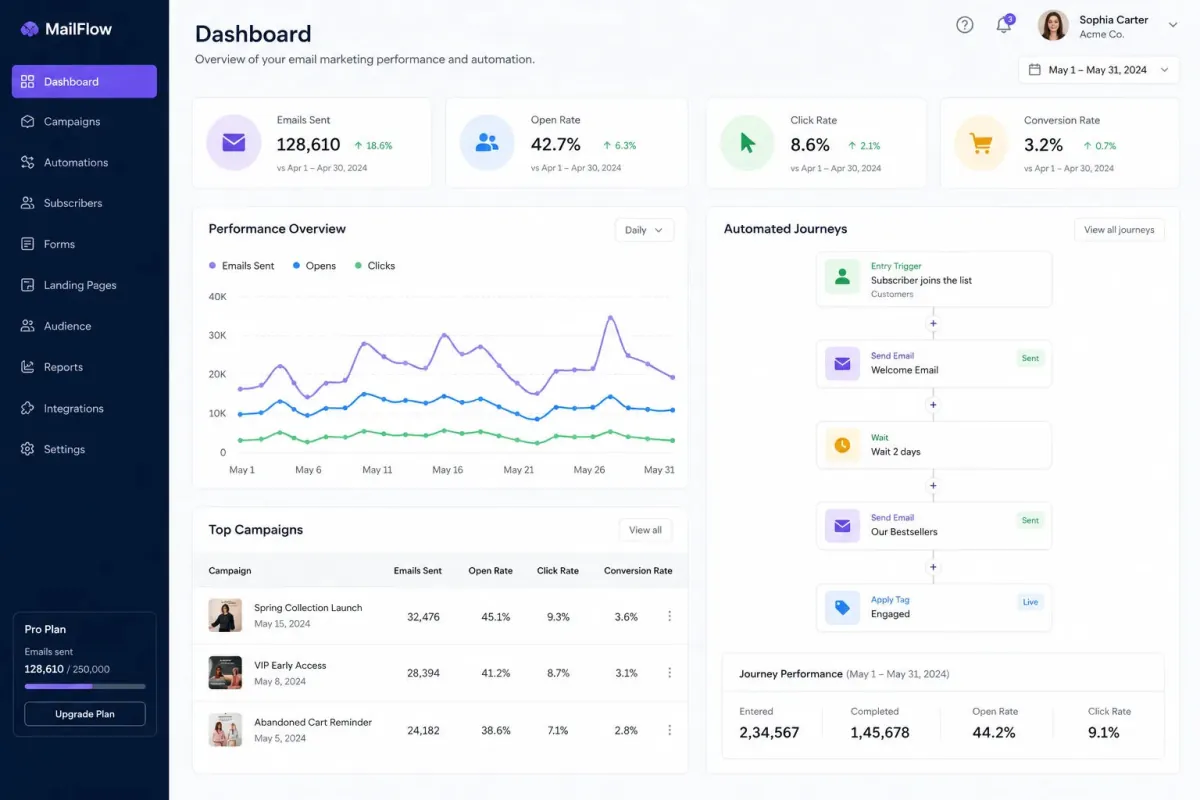
Email Workflow Architect
You are an email automation strategist. Create automated email workflows for [BUSINESS]. Include welcome flows, lead nurturing, re-engagement campaigns, segmentation and KPIs.
Open with:
Also try in:
Did this prompt work for you?
Share this prompt
5
VIEWS
·
0
COPIES
·
0
LIKES

Log in to leave a comment.
More Like This
See all →

How to use this prompt
“Email Workflow Architect” is built to save you a blank page. Paste it into ChatGPT, add your details, and refine from there. The specific phrasing around include welcome is doing most of the work here.
- Use the Copy button to copy the prompt text.
- Paste it into ChatGPT.
- Add your specifics — topic, audience, tone — where indicated.
- Ask for a variation or two until the output fits.
Tips & variations
- Keep a version that worked well and reuse it as your starting template.
- Ask it to explain its reasoning if you want to learn the approach.
- Ask a clarifying question back if the first answer feels generic.
Frequently asked questions
The prompt is free, but commercial rights depend on the AI tool you generate with. Most paid plans allow commercial use — always check that specific tool’s licence and terms first.
AI models are non-deterministic, so results vary each run even with the same prompt. Generate a few times and pick your favourite, or lock a seed if your tool supports it.
No — the prompt itself works on free tiers of ChatGPT. A paid plan may unlock faster generation, higher limits, or commercial licensing, depending on the tool.
The way it handles include welcome is fairly specific, so results tend to be more focused than a generic Automation AI Prompts prompt.