
11
VIEWS
·
0
COPIES
·
0
LIKES
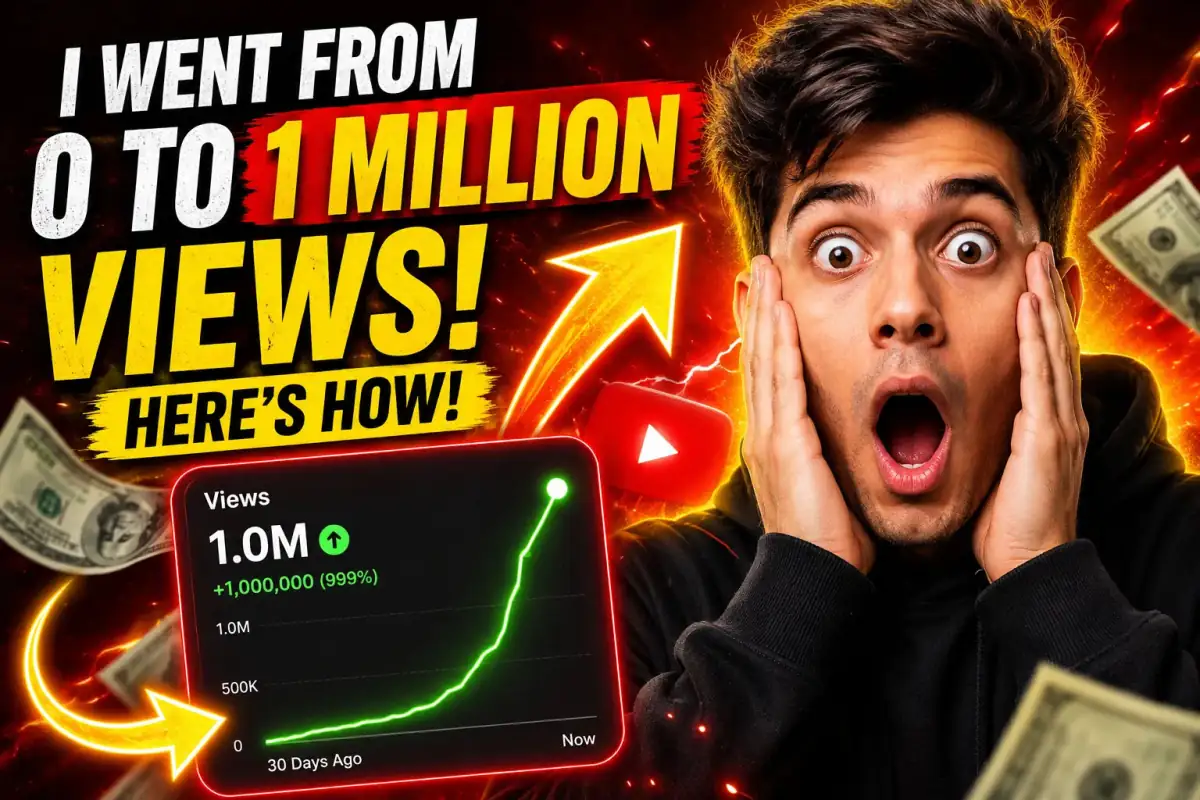
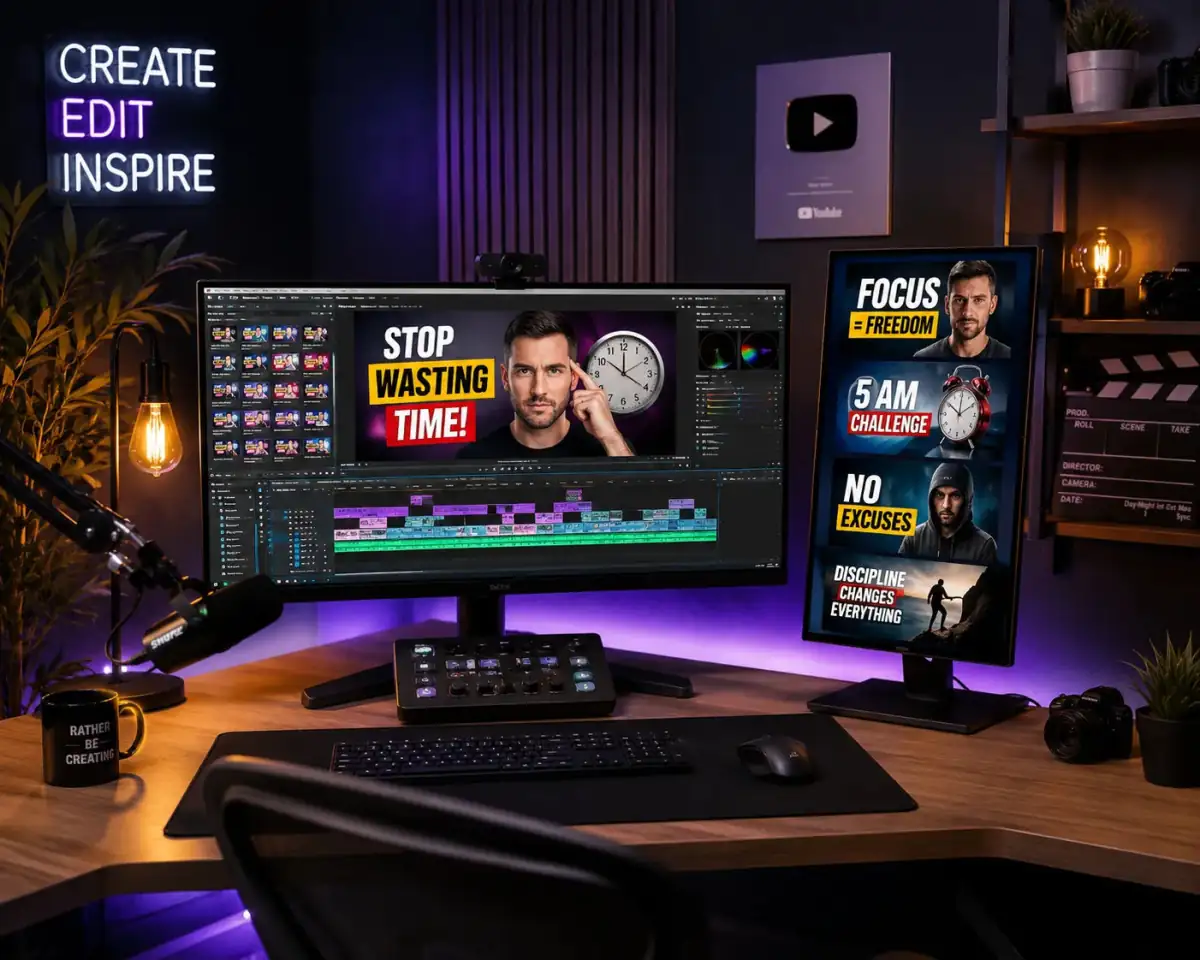
Viral Thumbnail Design
High CTR YouTube thumbnail for [VIDEO TOPIC], shocked human reaction, glowing arrows, dramatic typography layout, vibrant red and yellow accents, viral YouTube aesthetic, modern social media graphics --ar 16:9 --stylize 250
Also try in:
Did this prompt work for you?
Share this prompt
11
VIEWS
·
0
COPIES
·
0
LIKES

Log in to leave a comment.
More Like This
See all →
How to use this prompt
“Viral Thumbnail Design” packages the descriptive detail an image model needs into one prompt. Paste it into Midjourney and you’ll get a detailed result in seconds. The specific phrasing around video topic is doing most of the work here.
- Grab the prompt with the Copy button at the top.
- Paste it into Midjourney.
- Run it, focusing on video topic if you want to steer the result.
- Regenerate to explore a few different takes on the same idea.
Tips & variations
- Push or pull the video topic elements specifically — that’s usually the fastest lever here.
- Replace the setting or background to repurpose the same prompt for a new theme.
- Name a colour palette to keep a series of images visually consistent.
Frequently asked questions
AI models are non-deterministic, so results vary each run even with the same prompt. Generate a few times and pick your favourite, or lock a seed if your tool supports it.
The prompt is free, but commercial rights depend on the AI tool you generate with. Most paid plans allow commercial use — always check that specific tool’s licence and terms first.
Edit the descriptive words in the prompt — change video topic, the lighting, the colours or the setting. Small wording changes produce big differences in the final image.
The way it handles video topic is fairly specific, so results tend to be more focused than a generic Midjourney Prompts prompt.