
20
VIEWS
·
14
COPIES
·
0
LIKES
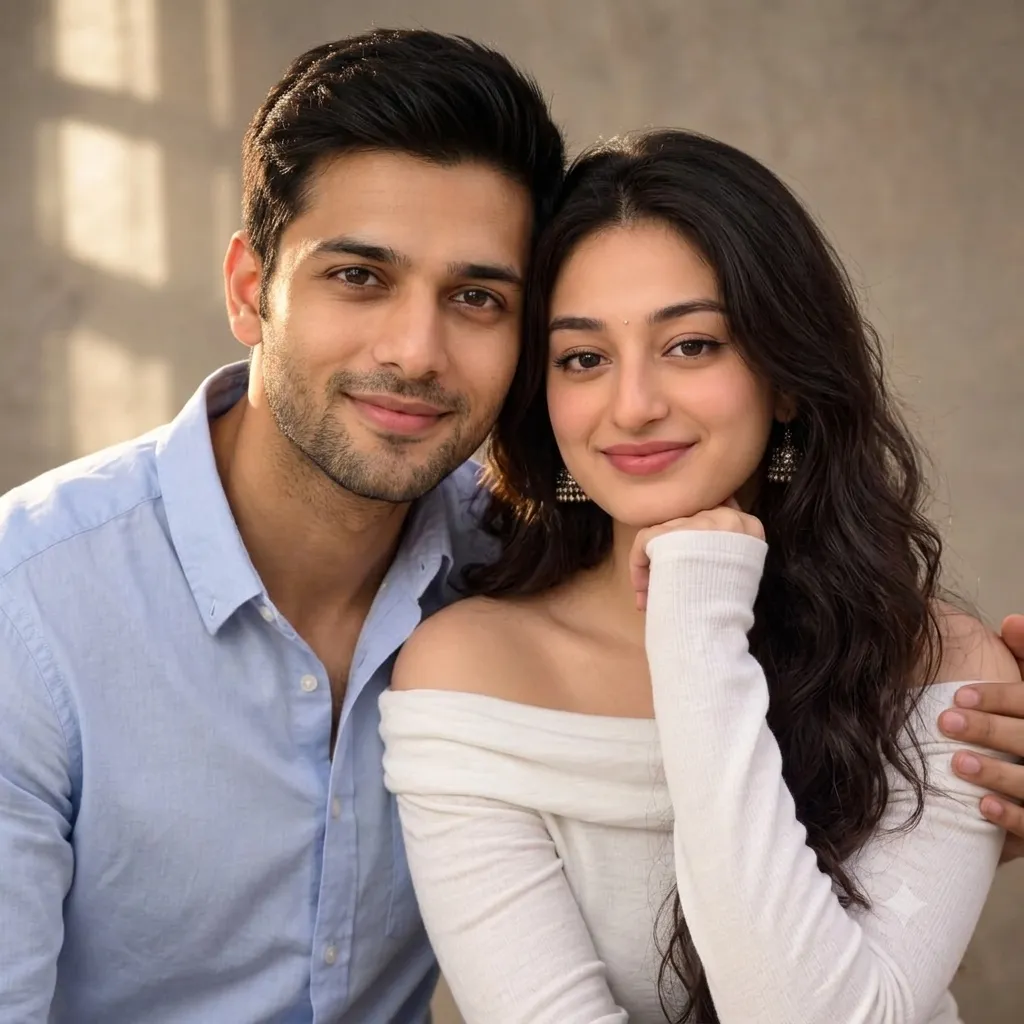
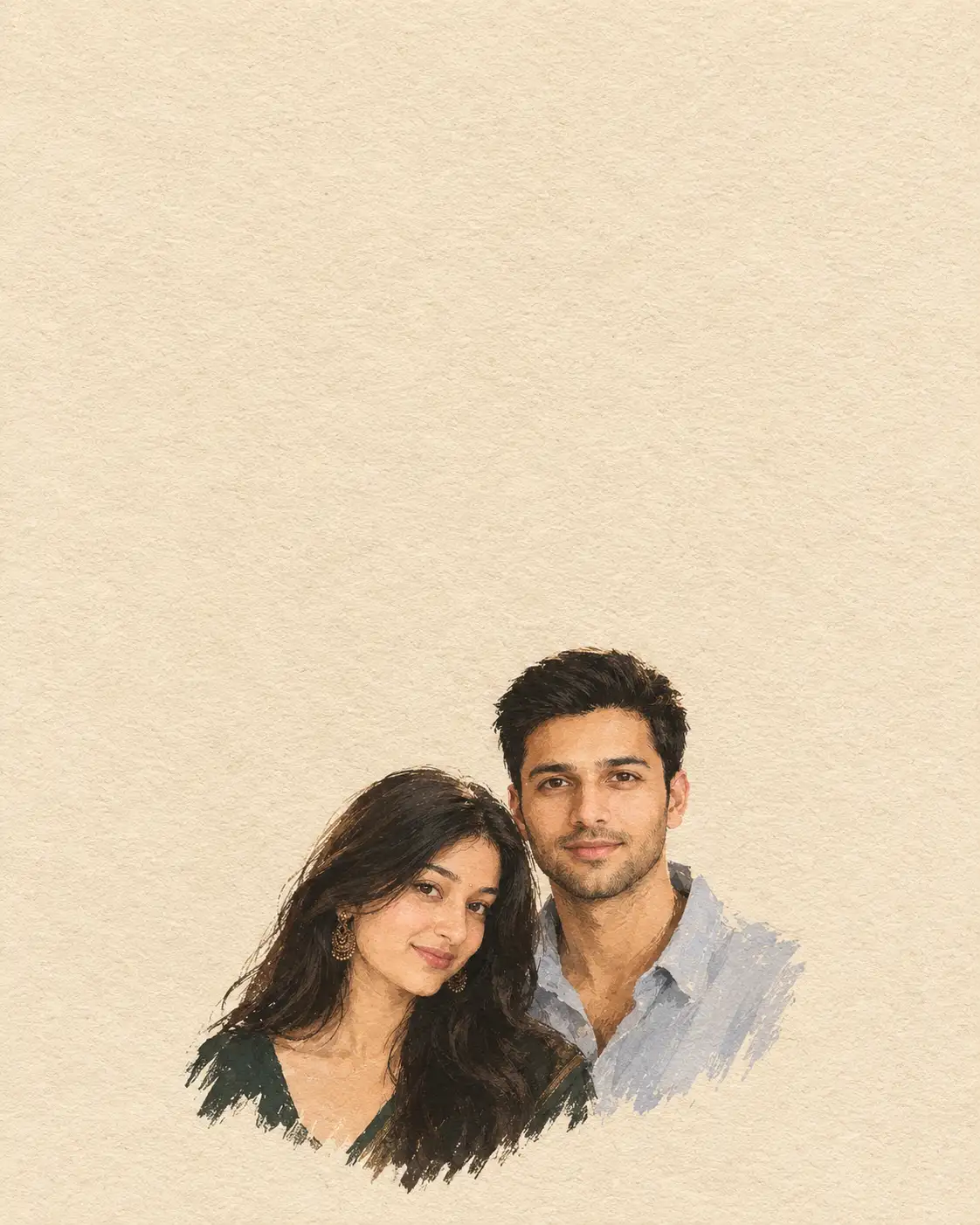
Warm Studio Couple Portrait
A realistic portrait accurately preserving the male facial features, dark hair, light stubble, and warm skin tone from the reference photo. He wears a light blue button-up shirt, unbuttoned slightly at the collar, and leans casually toward the female model with a gentle, confident smile.The female retains her exact identity, long wavy dark hair, skin tone, and facial structure from her reference image. She wears an off-the-shoulder white long-sleeve top and traditional silver jhumka earrings. Resting her chin thoughtfully on her hand, she gazes directly at the camera with a soft smile.The couple poses closely together, head-to-head, creating an intimate, cozy atmosphere. The man gently rests his arm behind the woman's shoulder, framing the shot warmly. Both subjects face forward, positioned in a medium close-up shot that emphasizes their authentic expressions and natural, casual interaction.Soft, golden sunlight streams in from the side, casting warm highlights across their hair and skin while creating gentle window-frame shadows on the neutral background. The color palette remains soft and natural, dominated by light blue, crisp white, warm skin tones, and subtle golden highlights.Shot with high detail and a sharp focus on both subjects' faces. The background features a plain, neutral-toned studio wall with a soft blur (shallow depth of field). Fabrics show clear texture, from the crisp linen of the blue shirt to the ribbed knit of the white top.
Open with:
Share this prompt
20
VIEWS
·
14
COPIES
·
0
LIKES

Log in to leave a comment.
More Like This
See all →
How to use this prompt
Want a fast “Warm Studio Couple Portrait” result? This Image AI Prompts prompt is set up for Gemini. It’s tuned to give a repeatable, high-detail image you can refine. What sets this one apart is how it handles dark hair.
- Tap Copy above to grab the full prompt.
- Open Gemini (or any image AI like Midjourney, DALL·E 3 or Gemini).
- Paste the prompt into the generate box and run it.
- Like the result? Re-roll once or twice and keep your favourite.
Tips & variations
- Change the lighting words (e.g. “golden hour”, “studio”, “moody”) to shift the whole mood.
- Name a colour palette to keep a series of images visually consistent.
- Add an aspect ratio that fits your platform — portrait for Instagram, wide for banners.
Frequently asked questions
Yes — treat it as a starting point. Once you have an output you like, you can feed it back in with a follow-up prompt to refine or extend it further.
Yes — every prompt on the site is free to copy and use. You only need an account with the AI tool you choose to run it.
No — the prompt itself works on free tiers of Gemini. A paid plan may unlock faster generation, higher limits, or commercial licensing, depending on the tool.
It’s set up for Gemini, and it also works well in Midjourney, DALL·E 3 or Gemini. Image models vary, so try the same prompt in a couple of tools and keep the result you like best.