
10
VIEWS
·
0
COPIES
·
0
LIKES
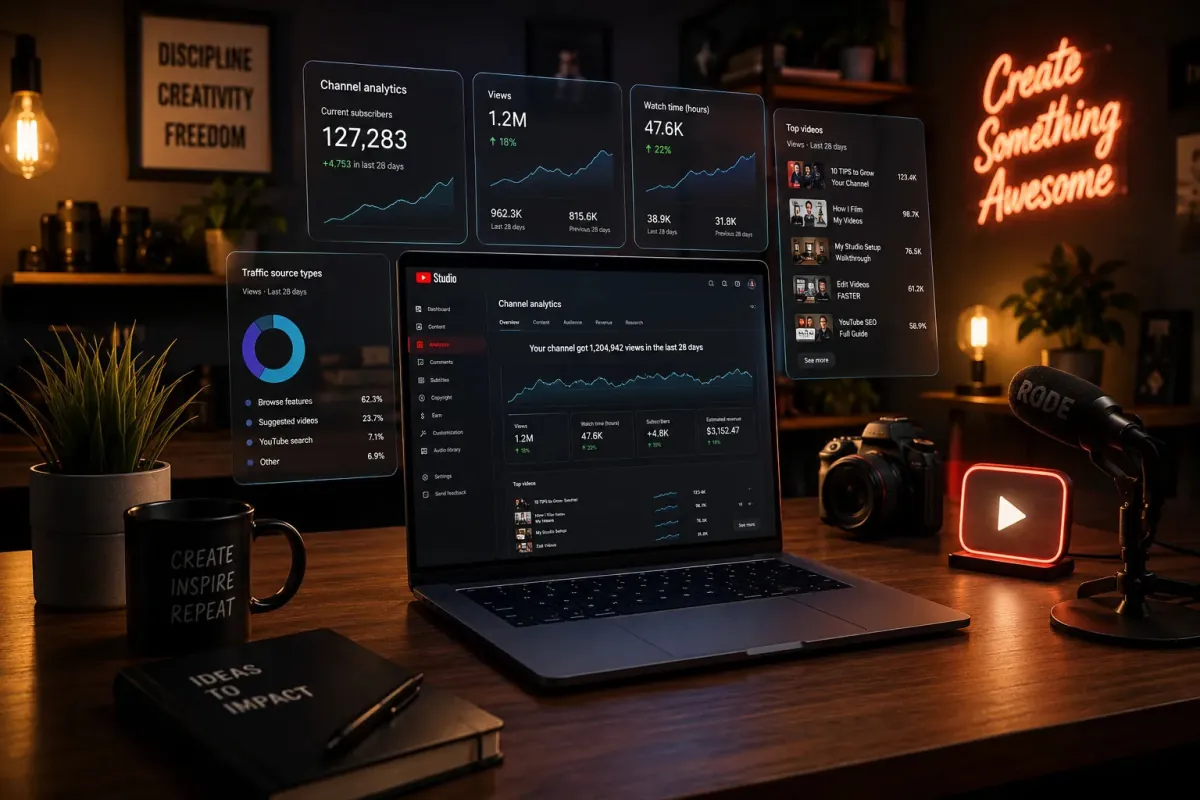
Creator Analytics Workspace
Modern creator workspace for [CONTENT CREATOR], YouTube analytics holograms, laptop editing setup, cinematic warm lighting, modern digital creator aesthetic, realistic workspace render --ar 16:9 --stylize 300
Also try in:
Did this prompt work for you?
Share this prompt
10
VIEWS
·
0
COPIES
·
0
LIKES

Log in to leave a comment.
More Like This
See all →
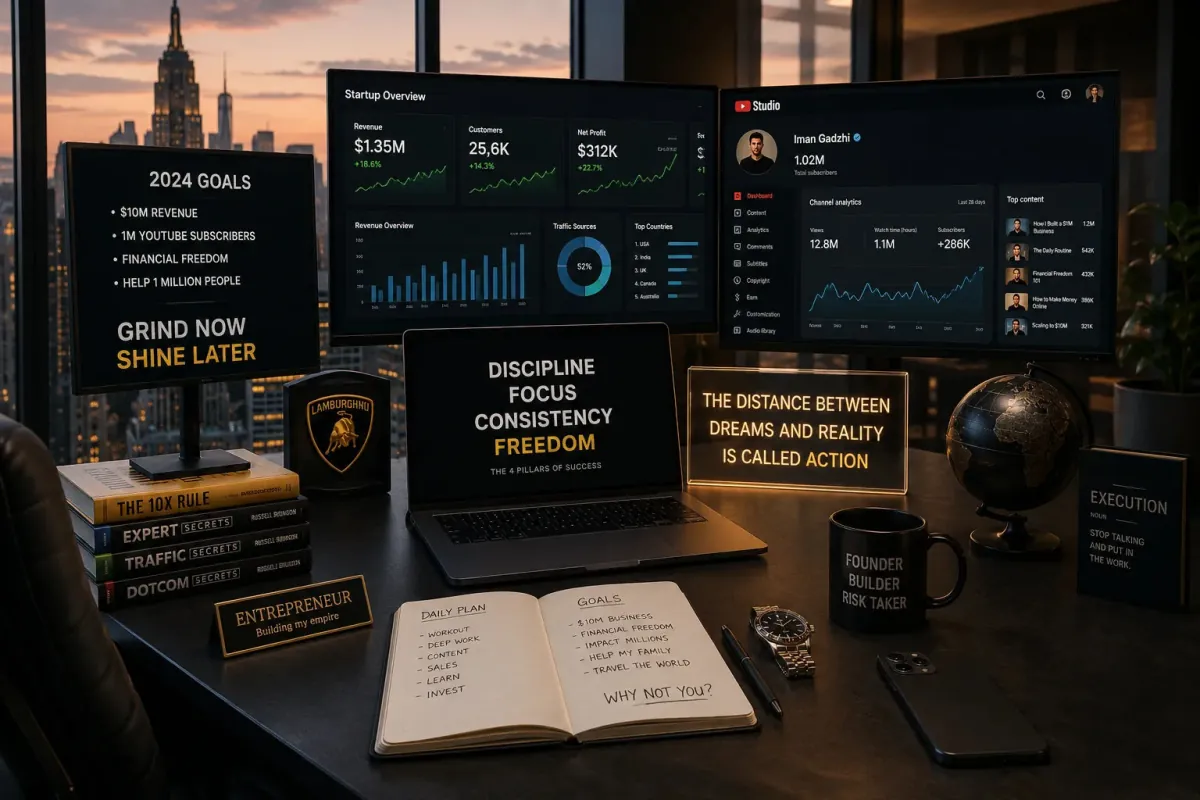
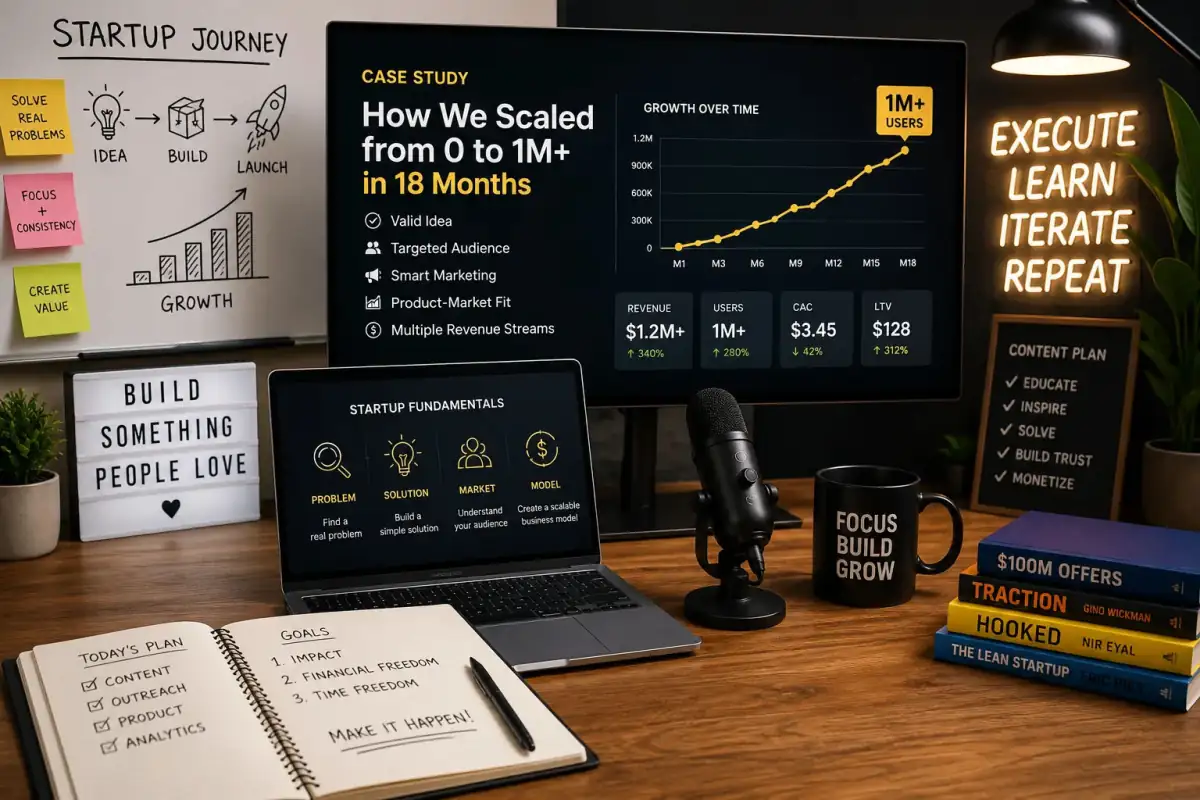

How to use this prompt
This prompt turns one click into a finished “Creator Analytics Workspace” visual in Midjourney. It works just as well in Midjourney, DALL·E 3 or Gemini, so you’re not locked into one tool.
- Use the Copy button to copy the prompt text.
- Head to Midjourney and start a new image.
- Set your preferred aspect ratio, then generate.
- Download the version you like and share it.
Tips & variations
- Try the prompt with and without the style words to see how much they’re actually doing.
- Save a version you like as a template, then only edit the subject line each time.
- Tweak the camera/lens cue (“close-up”, “wide shot”) to control the framing.
Frequently asked questions
It’s set up for Midjourney, and it also works well in Midjourney, DALL·E 3 or Gemini. Image models vary, so try the same prompt in a couple of tools and keep the result you like best.
Edit the descriptive words in the prompt — change holograms laptop, the lighting, the colours or the setting. Small wording changes produce big differences in the final image.
It generates a visual built around holograms laptop — part of our Midjourney Prompts collection. Use it as-is or as a starting point you customise to taste.
No — the prompt itself works on free tiers of Midjourney. A paid plan may unlock faster generation, higher limits, or commercial licensing, depending on the tool.