
7
VIEWS
·
2
COPIES
·
0
LIKES
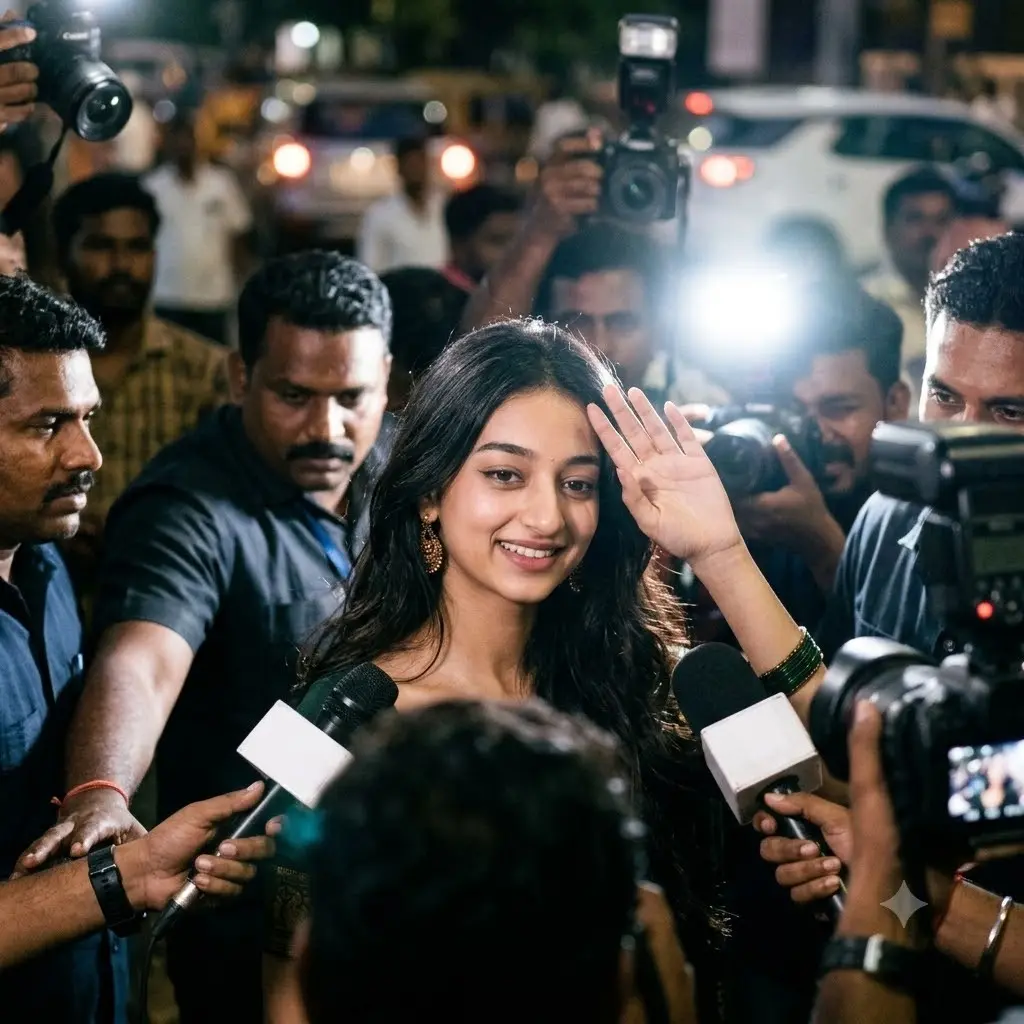
Cinematic Paparazzi Portrait
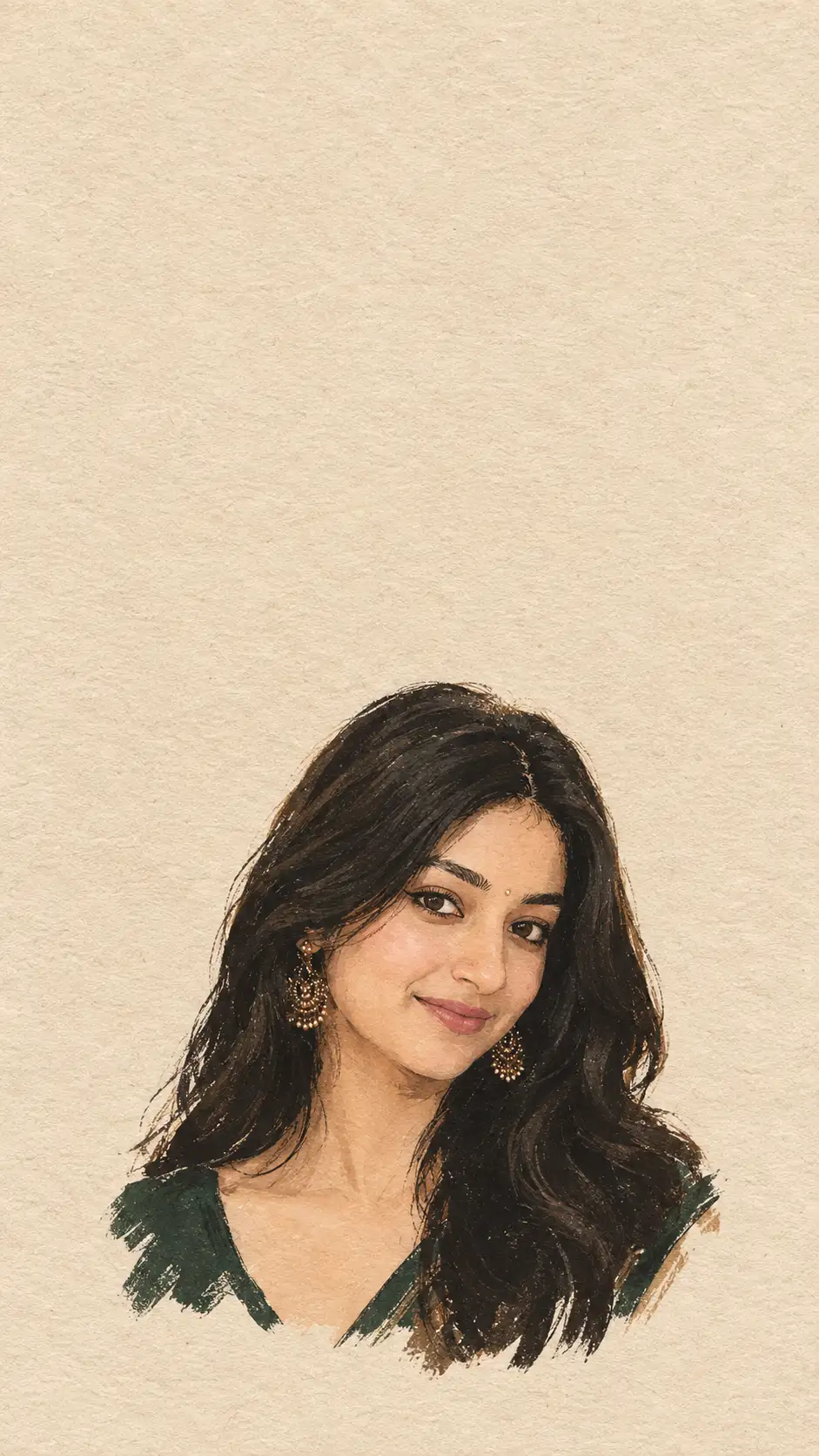
An ultra-realistic cinematic paparazzi-style portrait preserving 100% of the exact facial identity, facial structure, skin tone, hair texture, and natural appearance. The subject maintains the same facial features, wavy black hair, subtle smile, gold earrings, and dark green outfit as shown in the reference image, completely unaltered without artificial beautification.The subject is positioned centrally, walking through a crowded scene while looking towards the camera with a calm, natural smile. One hand is slightly raised in a gentle waving gesture toward the surrounding crowd and media. The body posture remains natural and elegant, capturing an authentic candid moment amidst the commotion of surrounding reporters and photographers.surrounding the subject is a tight crowd of photographers, security personnel, and reporters. Multiple professional DSLR cameras with visible lenses, bright camera flashes, and news microphones with white branded foam covers are thrust into the frame from various angles, focused directly on the subject to create a genuine media frenzy atmosphere.The scene features dynamic night paparazzi lighting, dominated by intense white camera flashes popping in the background and foreground. These flashes create sharp highlights on the subject and cast realistic lens flares across the frame. Warm ambient streetlights blend with cold camera flash bursts, producing a high-contrast cinematic atmosphere.The portrait uses a medium close-up composition with a fast shutter speed effect to capture candid movement sharp and clear. Depth of field is shallow, keeping the subject in crisp focus while blurring background figures, vehicle headlights, and ambient street lights into soft bokeh. Texture, skin detail, and environmental elements remain hyper-realistic.
Open with:
Share this prompt
7
VIEWS
·
2
COPIES
·
0
LIKES

Log in to leave a comment.
More Like This
See all →
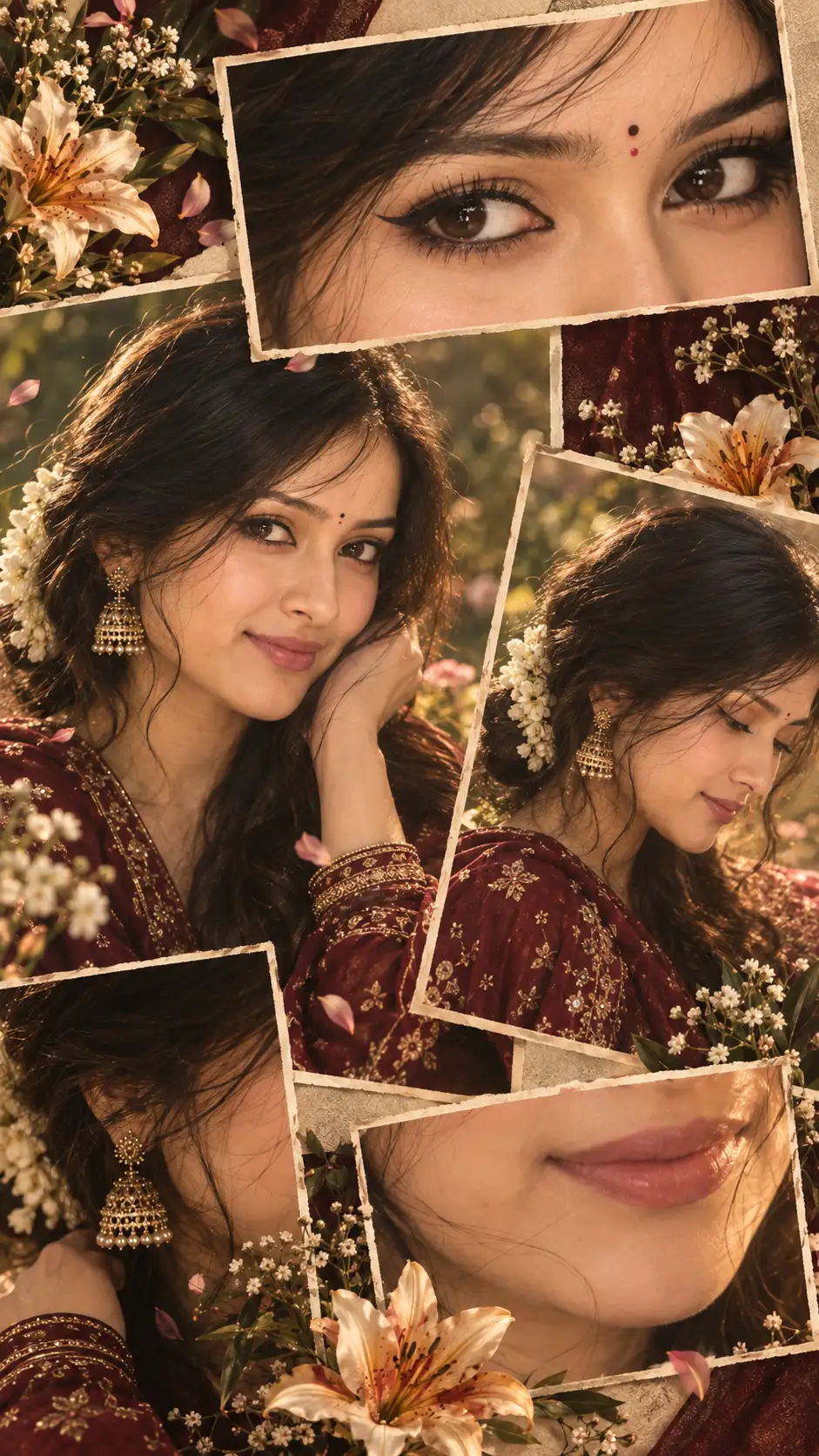
How to use this prompt
This prompt turns one click into a finished “Cinematic Paparazzi Portrait” visual in Gemini. Paste it into Gemini and you’ll get a detailed result in seconds. The specific phrasing around camera flashes is doing most of the work here.
- Use the Copy button to copy the prompt text.
- Head to Gemini and start a new image.
- Set your preferred aspect ratio, then generate.
- Download the version you like and share it.
Tips & variations
- Try the prompt with and without the style words to see how much they’re actually doing.
- Replace the setting or background to repurpose the same prompt for a new theme.
- Append quality modifiers like “highly detailed, 8k, sharp focus” for a cleaner render.
Frequently asked questions
The way it handles camera flashes is fairly specific, so results tend to be more focused than a generic Image AI Prompts prompt.
Yes — every prompt on the site is free to copy and use. You only need an account with the AI tool you choose to run it.
It generates a visual built around camera flashes — part of our Image AI Prompts collection. Use it as-is or as a starting point you customise to taste.
AI models are non-deterministic, so results vary each run even with the same prompt. Generate a few times and pick your favourite, or lock a seed if your tool supports it.