
9
VIEWS
·
0
COPIES
·
0
LIKES
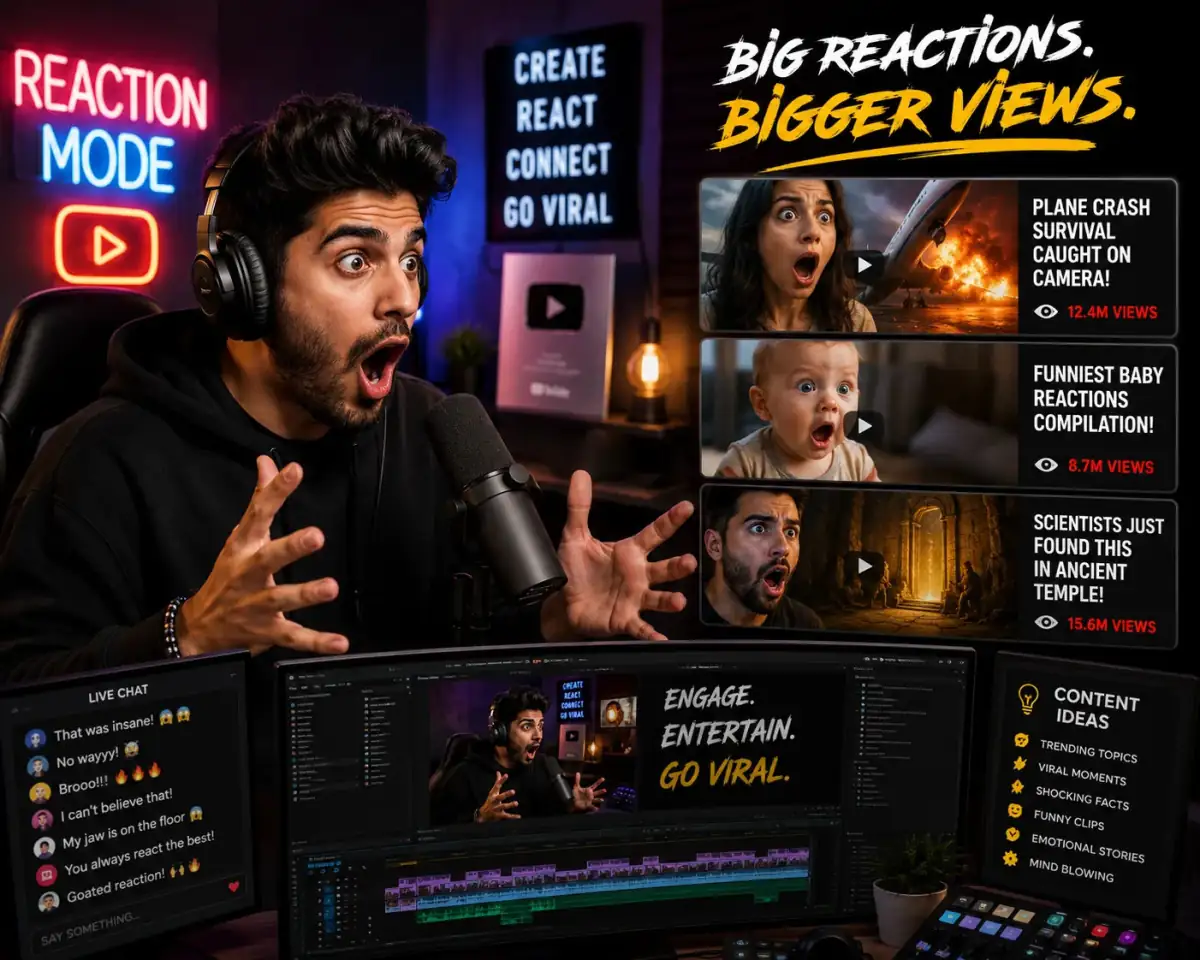
Reaction Video Blueprint
You are a reaction content creator strategist. Write a YouTube reaction video script for [VIDEO/TREND]. Include commentary pacing, humor, engagement prompts, and editing cues optimized for entertainment.
Open with:
Also try in:
Did this prompt work for you?
Share this prompt
9
VIEWS
·
0
COPIES
·
0
LIKES

Log in to leave a comment.
More Like This
See all →
How to use this prompt
Here’s a shortcut to “Reaction Video Blueprint” — no prompt-writing experience required. It works just as well in Midjourney, DALL·E 3 or Gemini, so you’re not locked into one tool.
- Use the Copy button to copy the prompt text.
- Head to ChatGPT and start a new image.
- Set your preferred aspect ratio, then generate.
- Download the version you like and share it.
Tips & variations
- Name a colour palette to keep a series of images visually consistent.
- Tweak the camera/lens cue (“close-up”, “wide shot”) to control the framing.
- Append quality modifiers like “highly detailed, 8k, sharp focus” for a cleaner render.
Frequently asked questions
No — the prompt itself works on free tiers of ChatGPT. A paid plan may unlock faster generation, higher limits, or commercial licensing, depending on the tool.
The prompt is free, but commercial rights depend on the AI tool you generate with. Most paid plans allow commercial use — always check that specific tool’s licence and terms first.
It’s set up for ChatGPT, and it also works well in Midjourney, DALL·E 3 or Gemini. Image models vary, so try the same prompt in a couple of tools and keep the result you like best.
Yes — treat it as a starting point. Once you have an output you like, you can feed it back in with a follow-up prompt to refine or extend it further.