
4
VIEWS
·
2
COPIES
·
1
LIKES
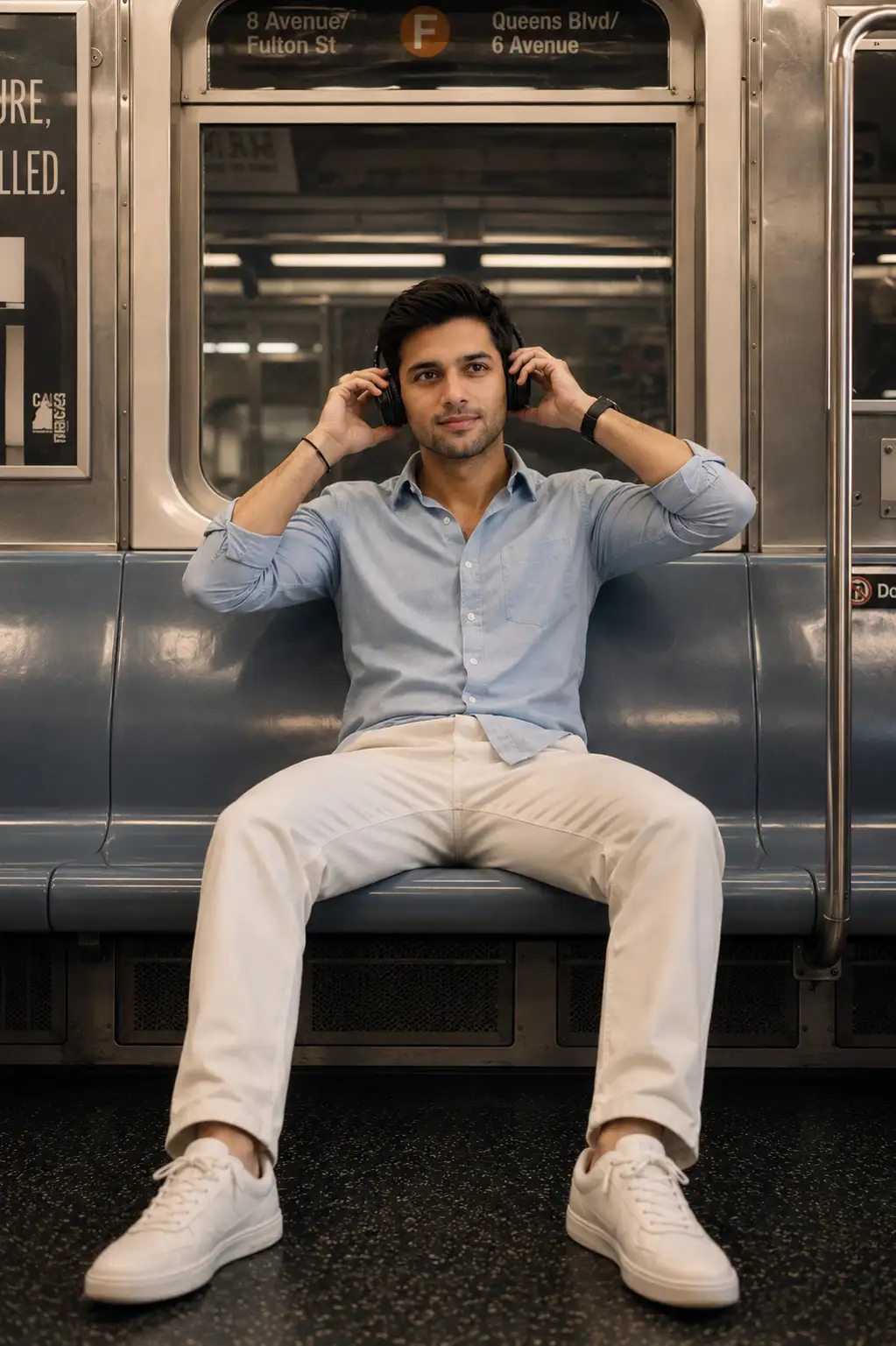
Cinematic Subway Headphone Portrait
Use the uploaded image as the sole face and identity reference. Preserve the subject’s facial identity with 100% accuracy. Do not change, beautify, reshape, or reinterpret the face. Keep the exact same facial structure, jawline, cheekbones, eyes, eyebrows, nose, lips, ears, skin tone, hairline, hairstyle, beard/stubble pattern, and natural facial proportions. No face swap, no age change, no gender change, no artificial skin smoothing.Create an ultra-realistic cinematic portrait of the same man sitting alone inside a vintage subway train, positioned centrally on a long empty bench seat. He sits in a relaxed, open posture with his legs naturally spread apart and slightly extended forward. His torso leans subtly backward, creating a casual, comfortable attitude.He wears a light blue button-down shirt with rolled-up sleeves, cream-colored trousers, clean white sneakers, a black wristwatch, and a minimal bracelet. He is wearing premium black over-ear headphones, with his right hand gently holding the right earcup and his left hand lightly touching the left earcup as he adjusts them.The subway interior features realistic metallic panels, reflective windows, overhead fluorescent lighting, poles, vents, vintage signage, and subtle urban details. Warm cinematic lighting mixes with cool subway tones, creating a sophisticated film look. Natural skin texture, realistic fabric details, authentic shadows, shallow depth of field, subtle film grain, balanced contrast, realistic reflections, and professional cinematic color grading.Composition: centered full-body portrait, eye-level camera, symmetrical subway perspective, 35mm cinematic lens, natural proportions, highly detailed, photorealistic, 8K quality, realistic anatomy. The face must remain exactly consistent with the uploaded reference image.Negative prompt: altered face, different person, face distortion, beautified face, facial reshaping, changed eyes, changed nose, changed lips, changed jawline, changed hairstyle, excessive retouching, plastic skin, AI face, asymmetrical eyes, deformed hands, extra fingers, bad anatomy, unrealistic body proportions, blurry face.
Open with:
Share this prompt
4
VIEWS
·
2
COPIES
·
1
LIKES

Log in to leave a comment.
More Like This
See all →

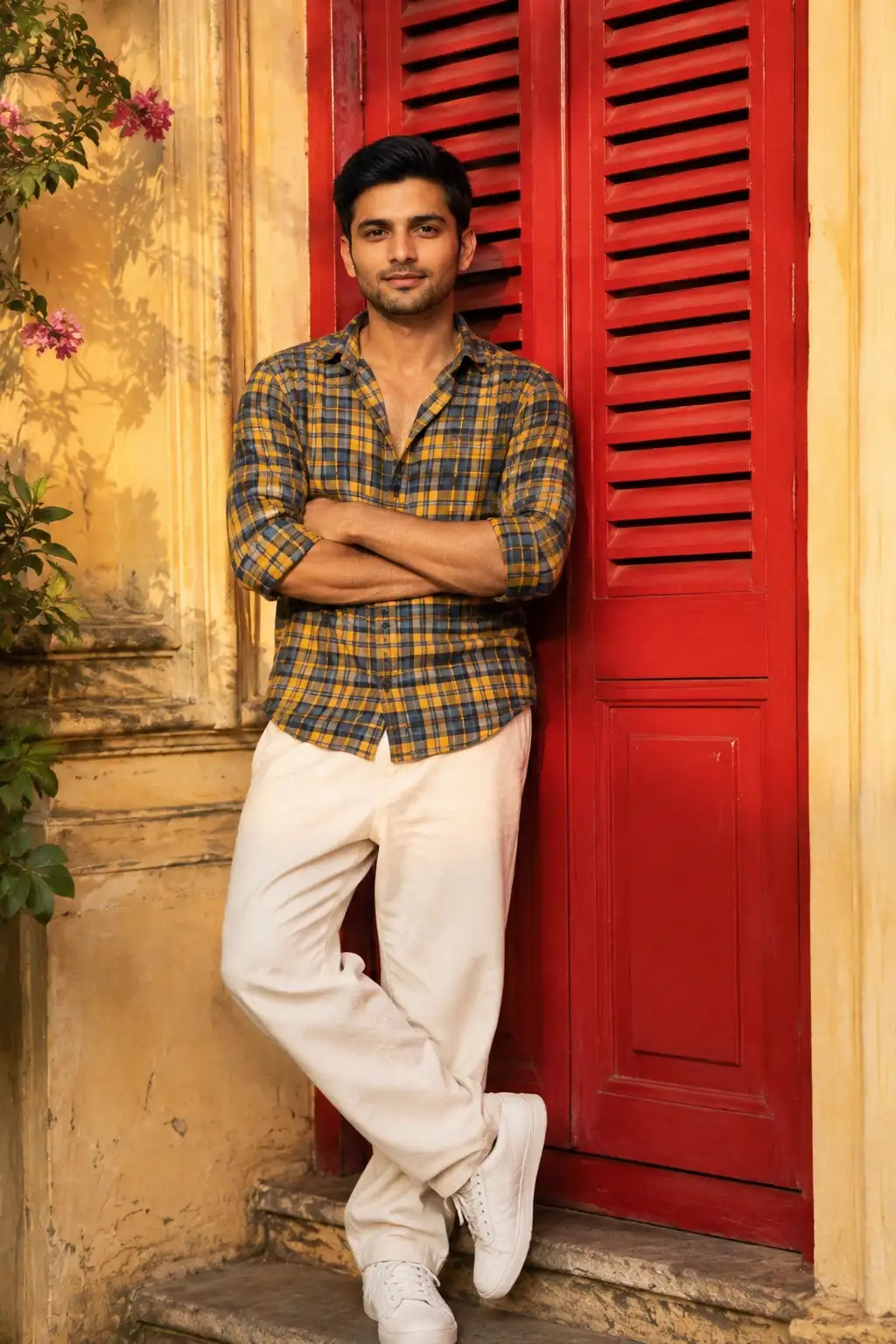
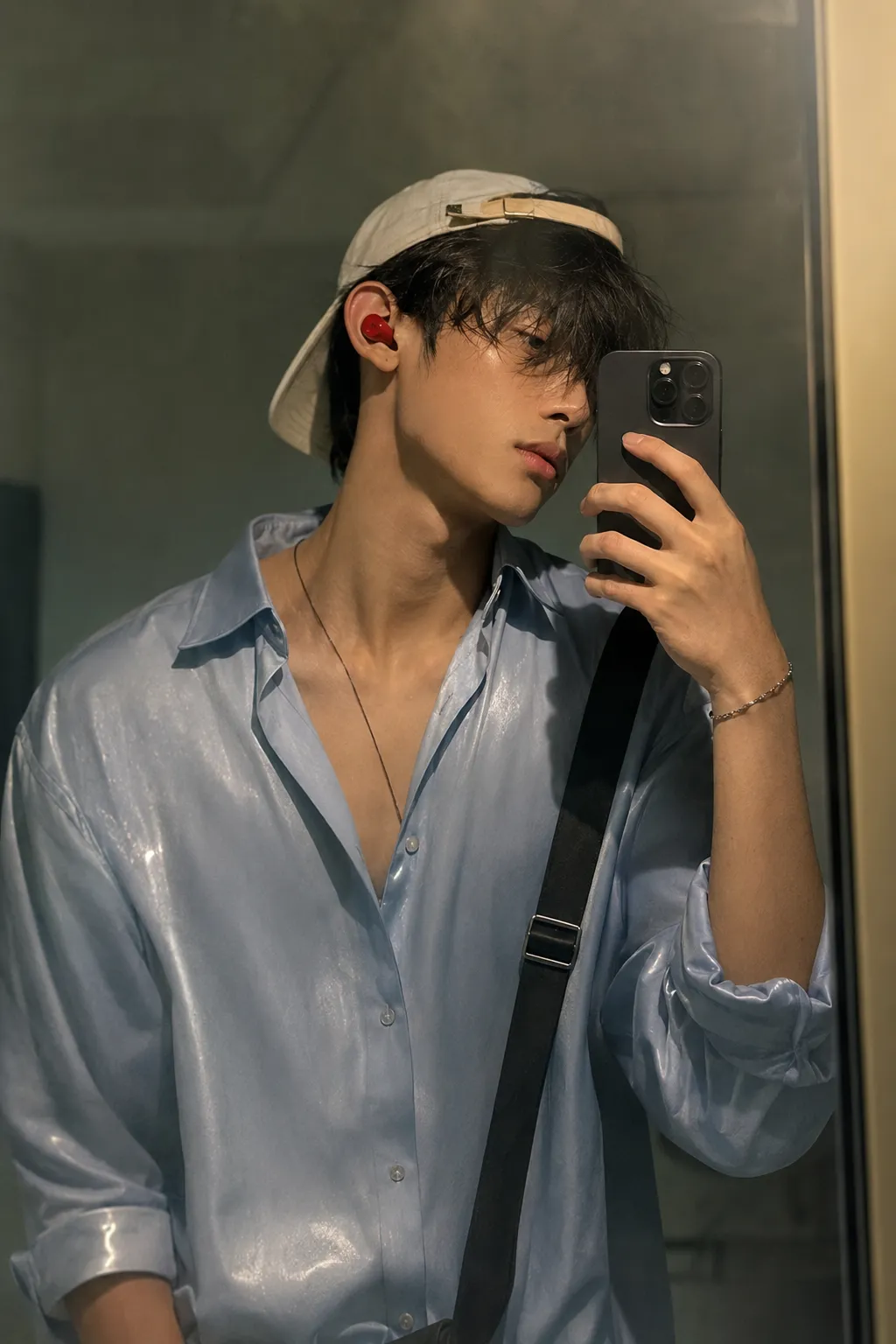
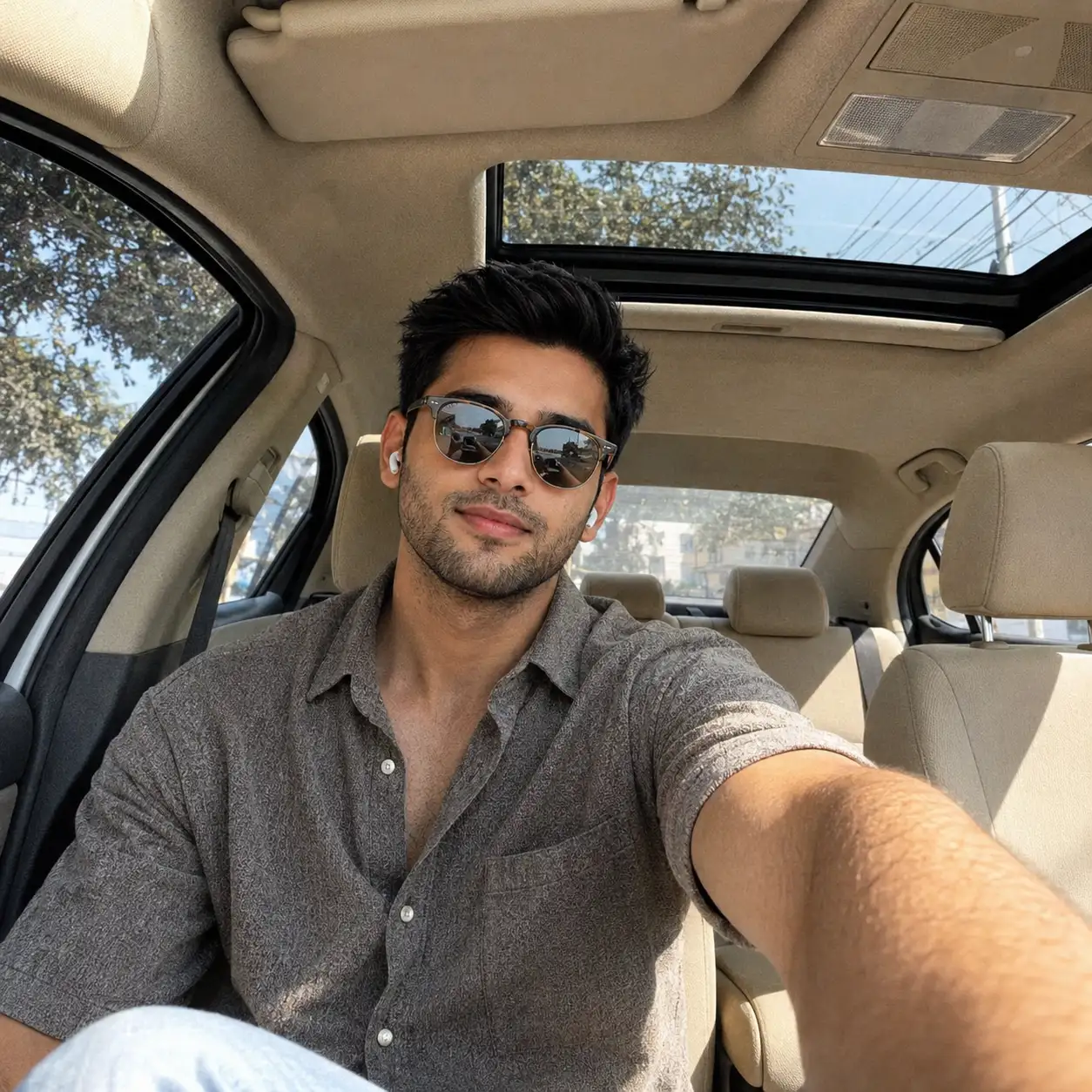
How to use this prompt
Copy “Cinematic Subway Headphone Portrait” once and reuse it for endless variations in ChatGPT. It’s tuned to give a repeatable, high-detail image you can refine. What sets this one apart is how it handles uploaded image.
- Tap Copy above to grab the full prompt.
- Open ChatGPT (or any image AI like Midjourney, DALL·E 3 or Gemini).
- Paste the prompt into the generate box and run it.
- Like the result? Re-roll once or twice and keep your favourite.
Tips & variations
- Add an aspect ratio that fits your platform — portrait for Instagram, wide for banners.
- Change the lighting words (e.g. “golden hour”, “studio”, “moody”) to shift the whole mood.
- Save a version you like as a template, then only edit the subject line each time.
Frequently asked questions
The prompt is free, but commercial rights depend on the AI tool you generate with. Most paid plans allow commercial use — always check that specific tool’s licence and terms first.
It’s set up for ChatGPT, and it also works well in Midjourney, DALL·E 3 or Gemini. Image models vary, so try the same prompt in a couple of tools and keep the result you like best.
Yes — every prompt on the site is free to copy and use. You only need an account with the AI tool you choose to run it.
No — the prompt itself works on free tiers of ChatGPT. A paid plan may unlock faster generation, higher limits, or commercial licensing, depending on the tool.