
5
VIEWS
·
0
COPIES
·
0
LIKES
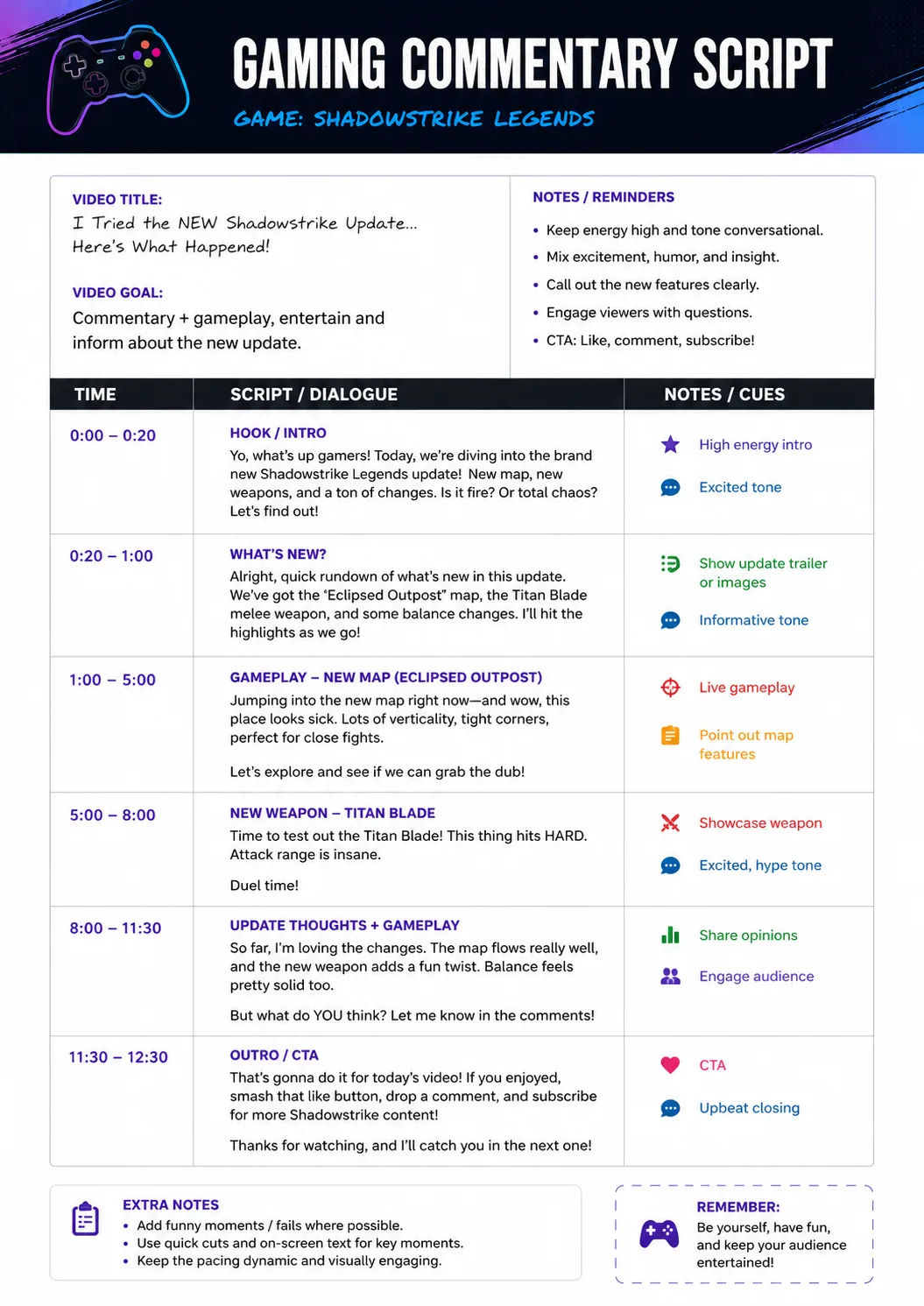
Gaming Commentary Script
You are a professional YouTube documentary writer and retention strategist. Create a premium gaming commentary script and a full documentary-style YouTube script about [TOPIC] for [TARGET AUDIENCE]. Begin with 3 emotionally powerful hooks optimized for curiosity and watch time. Then write a cinematic intro that immediately builds tension and stakes. Structure the script into clear story chapters with transitions, open loops, emotional pacing, and cliffhanger moments. Include narration lines, suggested b-roll scenes, cinematic music cues, and on-screen text ideas. Add pattern interrupts every 30–60 seconds to maintain audience retention. End with a satisfying conclusion and a natural CTA encouraging comments and subscriptions. Format the output using sections for Hook, Intro, Main Story, B-Roll Directions, and CTA.
Share this prompt
5
VIEWS
·
0
COPIES
·
0
LIKES

Log in to leave a comment.
More Like This
See all →

How to use this prompt
Copy “Gaming Commentary Script” once and reuse it for endless variations in ChatGPT. It works just as well in Midjourney, DALL·E 3 or Gemini, so you’re not locked into one tool.
- Tap Copy above to grab the full prompt.
- Open ChatGPT (or any image AI like Midjourney, DALL·E 3 or Gemini).
- Paste the prompt into the generate box and run it.
- Like the result? Re-roll once or twice and keep your favourite.
Tips & variations
- Tweak the camera/lens cue (“close-up”, “wide shot”) to control the framing.
- Try the prompt with and without the style words to see how much they’re actually doing.
- Append quality modifiers like “highly detailed, 8k, sharp focus” for a cleaner render.
Frequently asked questions
No — the prompt itself works on free tiers of ChatGPT. A paid plan may unlock faster generation, higher limits, or commercial licensing, depending on the tool.
AI models are non-deterministic, so results vary each run even with the same prompt. Generate a few times and pick your favourite, or lock a seed if your tool supports it.
Edit the descriptive words in the prompt — change full documentary-style, the lighting, the colours or the setting. Small wording changes produce big differences in the final image.
Yes — treat it as a starting point. Once you have an output you like, you can feed it back in with a follow-up prompt to refine or extend it further.