
8
VIEWS
·
6
COPIES
·
0
LIKES
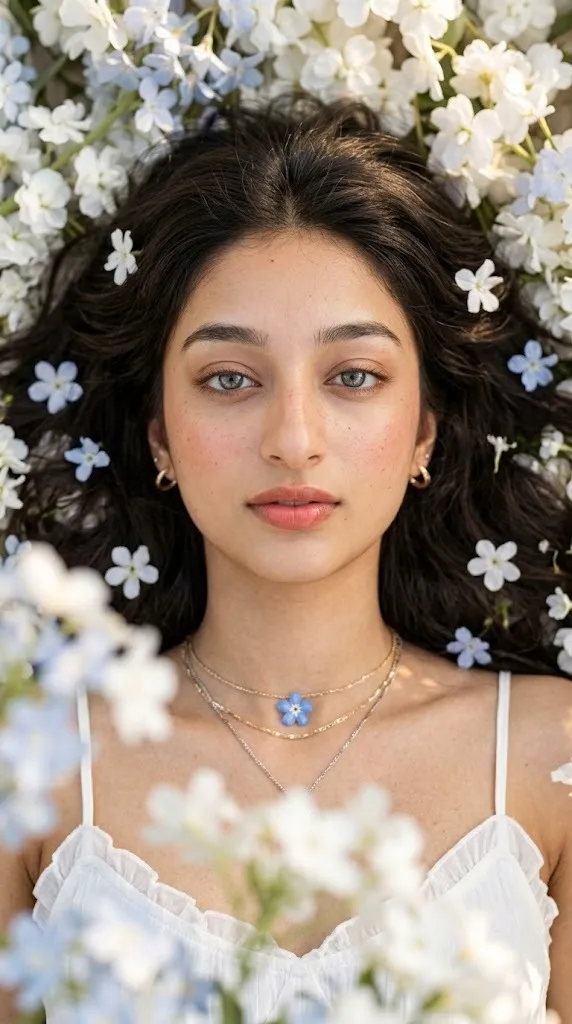
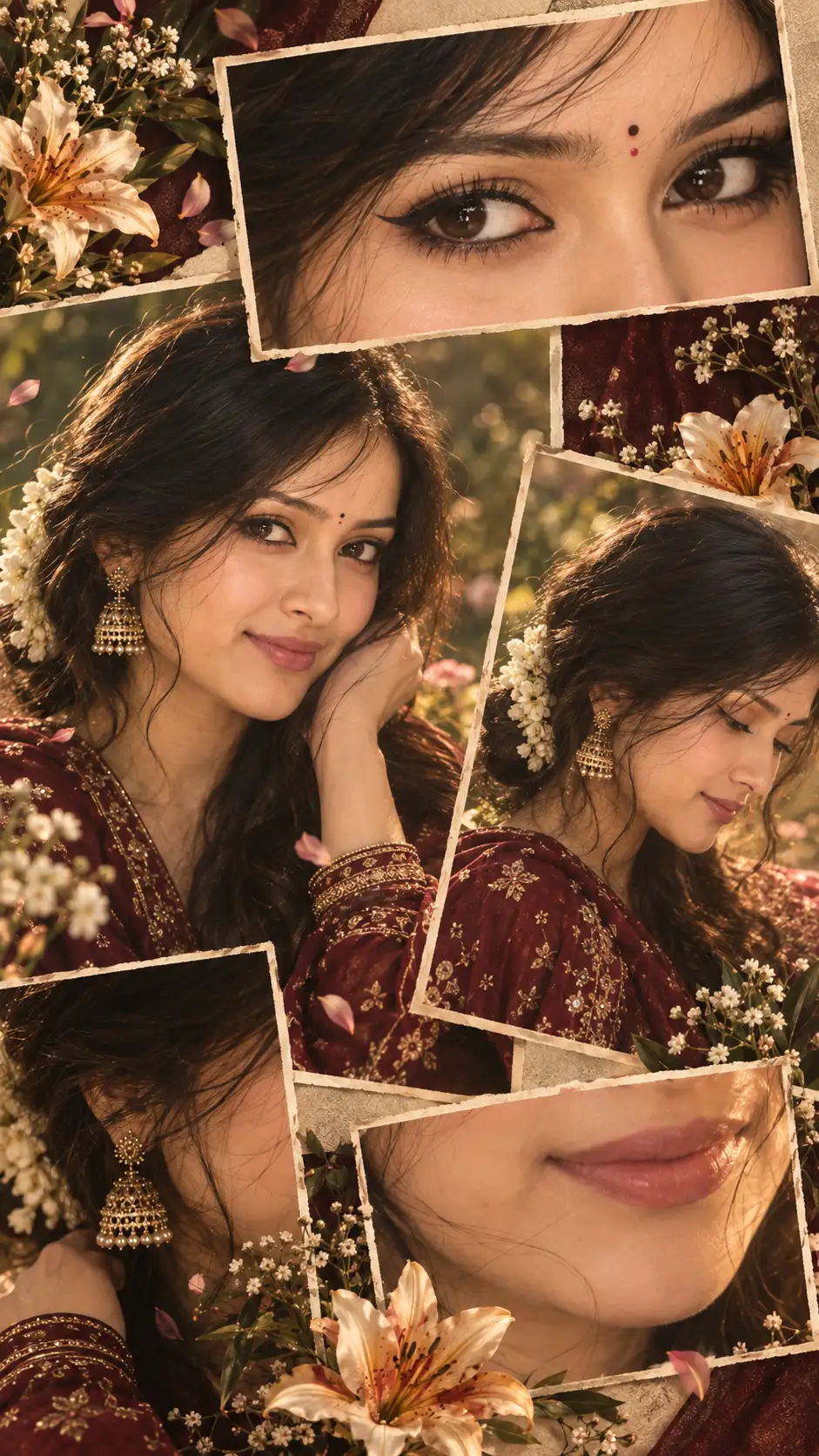
Ethereal Floral Overhead Portrait
An ultra-realistic, top-down portrait featuring the female subject from the reference image, preserving her distinct facial structure, skin tone, and features. She lies comfortably on her back in a 9:16 vertical orientation, looking directly upward into the camera with a calm, dreamy, and languid expression, relaxed eyelids, and softly parted lips.Her fair skin shows fine textures, subtle pores, delicate freckles, and a soft peachy blush across her cheeks and nose. The makeup remains fresh and minimal, featuring softly feathered eyebrows, sheer taupe eyeshadow, softly curled natural lashes, subtle champagne inner-corner highlights, and a naturally glossy coral-rose tint applied to her lips.Her long, thick chestnut-brown hair with subtle lighter highlights spreads organically around her head in tousled waves. Tiny white and pale-blue blossoms are scattered naturally throughout her hair and around her temples. Delicate strands fall softly across her forehead while the rest of her dark hair rests amid an abundance of flowers.She wears a lightweight white camisole with thin spaghetti straps and a softly ruffled neckline revealing her collarbones. Her jewelry includes small gold hoop earrings and layered gold and silver chain necklaces. A delicate blue flower-shaped pendant rests centrally on her chest, adding a subtle reflective touch to her romantic look.Captured from directly overhead using an 85mm lens feel at f/1.8, creating a shallow depth of field. Soft golden daylight filters through surrounding white and pale-blue flowers, forming a gentle foreground bokeh around the edges. High-detail textures highlight individual hair strands, skin details, and delicate floral petals effortlessly.
Open with:
Share this prompt
8
VIEWS
·
6
COPIES
·
0
LIKES

Log in to leave a comment.
More Like This
See all →
How to use this prompt
This prompt turns one click into a finished “Ethereal Floral Overhead Portrait” visual in Gemini. Generate, tweak a few words, and re-roll until it’s exactly right.
- Use the Copy button to copy the prompt text.
- Head to Gemini and start a new image.
- Set your preferred aspect ratio, then generate.
- Download the version you like and share it.
Tips & variations
- Swap the main subject for your own to completely change the scene while keeping the style.
- Push or pull the across her elements specifically — that’s usually the fastest lever here.
- Add an aspect ratio that fits your platform — portrait for Instagram, wide for banners.
Frequently asked questions
Edit the descriptive words in the prompt — change across her, the lighting, the colours or the setting. Small wording changes produce big differences in the final image.
AI models are non-deterministic, so results vary each run even with the same prompt. Generate a few times and pick your favourite, or lock a seed if your tool supports it.
It’s set up for Gemini, and it also works well in Midjourney, DALL·E 3 or Gemini. Image models vary, so try the same prompt in a couple of tools and keep the result you like best.
The way it handles across her is fairly specific, so results tend to be more focused than a generic Image AI Prompts prompt.