
5
VIEWS
·
6
COPIES
·
1
LIKES
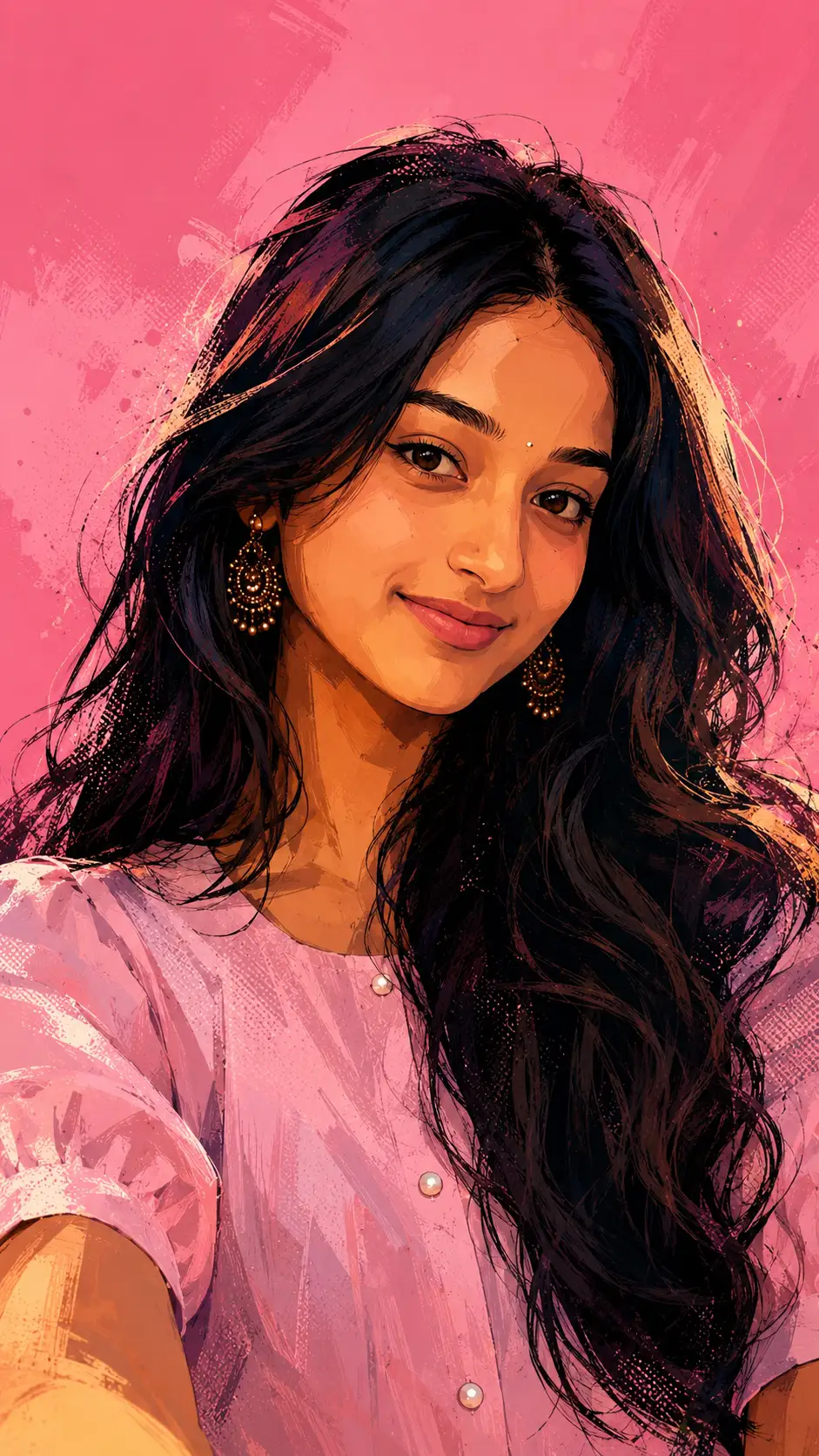
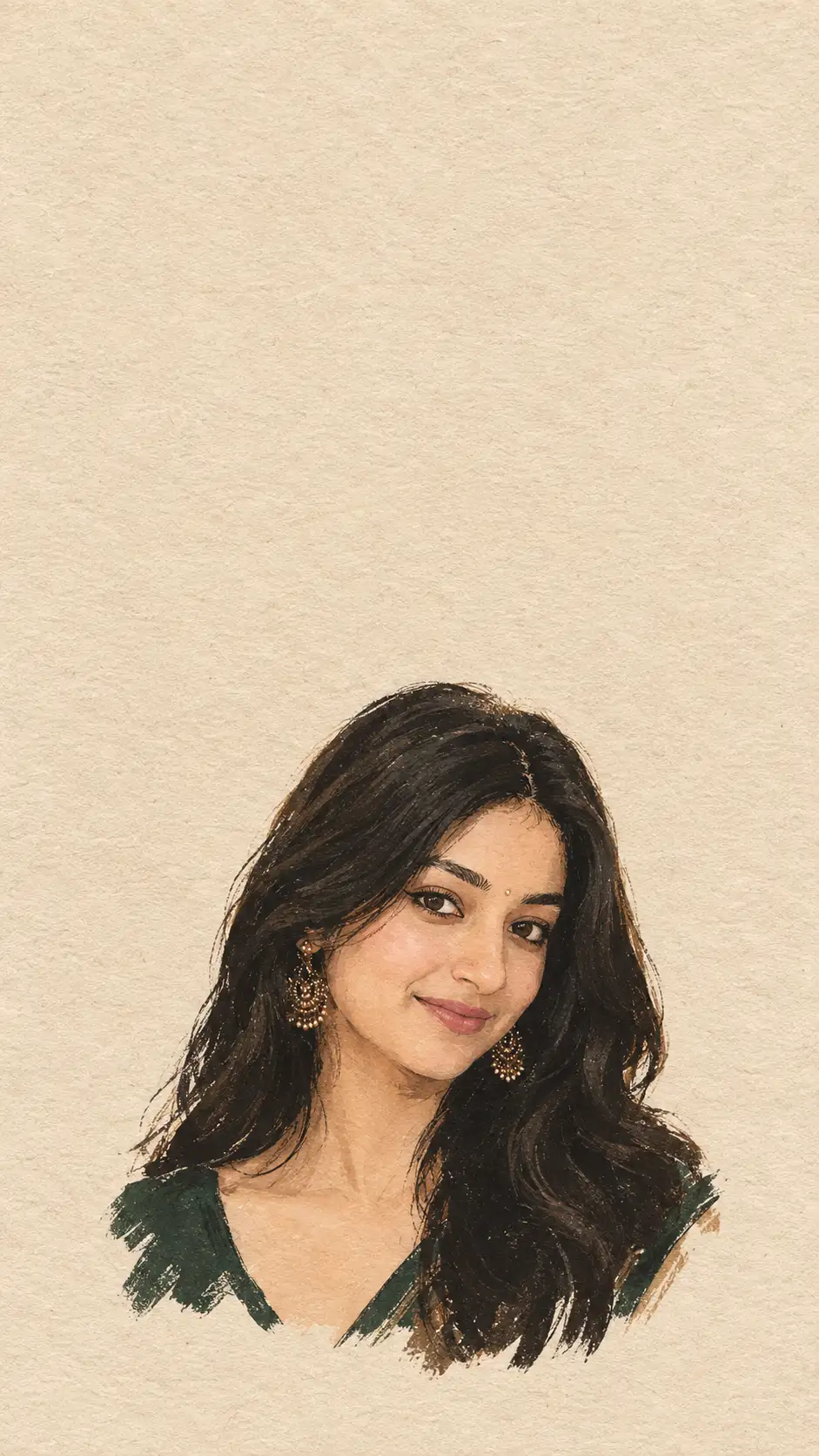
Spider-Verse Inspired Painterly 3D Cartoon Portrait
Use the uploaded photo as the only identity reference. Preserve the subject's face with 100% identity accuracy, maintaining the exact facial structure, facial proportions, jawline, cheekbones, nose shape, lips, eyes, eyebrows, forehead, skin tone, natural expression, hairstyle, hairline, hair volume, and all unique facial details without alteration, beautification, aging, or stylization that changes identity. Transform the portrait into a premium painterly cartoon illustration inspired by the visual language of Spider-Verse, blending sculpted 3D anatomy with expressive hand-painted illustration textures while keeping the face instantly recognizable. Apply bold ink linework, painterly brush strokes, halftone textures, graphic shadows, vibrant color splashes, and dynamic comic-book lighting. Introduce subtle stylized geometric forms and expressive asymmetry only in the artistic rendering, never altering the subject's facial identity. Keep the same frontal composition and natural head angle. Replace the background with a clean solid pink studio backdrop. Use dramatic brush-painted highlights, cinematic color grading, rich paint textures, crisp edges, high-detail hybrid 3D illustration rendering, premium animated graphic aesthetic, ultra-high quality, vertical 9:16 composition.
Open with:
Share this prompt
5
VIEWS
·
6
COPIES
·
1
LIKES

Log in to leave a comment.
More Like This
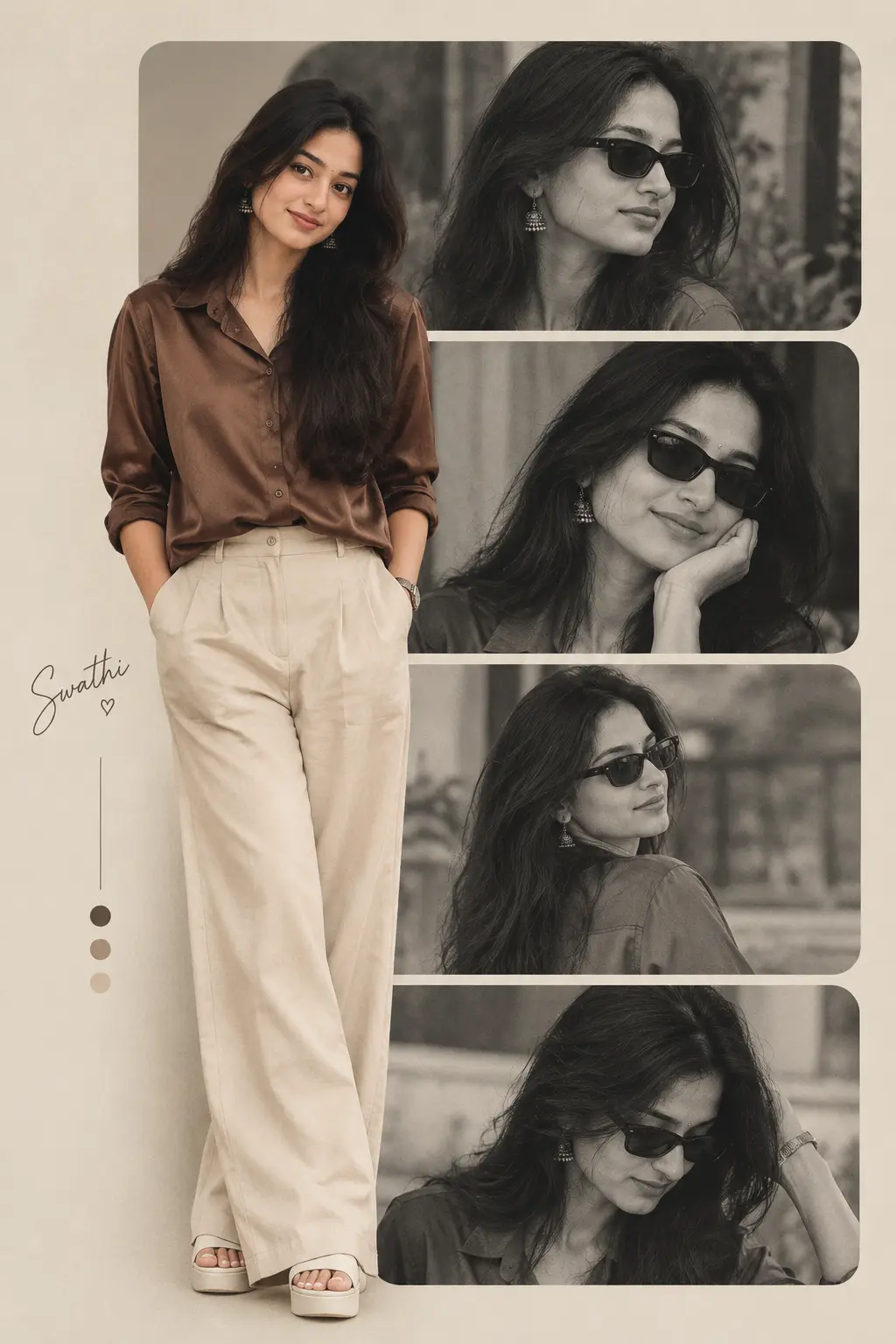
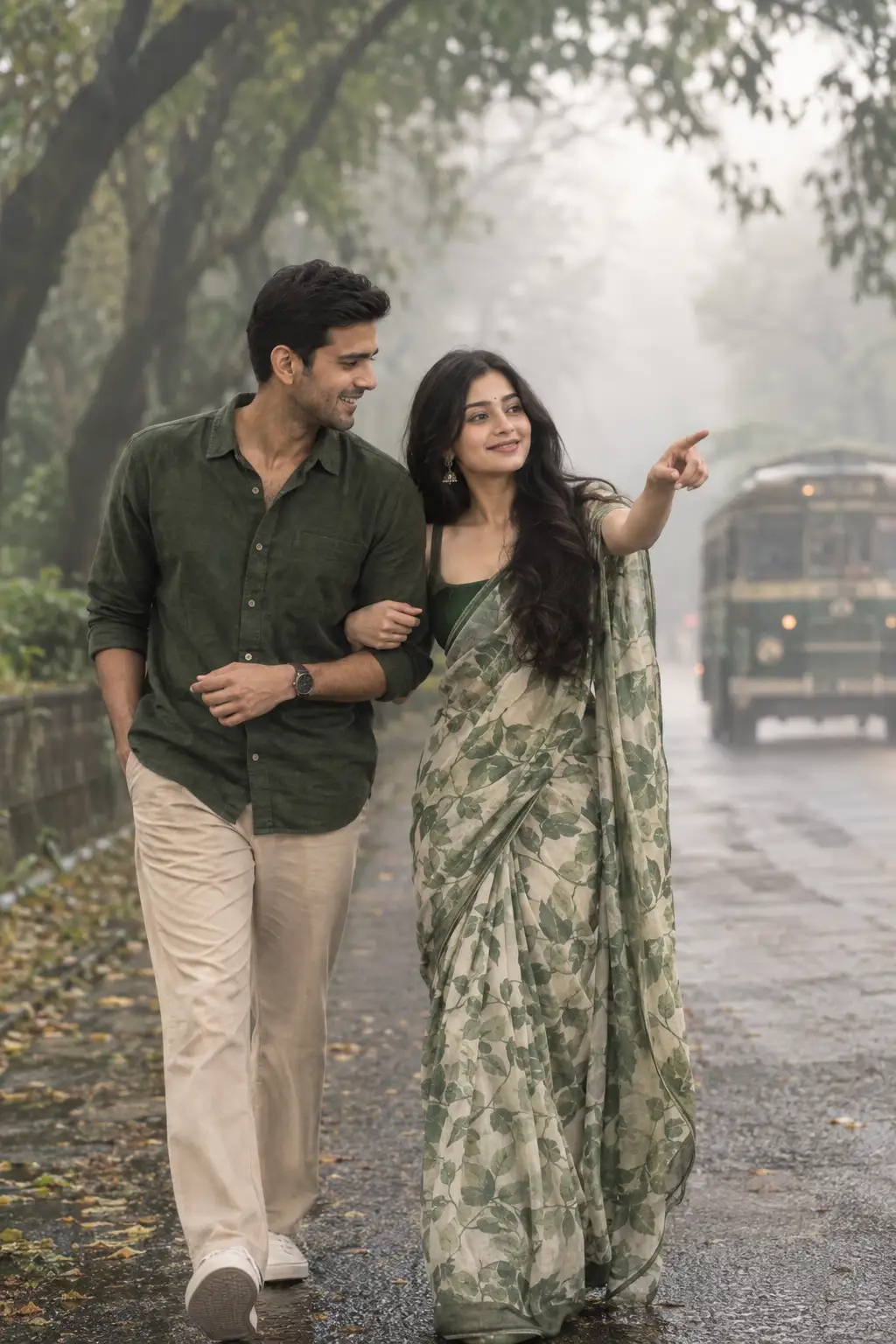
See all →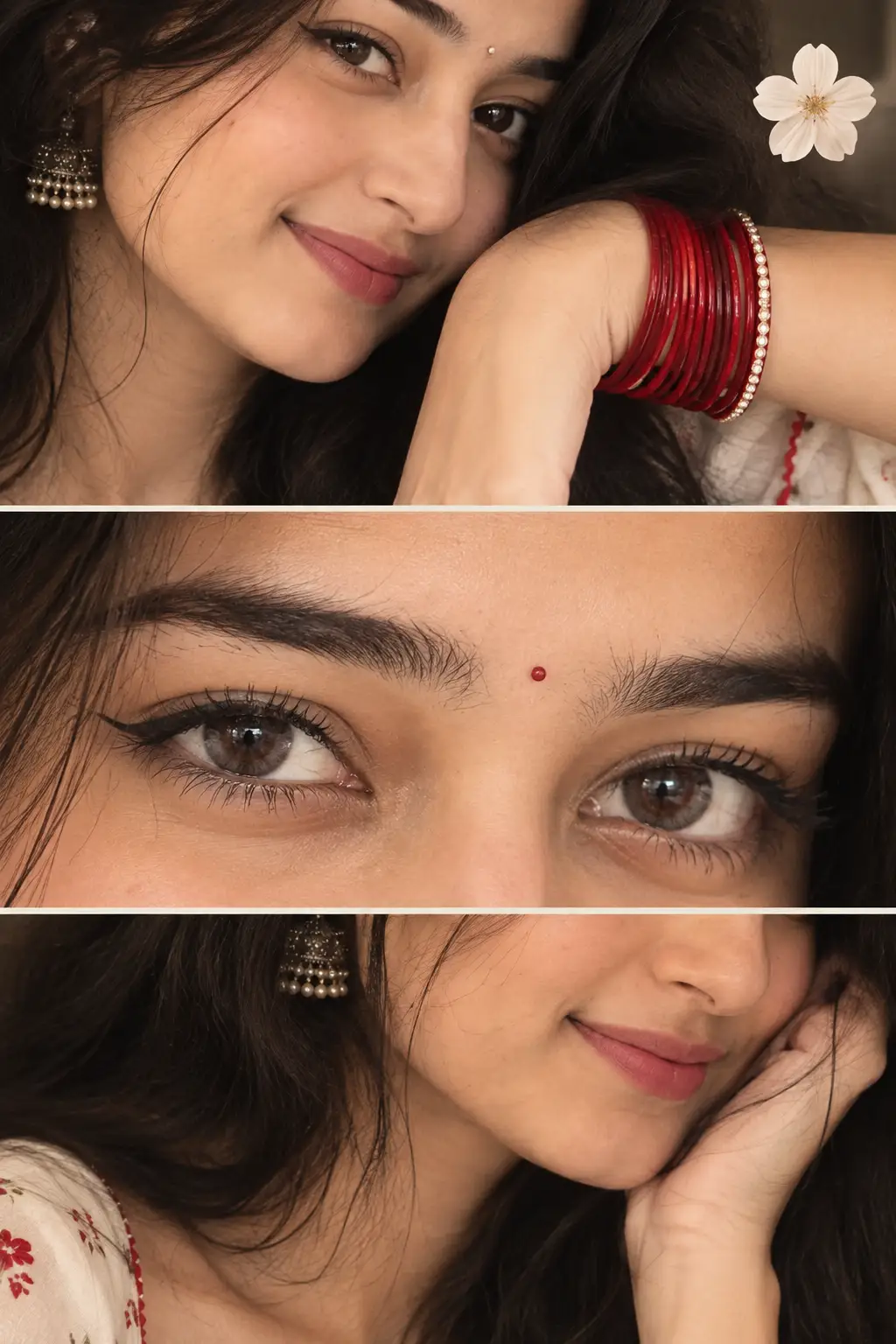
How to use this prompt
“Spider-Verse Inspired Painterly 3D Cartoon Portrait” packages the descriptive detail an image model needs into one prompt. Drop it in and adjust the details to make the result your own. This version leans on uploaded photo, which gives the result its character.
- Grab the prompt with the Copy button at the top.
- Paste it into Gemini.
- Run it, focusing on uploaded photo if you want to steer the result.
- Regenerate to explore a few different takes on the same idea.
Tips & variations
- Add an aspect ratio that fits your platform — portrait for Instagram, wide for banners.
- Name a colour palette to keep a series of images visually consistent.
- Swap the main subject for your own to completely change the scene while keeping the style.
Frequently asked questions
Yes — every prompt on the site is free to copy and use. You only need an account with the AI tool you choose to run it.
Yes — treat it as a starting point. Once you have an output you like, you can feed it back in with a follow-up prompt to refine or extend it further.
Edit the descriptive words in the prompt — change uploaded photo, the lighting, the colours or the setting. Small wording changes produce big differences in the final image.
The prompt is free, but commercial rights depend on the AI tool you generate with. Most paid plans allow commercial use — always check that specific tool’s licence and terms first.