
1
VIEWS
·
5
COPIES
·
1
LIKES
·
5
TODAY
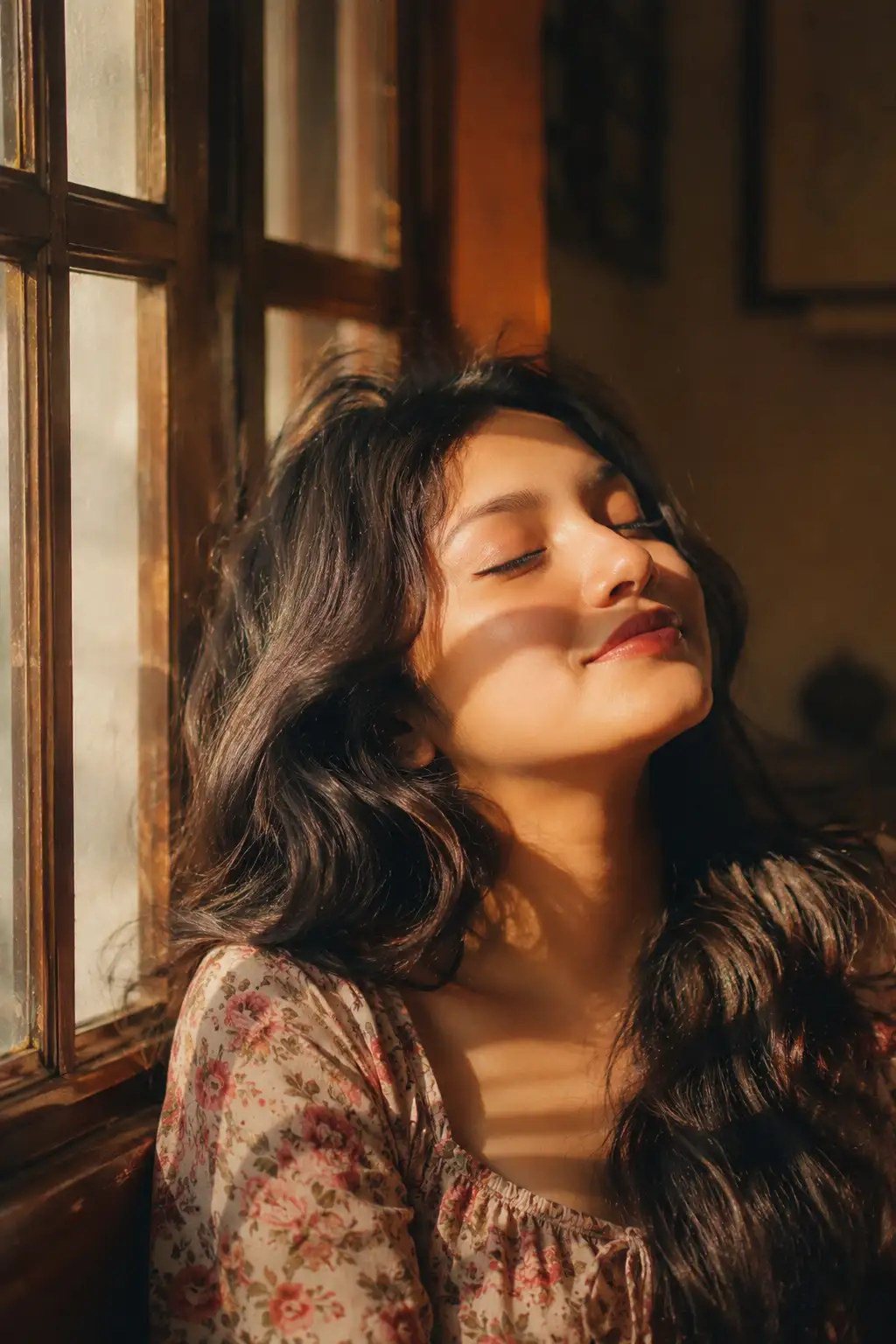
Vintage Window Portrait with 100% Face Identity Lock
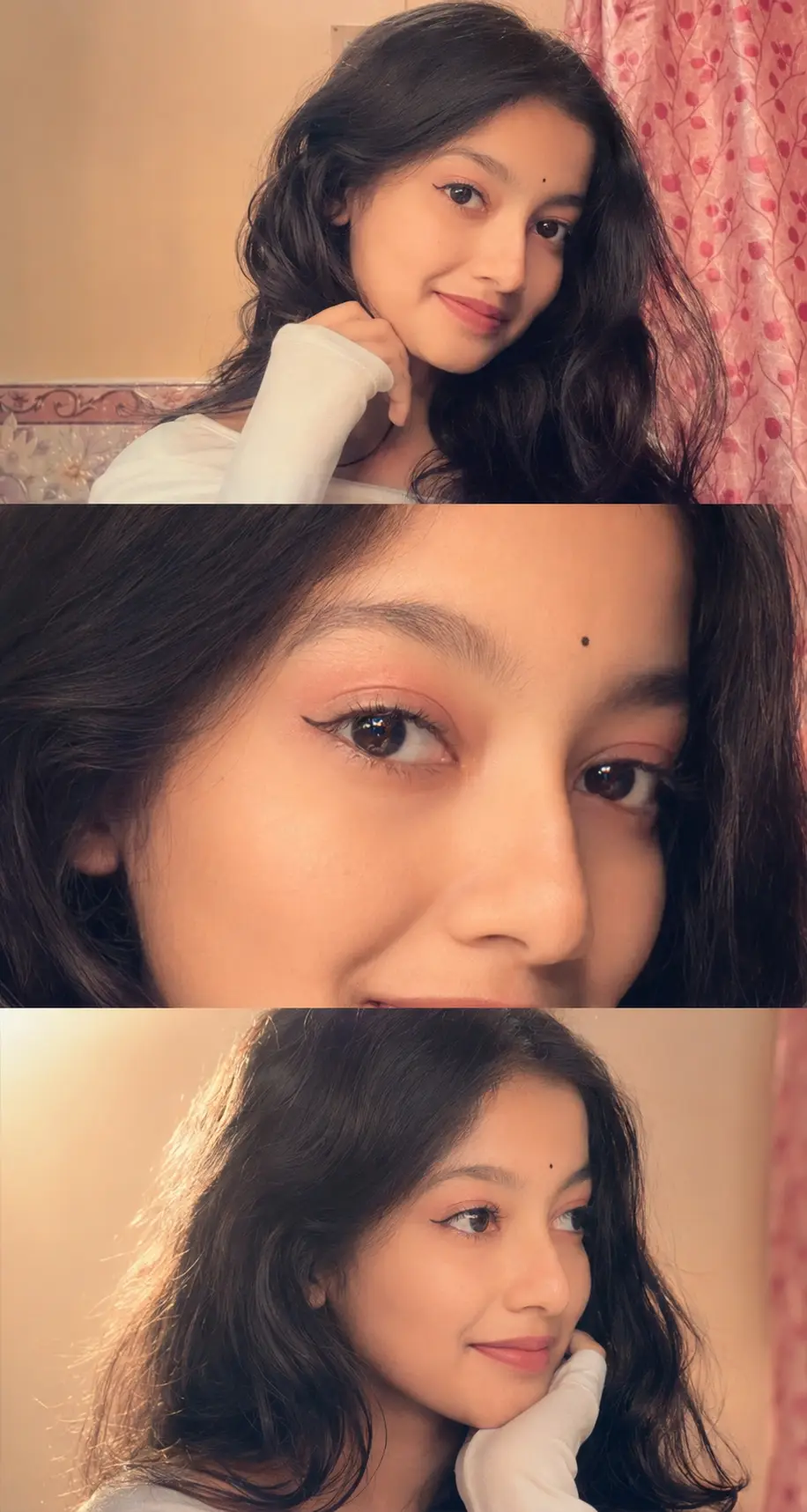
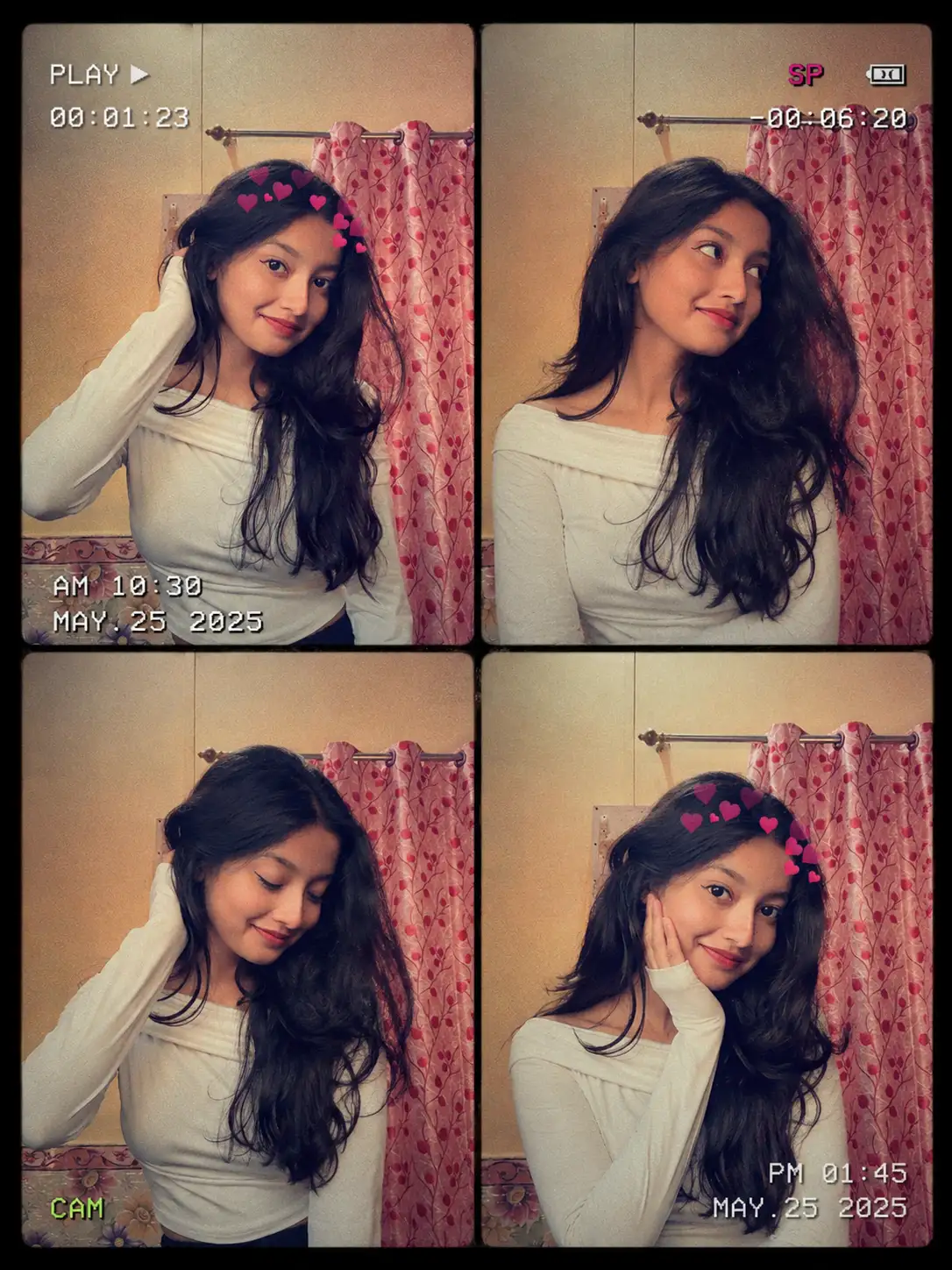
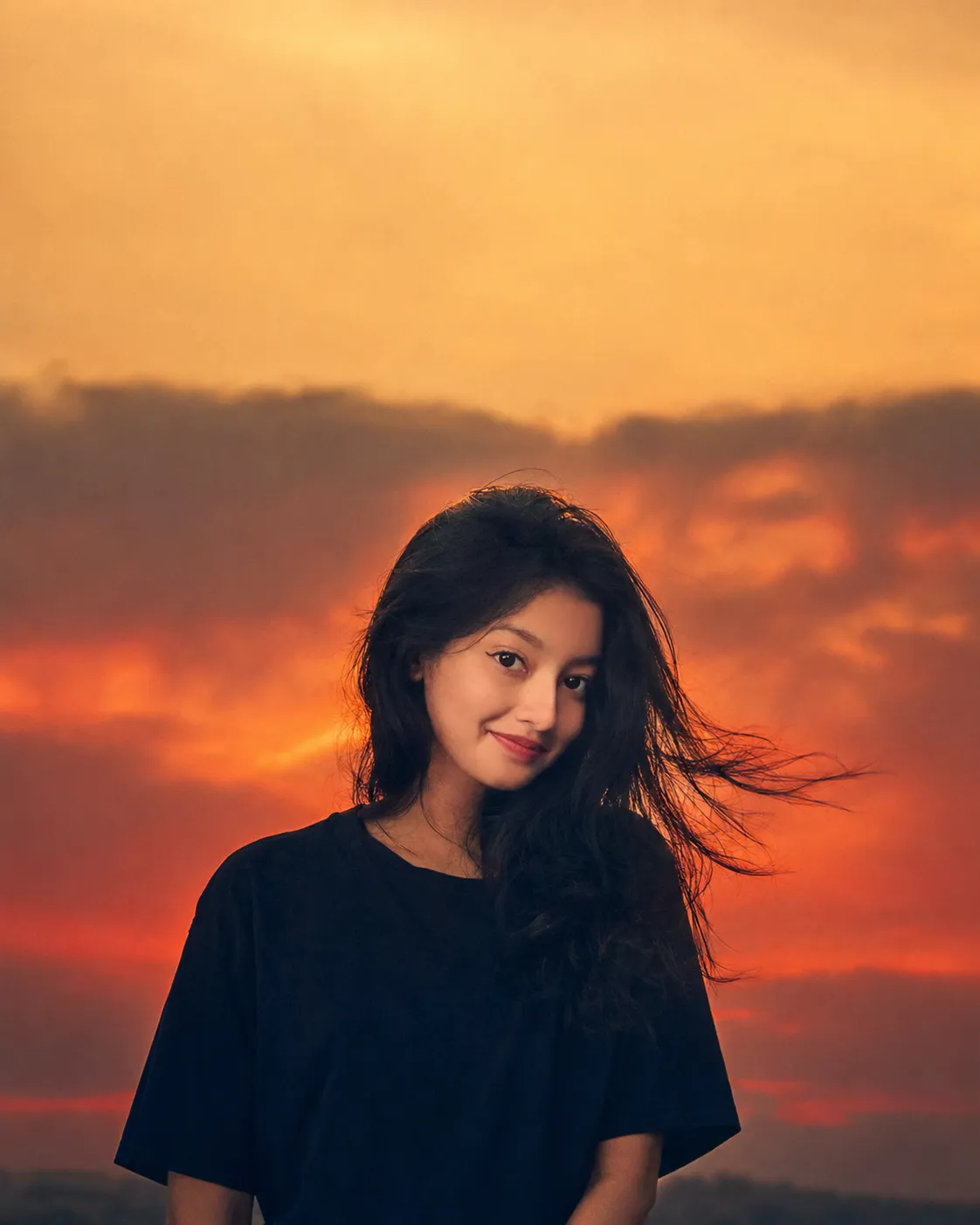
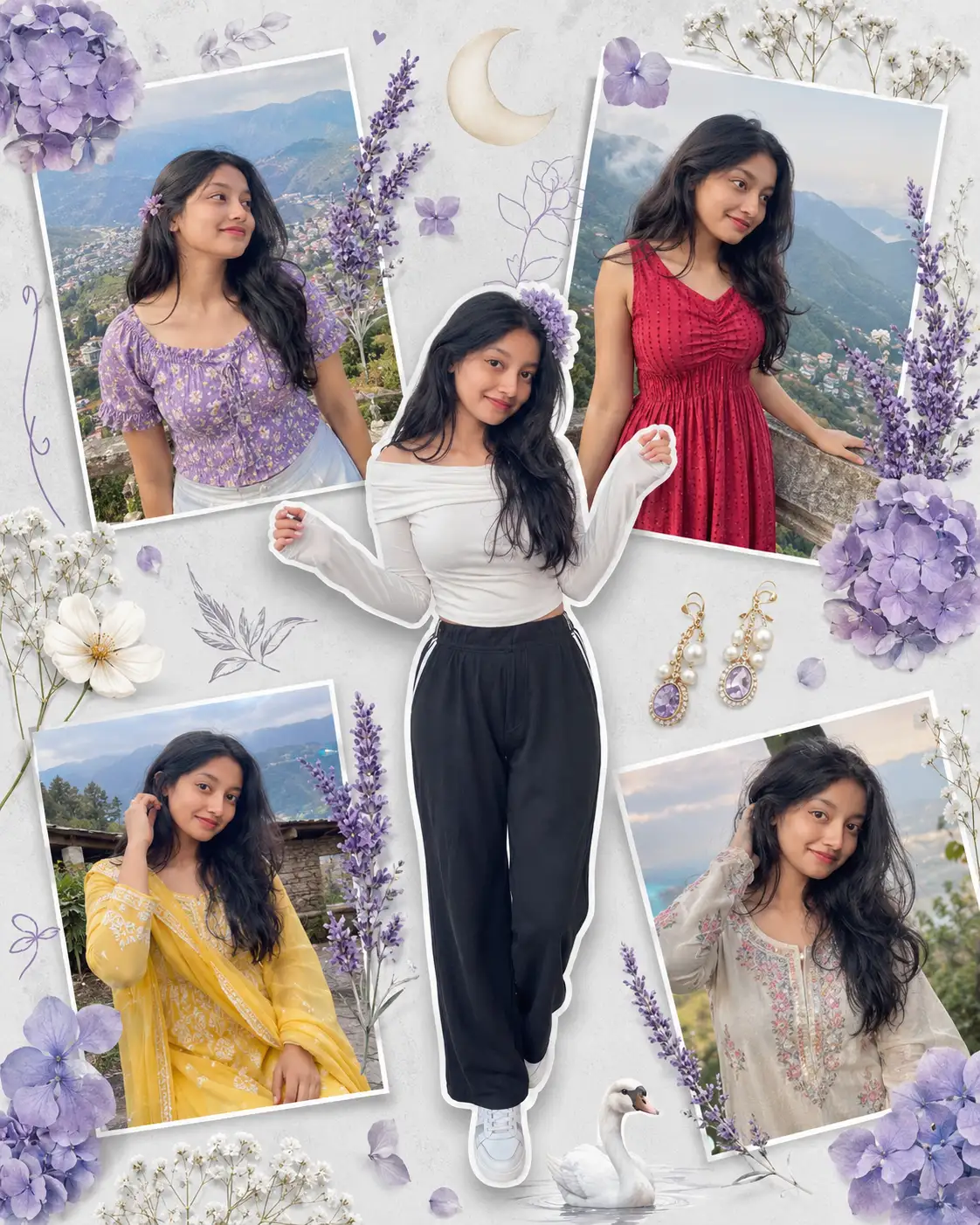
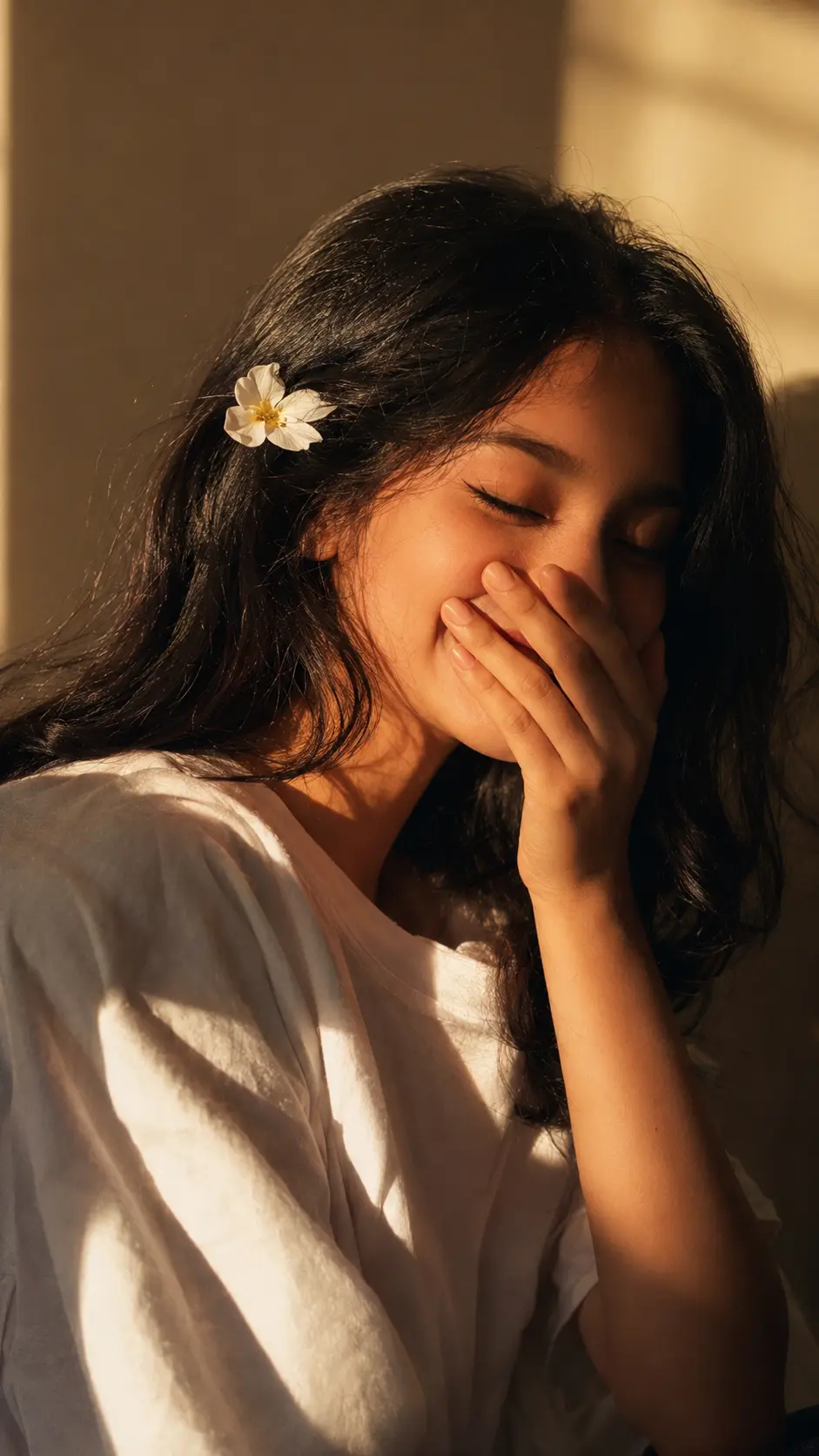
USE THE UPLOADED REFERENCE PHOTO AS THE ONLY FACIAL REFERENCE. ABSOLUTE 100% FACIAL IDENTITY LOCK. DO NOT REINTERPRET, BEAUTIFY, OR MODIFY THE FACE IN ANY WAY. Preserve the exact facial structure, bone structure, jawline, chin, forehead, cheekbones, eye shape and spacing, eyelids, eyebrows, nose shape and width, lips, smile, skin tone, facial proportions, hairline, ears, and every unique facial characteristic exactly as shown in the reference image. Maintain the same apparent age, ethnicity, and natural expression. Zero face variation, zero stylization, zero identity drift.Create a vertical vintage film close-up portrait of the same woman standing beside an old wooden window. She has long, naturally voluminous dark wavy hair with soft texture. Her eyes are gently closed, head tilted slightly upward toward the warm sunlight, with a relaxed, peaceful expression and naturally soft red lips. She is wearing a delicate vintage floral top.Golden afternoon sunlight streams through the wooden window, casting beautiful striped bands of light and shadow across her face and neck. The scene has a warm retro color palette with cinematic golden backlighting, authentic analog film grain, subtle painterly texture, shallow depth of field, realistic skin texture, and softly blurred vintage interior surroundings.Bust close-up composition, 85mm lens look, f/1.8, ultra-photorealistic portrait photography, natural color grading, highly detailed skin, realistic hair strands, premium editorial quality, 8K resolution, preserving the exact identity of the uploaded reference face without any alteration.--ar 2:3 --style raw --s 230
Open with:
Share this prompt
1
VIEWS
·
5
COPIES
·
1
LIKES
·
5
USED TODAY
Log in to leave a comment.
More Like This
See all →
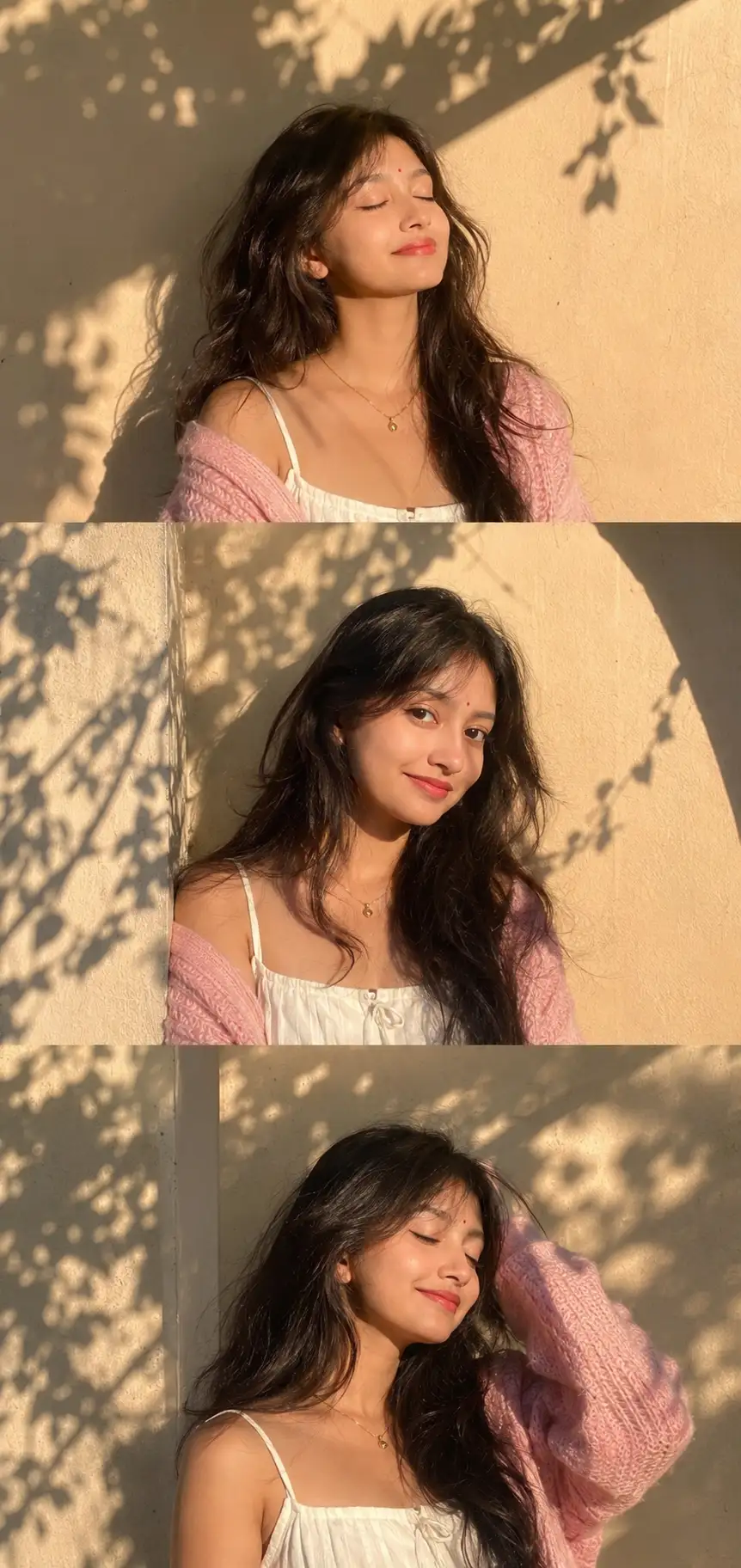
How to use this prompt
Here’s a shortcut to “Vintage Window Portrait with 100% Face Identity Lock” — no prompt-writing experience required. Generate, tweak a few words, and re-roll until it’s exactly right.
- Use the Copy button to copy the prompt text.
- Head to ChatGPT and start a new image.
- Set your preferred aspect ratio, then generate.
- Download the version you like and share it.
Tips & variations
- Tweak the camera/lens cue (“close-up”, “wide shot”) to control the framing.
- Replace the setting or background to repurpose the same prompt for a new theme.
- Push or pull the uploaded reference elements specifically — that’s usually the fastest lever here.
Frequently asked questions
The way it handles uploaded reference is fairly specific, so results tend to be more focused than a generic Image AI Prompts prompt.
It generates a visual built around uploaded reference — part of our Image AI Prompts collection. Use it as-is or as a starting point you customise to taste.
Yes — every prompt on the site is free to copy and use. You only need an account with the AI tool you choose to run it.
Edit the descriptive words in the prompt — change uploaded reference, the lighting, the colours or the setting. Small wording changes produce big differences in the final image.