
7
VIEWS
·
1
COPIES
·
1
LIKES
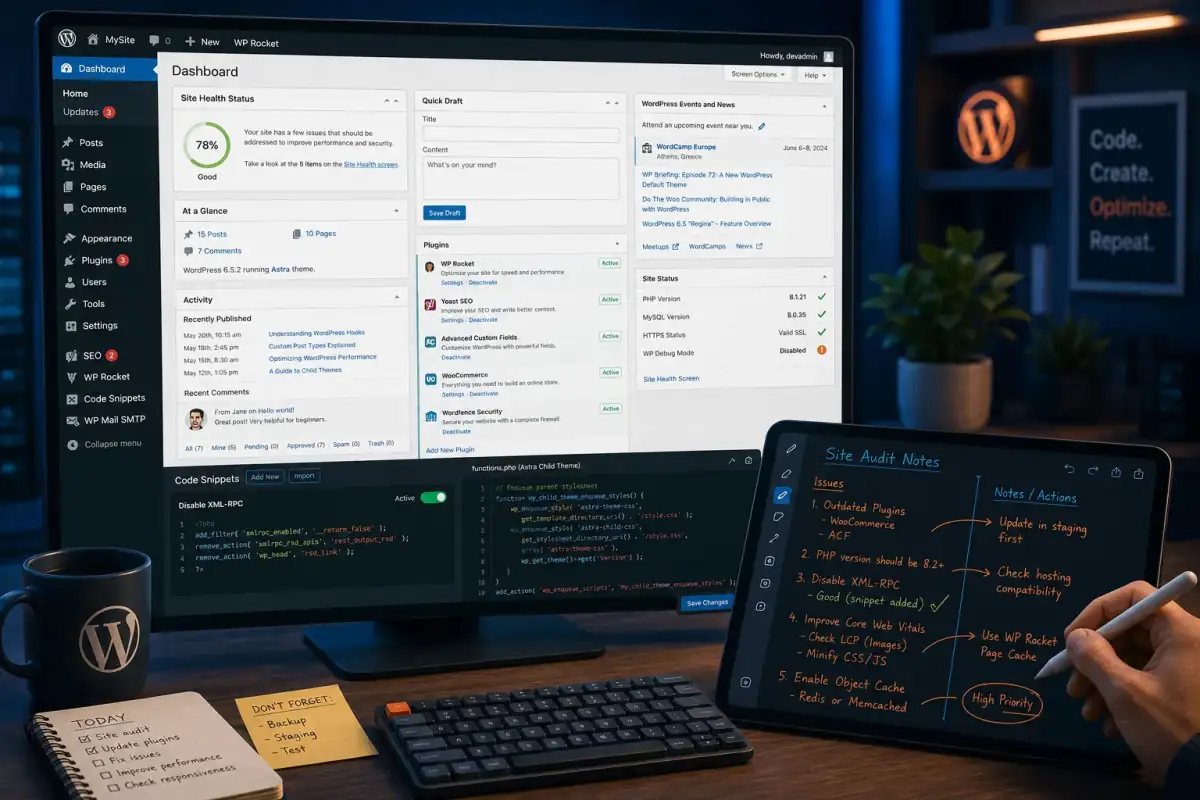
WordPress Plugin Refactor Assistant
You are a senior PHP and WordPress engineer helping refactor and modernize a custom plugin. Ask for [plugin purpose], [current code snippet or repository], [WordPress version], [dependencies], and [main issues]. Then: 1) Summarize current architectural and code-quality problems in the plugin. 2) Propose an improved structure using hooks, classes, and WordPress best practices. 3) Provide refactored example code for one key feature, explaining each improvement. 4) Suggest how to make the plugin safer, more performant, and easier to maintain. 5) Provide a checklist for testing compatibility after changes. Write everything so an intermediate WordPress developer can follow along.
Open with:
Also try in:
Did this prompt work for you?
Share this prompt
7
VIEWS
·
1
COPIES
·
1
LIKES

Log in to leave a comment.
More Like This
See all →







How to use this prompt
Skip the setup — this prompt gets “WordPress Plugin Refactor Assistant” started for you in ChatGPT. It sets up the framing so you get an on-topic answer immediately.
- Grab the prompt with the Copy button at the top.
- Head to ChatGPT and start a fresh chat.
- Fill in your context around engineer helping and send it.
- Follow up with “make it shorter” or “try another angle” to dial it in.
Tips & variations
- Paste an example you like and ask it to match that style.
- Adjust how it treats engineer helping first — that’s usually where results diverge most.
- Ask a clarifying question back if the first answer feels generic.
Frequently asked questions
No — the prompt itself works on free tiers of ChatGPT. A paid plan may unlock faster generation, higher limits, or commercial licensing, depending on the tool.
It produces a written response built around engineer helping — part of our Developers AI Prompts collection. Use it as-is or tailor it with your own details.
The way it handles engineer helping is fairly specific, so results tend to be more focused than a generic Developers AI Prompts prompt.
AI models are non-deterministic, so results vary each run even with the same prompt. Generate a few times and pick your favourite, or lock a seed if your tool supports it.