
7
VIEWS
·
0
COPIES
·
0
LIKES
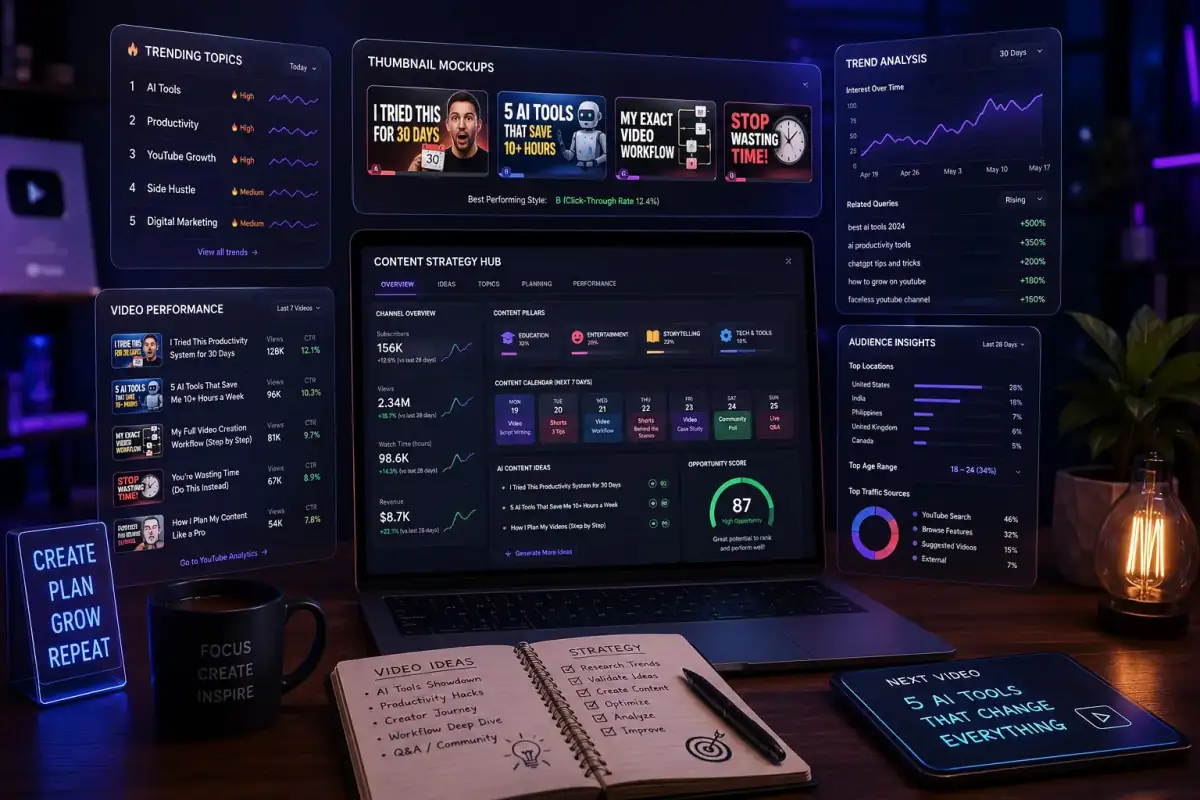
Thumbnail And Title Generator 10
You are a YouTube CTR strategist. Generate 20 clickable titles and 10 thumbnail concepts for [VIDEO TOPIC]. Group titles by curiosity, emotional, and authority styles. Explain the psychology behind the best performing combinations.
Open with:
Also try in:
Did this prompt work for you?
Share this prompt
7
VIEWS
·
0
COPIES
·
0
LIKES

Log in to leave a comment.
More Like This
See all →

How to use this prompt
Copy “Thumbnail And Title Generator 10” once and reuse it for endless variations in ChatGPT. Paste it into ChatGPT and you’ll get a detailed result in seconds. The specific phrasing around video topic is doing most of the work here.
- Tap Copy above to grab the full prompt.
- Open ChatGPT (or any image AI like Midjourney, DALL·E 3 or Gemini).
- Paste the prompt into the generate box and run it.
- Like the result? Re-roll once or twice and keep your favourite.
Tips & variations
- Change the lighting words (e.g. “golden hour”, “studio”, “moody”) to shift the whole mood.
- Replace the setting or background to repurpose the same prompt for a new theme.
- Add an aspect ratio that fits your platform — portrait for Instagram, wide for banners.
Frequently asked questions
The way it handles video topic is fairly specific, so results tend to be more focused than a generic Content Creators AI Prompts prompt.
No — the prompt itself works on free tiers of ChatGPT. A paid plan may unlock faster generation, higher limits, or commercial licensing, depending on the tool.
Yes — every prompt on the site is free to copy and use. You only need an account with the AI tool you choose to run it.
Edit the descriptive words in the prompt — change video topic, the lighting, the colours or the setting. Small wording changes produce big differences in the final image.