
6
VIEWS
·
0
COPIES
·
0
LIKES
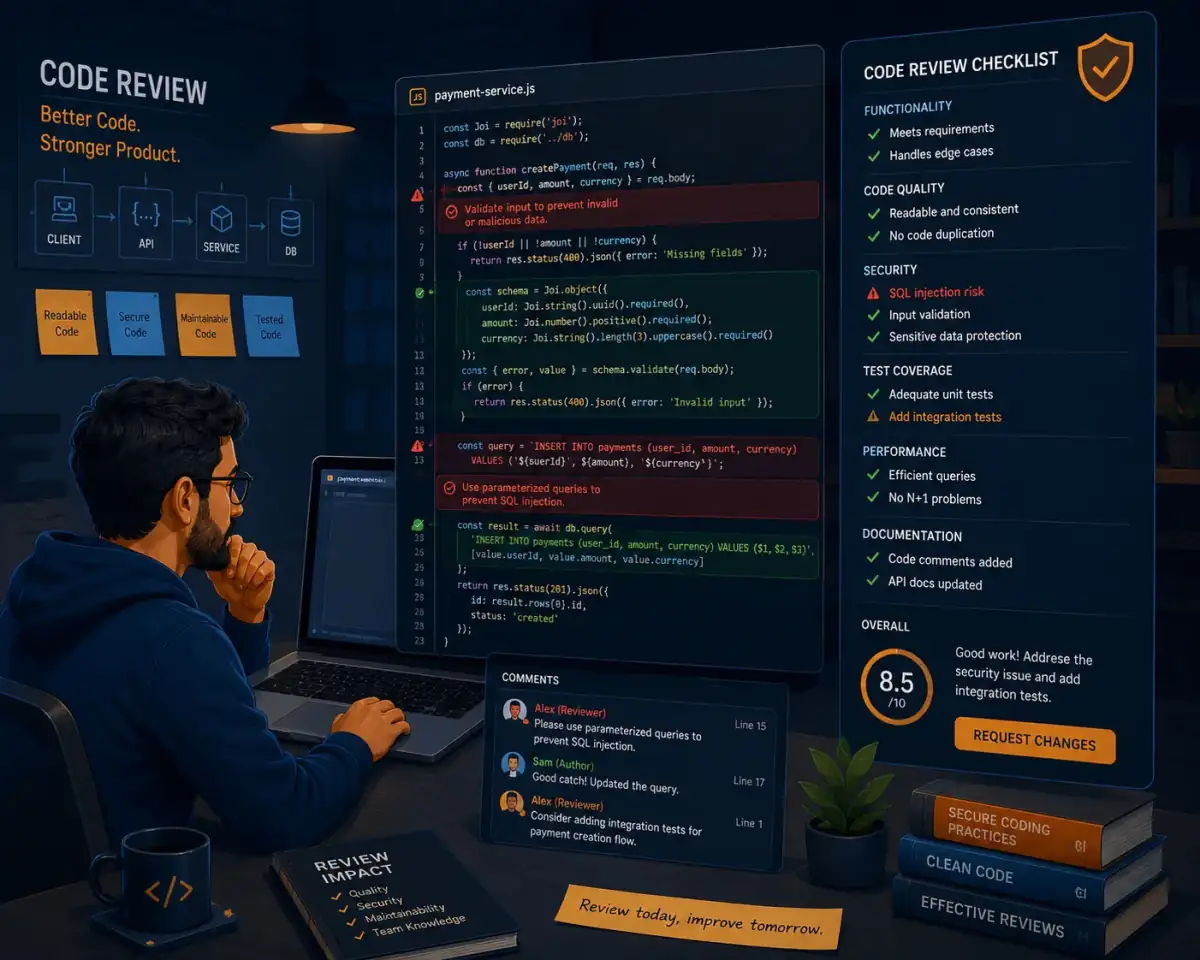
Secure Code Review Checklist Builder
You are an application security engineer performing a secure code review for [language or framework]. Ask for [repository link or code snippet], [app type], [authentication method], and [data sensitivity]. Then: 1) Summarize the main security concerns relevant to this stack. 2) Generate a tailored checklist of items to review (input validation, auth, access control, logging, cryptography, secrets, dependencies). 3) Highlight likely weak spots in the provided code with explanations. 4) Suggest specific fixes or safer patterns with example code. 5) Provide ongoing practices (dependency scanning, secret management, security headers) the team should adopt. Use concise bullet points and prioritize issues by severity and likelihood.
Open with:
Share this prompt
6
VIEWS
·
0
COPIES
·
0
LIKES

Log in to leave a comment.
More Like This
See all →



How to use this prompt
Need “Secure Code Review Checklist Builder” fast? This one’s pre-built for ChatGPT. Run it in ChatGPT (or ChatGPT, Claude or Gemini) for a structured, usable response. What sets this one apart is how it handles engineer performing.
- Tap Copy above to grab the full prompt.
- Open ChatGPT (or ChatGPT, Claude or Gemini) and start a new chat.
- Paste the prompt and swap in your own details where it fits.
- Send it, then refine with a quick follow-up message.
Tips & variations
- Ask for a version aimed at a different audience to see how much it changes.
- Ask it to explain its reasoning if you want to learn the approach.
- Give it your real specifics — the more context you add, the better the answer.
Frequently asked questions
The way it handles engineer performing is fairly specific, so results tend to be more focused than a generic Developers AI Prompts prompt.
AI models are non-deterministic, so results vary each run even with the same prompt. Generate a few times and pick your favourite, or lock a seed if your tool supports it.
The prompt is free, but commercial rights depend on the AI tool you generate with. Most paid plans allow commercial use — always check that specific tool’s licence and terms first.
Yes — every prompt on the site is free to copy and use. You only need an account with the AI tool you choose to run it.