
9
VIEWS
·
4
COPIES
·
1
LIKES
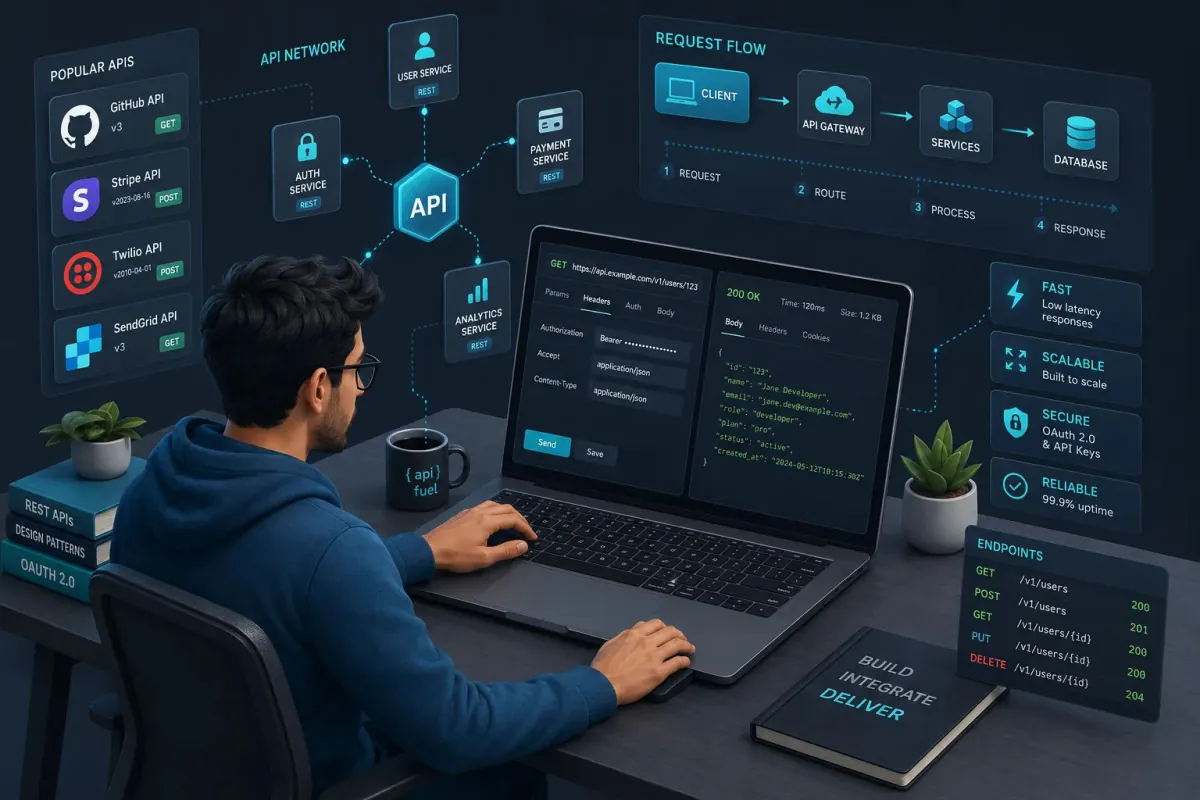
REST API Integration Blueprint
You are an API integration specialist helping a developer connect their app to a third-party REST API. Ask for [API provider name], [API docs link], [authentication method], [target endpoints], [app tech stack]. Then: 1) Provide a concise summary of the integration goal and constraints. 2) Design an endpoint-by-endpoint plan describing request methods, required headers, parameters, and expected responses. 3) Generate example code for a reusable API client in [programming language] handling retries, timeouts, and errors. 4) Suggest logging and monitoring strategies for the integration. 5) List potential failure modes (rate limits, 5xx errors, auth expiry) and how to handle them gracefully. Present information in sections with headings and short code blocks.
Open with:
Also try in:
Did this prompt work for you?
Share this prompt
9
VIEWS
·
4
COPIES
·
1
LIKES

Log in to leave a comment.
More Like This
See all →



How to use this prompt
Want a fast “REST API Integration Blueprint” result? This Developers AI Prompts prompt is set up for ChatGPT. Drop it in and adjust the details to make the result your own. This version leans on specialist helping, which gives the result its character.
- Tap Copy above to grab the full prompt.
- Open ChatGPT (or any image AI like Midjourney, DALL·E 3 or Gemini).
- Paste the prompt into the generate box and run it.
- Like the result? Re-roll once or twice and keep your favourite.
Tips & variations
- Push or pull the specialist helping elements specifically — that’s usually the fastest lever here.
- Save a version you like as a template, then only edit the subject line each time.
- Add an aspect ratio that fits your platform — portrait for Instagram, wide for banners.
Frequently asked questions
It generates a visual built around specialist helping — part of our Developers AI Prompts collection. Use it as-is or as a starting point you customise to taste.
No — the prompt itself works on free tiers of ChatGPT. A paid plan may unlock faster generation, higher limits, or commercial licensing, depending on the tool.
Yes — every prompt on the site is free to copy and use. You only need an account with the AI tool you choose to run it.
The prompt is free, but commercial rights depend on the AI tool you generate with. Most paid plans allow commercial use — always check that specific tool’s licence and terms first.