
13
VIEWS
·
3
COPIES
·
2
LIKES
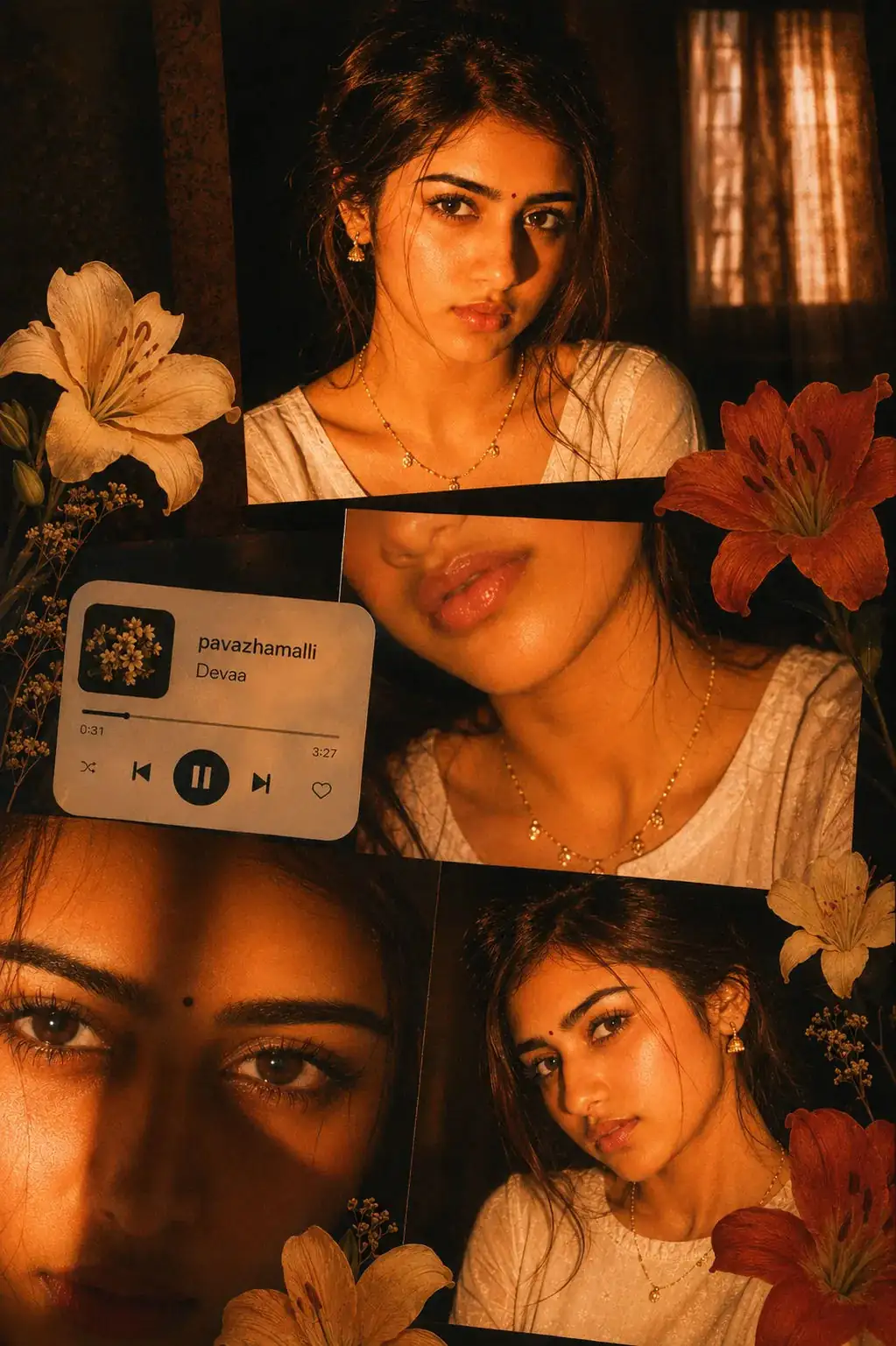
Golden Amber Night Portrait Collage Aesthetic
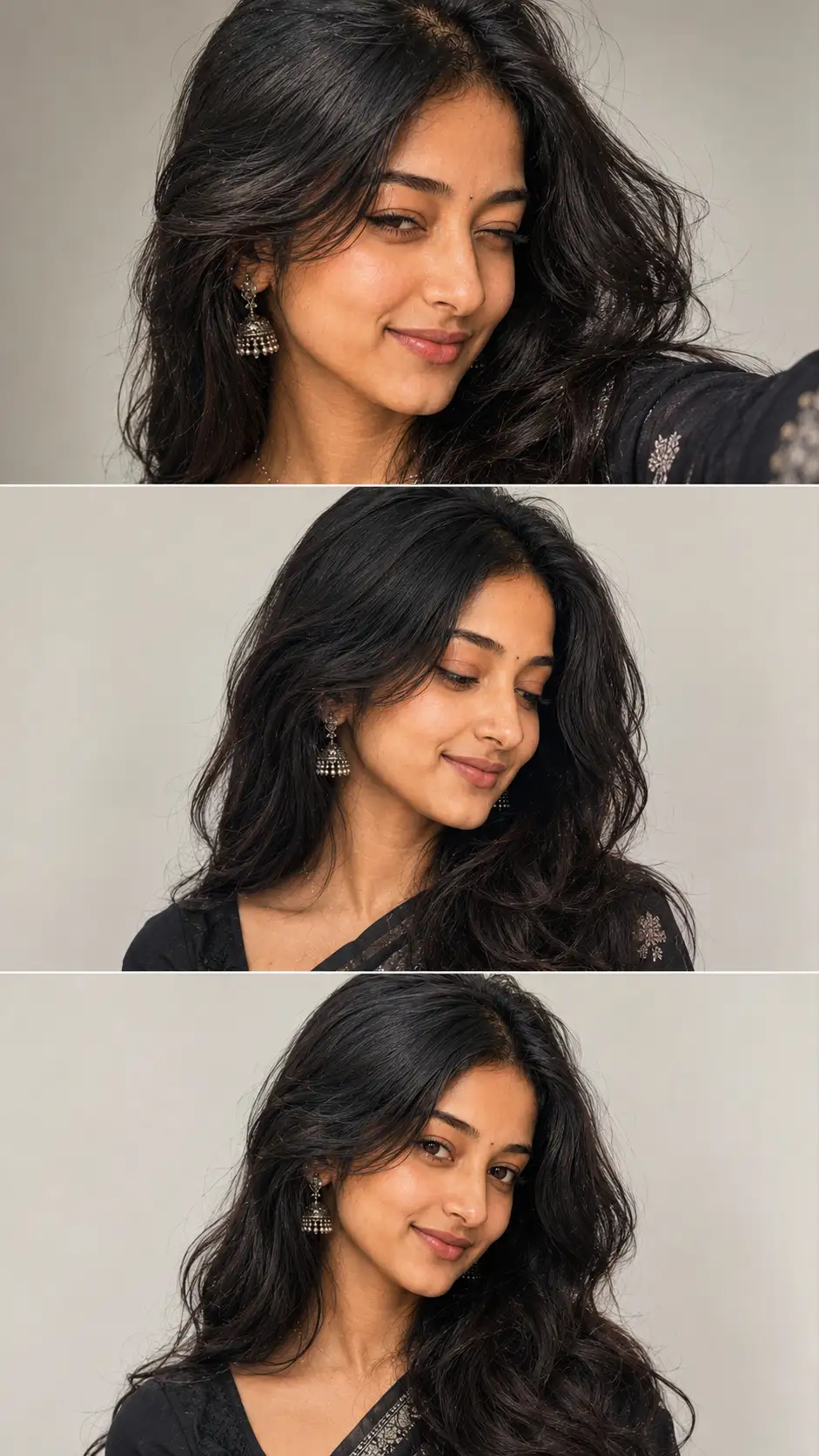
Ultra_realistic cinematic collage of a young woman using the uploaded face exactly. the image is composed of multiple rectangular photo panels layered vertically and diagonally, creating a scrapbook _style layout. Each panel shows close up and mis shot portraits of the same girl in a dim indoor room. Lighting: strong warm, Golden _orange direct flash lighting hitting on the face from the front_left creating high contrast, Deep shadows and a, glowing skins effects.Background remains dark with visible window curtains slightly illuminated. Horse lighting on cheekbones, nose and lips. Slight Film grain and soft blur for a dreamy vintage feel. Color grading: intense Amber, burnt orange and golden tones dominating the entire image. High saturation, slightly crushed blacks, ang glowing highlights. Subject styling: Messy tied_back hair with loose strands falling in face glossy lips, subtle eyeliner, dewy skin.Wearing a delicate necklace with small pendants and a casual off-shoulde white top. Composition details: top panel serious expression, looking directly at camera. Middle panel: cropped lips and necklace close up. Bottom left: extreme close_up of eyes with strong shadow split across. Bottom right: angled portrait with soft side gaze. Panels overlap slightly with uneven spacing for aesthetic collage look. Overlay elements: add realistic flowers stickers ( lilies in organe, cream, and Red tones)Places around the collage. Add the music layer UI Card in the centre-left area with a soft rounded design. Music player text: Title: "pavazhamalli" Artist: "Devaa" Include minimum playback bar and icons ( play/ pause, skip) Final touches: slight glow bloom effect on highlights subtle vignette around edges. Flash photography look. Like taken on a digital camera at night. Maintain natural skin texture, avoiding_over smoothing.
Open with:
Share this prompt
13
VIEWS
·
3
COPIES
·
2
LIKES

Log in to leave a comment.
More Like This
See all →
How to use this prompt
“Golden Amber Night Portrait Collage Aesthetic” is a ready-to-use Image AI Prompts prompt built for ChatGPT. It works just as well in Midjourney, DALL·E 3 or Gemini, so you’re not locked into one tool.
- Grab the prompt with the Copy button at the top.
- Paste it into ChatGPT.
- Run it, focusing on ultra realistic if you want to steer the result.
- Regenerate to explore a few different takes on the same idea.
Tips & variations
- Save a version you like as a template, then only edit the subject line each time.
- Change the lighting words (e.g. “golden hour”, “studio”, “moody”) to shift the whole mood.
- Add an aspect ratio that fits your platform — portrait for Instagram, wide for banners.
Frequently asked questions
Yes — treat it as a starting point. Once you have an output you like, you can feed it back in with a follow-up prompt to refine or extend it further.
Edit the descriptive words in the prompt — change ultra realistic, the lighting, the colours or the setting. Small wording changes produce big differences in the final image.
The way it handles ultra realistic is fairly specific, so results tend to be more focused than a generic Image AI Prompts prompt.
It’s set up for ChatGPT, and it also works well in Midjourney, DALL·E 3 or Gemini. Image models vary, so try the same prompt in a couple of tools and keep the result you like best.