
6
VIEWS
·
0
COPIES
·
0
LIKES
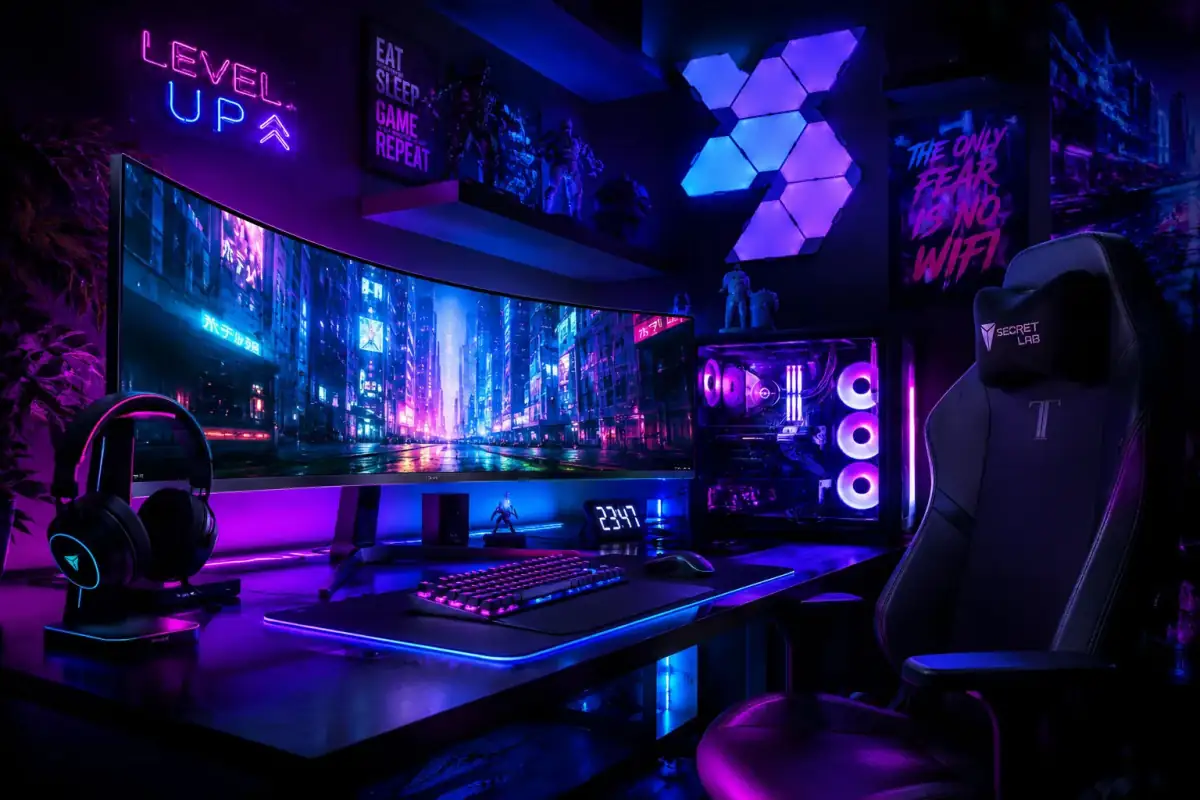
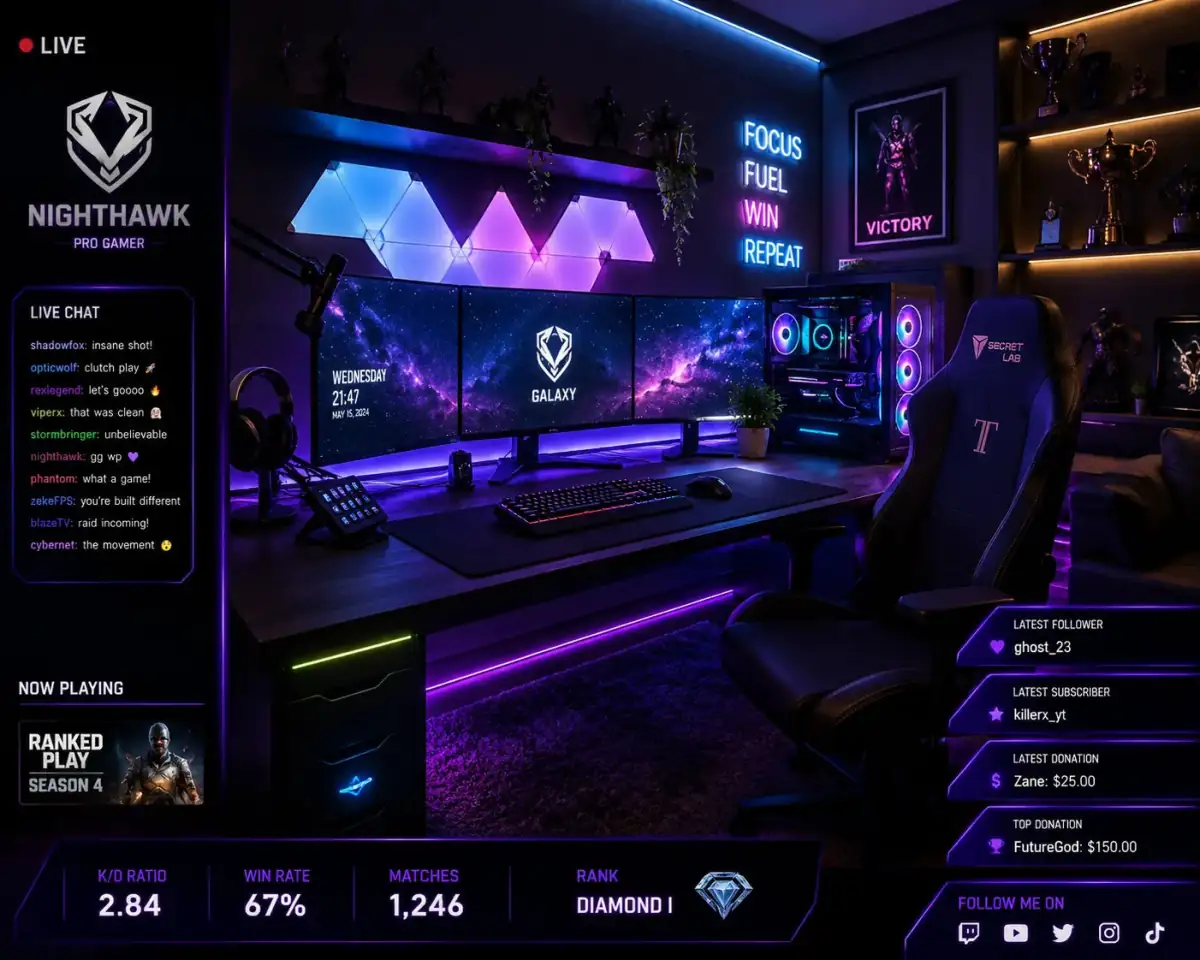
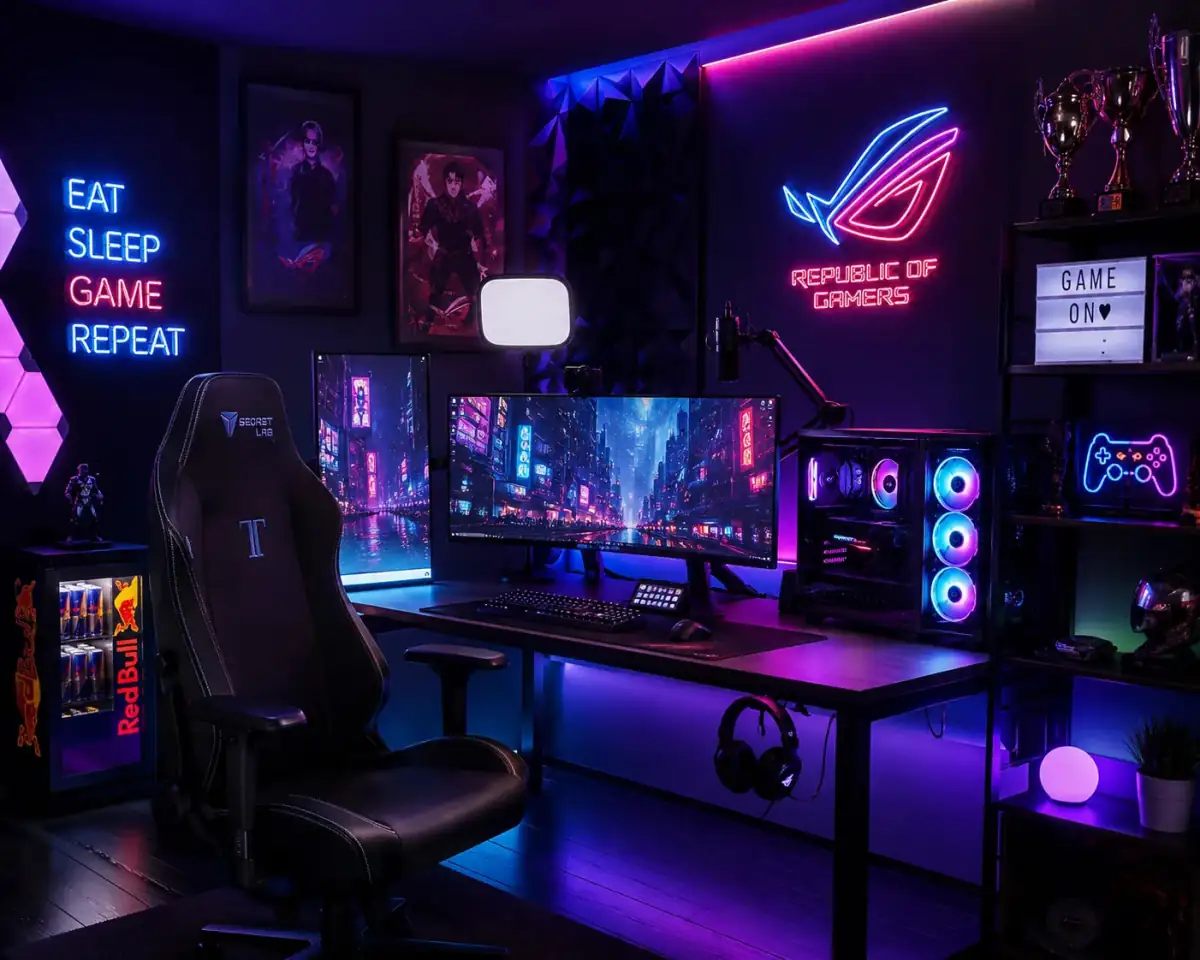
Gaming Room Setup
Epic gaming setup for [GAMER BRAND], RGB lighting, futuristic gaming desk, ultra-wide monitor, neon blue and purple palette, realistic gaming room render, esports atmosphere, cinematic composition --ar 16:9 --stylize 450
Also try in:
Did this prompt work for you?
Share this prompt
6
VIEWS
·
0
COPIES
·
0
LIKES

Log in to leave a comment.
More Like This
See all →



How to use this prompt
This prompt turns one click into a finished “Gaming Room Setup” visual in Midjourney. Drop it in and adjust the details to make the result your own. This version leans on gamer brand, which gives the result its character.
- Use the Copy button to copy the prompt text.
- Head to Midjourney and start a new image.
- Set your preferred aspect ratio, then generate.
- Download the version you like and share it.
Tips & variations
- Replace the setting or background to repurpose the same prompt for a new theme.
- Save a version you like as a template, then only edit the subject line each time.
- Name a colour palette to keep a series of images visually consistent.
Frequently asked questions
It generates a visual built around gamer brand — part of our Midjourney Prompts collection. Use it as-is or as a starting point you customise to taste.
Yes — every prompt on the site is free to copy and use. You only need an account with the AI tool you choose to run it.
The prompt is free, but commercial rights depend on the AI tool you generate with. Most paid plans allow commercial use — always check that specific tool’s licence and terms first.
No — the prompt itself works on free tiers of Midjourney. A paid plan may unlock faster generation, higher limits, or commercial licensing, depending on the tool.