
20
VIEWS
·
5
COPIES
·
1
LIKES
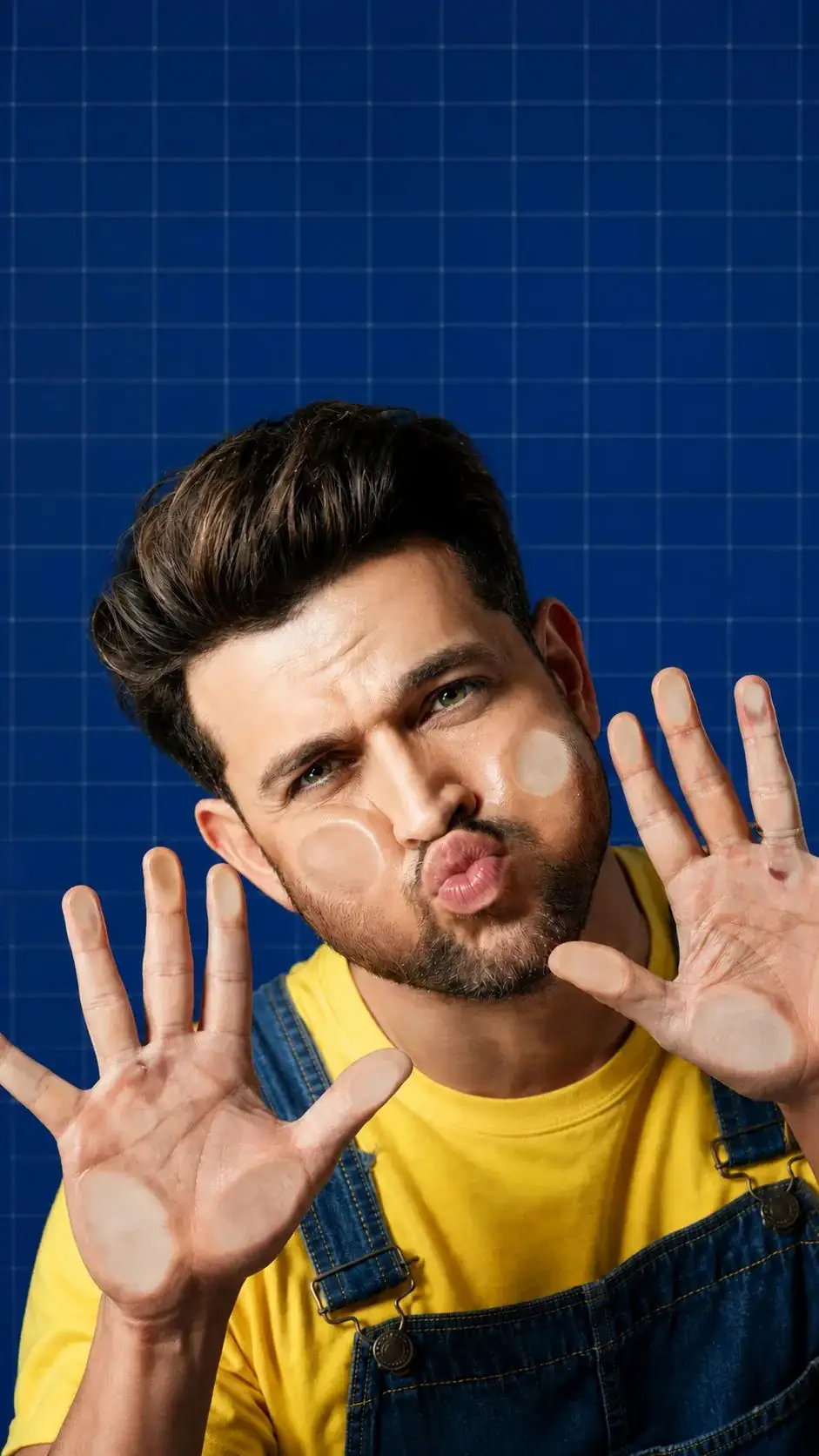
Funny Glass Press Editorial Portrait Blue Phone Wallpaper
Use the uploaded portrait as the only face reference. Do not change the person's facial identity, facial structure, hairstyle, or recognizable features.
Create an ultra-realistic editorial lifestyle portrait in a clean minimalist studio. The subject is a 20-year-old man with fair skin, glass skin, and a lean, slim physique. He is wearing a bright yellow short-sleeve T-shirt under dark blue denim overalls with visible, neatly stitched seams and realistic denim texture.
The subject is playfully pressing his face, cheeks, lips, and both hands firmly against a transparent glass panel, creating realistic skin compression. His cheeks appear soft and squishy, his lips are flattened against the glass, and his palms and fingers leave natural pressure marks. His expression is funny, charming, and playful while remaining photorealistic.
The background is a solid Benhur blue studio backdrop with subtle thin white grid lines, creating a clean modern design. Leave generous negative space in the upper portion so it works perfectly as a smartphone lock screen wallpaper.
Do not include any text, clock, date, icons, logos, notifications, or UI elements. Make it look like a premium wallpaper rather than a screenshot.
Soft studio lighting, ultra-detailed skin texture, realistic reflections on the glass, shallow depth of field, editorial fashion photography, 85mm lens, f/1.8, high dynamic range, cinematic color grading, natural shadows, extremely realistic, 8K resolution, vertical 9:16 composition.
Open with:
Share this prompt
20
VIEWS
·
5
COPIES
·
1
LIKES

Log in to leave a comment.
More Like This
See all →
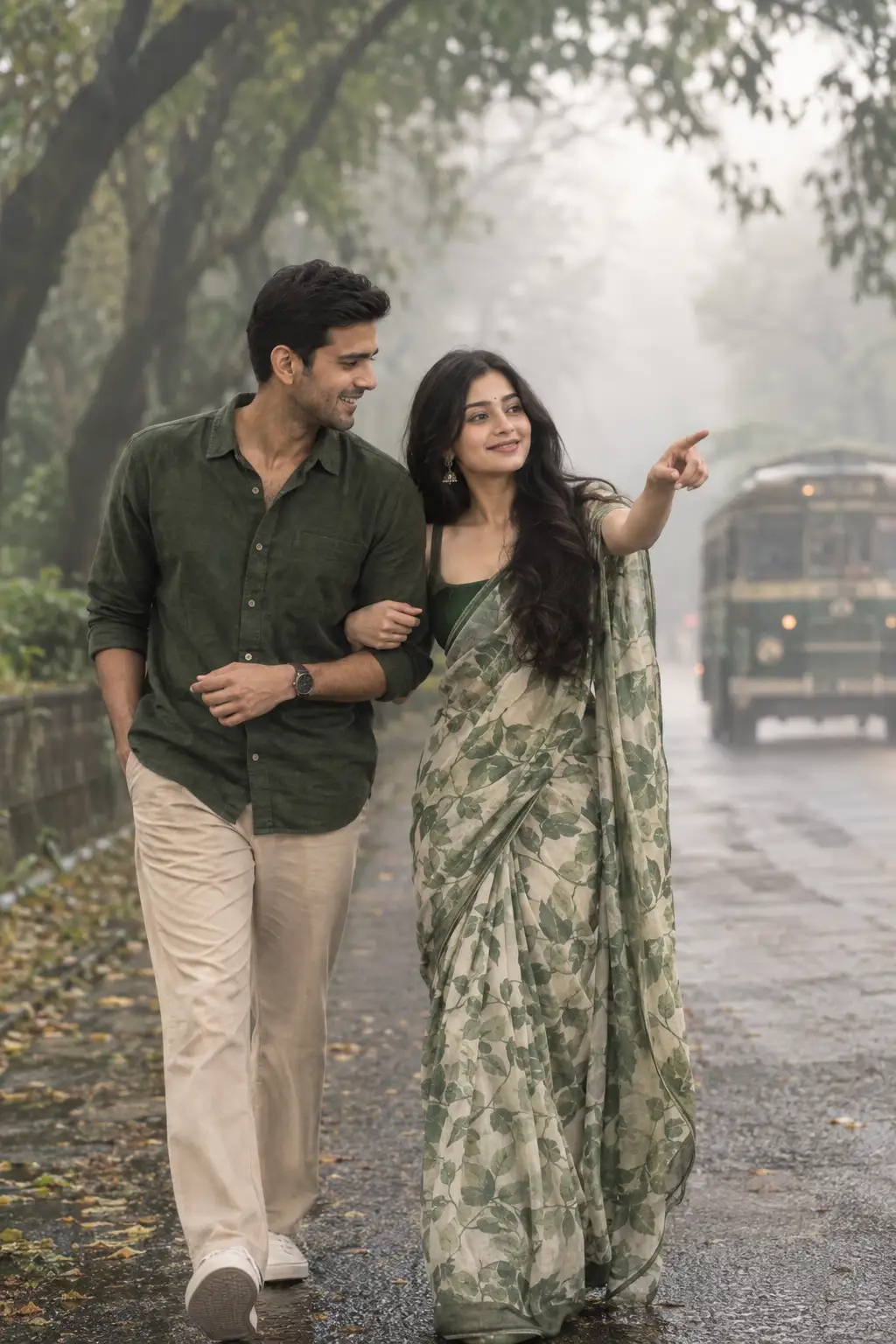
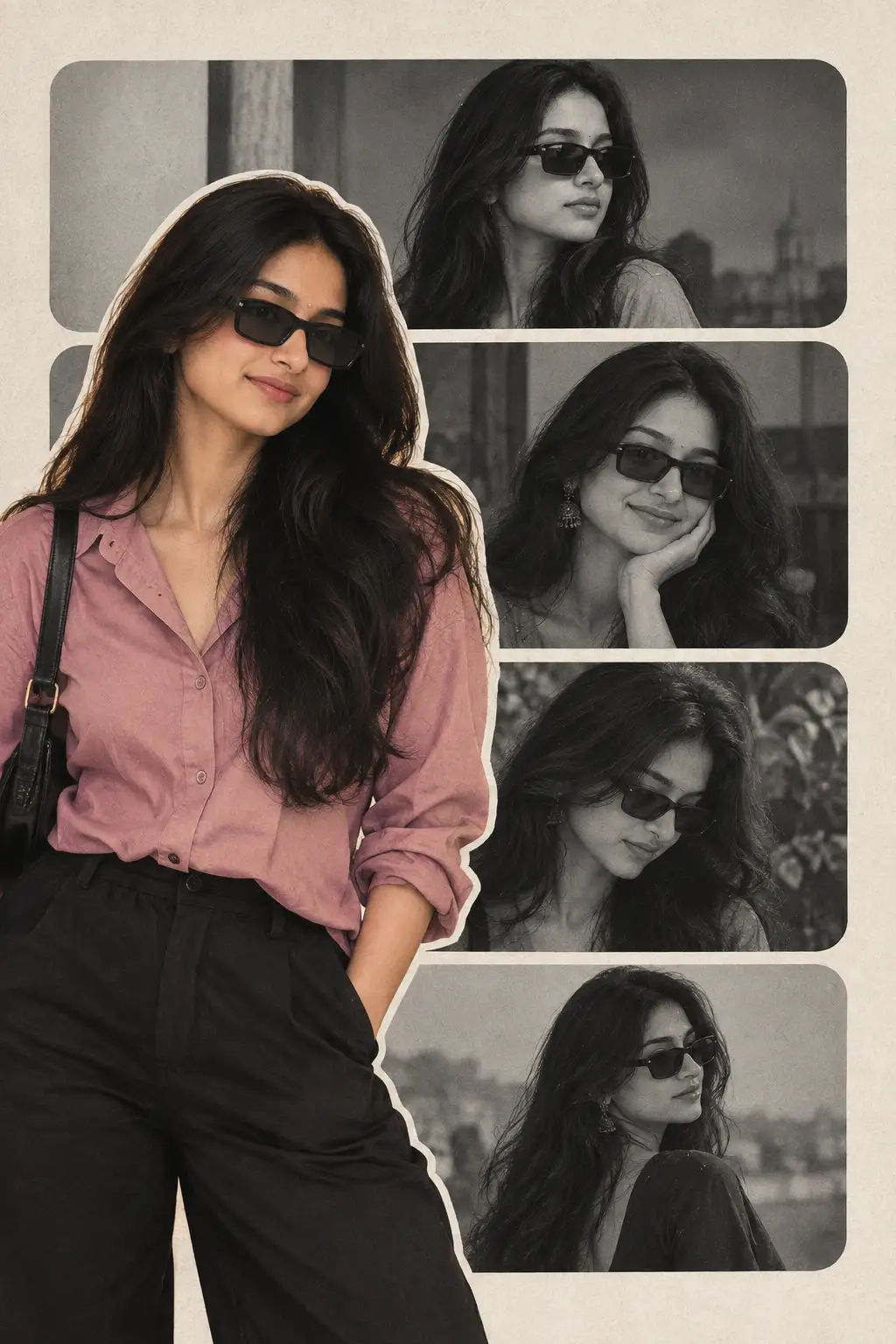
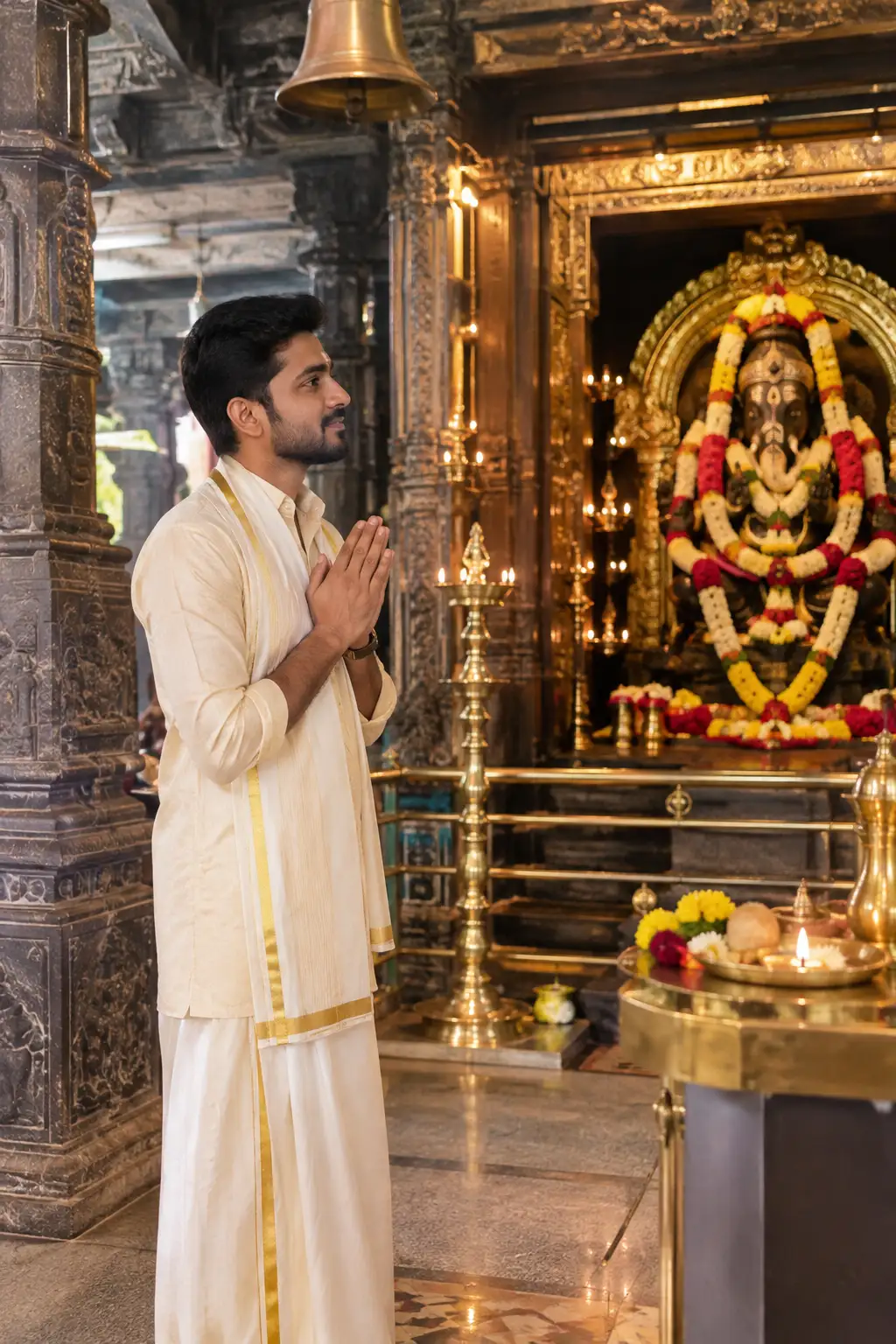
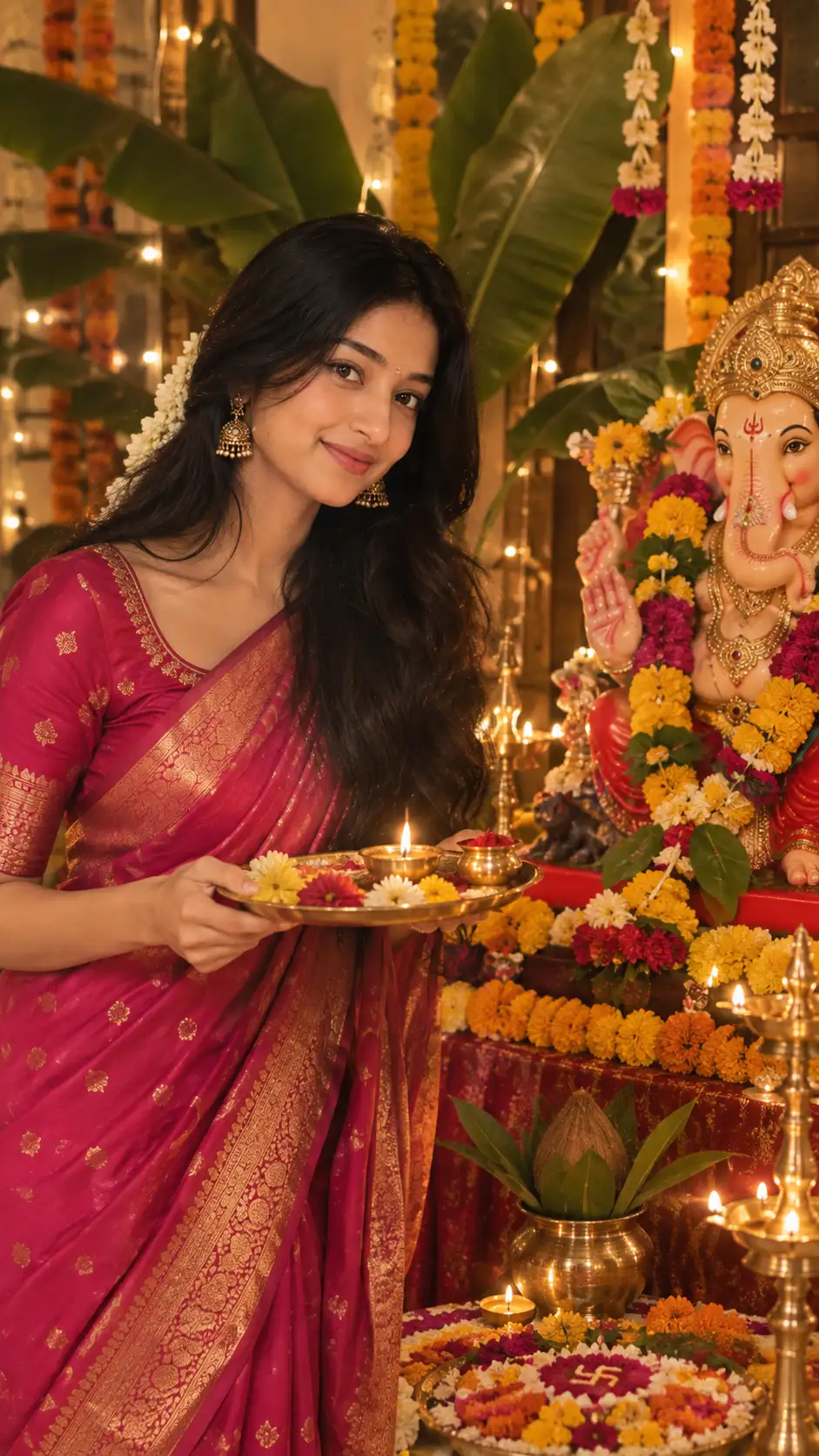
How to use this prompt
“Funny Glass Press Editorial Portrait Blue Phone Wallpaper” is a ready-to-use Image AI Prompts prompt built for ChatGPT. Generate, tweak a few words, and re-roll until it’s exactly right.
- Grab the prompt with the Copy button at the top.
- Paste it into ChatGPT.
- Run it, focusing on only face if you want to steer the result.
- Regenerate to explore a few different takes on the same idea.
Tips & variations
- Change the lighting words (e.g. “golden hour”, “studio”, “moody”) to shift the whole mood.
- Add an aspect ratio that fits your platform — portrait for Instagram, wide for banners.
- Tweak the camera/lens cue (“close-up”, “wide shot”) to control the framing.
Frequently asked questions
AI models are non-deterministic, so results vary each run even with the same prompt. Generate a few times and pick your favourite, or lock a seed if your tool supports it.
It’s set up for ChatGPT, and it also works well in Midjourney, DALL·E 3 or Gemini. Image models vary, so try the same prompt in a couple of tools and keep the result you like best.
Yes — every prompt on the site is free to copy and use. You only need an account with the AI tool you choose to run it.
Edit the descriptive words in the prompt — change only face, the lighting, the colours or the setting. Small wording changes produce big differences in the final image.