
34
VIEWS
·
3
COPIES
·
1
LIKES
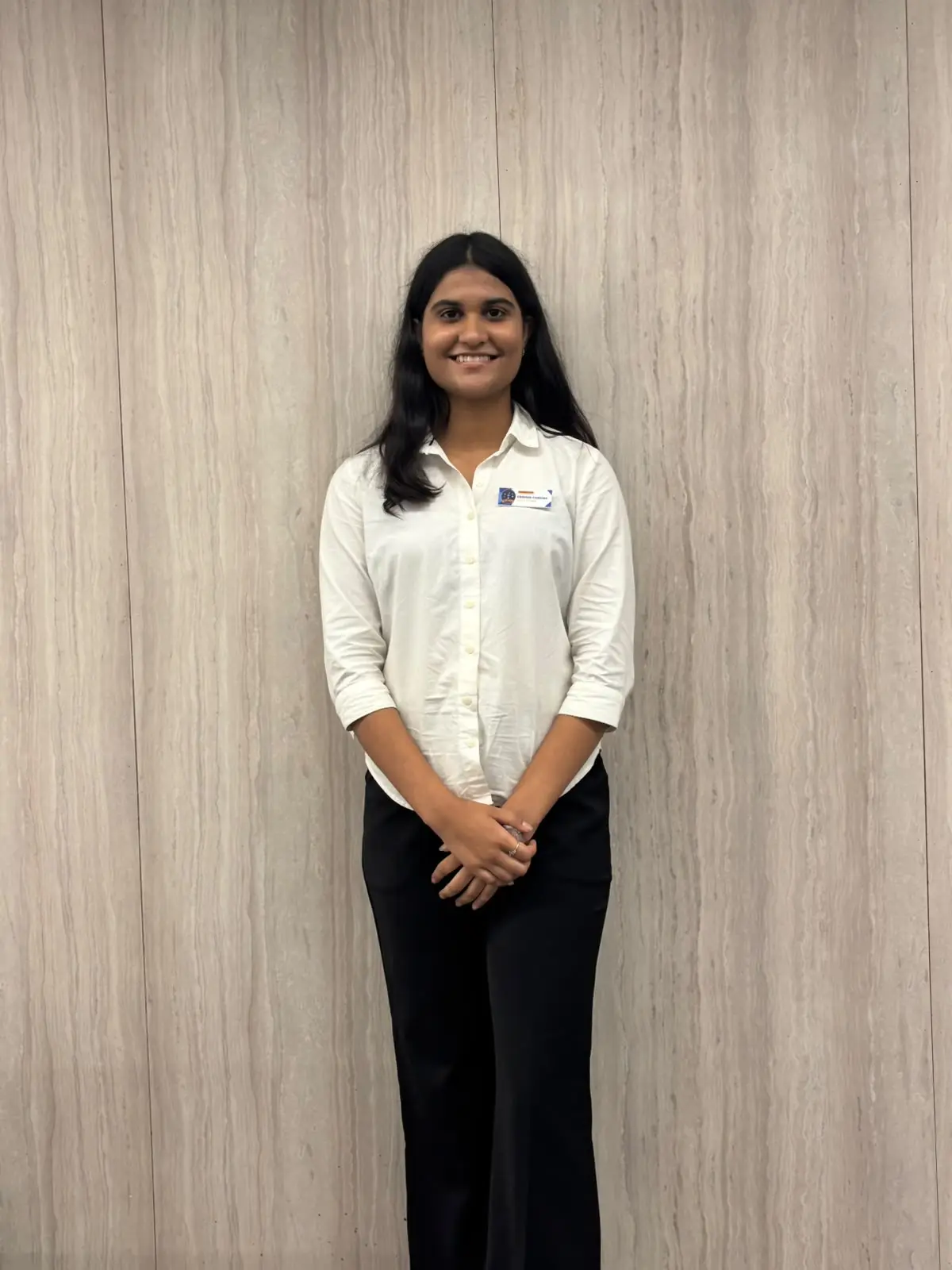
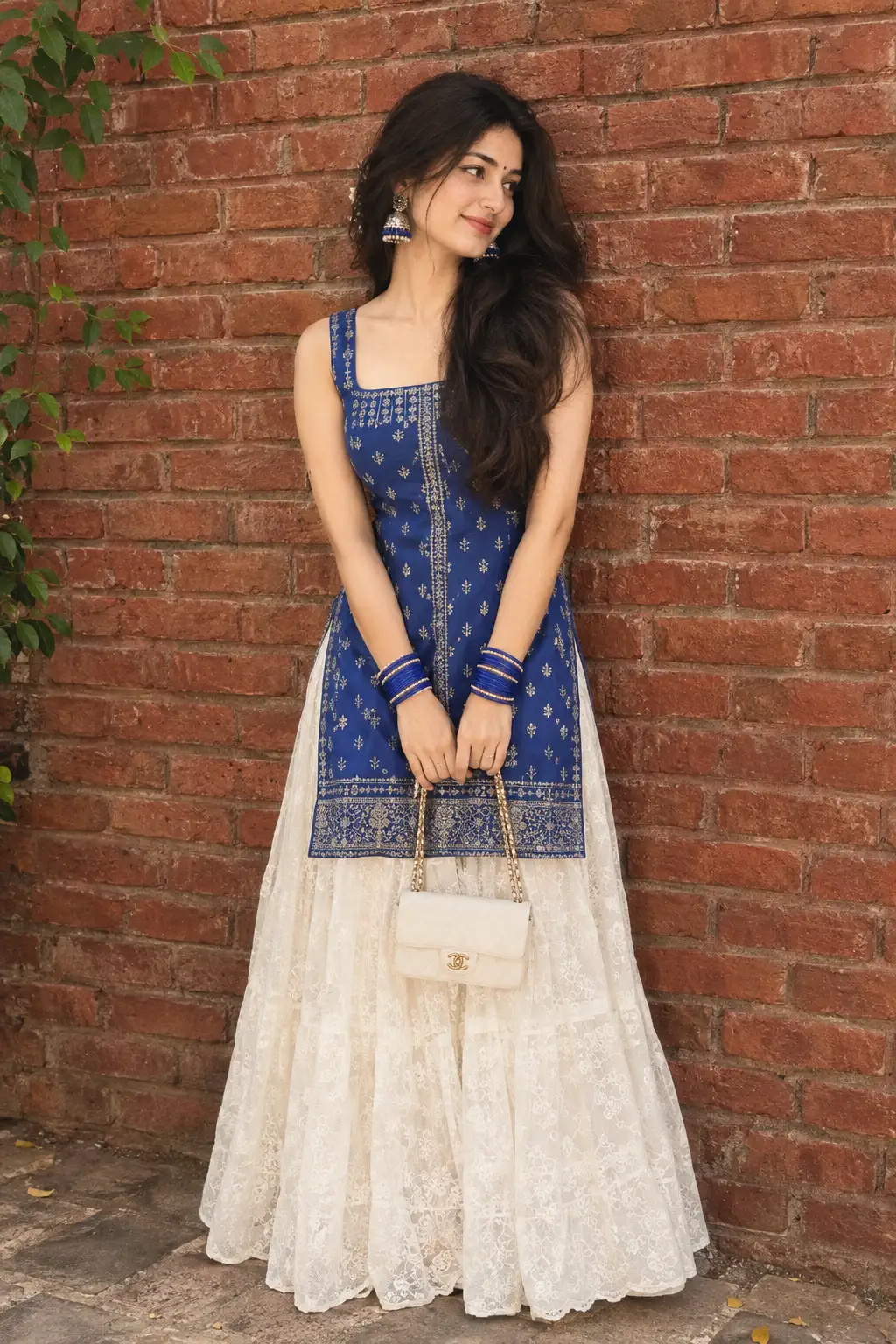
Formal photo
Pit black blazer formal photo without changing face
Also try in:
Did this prompt work for you?
Share this prompt
34
VIEWS
·
3
COPIES
·
1
LIKES

Log in to leave a comment.
More Like This
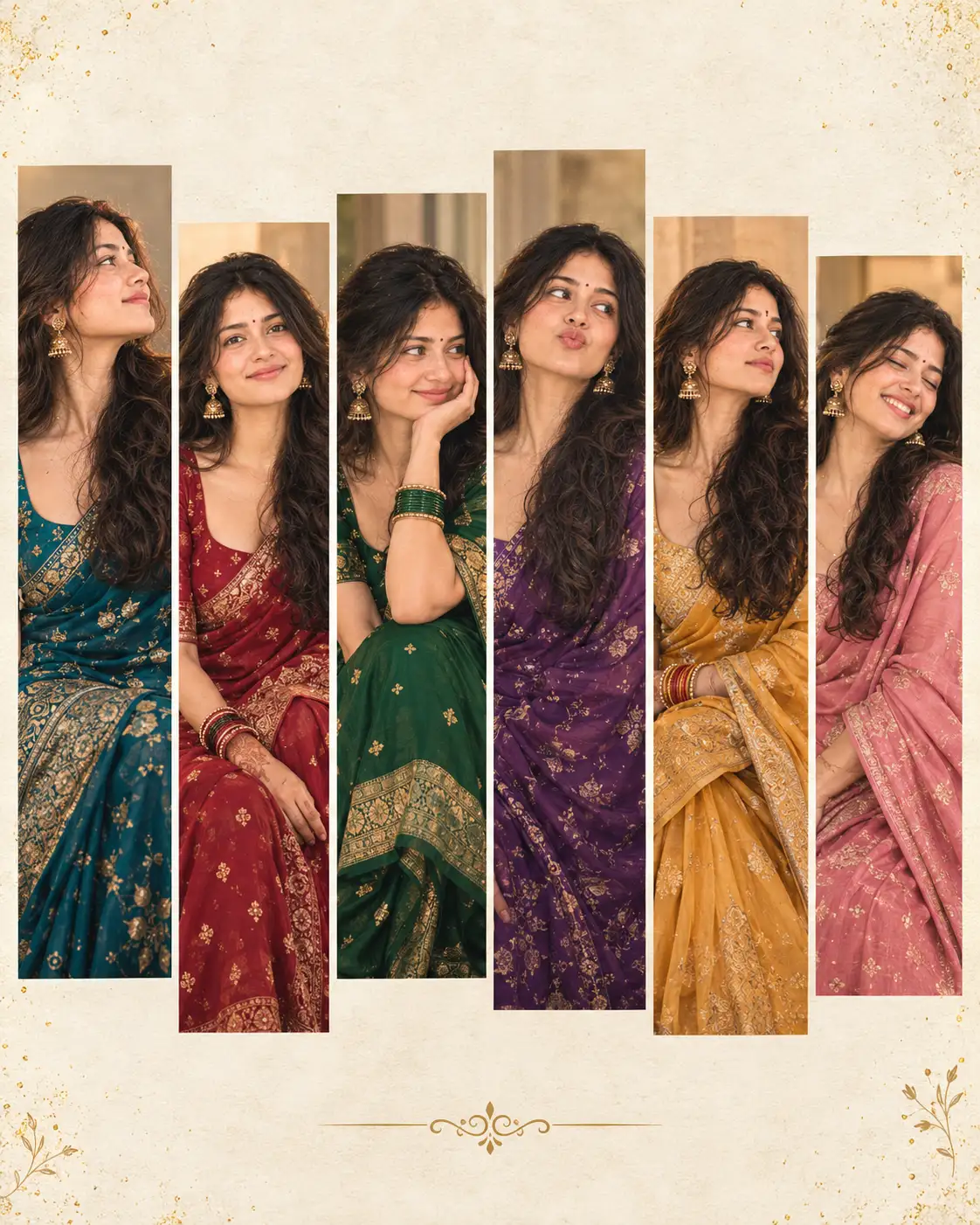
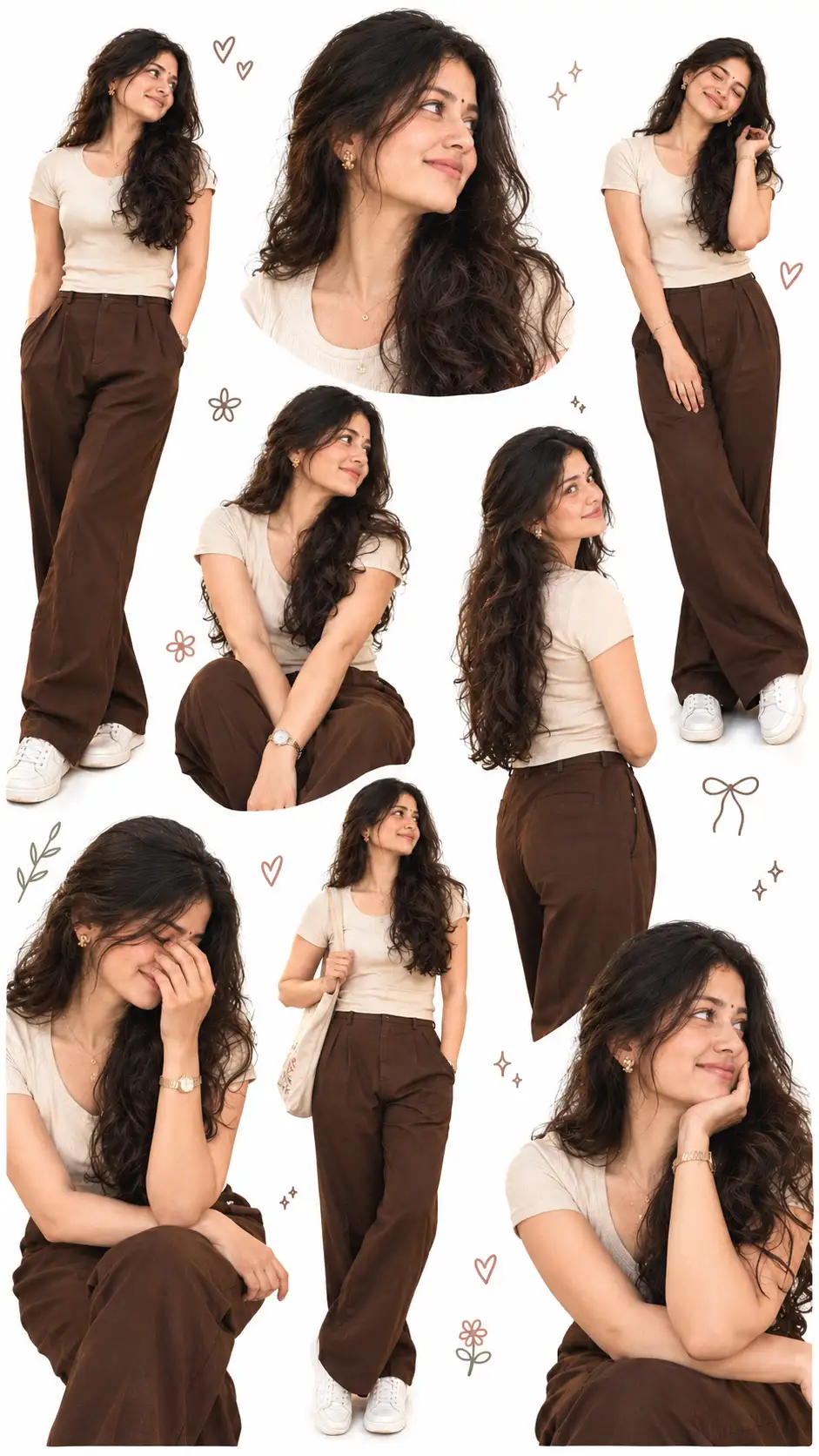
See all →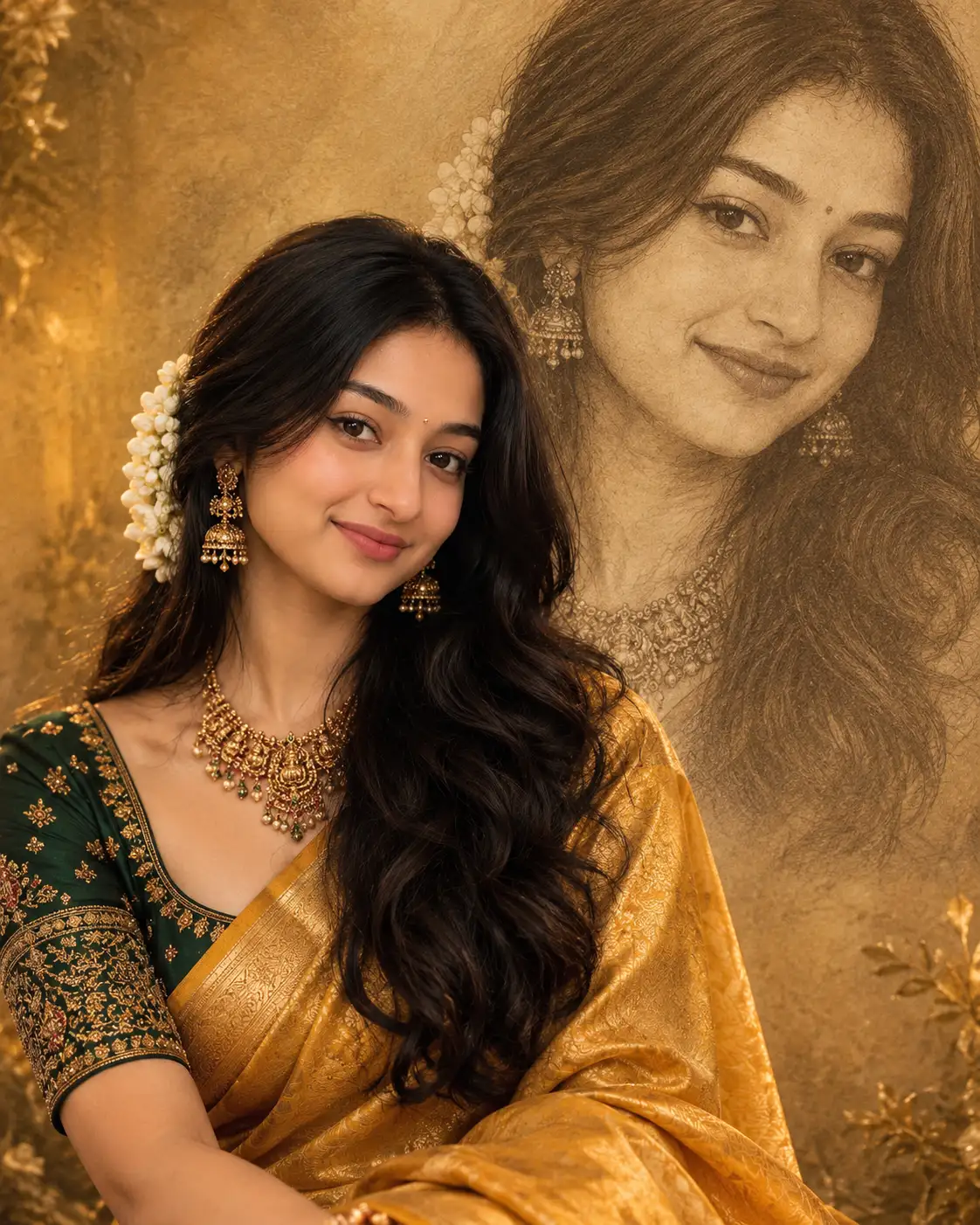
How to use this prompt
“Formal photo” is a ready-to-use Image AI Prompts prompt built for ChatGPT. It works just as well in Midjourney, DALL·E 3 or Gemini, so you’re not locked into one tool.
- Grab the prompt with the Copy button at the top.
- Paste it into ChatGPT.
- Run it, focusing on pit black if you want to steer the result.
- Regenerate to explore a few different takes on the same idea.
Tips & variations
- Replace the setting or background to repurpose the same prompt for a new theme.
- Name a colour palette to keep a series of images visually consistent.
- Add an aspect ratio that fits your platform — portrait for Instagram, wide for banners.
Frequently asked questions
Yes — every prompt on the site is free to copy and use. You only need an account with the AI tool you choose to run it.
No — the prompt itself works on free tiers of ChatGPT. A paid plan may unlock faster generation, higher limits, or commercial licensing, depending on the tool.
The way it handles pit black is fairly specific, so results tend to be more focused than a generic Image AI Prompts prompt.
Yes — treat it as a starting point. Once you have an output you like, you can feed it back in with a follow-up prompt to refine or extend it further.