
3
VIEWS
·
0
COPIES
·
0
LIKES
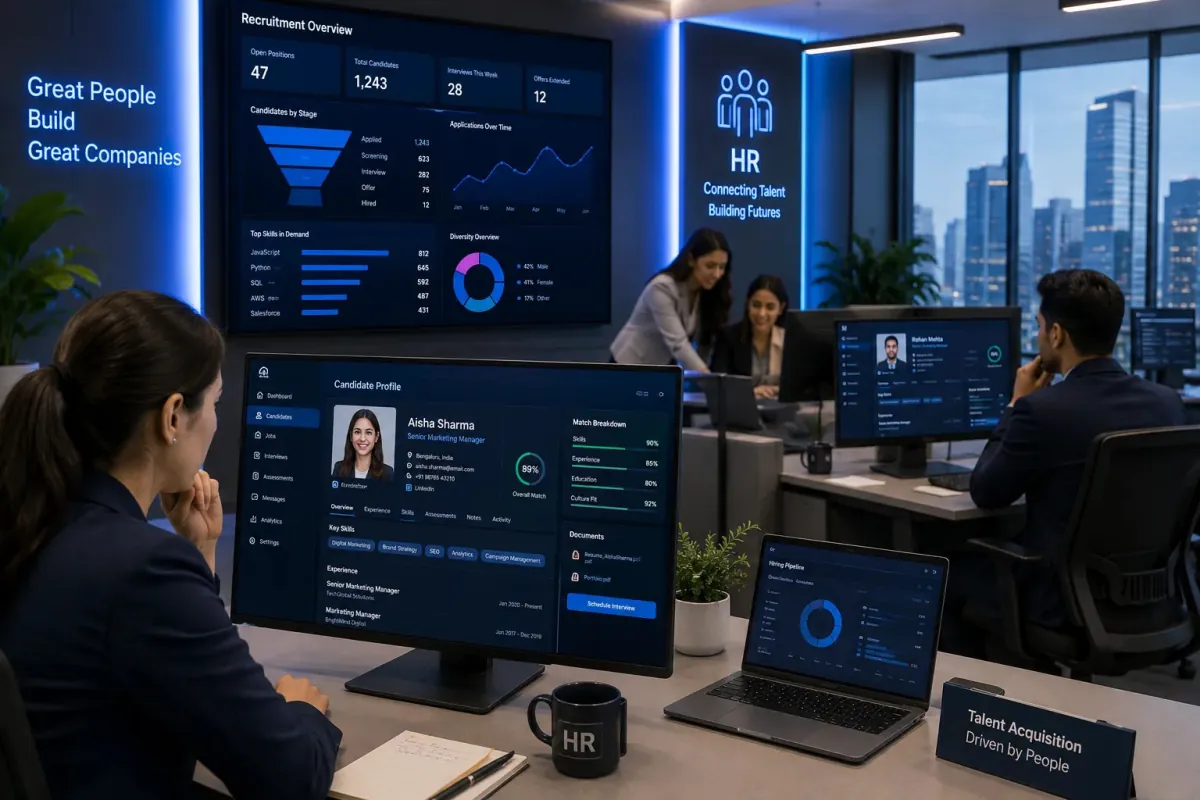
Employee Onboarding Planner 6
You are an HR onboarding specialist. Create a complete onboarding workflow for [COMPANY TYPE] hiring [JOB ROLE]. Include welcome emails, training plans, first-week schedules, compliance checklists, and employee engagement activities.
Open with:
Share this prompt
3
VIEWS
·
0
COPIES
·
0
LIKES

Log in to leave a comment.
More Like This
See all →

How to use this prompt
“Employee Onboarding Planner 6” hands you a working first draft instantly. It sets up the framing so you get an on-topic answer immediately.
- Use the Copy button to copy the prompt text.
- Paste it into ChatGPT.
- Add your specifics — topic, audience, tone — where indicated.
- Ask for a variation or two until the output fits.
Tips & variations
- Ask for 3 variations in one go, then pick the strongest and refine it.
- Ask a clarifying question back if the first answer feels generic.
- Give it your real specifics — the more context you add, the better the answer.
Frequently asked questions
Yes — every prompt on the site is free to copy and use. You only need an account with the AI tool you choose to run it.
It’s written for ChatGPT, but ChatGPT, Claude or Gemini handle it well too. Pick the assistant you already use and refine from there.
Replace the parts around company type with your own topic, audience and tone, then ask follow-up questions to steer the answer.
AI models are non-deterministic, so results vary each run even with the same prompt. Generate a few times and pick your favourite, or lock a seed if your tool supports it.