
9
VIEWS
·
0
COPIES
·
0
LIKES
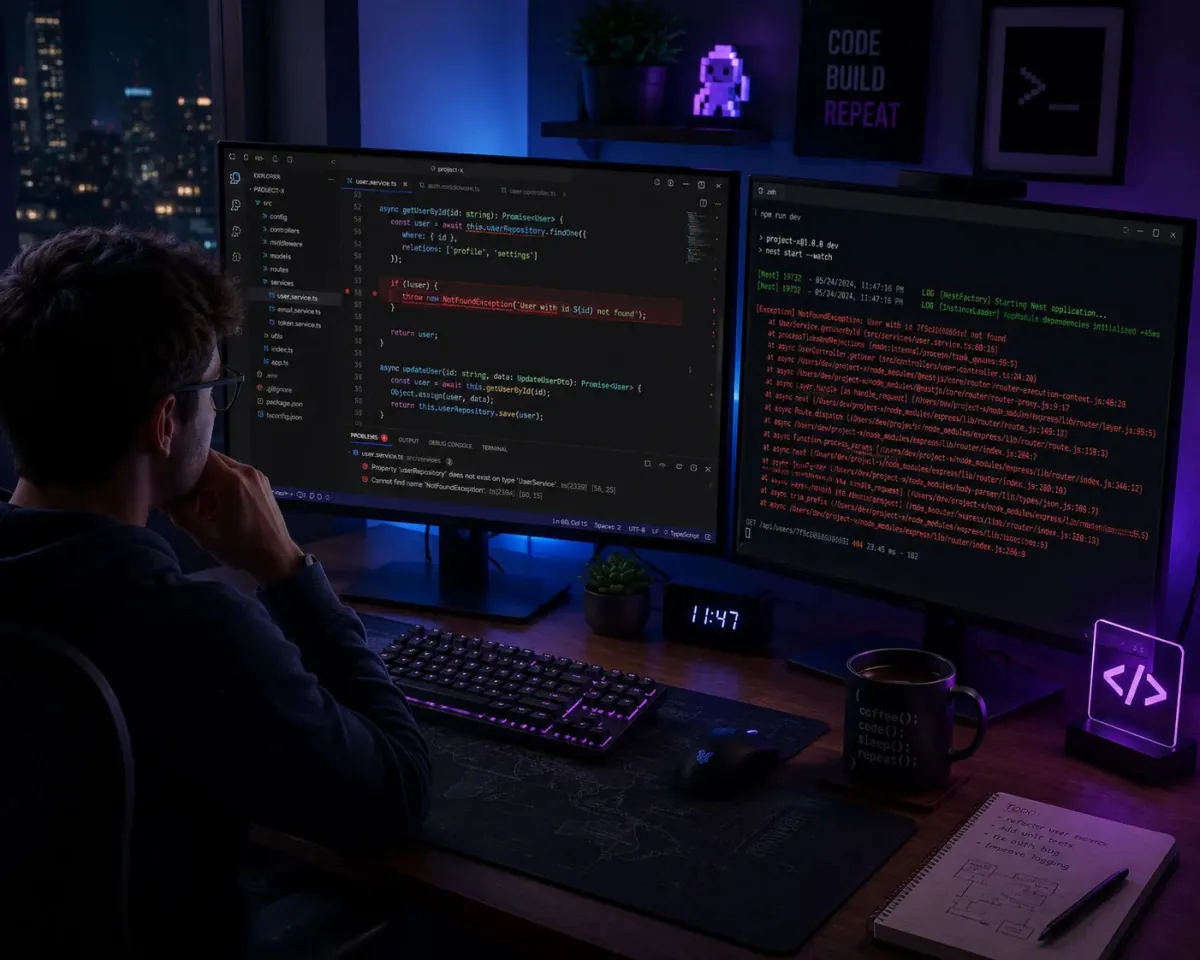
Debug Legacy Code With Context
You are a senior debugging engineer helping a developer understand and fix messy legacy code in [programming language]. First, ask for [code snippet], [error messages], [framework or runtime version], and [what they already tried]. Then: 1) Provide a concise plain-language explanation of what the code is intended to do. 2) List the most likely root causes of the bug in order of probability. 3) Propose a step-by-step debugging plan, including specific lines or sections to inspect and suggested logging or breakpoints. 4) Suggest a clean, modernized version of the problematic section with comments explaining each change. 5) Offer 3–5 regression tests or checks to ensure the issue does not return. Use clear headings and bullet points so the developer can follow quickly.
Open with:
Also try in:
Did this prompt work for you?
Share this prompt
9
VIEWS
·
0
COPIES
·
0
LIKES
Log in to leave a comment.
More Like This
See all →


How to use this prompt
Here’s a shortcut to “Debug Legacy Code With Context” — no prompt-writing experience required. It’s tuned to give a repeatable, high-detail image you can refine. What sets this one apart is how it handles engineer helping.
- Use the Copy button to copy the prompt text.
- Head to ChatGPT and start a new image.
- Set your preferred aspect ratio, then generate.
- Download the version you like and share it.
Tips & variations
- Save a version you like as a template, then only edit the subject line each time.
- Tweak the camera/lens cue (“close-up”, “wide shot”) to control the framing.
- Append quality modifiers like “highly detailed, 8k, sharp focus” for a cleaner render.
Frequently asked questions
AI models are non-deterministic, so results vary each run even with the same prompt. Generate a few times and pick your favourite, or lock a seed if your tool supports it.
Edit the descriptive words in the prompt — change engineer helping, the lighting, the colours or the setting. Small wording changes produce big differences in the final image.
It’s set up for ChatGPT, and it also works well in Midjourney, DALL·E 3 or Gemini. Image models vary, so try the same prompt in a couple of tools and keep the result you like best.
The way it handles engineer helping is fairly specific, so results tend to be more focused than a generic Developers AI Prompts prompt.