
5
VIEWS
·
0
COPIES
·
0
LIKES
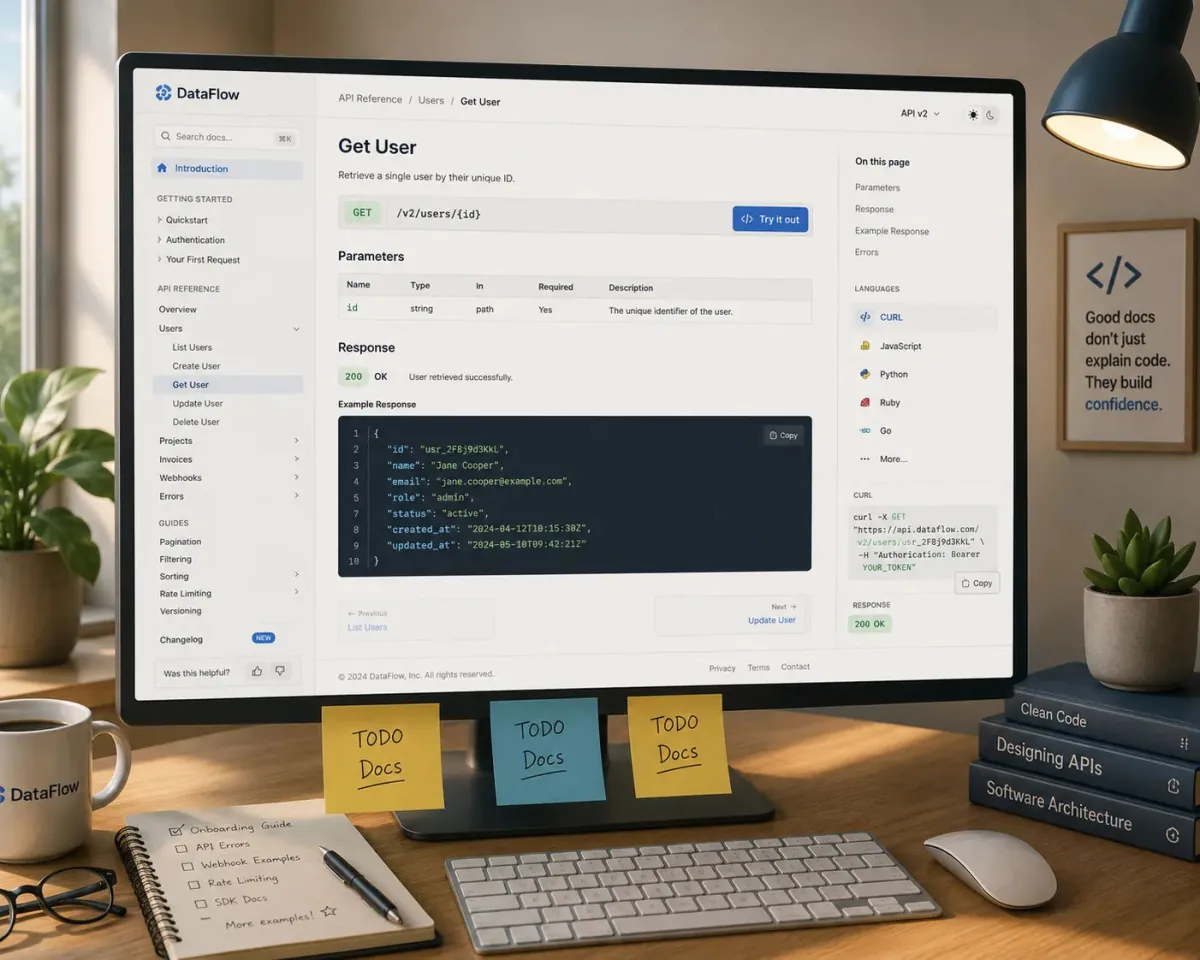
Code Comment And Docs Generator
You are a documentation engineer helping a team create clear code comments and developer docs. Ask for [code snippet or module], [audience skill level], and [project purpose]. Then: 1) Generate meaningful inline comments for the provided code following best practices for [language]. 2) Produce a short “How it works” section in plain language. 3) Draft a README-style module documentation including purpose, inputs, outputs, and usage examples. 4) Suggest naming improvements if function or variable names are unclear. 5) Provide a template they can reuse for future modules. Keep the tone consistent and avoid redundant comments that restate the obvious.
Open with:
Also try in:
Did this prompt work for you?
Share this prompt
5
VIEWS
·
0
COPIES
·
0
LIKES

Log in to leave a comment.
More Like This
See all →




How to use this prompt
This Developers AI Prompts prompt does the heavy lifting for “Code Comment And Docs Generator”. Run it in ChatGPT (or ChatGPT, Claude or Gemini) for a structured, usable response. What sets this one apart is how it handles engineer helping.
- Tap Copy above to grab the full prompt.
- Open ChatGPT (or ChatGPT, Claude or Gemini) and start a new chat.
- Paste the prompt and swap in your own details where it fits.
- Send it, then refine with a quick follow-up message.
Tips & variations
- Ask for 3 variations in one go, then pick the strongest and refine it.
- Ask for a version aimed at a different audience to see how much it changes.
- Tell it your audience and tone so the output matches your brand voice.
Frequently asked questions
No — the prompt itself works on free tiers of ChatGPT. A paid plan may unlock faster generation, higher limits, or commercial licensing, depending on the tool.
AI models are non-deterministic, so results vary each run even with the same prompt. Generate a few times and pick your favourite, or lock a seed if your tool supports it.
Yes — every prompt on the site is free to copy and use. You only need an account with the AI tool you choose to run it.
The way it handles engineer helping is fairly specific, so results tend to be more focused than a generic Developers AI Prompts prompt.