
9
VIEWS
·
1
COPIES
·
2
LIKES
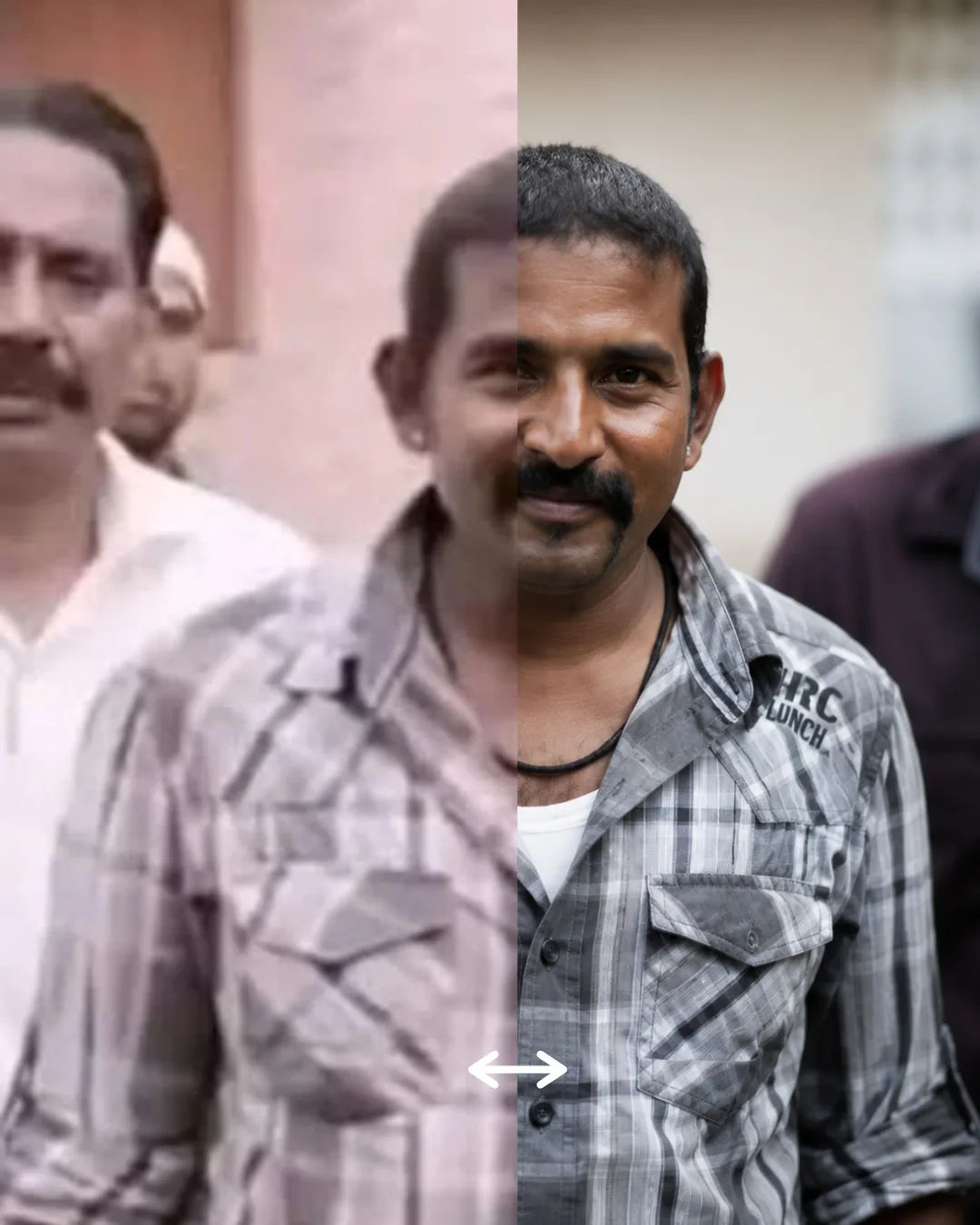
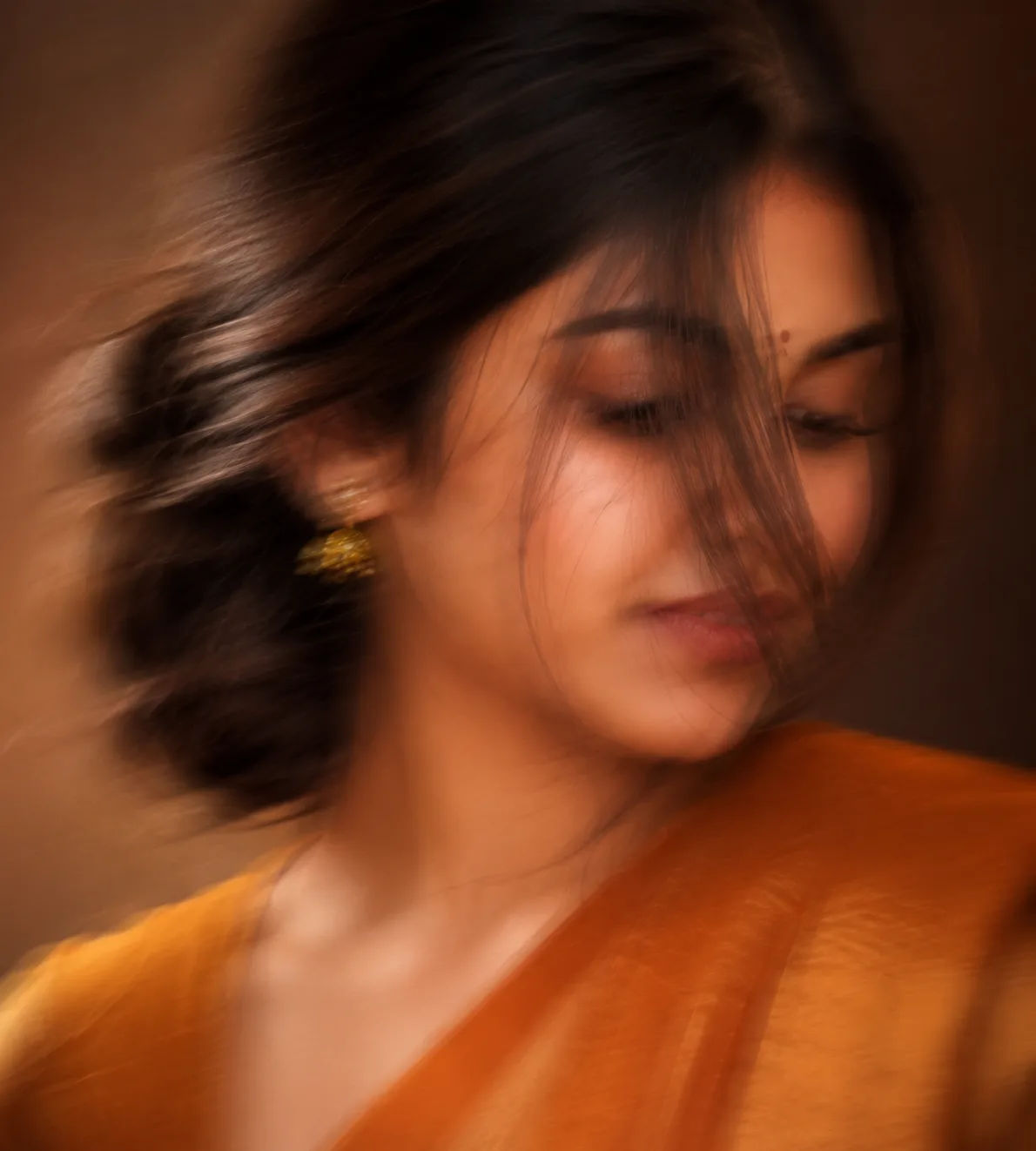
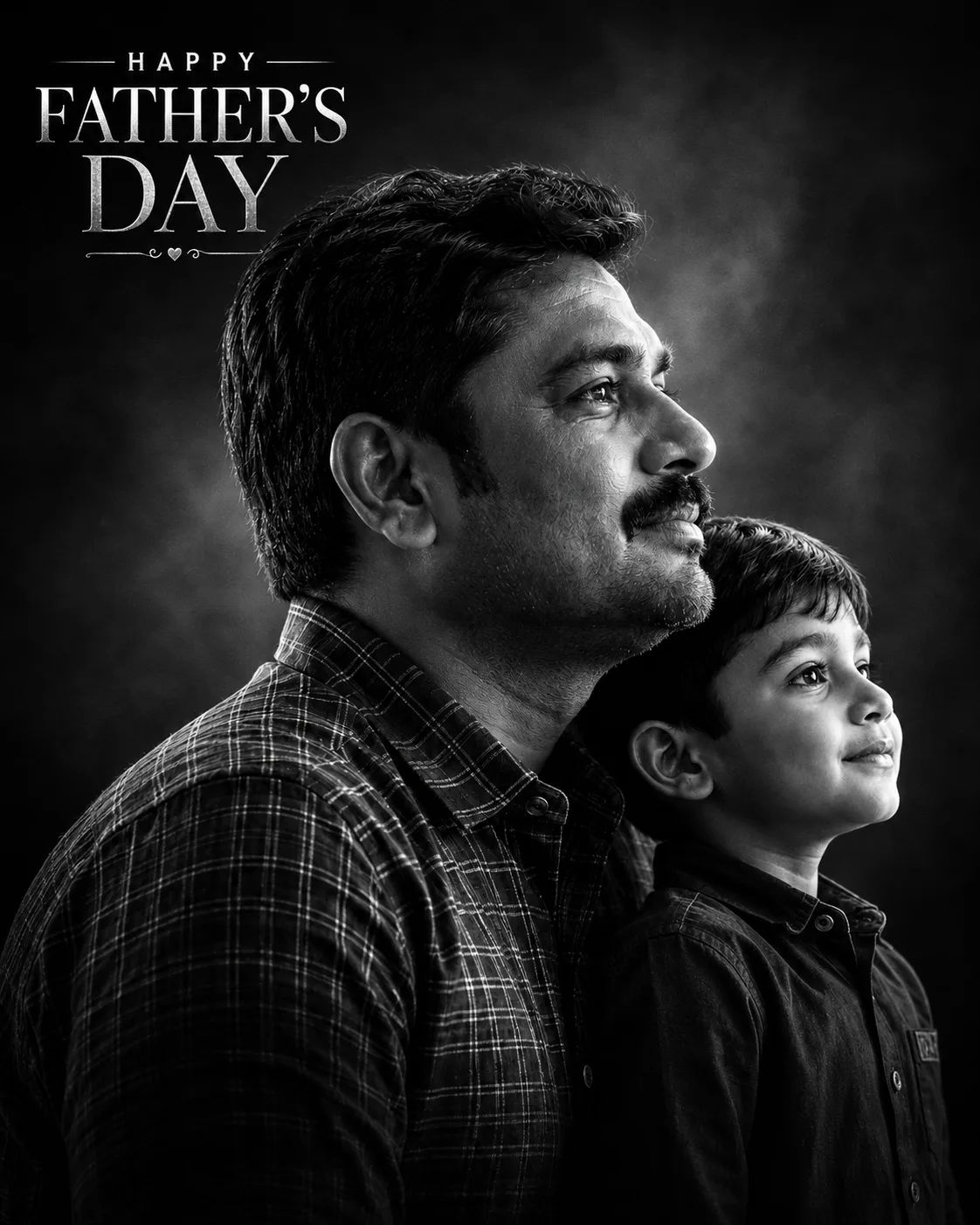
Ultra Realistic DSLR Portrait Enhancement
Turn this image into an ultra-realistic 8K DSLR-quality photo while keeping the subject and original look natural. Improve framing and composition automatically if needed using professional photography rules. Add realistic high-end background blur with smooth creamy bokeh and natural depth of field. Enhance lighting intelligently based on the scene with cinematic soft light, realistic shadows, natural skin tones, and subtle glow. Improve sharpness, textures, colors, and details while keeping everything realistic and premium like a photo shot on an expensive DSLR or flagship iPhone camera. Avoid overediting, fake HDR, plastic skin, or Al-looking effects.
Open with:
Share this prompt
9
VIEWS
·
1
COPIES
·
2
LIKES

Log in to leave a comment.
More Like This
See all →
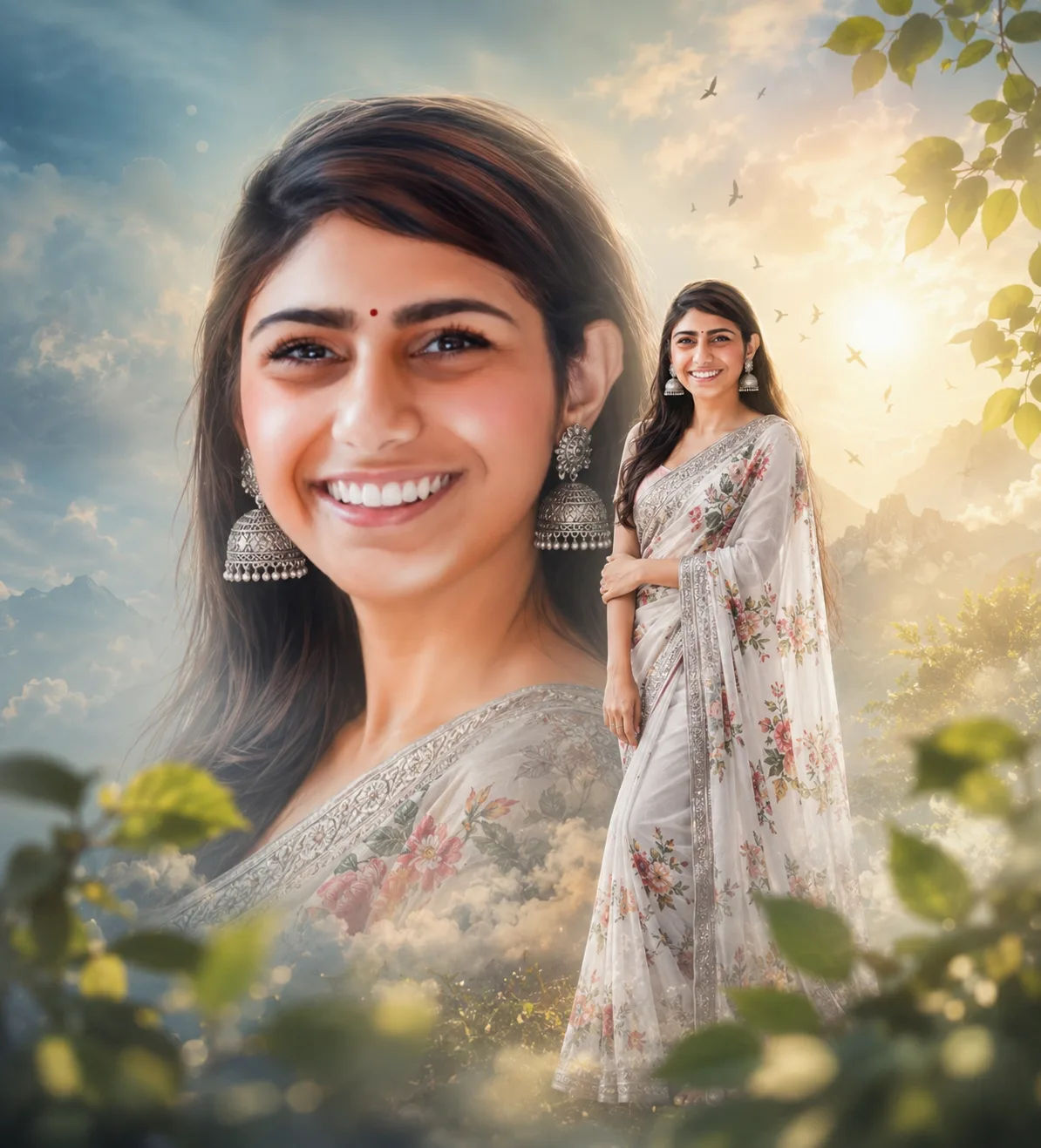
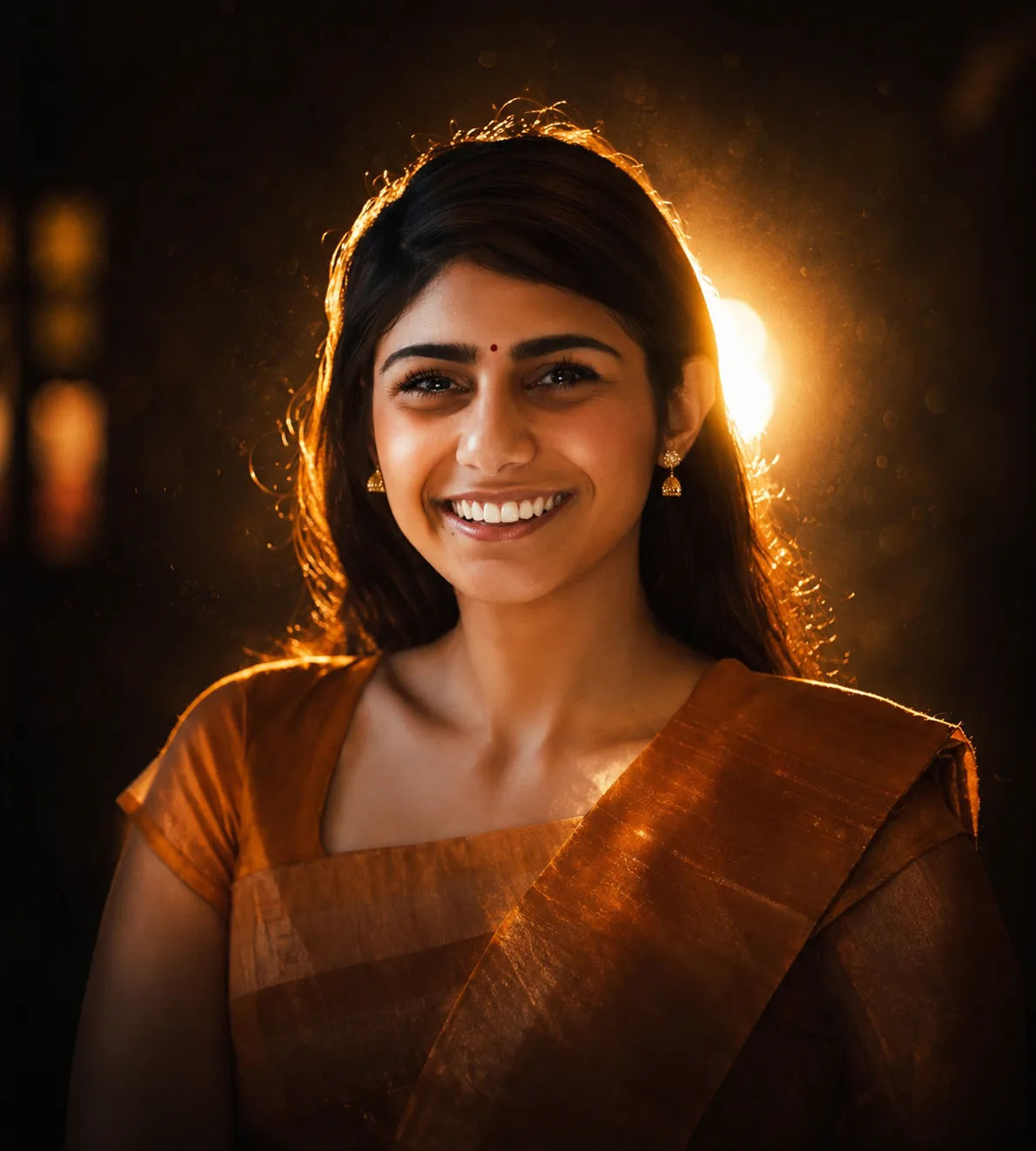
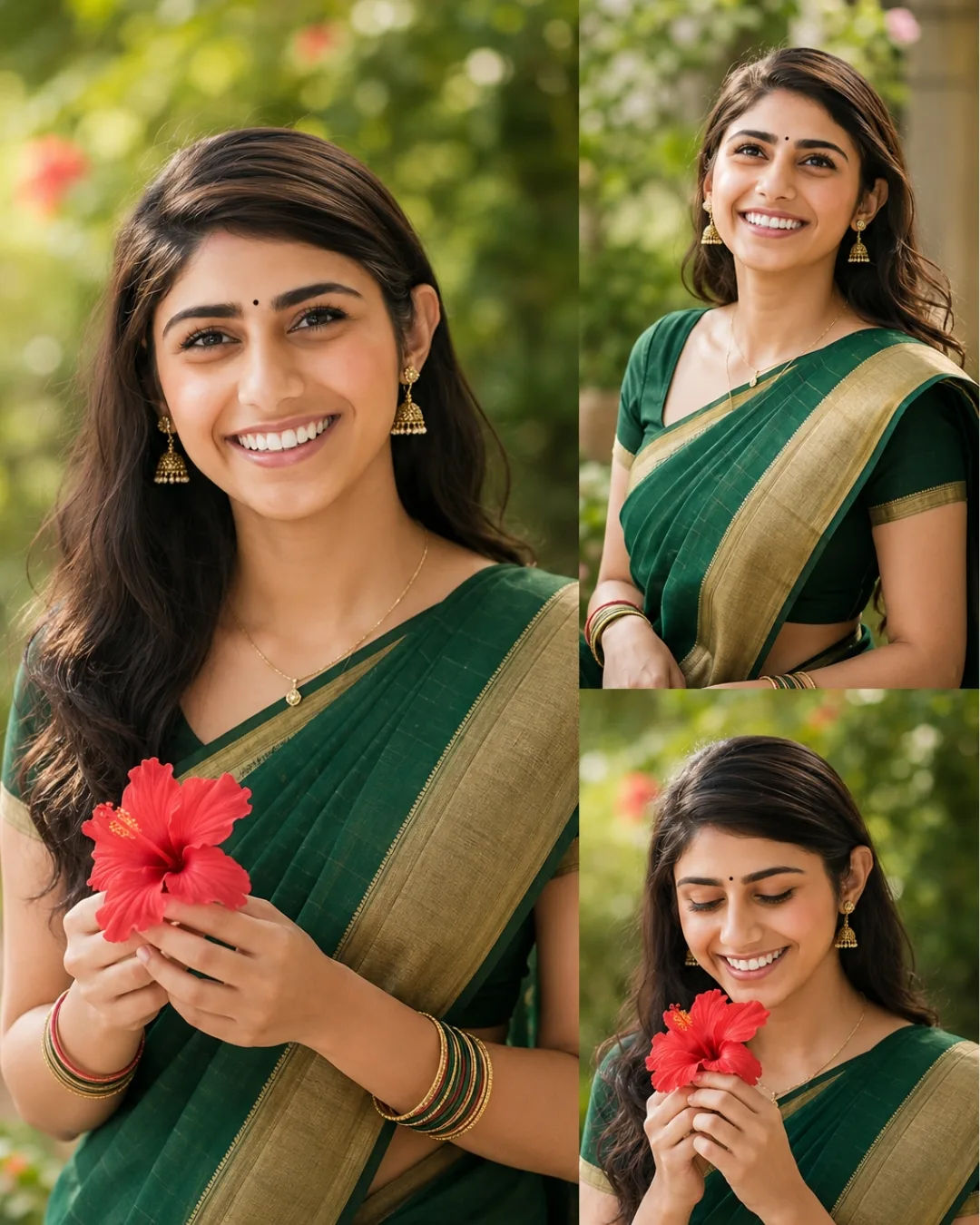
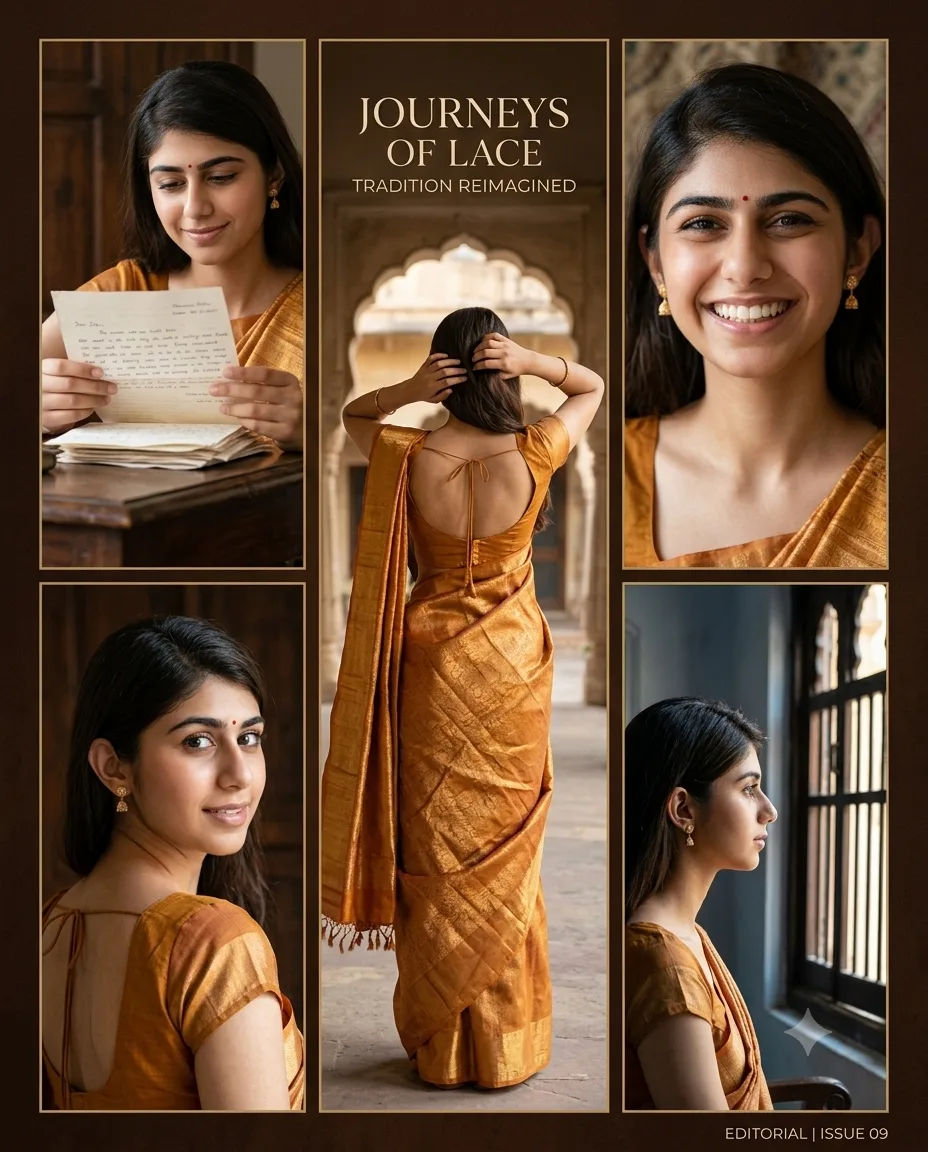
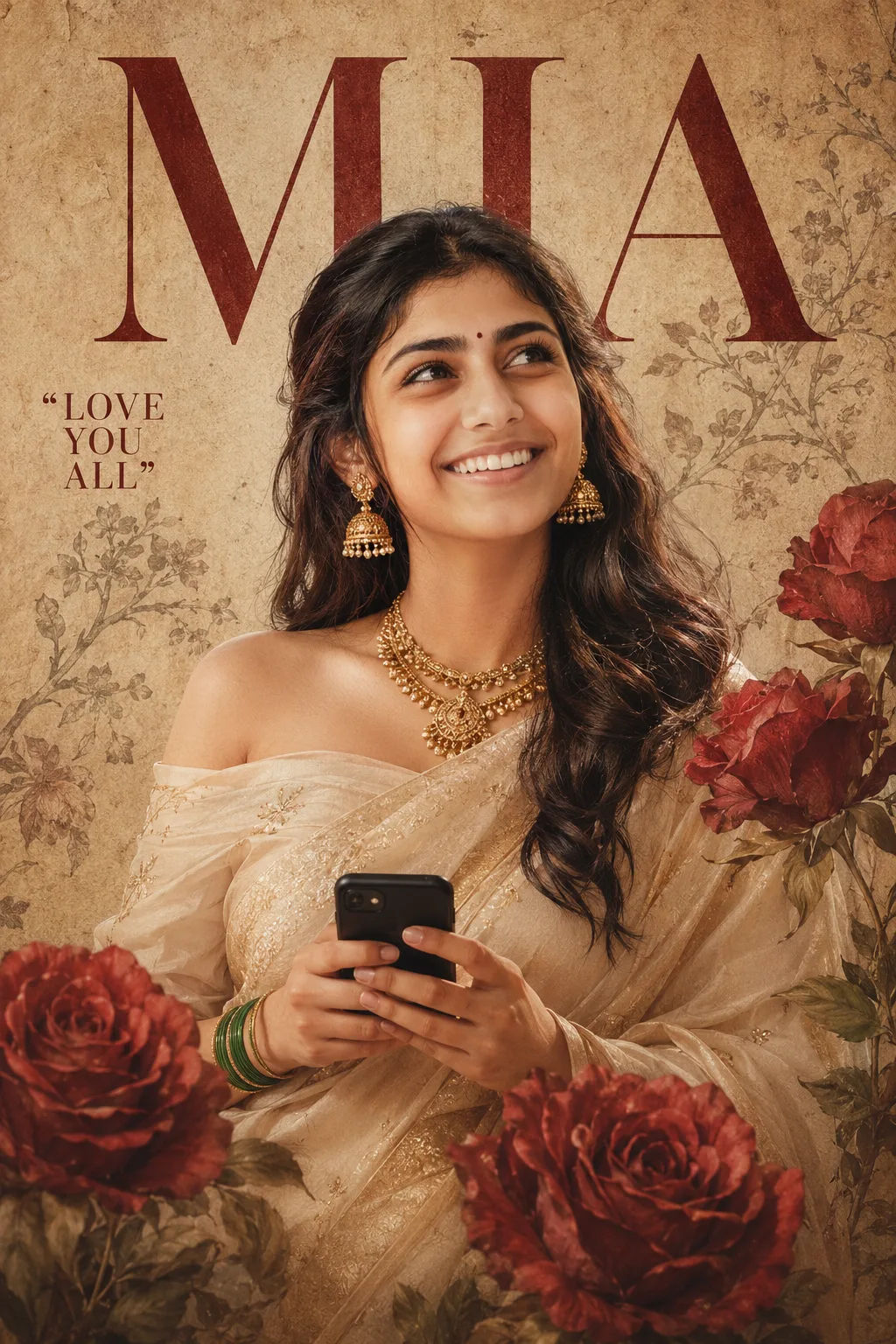
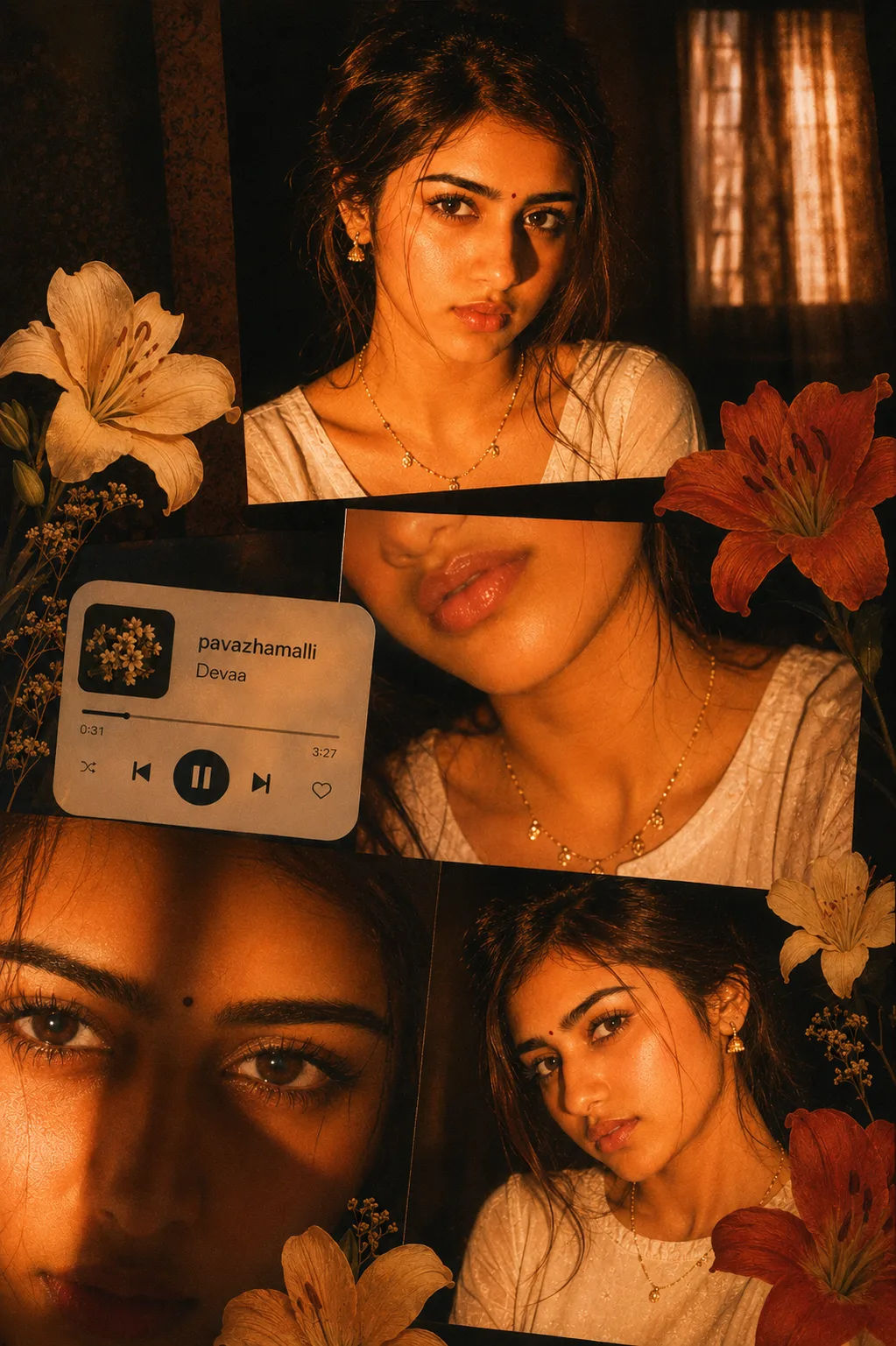
How to use this prompt
“Ultra Realistic DSLR Portrait Enhancement” packages all the descriptive detail an image model needs into one copy-paste prompt. Drop it into ChatGPT and adjust a few words to make the result your own.
- Tap Copy above to grab the full prompt.
- Open ChatGPT (or any image AI like Midjourney, DALL·E 3 or Gemini).
- Paste the prompt into the generate box and run it.
- Like the result? Re-roll once or twice and keep your favourite.
Tips & variations
- Change the lighting words (e.g. “golden hour”, “studio”, “moody”) to shift the whole mood.
- Add an aspect ratio that fits your platform — portrait for Instagram, wide for banners.
- Append quality modifiers like “highly detailed, 8k, sharp focus” for a cleaner render.
Frequently asked questions
Edit the descriptive words in the prompt — change the subject, the lighting, the colours or the setting. Small wording changes produce big differences in the final image.
AI models are non-deterministic, so results vary each run even with the same prompt. Generate a few times and pick your favourite, or lock a seed if your tool supports it.
It generates a visual based on “Ultra Realistic DSLR Portrait Enhancement” — part of our Image AI Prompts collection. Use it as-is or as a starting point you customise to taste.
It’s set up for ChatGPT, and it also works well in Midjourney, DALL·E 3 or Gemini. Image models vary, so try the same prompt in a couple of tools and keep the result you like best.