
11
VIEWS
·
3
COPIES
·
1
LIKES
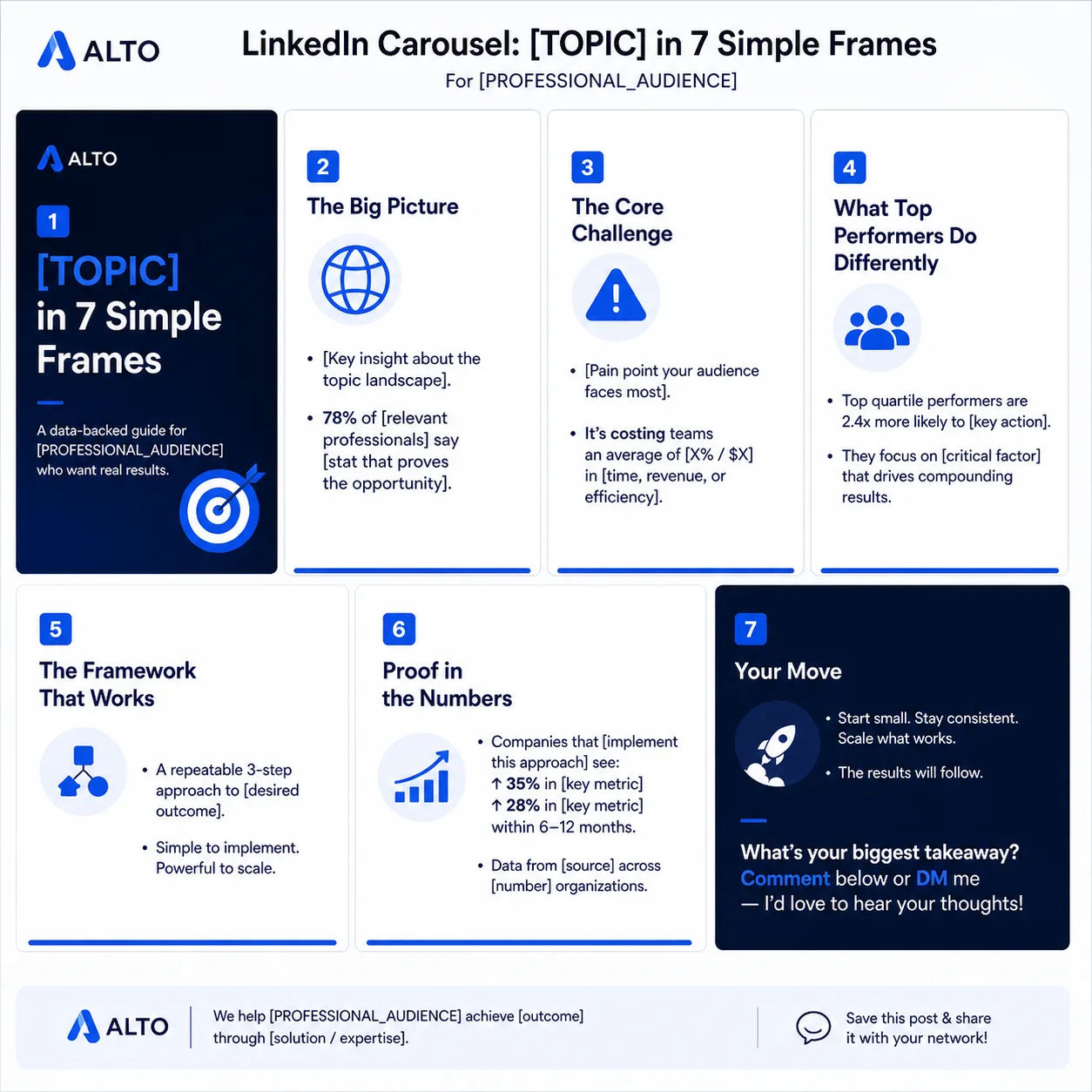
LinkedIn Thought-Leadership Carousel
Create copy for a 7-slide LinkedIn carousel titled “[TOPIC] in 7 Simple Frames” aimed at [PROFESSIONAL_AUDIENCE]. For each slide, provide a slide title and 1–2 punchy bullet lines. Emphasize authority, data points, and a final CTA to comment or DM.
Share this prompt
11
VIEWS
·
3
COPIES
·
1
LIKES

Log in to leave a comment.
More Like This
See all →







How to use this prompt
“LinkedIn Thought-Leadership Carousel” hands you a working first draft instantly. Drop your own context in and it adapts around it. This version leans on titled topic, which gives the result its character.
- Use the Copy button to copy the prompt text.
- Paste it into ChatGPT.
- Add your specifics — topic, audience, tone — where indicated.
- Ask for a variation or two until the output fits.
Tips & variations
- Ask a clarifying question back if the first answer feels generic.
- Keep a version that worked well and reuse it as your starting template.
- Give it your real specifics — the more context you add, the better the answer.
Frequently asked questions
AI models are non-deterministic, so results vary each run even with the same prompt. Generate a few times and pick your favourite, or lock a seed if your tool supports it.
Yes — treat it as a starting point. Once you have an output you like, you can feed it back in with a follow-up prompt to refine or extend it further.
No — the prompt itself works on free tiers of ChatGPT. A paid plan may unlock faster generation, higher limits, or commercial licensing, depending on the tool.
The way it handles titled topic is fairly specific, so results tend to be more focused than a generic Marketing prompt.