
11
VIEWS
·
0
COPIES
·
0
LIKES
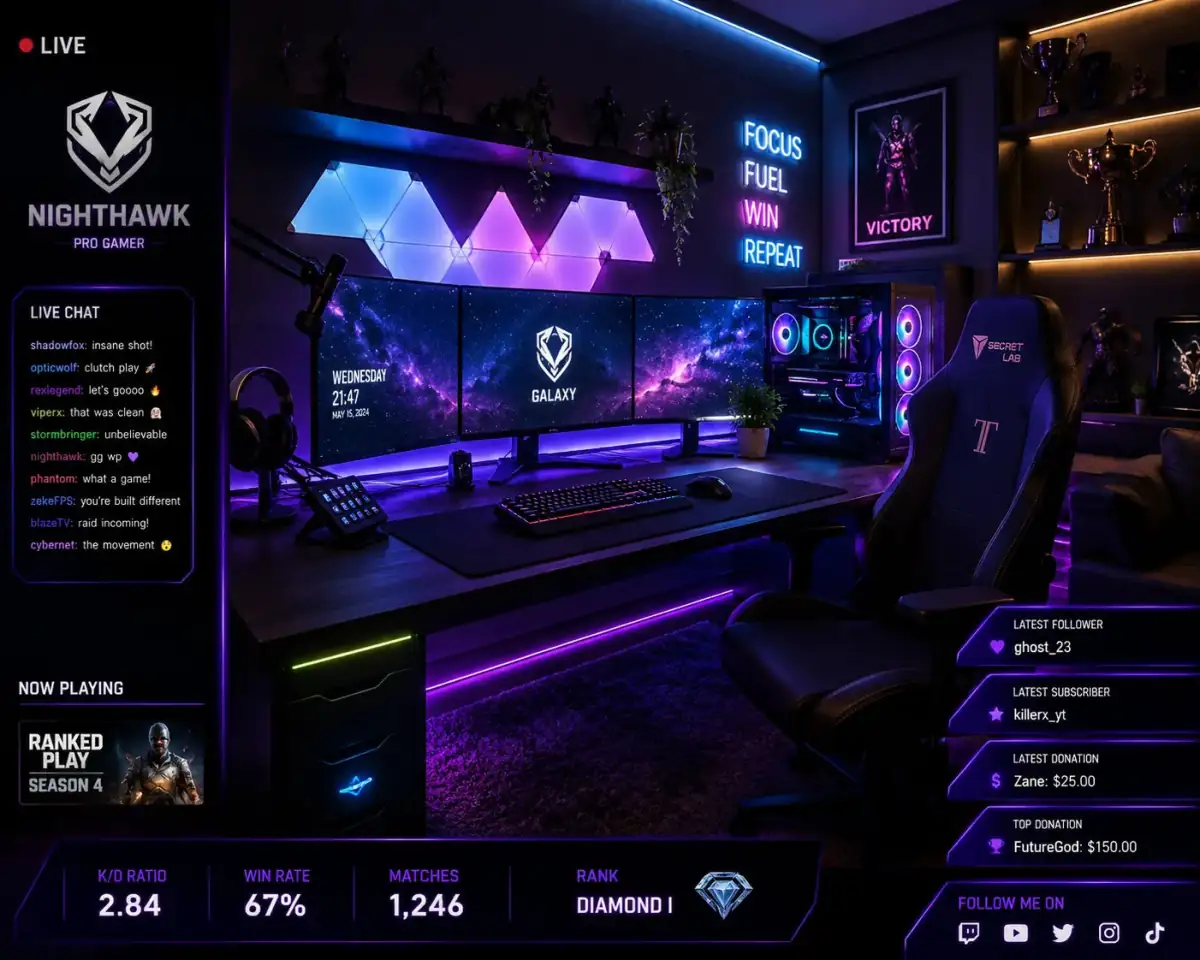
Gaming Commentary Script
You are a gaming entertainment creator. Write a gaming commentary script for [GAME TITLE]. Include funny reactions, audience interaction prompts, meme references, editing cues, and high-energy pacing.
Open with:
Also try in:
Did this prompt work for you?
Share this prompt
11
VIEWS
·
0
COPIES
·
0
LIKES

Log in to leave a comment.
More Like This
See all →


How to use this prompt
Copy “Gaming Commentary Script” once and reuse it for endless variations in ChatGPT. Generate, tweak a few words, and re-roll until it’s exactly right.
- Tap Copy above to grab the full prompt.
- Open ChatGPT (or any image AI like Midjourney, DALL·E 3 or Gemini).
- Paste the prompt into the generate box and run it.
- Like the result? Re-roll once or twice and keep your favourite.
Tips & variations
- Name a colour palette to keep a series of images visually consistent.
- Add an aspect ratio that fits your platform — portrait for Instagram, wide for banners.
- Save a version you like as a template, then only edit the subject line each time.
Frequently asked questions
The way it handles game title is fairly specific, so results tend to be more focused than a generic YouTube Scripts prompt.
AI models are non-deterministic, so results vary each run even with the same prompt. Generate a few times and pick your favourite, or lock a seed if your tool supports it.
No — the prompt itself works on free tiers of ChatGPT. A paid plan may unlock faster generation, higher limits, or commercial licensing, depending on the tool.
Edit the descriptive words in the prompt — change game title, the lighting, the colours or the setting. Small wording changes produce big differences in the final image.