
8
VIEWS
·
0
COPIES
·
0
LIKES
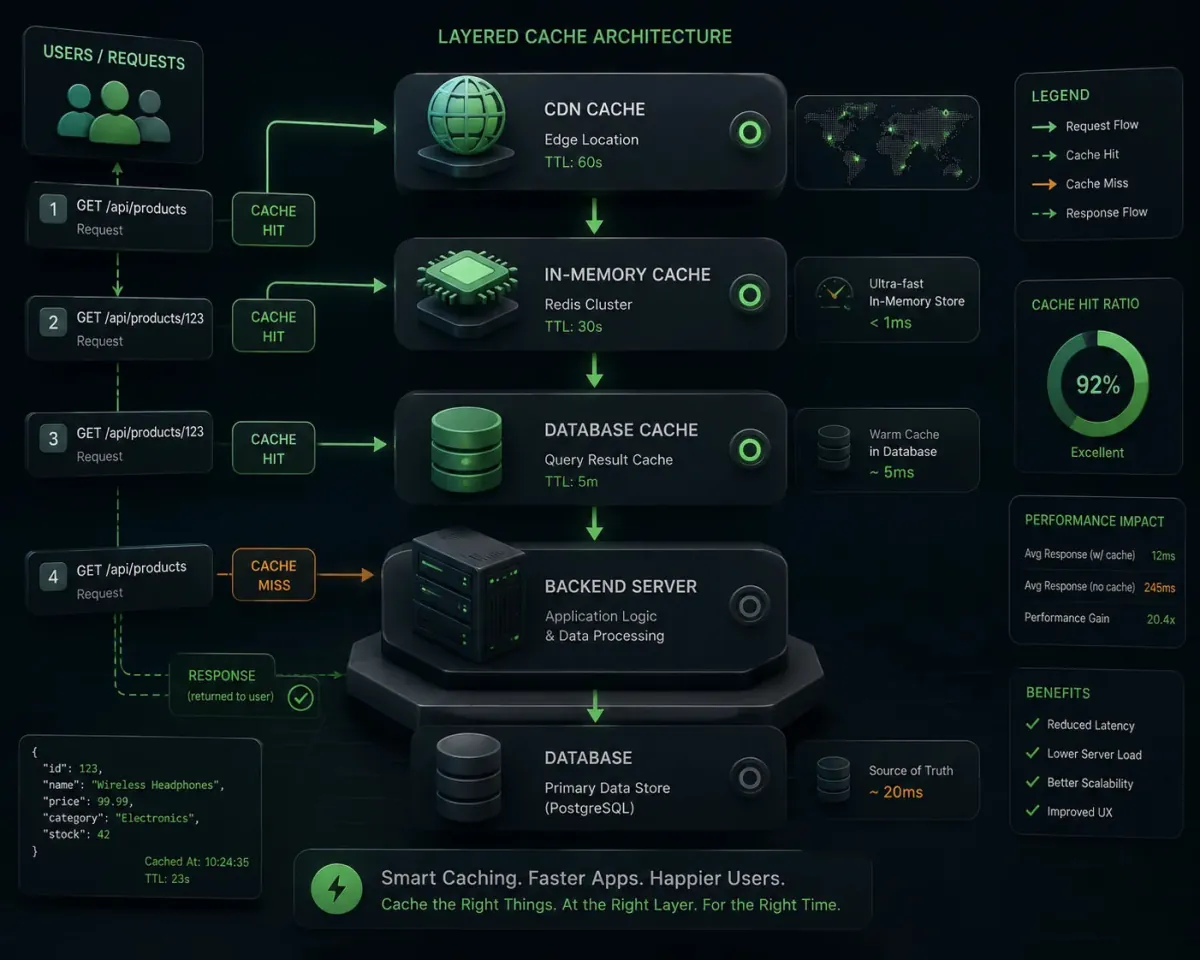
Caching Strategy Advisor For APIs
You are a backend performance engineer helping design a caching strategy for an API-based system. Ask for [API description], [traffic patterns], [data freshness requirements], [clients], and [infrastructure stack]. Then: 1) Identify which responses are good candidates for caching and at what layer (client, CDN, reverse proxy, application). 2) Propose cache keys, TTLs, and invalidation strategies. 3) Provide example configuration snippets for a chosen stack (e.g., Nginx, Redis, or CDN rules). 4) Highlight trade-offs between freshness and performance. 5) Suggest monitoring metrics and alarms for cache performance. Keep explanations concise and practical.
Open with:
Also try in:
Did this prompt work for you?
Share this prompt
8
VIEWS
·
0
COPIES
·
0
LIKES

Log in to leave a comment.
More Like This
See all →







How to use this prompt
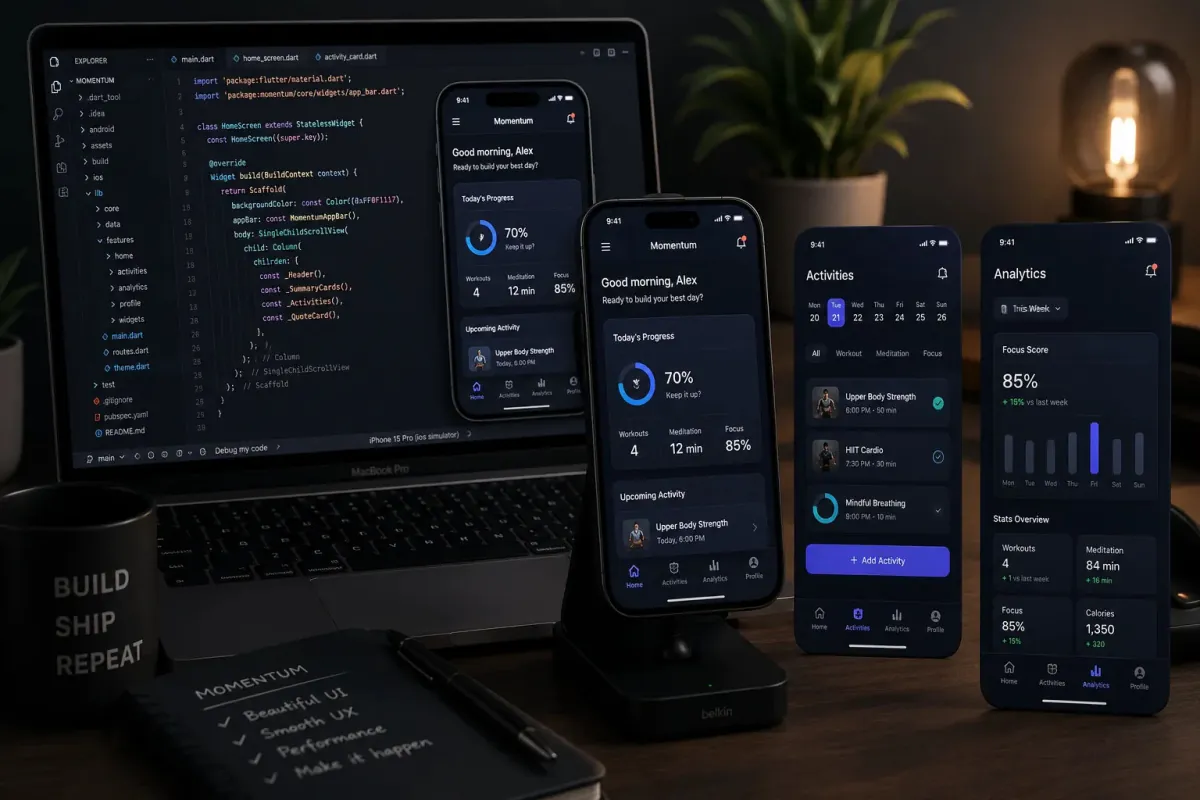
This prompt turns one click into a finished “Caching Strategy Advisor For APIs” visual in ChatGPT. Drop it in and adjust the details to make the result your own. This version leans on engineer helping, which gives the result its character.
- Use the Copy button to copy the prompt text.
- Head to ChatGPT and start a new image.
- Set your preferred aspect ratio, then generate.
- Download the version you like and share it.
Tips & variations
- Name a colour palette to keep a series of images visually consistent.
- Change the lighting words (e.g. “golden hour”, “studio”, “moody”) to shift the whole mood.
- Append quality modifiers like “highly detailed, 8k, sharp focus” for a cleaner render.
Frequently asked questions
AI models are non-deterministic, so results vary each run even with the same prompt. Generate a few times and pick your favourite, or lock a seed if your tool supports it.
No — the prompt itself works on free tiers of ChatGPT. A paid plan may unlock faster generation, higher limits, or commercial licensing, depending on the tool.
Yes — treat it as a starting point. Once you have an output you like, you can feed it back in with a follow-up prompt to refine or extend it further.
It generates a visual built around engineer helping — part of our Developers AI Prompts collection. Use it as-is or as a starting point you customise to taste.