
10
VIEWS
·
0
COPIES
·
0
LIKES
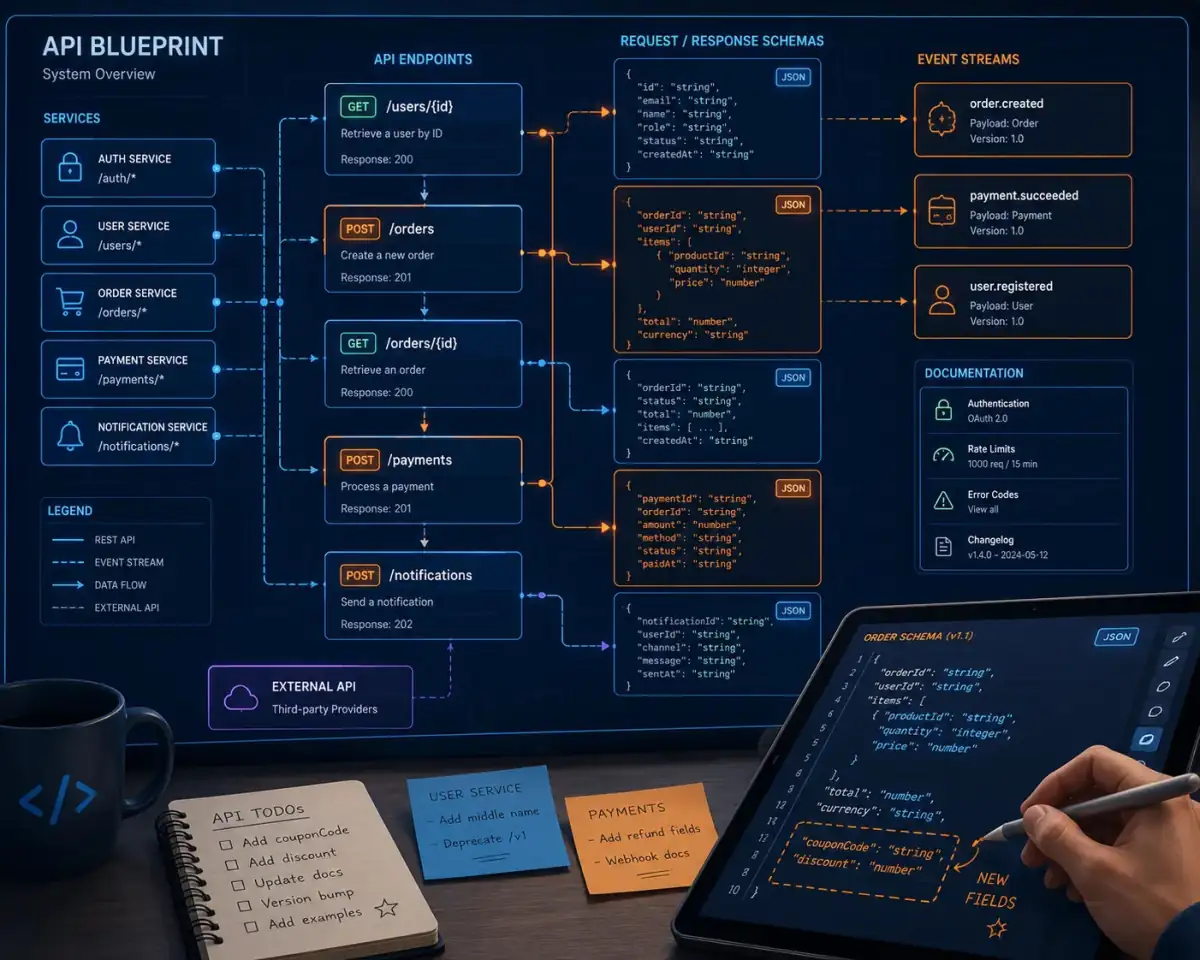
API Contract And Schema Designer
You are an API designer helping define a robust contract for a new or existing service. Ask for [domain description], [clients consuming the API], [performance requirements], and [versioning strategy]. Then: 1) Propose clear resource models and endpoints in REST or GraphQL. 2) Define request and response schemas in JSON-like format, including types and validation rules. 3) Suggest naming conventions and error response structure. 4) Recommend versioning and deprecation approaches. 5) Provide a concise checklist for maintaining contract stability over time. Use neat sections and pseudo-OpenAPI style snippets.
Open with:
Share this prompt
10
VIEWS
·
0
COPIES
·
0
LIKES
Log in to leave a comment.
More Like This
See all →

How to use this prompt
“API Contract And Schema Designer” packages the descriptive detail an image model needs into one prompt. It’s tuned to give a repeatable, high-detail image you can refine. What sets this one apart is how it handles helping define.
- Grab the prompt with the Copy button at the top.
- Paste it into ChatGPT.
- Run it, focusing on helping define if you want to steer the result.
- Regenerate to explore a few different takes on the same idea.
Tips & variations
- Add an aspect ratio that fits your platform — portrait for Instagram, wide for banners.
- Tweak the camera/lens cue (“close-up”, “wide shot”) to control the framing.
- Save a version you like as a template, then only edit the subject line each time.
Frequently asked questions
Edit the descriptive words in the prompt — change helping define, the lighting, the colours or the setting. Small wording changes produce big differences in the final image.
It generates a visual built around helping define — part of our Developers AI Prompts collection. Use it as-is or as a starting point you customise to taste.
Yes — every prompt on the site is free to copy and use. You only need an account with the AI tool you choose to run it.
It’s set up for ChatGPT, and it also works well in Midjourney, DALL·E 3 or Gemini. Image models vary, so try the same prompt in a couple of tools and keep the result you like best.