
7
VIEWS
·
6
COPIES
·
1
LIKES
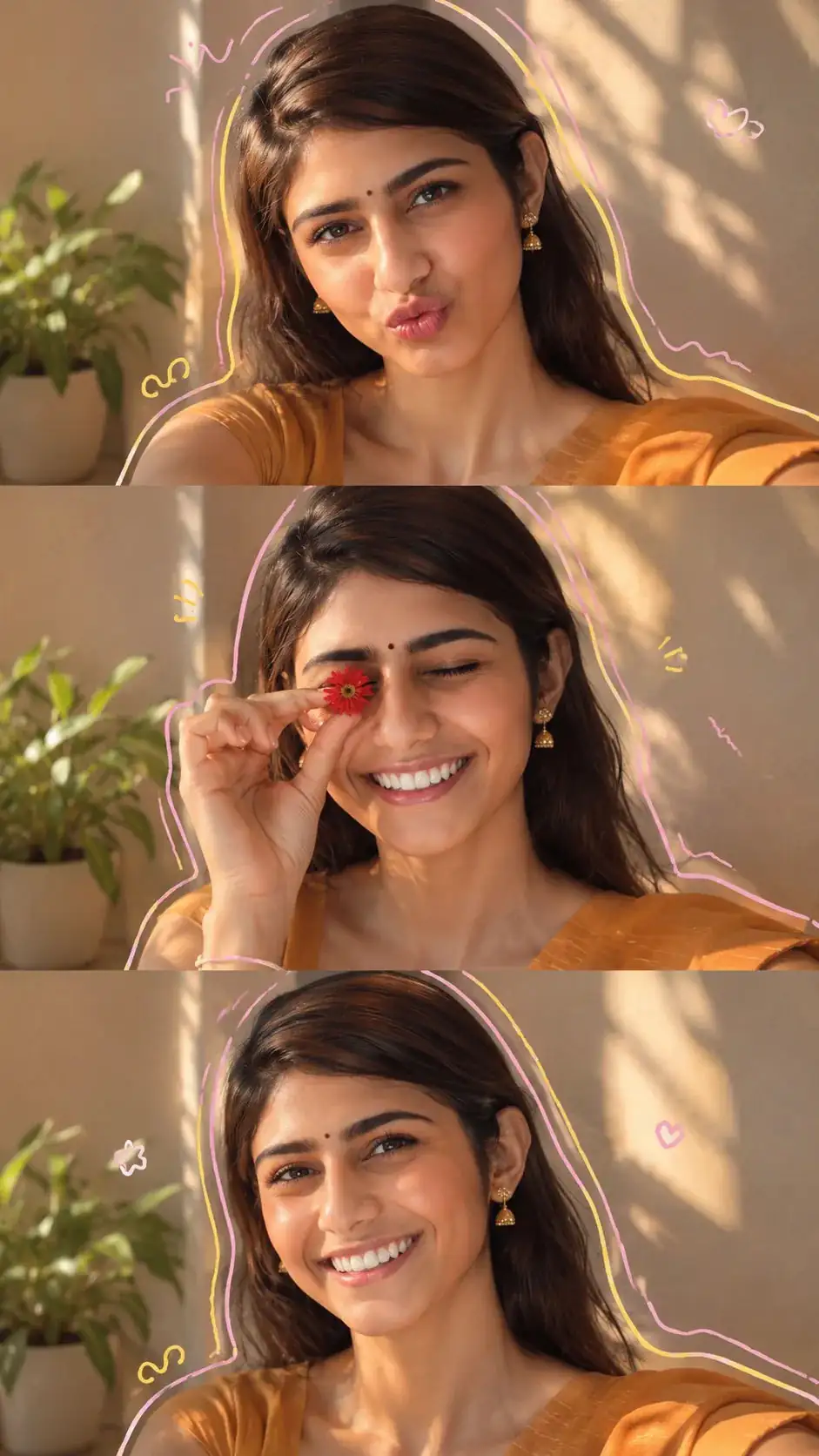
Aesthetic 3-Frame Portrait Collage with Pastel Doodle Art
Create image Use uploaded image for 100% facial accuracy to create ultra-realistic aesthetic 3-frame portrait collage of a beautiful young woman, soft natural makeup, glowing fair skin, rosy cheeks, glossy pink lips, expressive eyes, long wavy brown hair, delicate dangling earrings. Warm golden-hour sunlight streaming through a window, creating soft shadow patterns on a beige wall. Cozy minimal indoor setting with a small green plant in the background.
Frame 1: close-up selfie pose, slight duck-face expression, looking directly at the camera. Frame 2: holding a small red flower over one eye, eyes gently closed, playful and dreamy mood. Frame 3: relaxed portrait pose, subtle smile, confident gaze toward camera.
Creative pastel doodle outlines (pink and yellow) tracing around the silhouette in each frame, cute hand-drawn accent marks, soft warm color grading, dreamy lifestyle photography, Instagram aesthetic, shallow depth of field, natural skin texture, cinematic lighting, ultra-detailed, DSLR quality, 8K, realistic photography, clean composition, Pinterest-inspired collage design, vertical layout **9:16.
Open with:
Also try in:
Did this prompt work for you?
Share this prompt
7
VIEWS
·
6
COPIES
·
1
LIKES

Log in to leave a comment.
More Like This
See all →
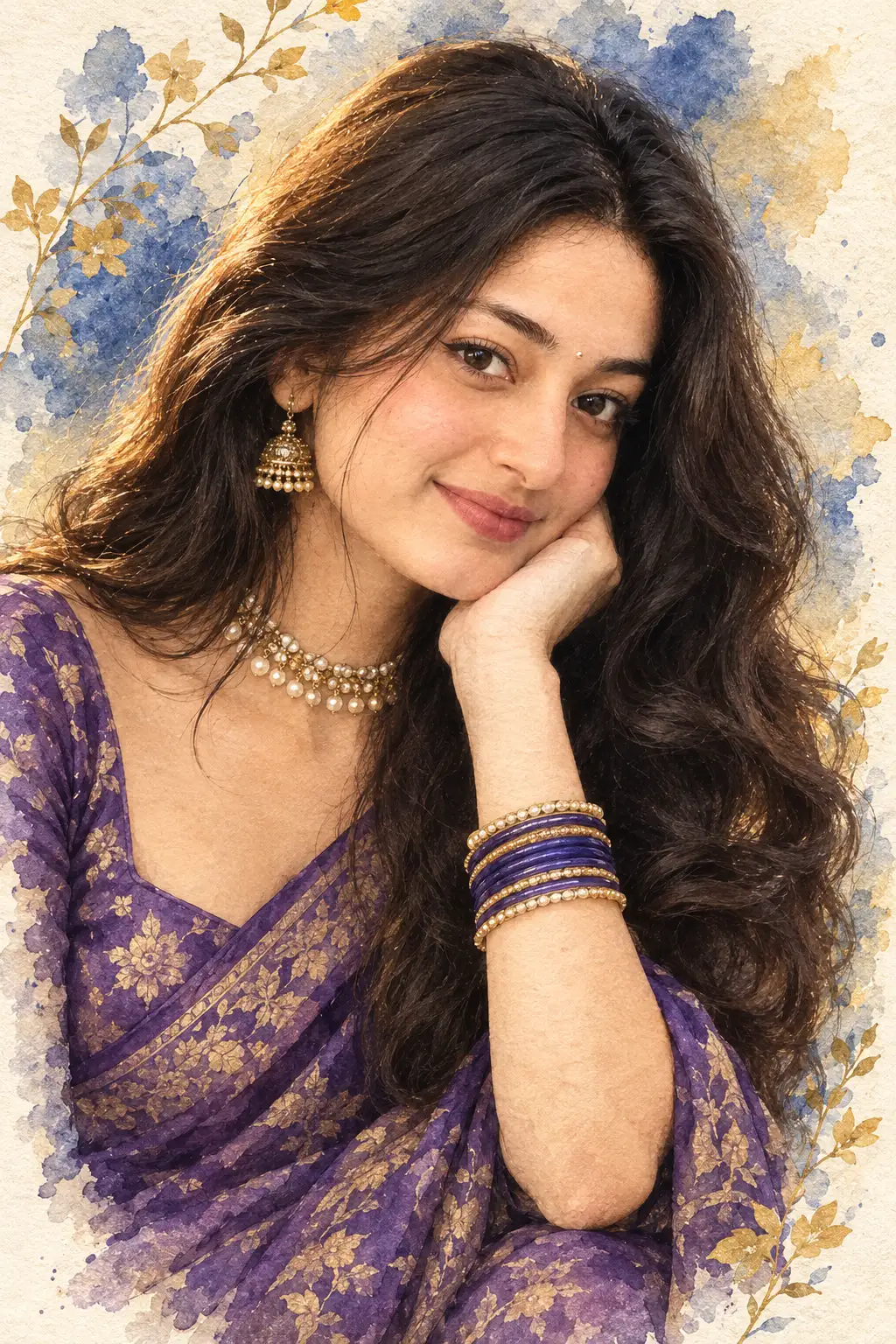
How to use this prompt
“Aesthetic 3-Frame Portrait Collage with Pastel Doodle Art” is a ready-to-use Image AI Prompts prompt built for ChatGPT. It’s tuned to give a repeatable, high-detail image you can refine. What sets this one apart is how it handles uploaded image.
- Grab the prompt with the Copy button at the top.
- Paste it into ChatGPT.
- Run it, focusing on uploaded image if you want to steer the result.
- Regenerate to explore a few different takes on the same idea.
Tips & variations
- Append quality modifiers like “highly detailed, 8k, sharp focus” for a cleaner render.
- Add an aspect ratio that fits your platform — portrait for Instagram, wide for banners.
- Change the lighting words (e.g. “golden hour”, “studio”, “moody”) to shift the whole mood.
Frequently asked questions
The prompt is free, but commercial rights depend on the AI tool you generate with. Most paid plans allow commercial use — always check that specific tool’s licence and terms first.
Yes — treat it as a starting point. Once you have an output you like, you can feed it back in with a follow-up prompt to refine or extend it further.
Edit the descriptive words in the prompt — change uploaded image, the lighting, the colours or the setting. Small wording changes produce big differences in the final image.
The way it handles uploaded image is fairly specific, so results tend to be more focused than a generic Image AI Prompts prompt.