
3
VIEWS
·
0
COPIES
·
0
LIKES
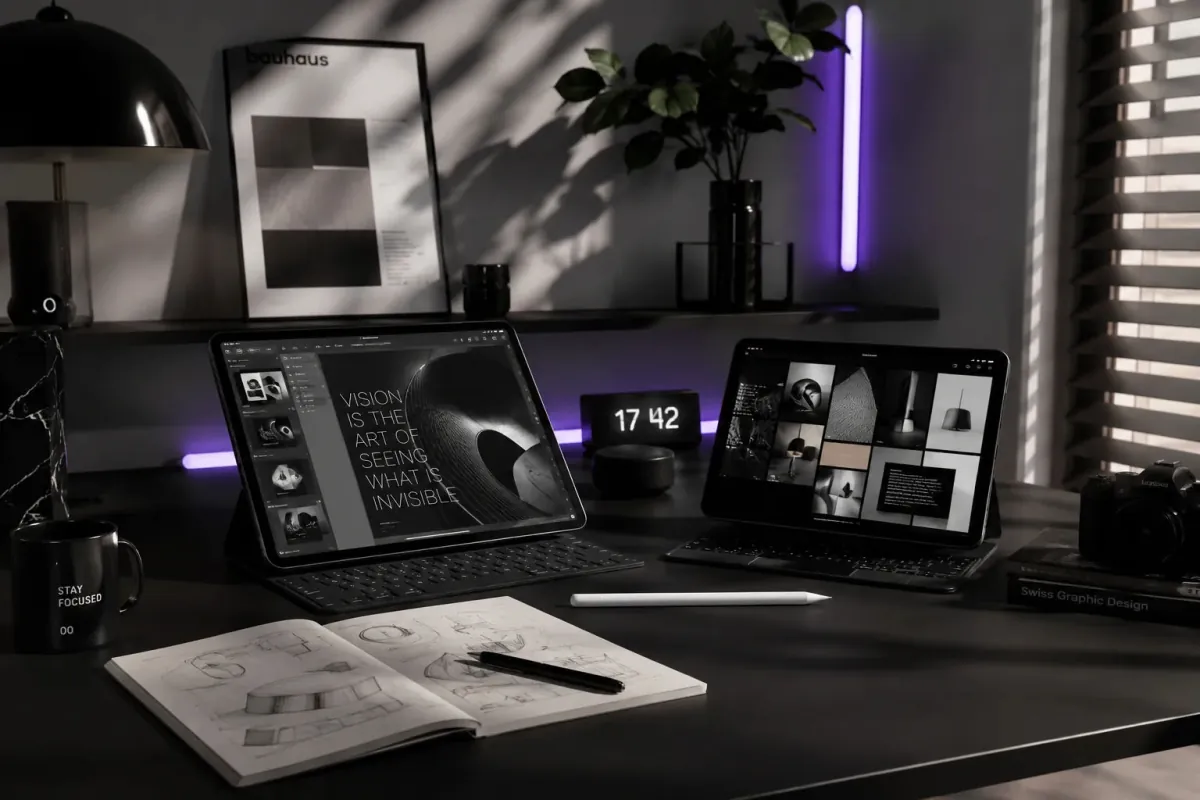
Gaming Mascot Identity
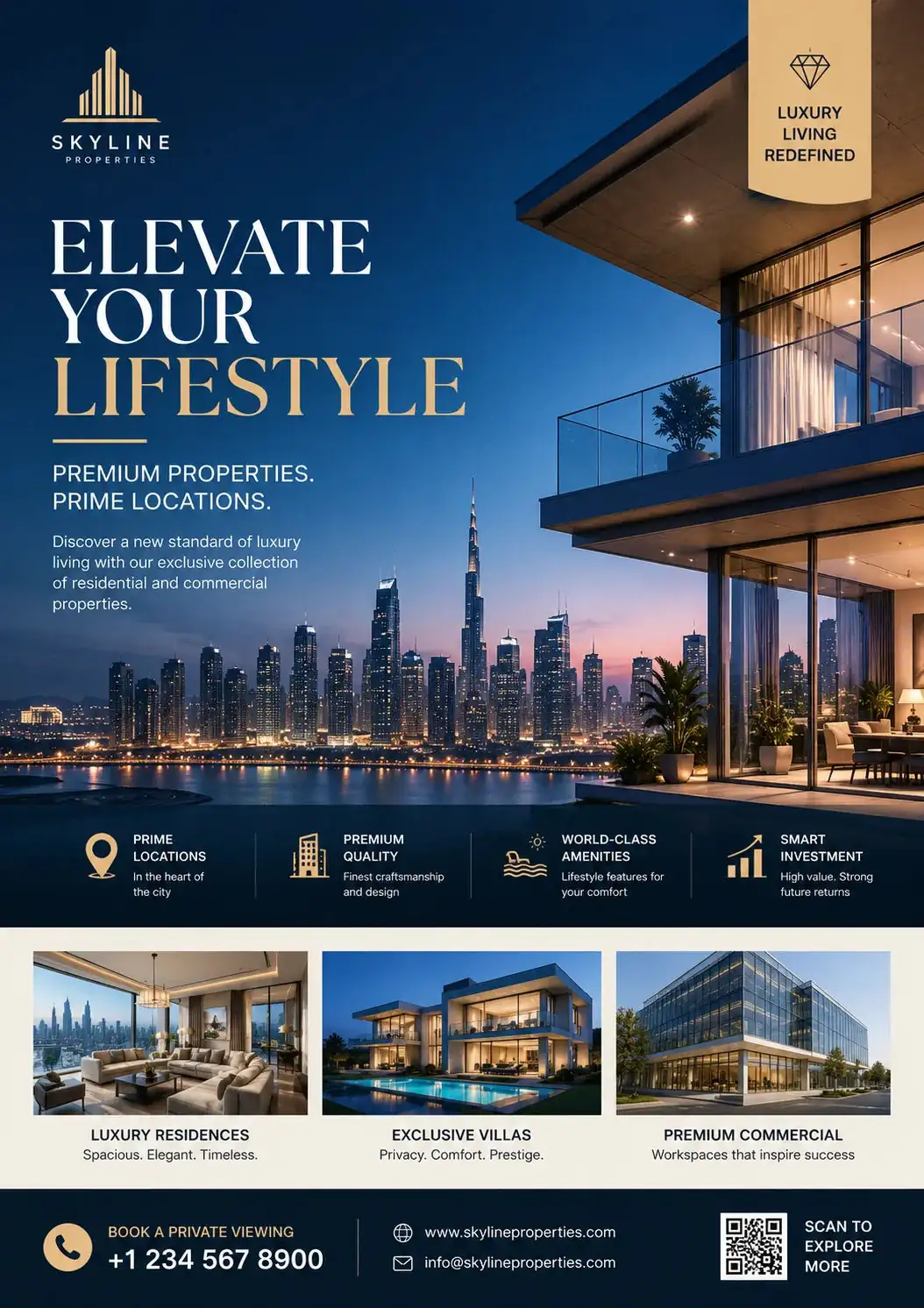
Create a highly detailed gaming mascot identity scene for [BRAND/THEME]. Use [COLOR PALETTE] as the dominant visual style with cinematic lighting and ultra realistic textures. Composition should include [MAIN SUBJECT], [BACKGROUND ELEMENTS], and [MOOD/ATMOSPHERE]. Style should combine modern commercial photography with premium digital art aesthetics. Add dramatic depth of field, dynamic shadows, and professional studio quality rendering. Include intricate details, sharp focus, volumetric lighting, realistic reflections, and premium composition. Use a visually striking perspective optimized for marketing, branding, or social media visuals. --ar [ASPECT RATIO] --stylize [STYLE VALUE] --quality 2
Also try in:
Did this prompt work for you?
Share this prompt
3
VIEWS
·
0
COPIES
·
0
LIKES

Log in to leave a comment.
More Like This
See all →
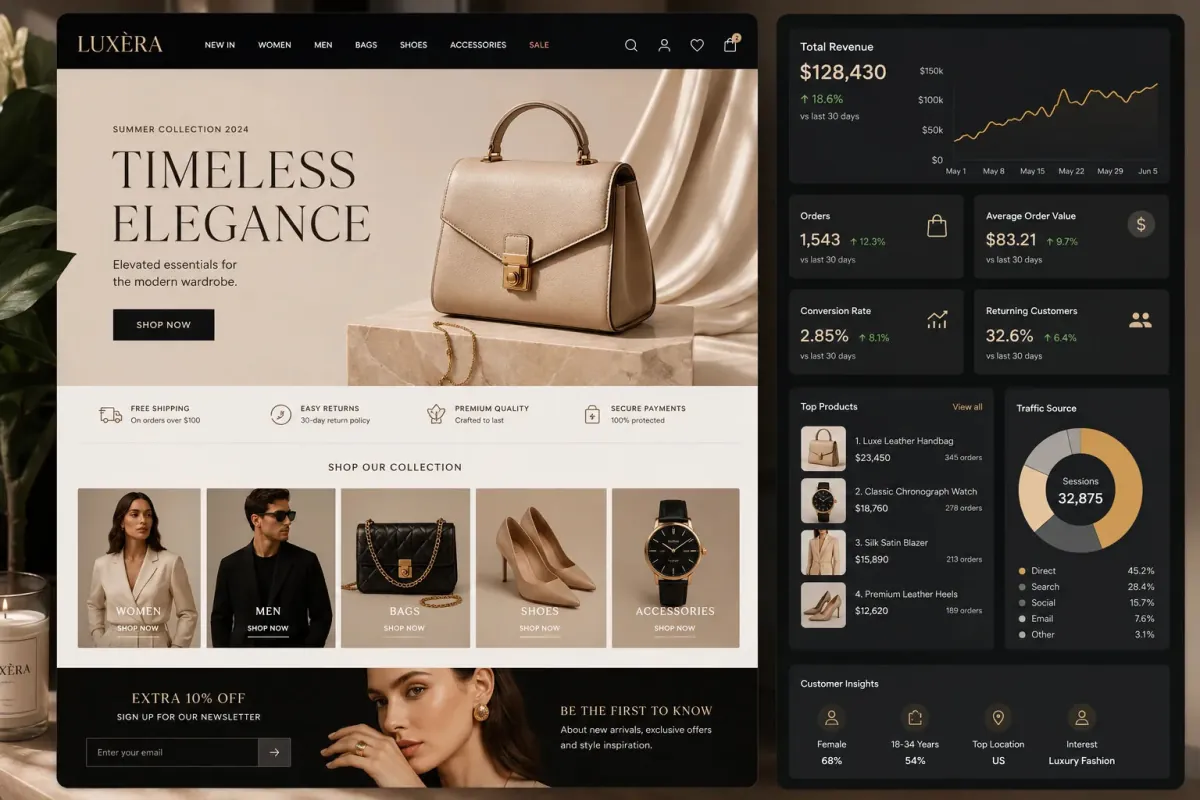
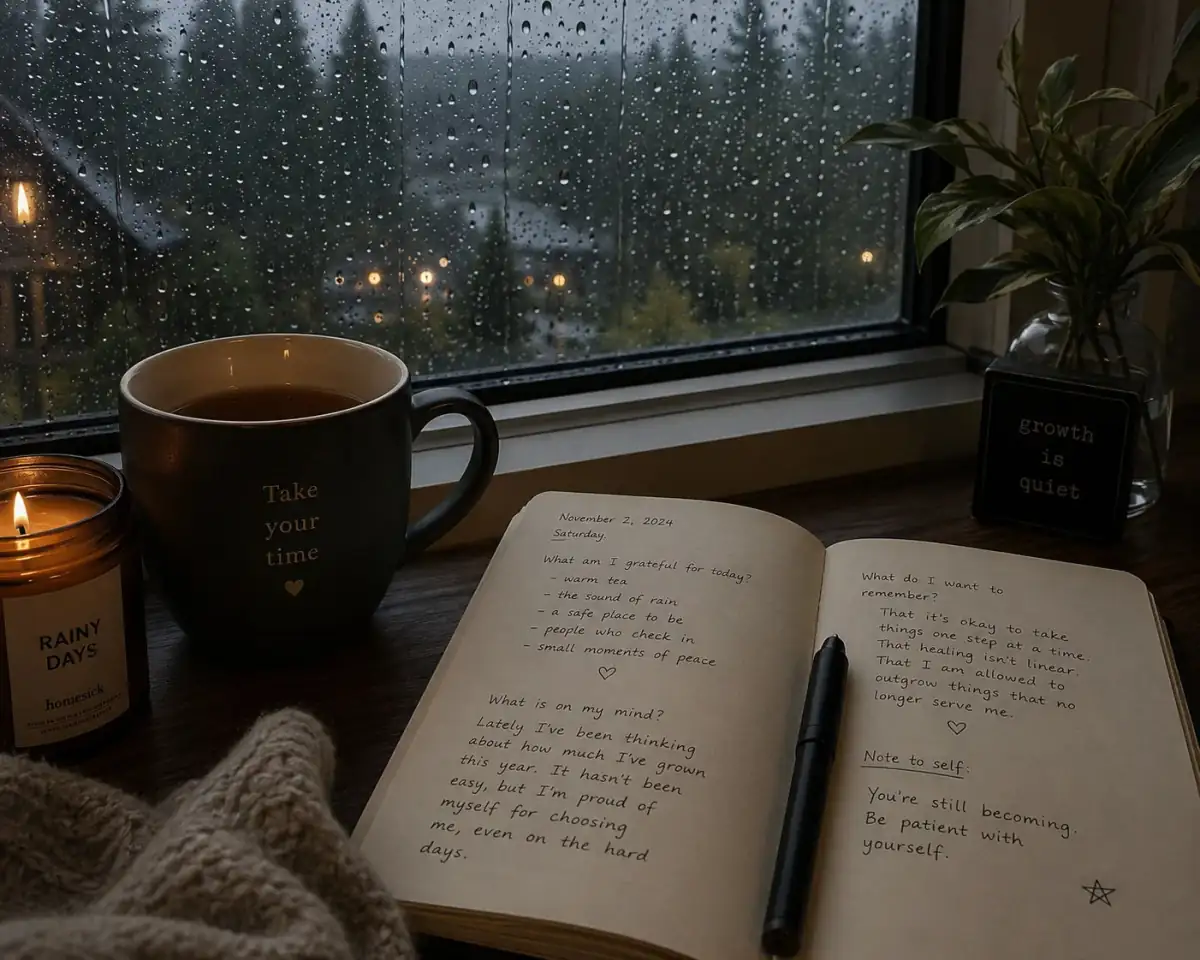
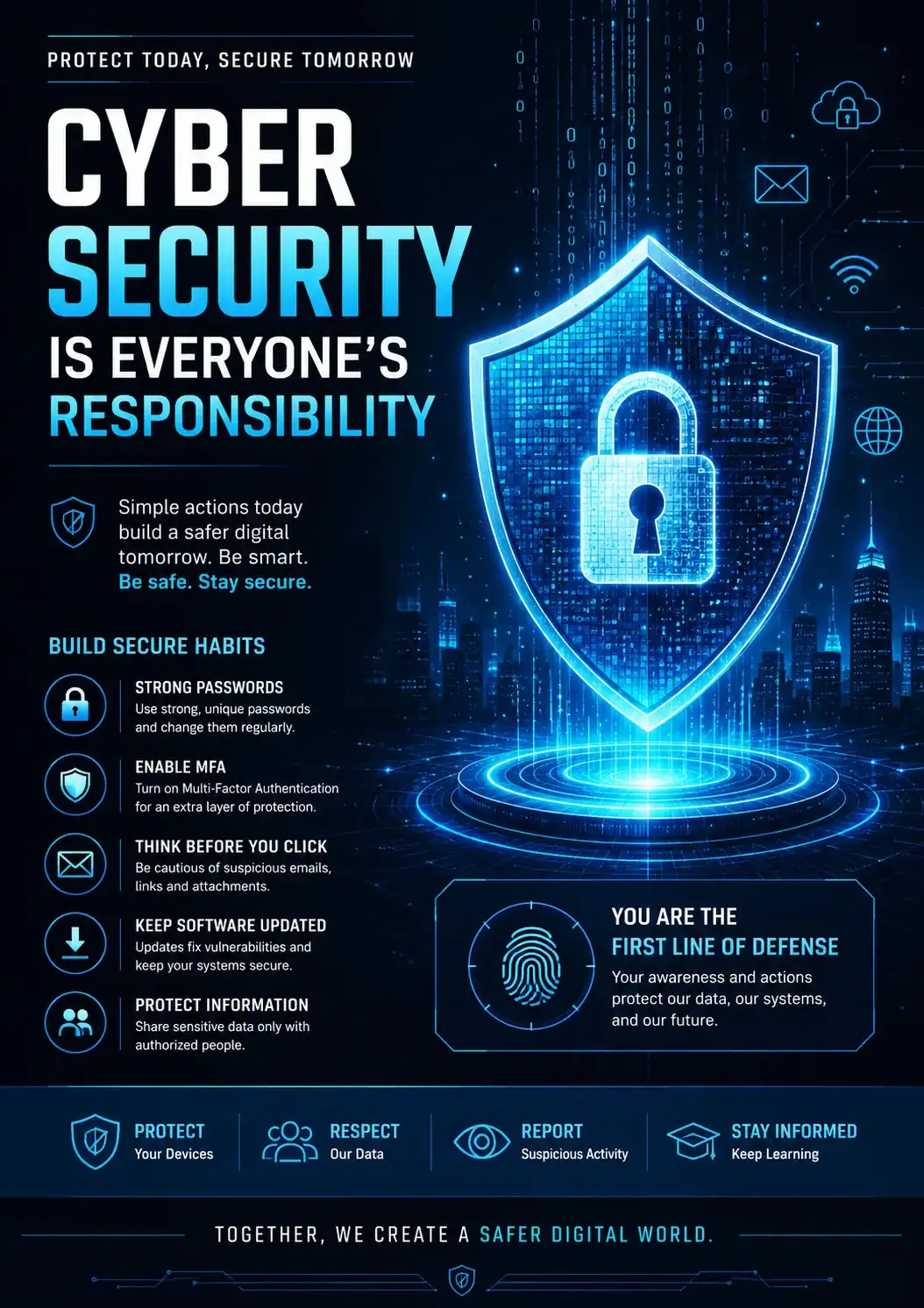
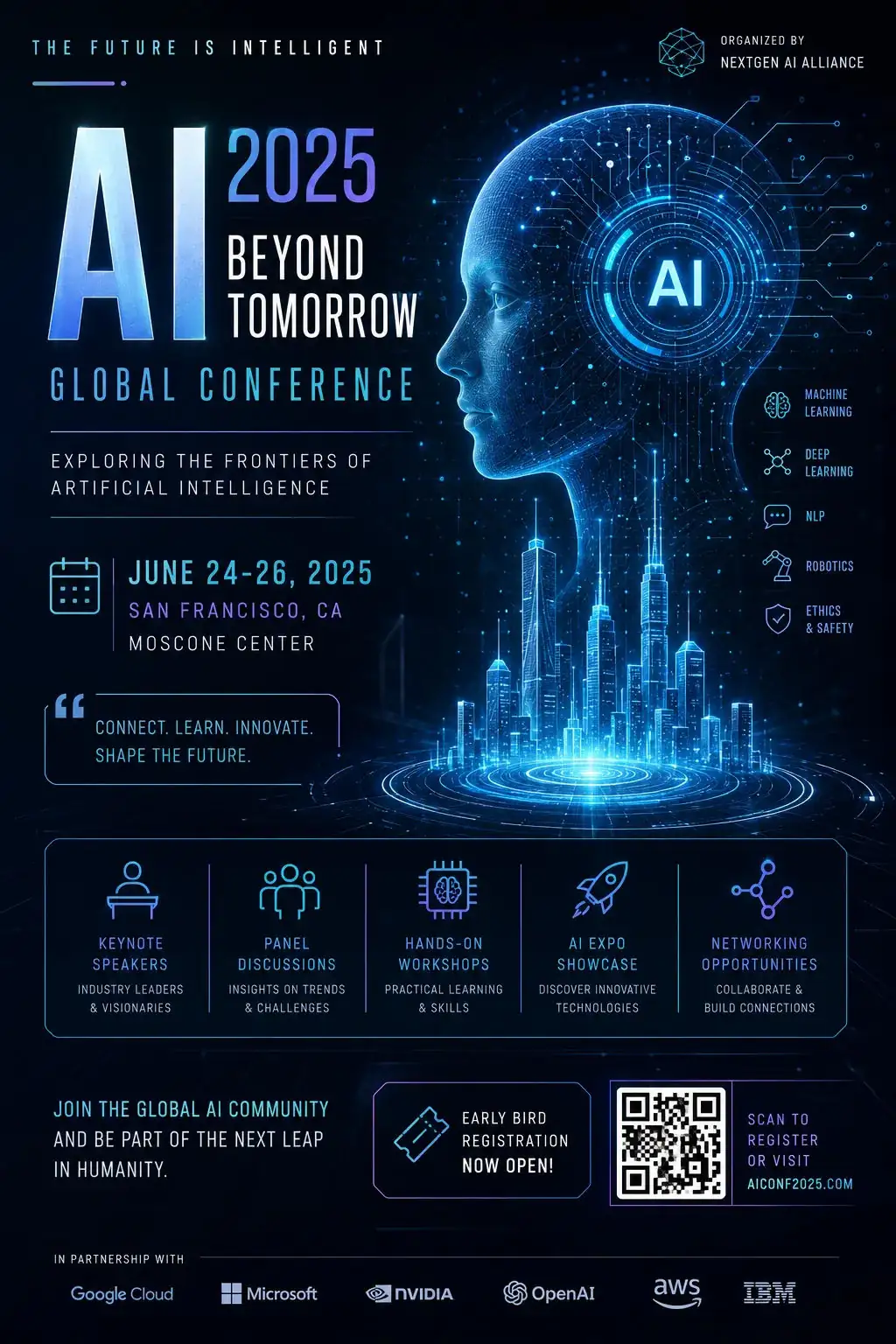
How to use this prompt
Copy “Gaming Mascot Identity” once and reuse it for endless variations in Midjourney. It’s tuned to give a repeatable, high-detail image you can refine. What sets this one apart is how it handles highly detailed.
- Tap Copy above to grab the full prompt.
- Open Midjourney (or any image AI like Midjourney, DALL·E 3 or Gemini).
- Paste the prompt into the generate box and run it.
- Like the result? Re-roll once or twice and keep your favourite.
Tips & variations
- Try the prompt with and without the style words to see how much they’re actually doing.
- Swap the main subject for your own to completely change the scene while keeping the style.
- Append quality modifiers like “highly detailed, 8k, sharp focus” for a cleaner render.
Frequently asked questions
Yes — every prompt on the site is free to copy and use. You only need an account with the AI tool you choose to run it.
The prompt is free, but commercial rights depend on the AI tool you generate with. Most paid plans allow commercial use — always check that specific tool’s licence and terms first.
It’s set up for Midjourney, and it also works well in Midjourney, DALL·E 3 or Gemini. Image models vary, so try the same prompt in a couple of tools and keep the result you like best.
Edit the descriptive words in the prompt — change highly detailed, the lighting, the colours or the setting. Small wording changes produce big differences in the final image.