
36
VIEWS
·
11
COPIES
·
2
LIKES
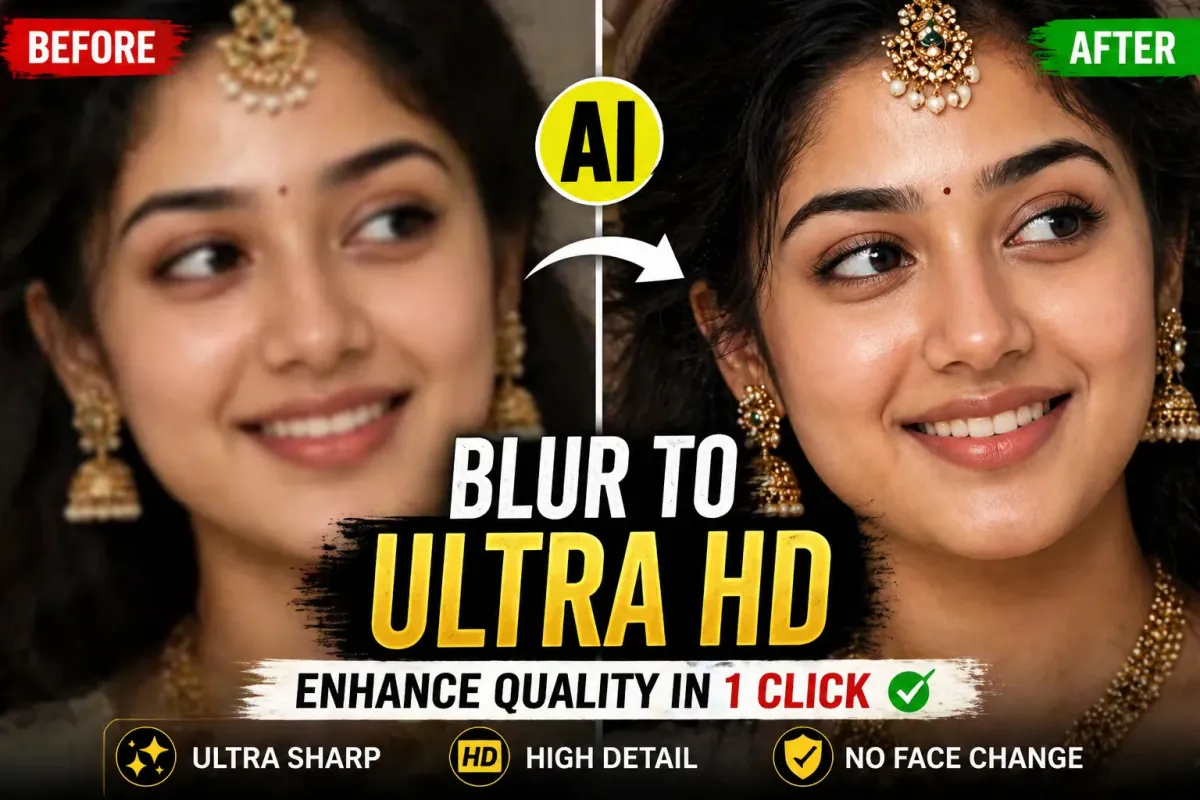
Turn Blurry Images into Ultra HD Reality with This AI Prompt
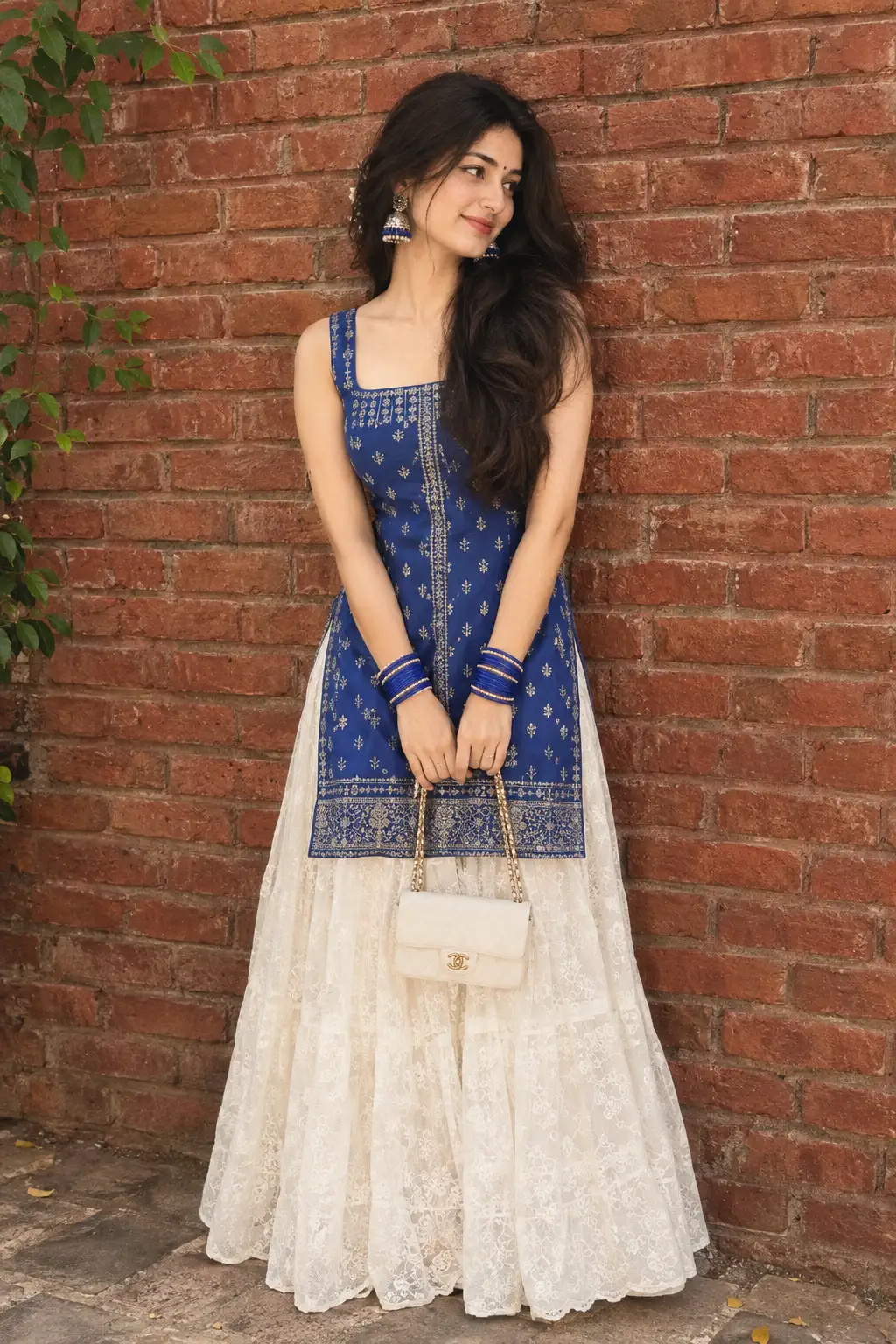
Enhance the image to ultra-high definition with maximum clarity and realistic detail. Remove blur, noise, grain, color fading, and compression artifacts while preserving the subject's exact identity, proportions, and natural appearance. Restore sharp focus with refined micro-details in skin. hair strands. fabric texture. and backaround surfaces. Maintain authentic skin texture with natural pores and tonal variation, avoiding over-smoothing, artificial sharpening halos, or plastic effects.Correct color balance to restore natural skin tones and accurate hues while preserving the original mood. Improve exposure, dynamic range, and contrast subtly to add depth and realism without altering the lighting direction Retain the original framing, composition, camera angle, posture, facial expression, background elements. and overall atmosphere.Hard rule: Do not modify facial structure. facial features, expression, hairstyle, body shape, pose, clothing, age, or identity in any way. The face must remain exactly the same as the original image, only clearer, sharper, and more detailed.
Also try in:
Did this prompt work for you?
Share this prompt
36
VIEWS
·
11
COPIES
·
2
LIKES

Log in to leave a comment.
More Like This
See all →
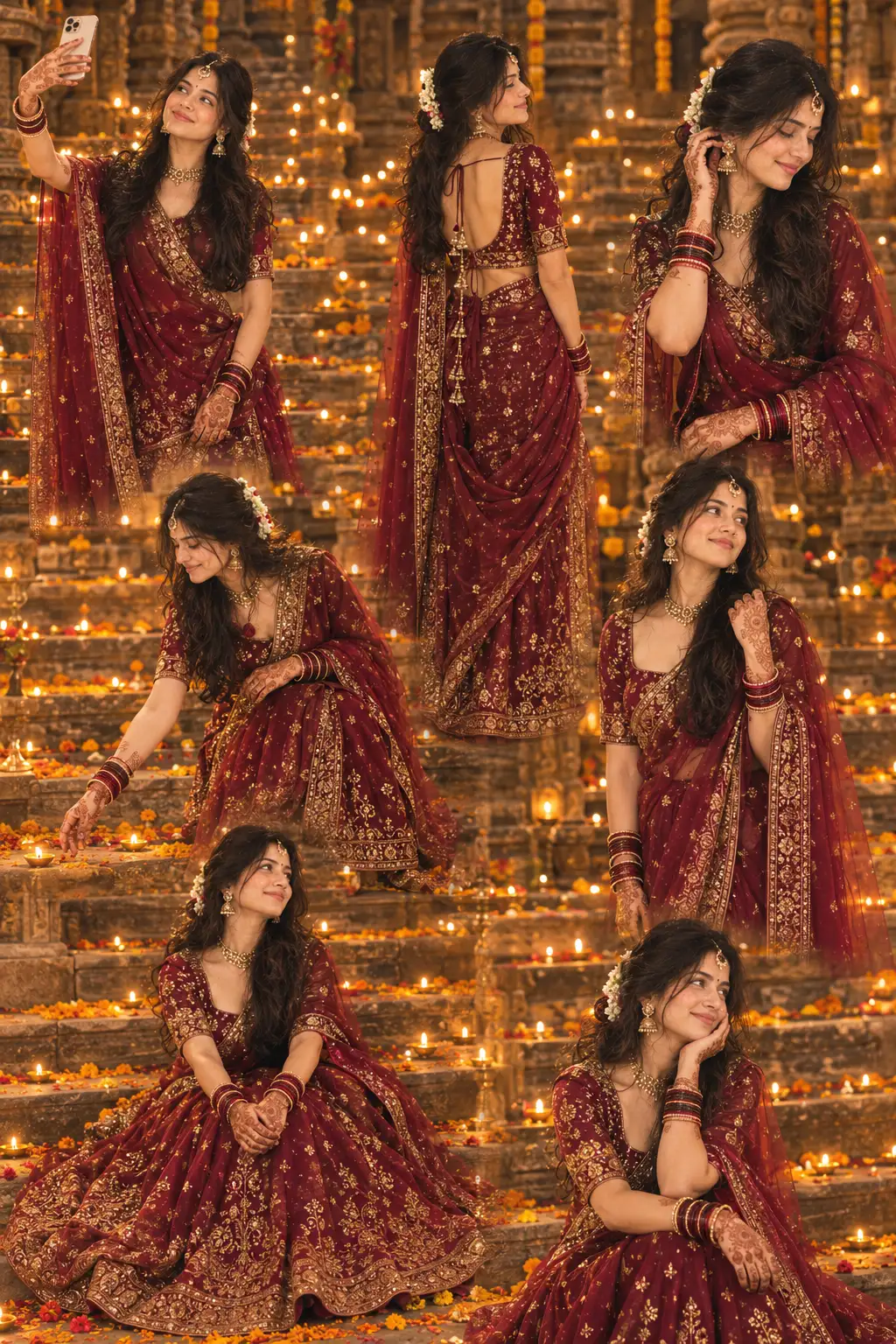
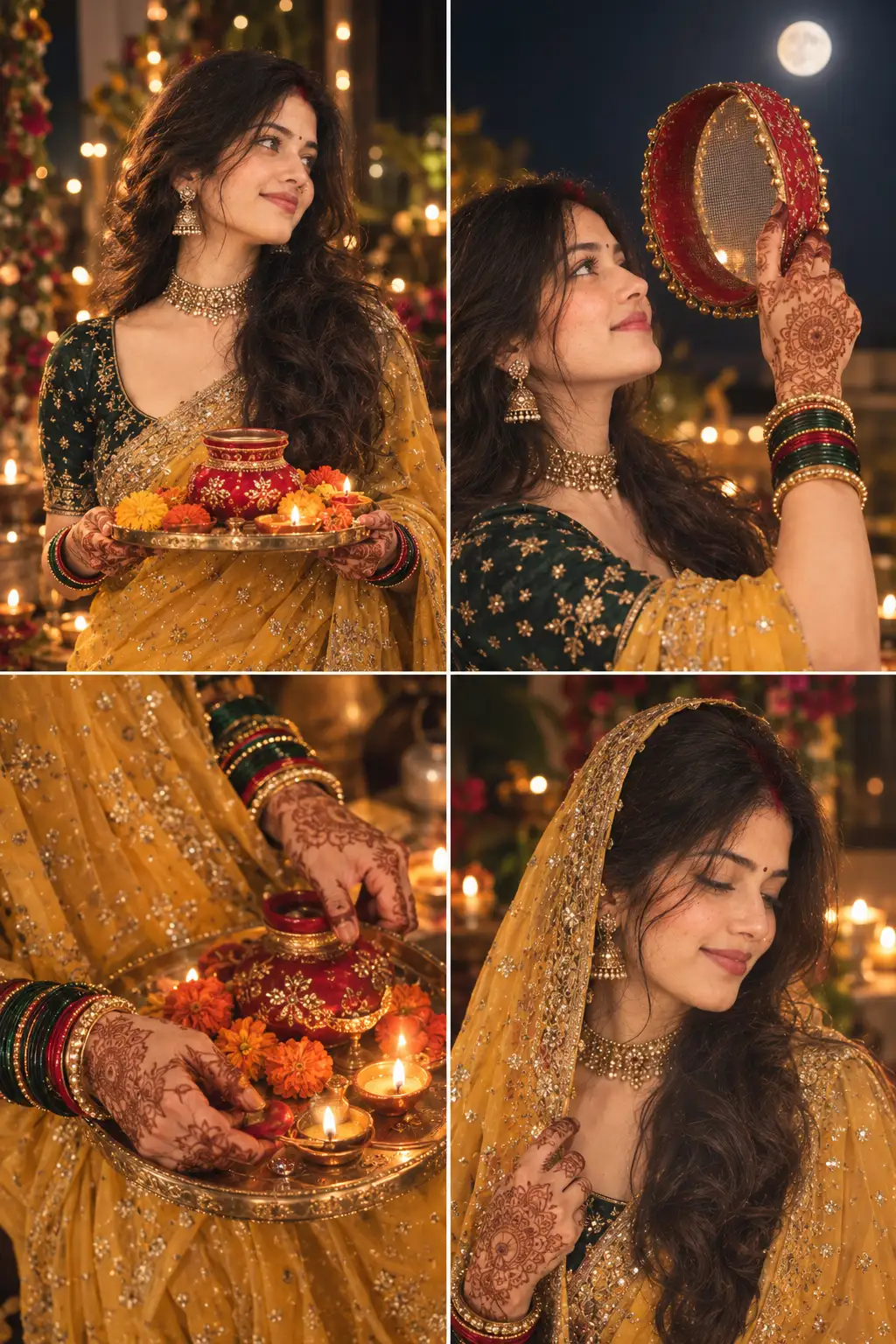
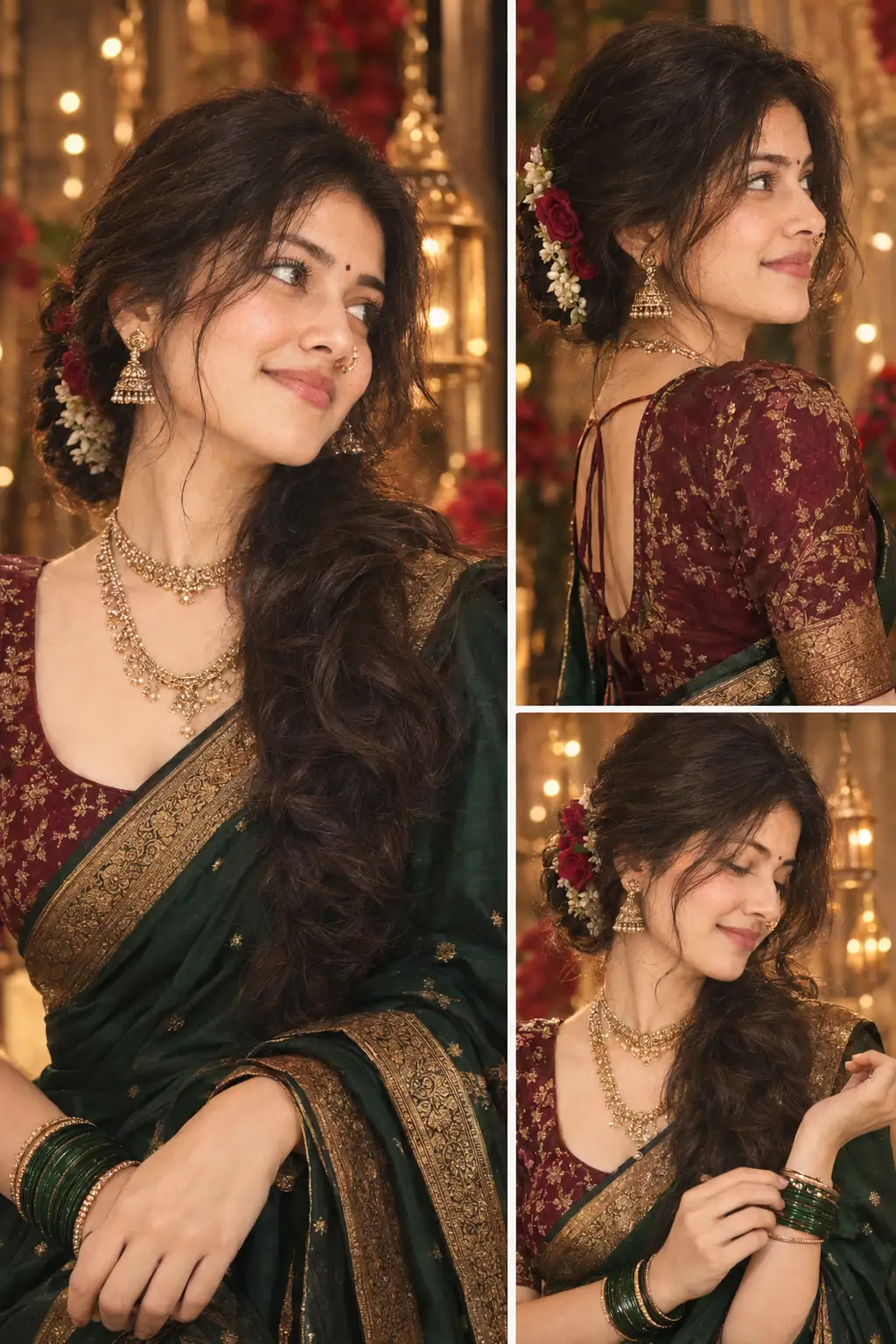
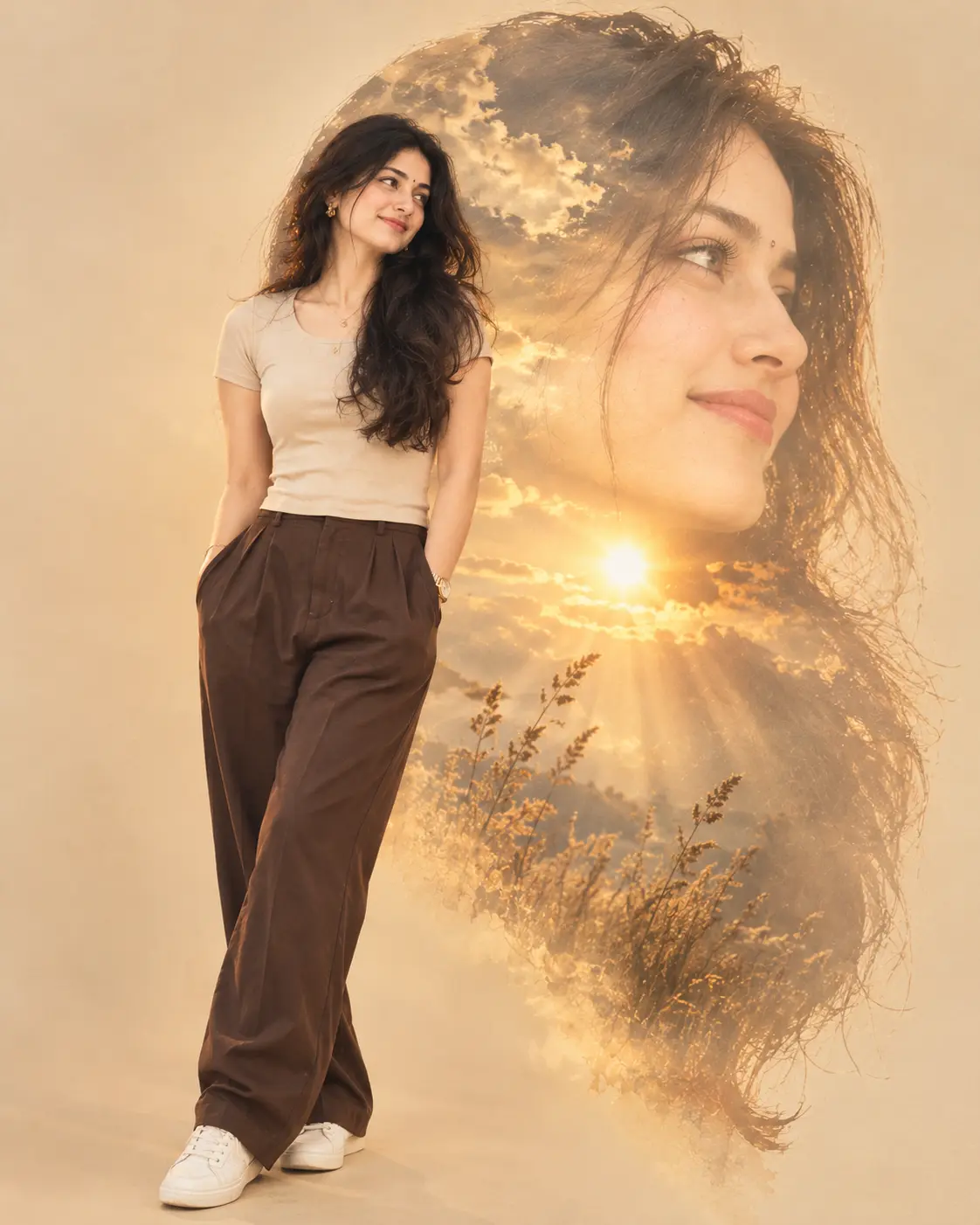
How to use this prompt
“Turn Blurry Images into Ultra HD Reality with This AI Prompt” is a ready-to-use Image AI Prompts prompt built for Gemini. Paste it into Gemini and you’ll get a detailed result in seconds. The specific phrasing around while preserving is doing most of the work here.
- Grab the prompt with the Copy button at the top.
- Paste it into Gemini.
- Run it, focusing on while preserving if you want to steer the result.
- Regenerate to explore a few different takes on the same idea.
Tips & variations
- Swap the main subject for your own to completely change the scene while keeping the style.
- Change the lighting words (e.g. “golden hour”, “studio”, “moody”) to shift the whole mood.
- Append quality modifiers like “highly detailed, 8k, sharp focus” for a cleaner render.
Frequently asked questions
No — the prompt itself works on free tiers of Gemini. A paid plan may unlock faster generation, higher limits, or commercial licensing, depending on the tool.
The way it handles while preserving is fairly specific, so results tend to be more focused than a generic Image AI Prompts prompt.
It generates a visual built around while preserving — part of our Image AI Prompts collection. Use it as-is or as a starting point you customise to taste.
It’s set up for Gemini, and it also works well in Midjourney, DALL·E 3 or Gemini. Image models vary, so try the same prompt in a couple of tools and keep the result you like best.